Skip to content
Order Limits

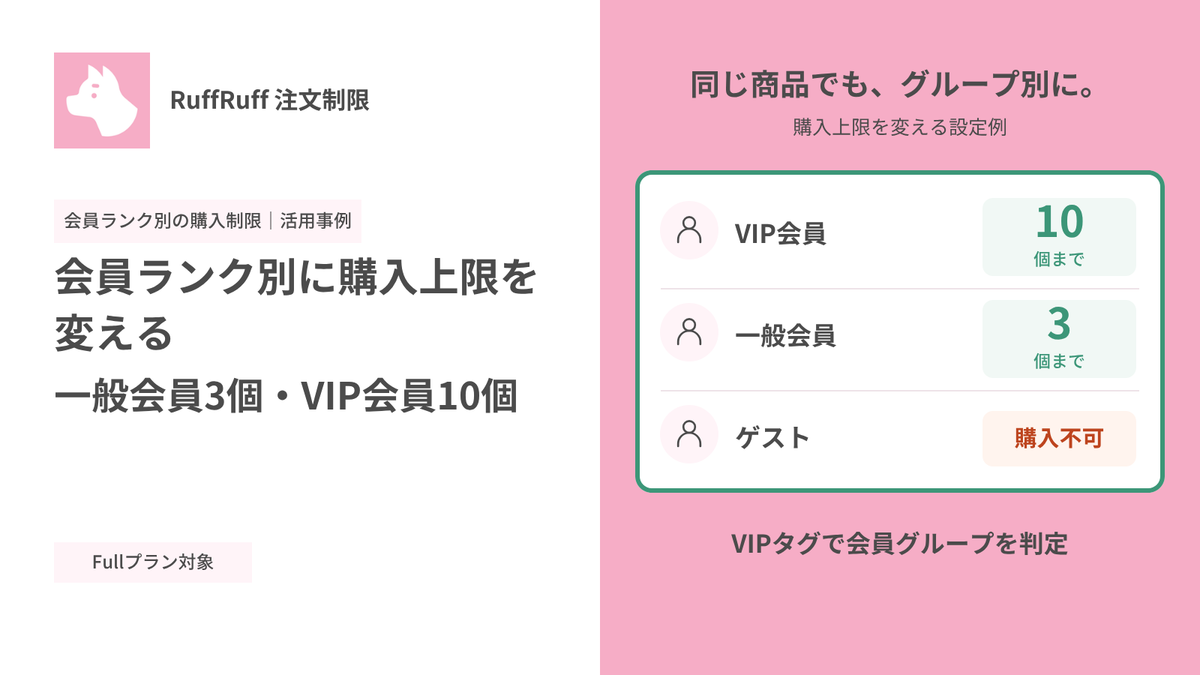
会員ランク別に購入上限を変える|一般会員3個・VIP会員10個

会員ランク別に購入上限を変える|一般会員3個・VIP会員10個

会員ランクに応じて、同じ商品の購入上限を変えたい場合があります。たとえば一般会員は3個まで、VIP会員は10個までにし、未ログインのお客様には購入させない運用です。

当社が提供するShopifyアプリ「RuffRuff 注文制限」では、顧客タグで会員グループを分け、グループごとに購入数を設定できます。この記事では、専用商品1点を対象に、一般会員は最大3個、VIP会員は最大10個、未ログインのお客様は購入不可にする手順を紹介します。

設定画面・プラン・動作の確認日:2026年9月28日

設定例で実現すること

この設定では、対象商品について次の購入条件を設定します。

お客様の状態 購入条件
VIPタグが付いた、ログイン中のお客様 1注文につき最大10個
VIPタグが付いていない、ログイン中のお客様 1注文につき最大3個
ログインしていないお客様 購入不可

顧客タグによる判定はログイン中のお客様に対して行われます。未ログインのお客様がチェックアウトでメールアドレスを入力しても、VIPタグの会員として判定されず、ゲストの条件が適用されます。

顧客グループ別にVIP会員10個・一般会員3個・ゲスト購入不可を設定した画面

実際の設定画面。VIP会員10個、一般会員3個、ゲスト購入不可のルールを有効にした状態です。

設定前に用意するもの

  • 上限を設定する専用商品を1点用意します。
  • VIP会員のお客様に付ける顧客タグを決めます。この記事では VIP を使います。実際のストアで使っているタグに置き換えてください。
  • RuffRuff 注文制限のFullプランを利用できる状態にします。この設定例ではFullプランが必要です。RuffRuff 注文制限の機能・料金をご確認ください。
  • テスト用に、VIPタグを持つ顧客、VIPタグを持たない顧客、未ログインの状態を用意します。
  • 商品ページにメッセージを表示するため、利用するテーマでRuffRuff 注文制限のアプリ埋め込みを有効にして保存します。

顧客グループごとの個数ルールを設定する

1. ルール作成画面を開く

RuffRuff 注文制限で「個数制限」→「顧客グループごとの個数ルール」→「ルールを作成する」の順に選択します。

2. 対象商品と適用範囲を設定する

対象商品は「特定の商品」を選び、「閲覧する」から「会員ランク別の購入上限(デモ商品)」を指定します。適用範囲は「商品」に設定します。

商品単位の制限では、同じ商品のバリエーションを複数選んだ場合も、その商品の数量を合算して上限と照合します。別の商品まで合算するカート全体の上限とは異なります。

3. VIP会員グループを追加する

「グループを追加する」を選び、グループ名を「VIP会員」にします。条件は顧客タグを選び、タグに VIP を指定します。

VIP会員の「制限」で「制限する」を選び、最小個数を「1」、最大個数を「10」、インクリメントを「1」に設定します。これにより、1個以上10個以下の数量で購入できます。

4. 会員グループを一般会員に設定する

基本の「会員」グループを編集し、グループ名を「一般会員」に変更します。「制限」で「制限する」を選び、最小個数を「1」、最大個数を「3」、インクリメントを「1」に設定します。

このグループは、ログイン中でVIP会員グループに当てはまらないお客様に適用されます。

5. ゲストグループを購入不可にする

「ゲスト」グループの「制限」で「購入不可」を選択します。これにより、ログインしていないお客様は対象商品を購入できません。

6. グループの順序を確認する

顧客グループは上から順に判定され、最初に一致したグループのルールだけが適用されます。追加したグループが複数ある場合は、優先させたい条件を上に配置してください。基本の「会員」「ゲスト」グループはUI上で最下段に固定されています。

この例ではVIP会員の条件が一致するとVIP会員の上限10個が適用され、それ以外のログイン中のお客様には一般会員の上限3個が適用されます。

7. 適用タイミングとメッセージを設定する

表示タイミングは「カート変更とチェックアウト」を選択します。

制限グループのメッセージには、次の文面を設定します。

{{tierName}}のお客様は、この商品を1回の注文で{{maxQuantity}}個まで購入できます。

購入不可のメッセージには、次の文面を設定します。

この商品は会員限定です。ログインしてご購入ください。

最大個数のアラートには、次の文面を設定します。

{{tierName}}のお客様は、この商品を{{maxQuantity}}個まで購入できます。

8. 保存してルールを有効にする

設定を保存した後、「有効にする」を選択します。保存しただけではルールが有効にならないため、ステータスを確認してください。

設定後に購入テストをする

デモストアで実際にログイン状態と顧客タグを切り替え、同じ商品をカートへ追加しました。確認結果は次のとおりです。

会員状態 確認結果
一般会員(VIPタグなし) 3個まで追加できました。4個目は上限超過メッセージが表示され、カートは3個のままでした。
VIP会員(VIPタグあり) 10個まで追加できました。11個目は上限超過メッセージが表示され、カートは10個のままでした。
ゲスト(未ログイン) 1個目から「この商品は会員限定です。ログインしてご購入ください。」と表示され、追加できませんでした。

一般会員:3個まで追加でき、4個目は追加できない

一般会員の商品ページに1注文3個までの購入上限が表示された画面

一般会員の商品ページ。「一般会員のお客様は、この商品を1回の注文で3個まで購入できます。」と表示されます。

一般会員がデモ商品3個を追加したカート

一般会員として3個を追加したカート。小計は3,000円です。

一般会員の4個目の追加が上限超過で拒否された画面

4個目を追加すると「一般会員のお客様は、この商品を3個まで購入できます。」と表示されました。

VIP会員:10個まで追加でき、11個目は追加できない

VIP会員の商品ページに1注文10個までの購入上限が表示された画面

VIP会員の商品ページ。「VIP会員のお客様は、この商品を1回の注文で10個まで購入できます。」と表示されます。

VIP会員がデモ商品10個を追加したカート

同じテスト顧客にVIPタグを付け、ページを再読み込み。上限が10個へ切り替わりました。

VIP会員の11個目の追加が上限超過で拒否された画面

11個目を追加すると「VIP会員のお客様は、この商品を10個まで購入できます。」と表示されました。

ゲスト:ログインを促して追加を止める

未ログインのゲストにログインを促し追加を拒否した画面

ログアウト後はゲストとして判定され、1個目から追加できませんでした。

今回の実機確認は、商品ページの案内とカートへの追加可否を対象にしています。チェックアウト内での境界値検証や注文完了は実施していません。導入するストアでは、カートでの確認に加えてチェックアウトでの動作も確認してください。

設定時に押さえておきたい点

上限は累計購入数ではなく、1注文の数量です

ここで設定する最大個数は、対象商品の1注文あたりの数量です。過去の注文分を含めた累計購入数を制限する設定ではありません。

VIPタグはログイン中に判定されます

VIPグループは、ログイン中のお客様に付いた顧客タグを条件にします。未ログインのお客様がメールアドレスを入力しても、ログイン中のVIP会員として判定されるわけではありません。

ヘッダーの会員状態帯はデモストア独自の表示です

デモ画面の「ゲスト会員(未ログイン)」「通常会員(ログイン中)」「VIP会員(VIPタグあり)」という帯は会員状態を分かりやすくするためにデモストアへ追加した表示です。RuffRuff 注文制限の標準機能ではありません。帯の「通常会員」は、この記事の「一般会員」と同じ状態を指します。

まとめ

RuffRuff 注文制限では、顧客タグでVIP会員を判定し、専用商品の上限をVIP会員10個、一般会員3個に設定できます。未ログインのお客様は購入不可にできます。上限は累計購入数ではなく、1注文あたりの数量です。

設定後はVIPタグの有無とログイン状態を変えて、カート変更時とチェックアウト時の両方で動作を確認してください。

顧客タグと購入上限を組み合わせることで、一般会員の購入機会を確保しながら、VIP会員には多めに購入できる特典を用意できます。まずは対象商品を絞って設定し、各会員状態で動作を確認してみてください。

RuffRuff 注文制限の機能・料金を確認する

Shopify × Discounts

View all articles

How to Set Up Discounts on Subscription Products by Membership Rank in Shopify

Learn how to vary subscription prices by membership rank using Shopify Subscription. Using the RuffRuff Order Bonus app, this guide walks through — with screenshots — how to automatically apply a t...

【2026年最新】Shopifyディスカウント施策17選|無料の割引機能からアプリまで、売上UPとリピート促進を実現

[2026 Latest] 17 Shopify Discount Strategies | From Free Discount Features to Apps — Boost Sales and Drive Repeat Purchases

The complete guide to Shopify discount strategies. From free built-in features to advanced apps, this article covers 17 strategies that boost sales and drive repeat purchases at the same time. Expl...

How to Set Up Volume Discounts on Shopify | Simple Bulk-Purchase Discount Settings

This article explains how to set up volume discounts (bulk-purchase discounts) on Shopify using the easy-to-configure Shopify app "RuffRuff Order Bonus."

How to Set Up Tiered Shipping Discounts Based on Cart Quantity in Shopify | Free Shipping or Half-Price Shipping Based on Item Count

This article clearly explains, step by step, how to use the Shopify app "RuffRuff Order Bonus" — which is easy to use with simple settings — to set up half-price or free shipping when customers pur...

How to Set Discount Rates by Membership Rank in Shopify | Discounts Using Customer Tags

Learn how to set up membership-rank discounts using the simple, easy-to-configure Shopify app "RuffRuff Order Bonus." This guide walks through the setup steps in detail for applying tiered discount...

How to Offer Free Shipping Exclusively for VIP Members on Shopify | Simple Setup for Free Shipping When Customers Have the VIP Customer Tag

Boost customer loyalty by offering free shipping exclusively to VIP members! This article gives a beginner-friendly explanation of how to set up shipping discounts using customer tags with the easy...

Shopify × Pre-Orders

View all articles
Shopifyで期間限定セールを実施する3つの方法 - 純正機能からアプリ活用まで

Shopify Limited-Time Sale Guide: Comparing and Explaining 3 Methods

A thorough guide to the three ways to run a limited-time sale on Shopify. Compares the built-in feature, manual setup, and dedicated apps, along with the pros and cons of each and how to use RuffR...

ShopifyでVIP会員限定販売を実装|RuffRuffアプリで完全ガイド

Implementing VIP Member-Only Sales on Shopify | The Complete Guide with RuffRuff Apps

A detailed guide to implementing VIP member-only sales on Shopify. A complete step-by-step setup guide using the RuffRuff Order Limits and RuffRuff Pre Order apps. Boost customer loyalty and increa...

Shopifyアプリ「RuffRuff 予約販売」のカウントダウンタイマー機能の使い方・仕様

How to Use and Specifications of the Countdown Timer Feature in the Shopify App "RuffRuff Pre Order"

Explains the basic steps for installing the "Countdown Timer" feature of RuffRuff Pre Order on the product page. Assuming an Online Store 2.0 compatible theme, this briefly summarizes the key point...

【Shopify】LINE会員向けに限定販売を実施する方法|CRM PLUS on LINEとRuffRuff 予約販売を活用

[Shopify] How to Offer Exclusive Sales for LINE Members | Using CRM PLUS on LINE × RuffRuff Pre Order

Explains how to combine CRM PLUS on LINE with RuffRuff Pre Order to offer products exclusively to LINE-linked members and sell at discounted prices. This article introduces, step by step, effective...

【Shopify】LINE連携会員限定販売を実施する方法|Lipify × RuffRuff 予約販売の活用例

[Shopify] How to Run Exclusive Sales for LINE-Linked Members | A Use Case of Lipify × RuffRuff Pre Order

This article explains how to sell products exclusively to LINE-linked members on Shopify. It introduces recommended Shopify apps and shares example settings for exclusive sales and promotions for L...

ShopifyでVIP会員限定で先行販売|発売予告→先行販売→通常販売の3段階設定

Early Access Exclusively for VIP Members on Shopify | 3-Stage Setup: Coming Soon → Early Access → Regular Sale

A detailed explanation of how to run early access exclusively for VIP members on Shopify. Using the RuffRuff Pre Order app, this article introduces step by step how to implement effective member-ex...

Shopify × Purchase Limits

View all articles
会員ランク別に購入上限を変える|一般会員3個・VIP会員10個

会員ランク別に購入上限を変える|一般会員3個・VIP会員10個

顧客タグで会員を分け、対象商品の購入上限を一般会員3個・VIP会員10個に設定する方法を紹介します。ゲスト購入不可の設定と、実際のカートで確認した結果も掲載しています。

Shopifyでサブスク会員限定販売を実現|GO SUB × RuffRuff 注文制限【対談】

Shopifyでサブスク会員限定販売を実現|GO SUB × RuffRuff 注文制限【対談】

サブスク会員だけに限定商品や先行販売を提供したいShopifyストア向けに、GO SUBの契約者タグとRuffRuff 注文制限を組み合わせる方法を紹介します。

【2026年最新】Shopify購入制限アプリ9選を徹底比較!機能・料金・日本語対応で比較

[2026 Latest] A Thorough Comparison of 9 Shopify Purchase Limiting Apps! Comparing Features, Pricing, and Japanese Language Support

A thorough 2026 comparison of 9 must-have order limiting apps for Shopify stores! From quantity, price, and selling period limits to fraud prevention, find the best app for your store based on feat...

Shopifyで複雑な条件(都道府県・重量・金額の組み合わせ)で配送方法や配送料を出し分ける方法

How to Differentiate Shipping Methods and Rates in Shopify for Complex Conditions (Combinations of Prefecture, Weight, and Price)

Explains how to set up complex shipping conditions in Shopify. Introduces the concrete steps for combining prefecture, product weight, and purchase amount to differentiate Standard Shipping and Nek...

【2025年最新】Shopifyで金額制限|おすすめ購入制限アプリも紹介

[2026 Latest] Price Limits on Shopify | Recommended Order Limits Apps Included

Learn how to set price limits on Shopify. Using RuffRuff Order Limits, this article explains in detail how to set a price limit per order, along with the steps and various applications of price lim...

【2026最新】Shopifyで同梱制御の実現方法|同梱制限に役立つShopifyアプリと設定手順も解説

[2026 Latest] How to Implement Bundle Control in Shopify | Also Covering Helpful Shopify Apps and Setup Steps for Bundle Restrictions

A thorough explanation of how to set up bundle control in Shopify! We introduce recommended apps for handling various shipping conditions, along with the steps for setting up effective bundle restr...

Shopify × Sales Period Settings

View all articles
Shopifyで期間限定販売を実施する方法|販売期間設定アプリも紹介

[Updated for 2026] How to Run Limited-Time Sales on Shopify | Selling Period Setting Apps Compared

A detailed guide to setting up limited-time sales on Shopify, plus our recommended apps. Learn the strategies for boosting sales in a short period of time!

【2026最新】Shopifyで発売予告を実施する方法|発売予告アプリも紹介

[Updated for 2026] How to Run Release Announcements on Shopify | Recommended Apps

Learn how to run release announcements on Shopify and which apps to use. We explain concrete techniques and setup methods to build customer anticipation and boost sales on launch day, along with ti...

Shopifyアプリ「RuffRuff 販売期間」のカウントダウンタイマー機能の使い方・仕様

How to Use the Countdown Timer Feature in the Shopify App "RuffRuff Selling Periods": Setup Guide & Specifications

Learn the basic setup and usage of the RuffRuff Selling Periods countdown timer. Discover how showing the remaining time can create urgency and boost your conversion rate.

Shopify × Gifts

View all articles
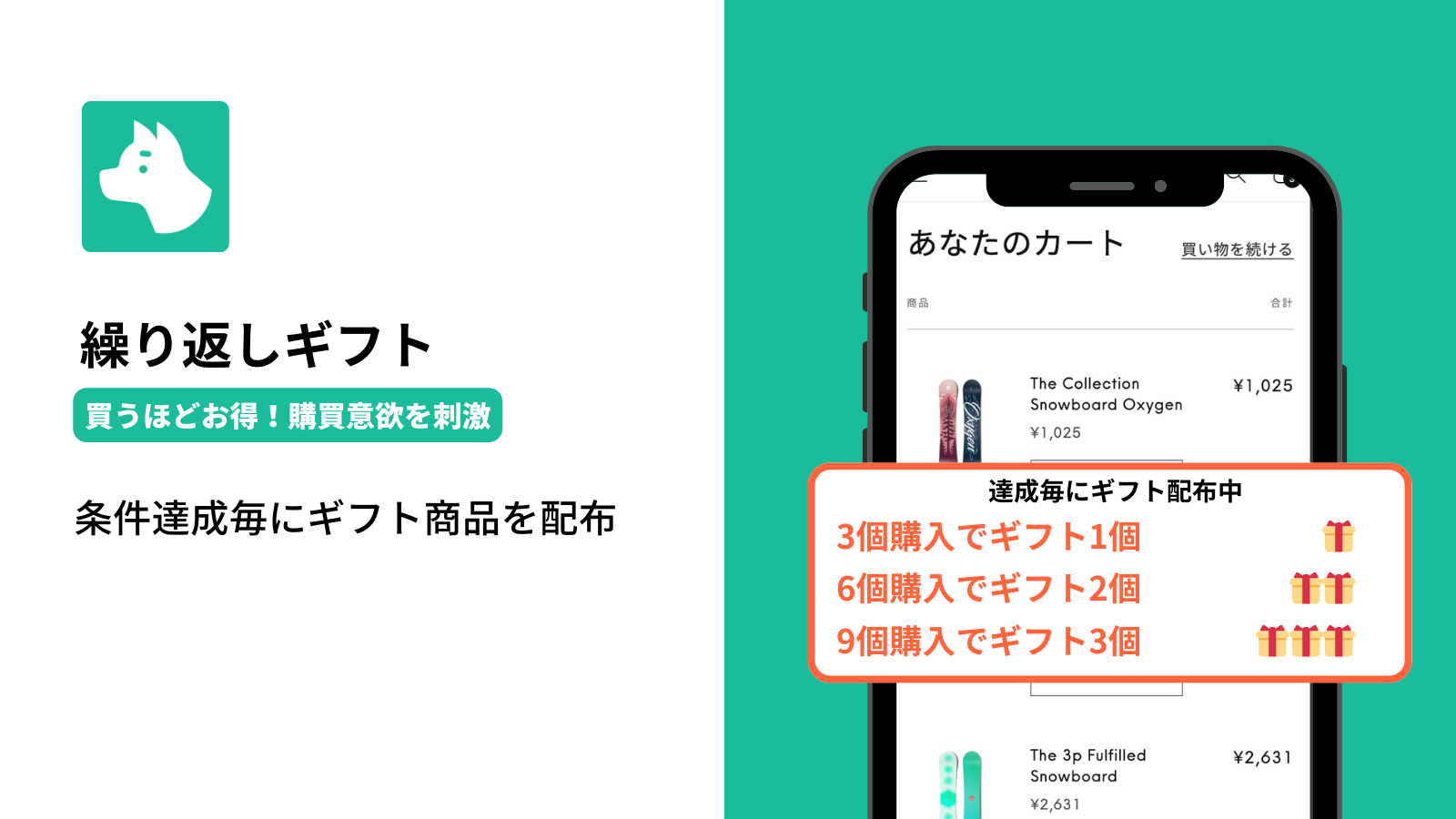
Shopifyで繰り返しギフトを実現する方法|条件達成ごとにギフト商品を配布

How to Set Up a Repeatable Gift on Shopify | Give a Gift Every Time a Condition Is Met

A guide to setting up a repeatable gift on Shopify, like "1 free gift for every 3 purchased." With the Shopify app "RuffRuff Order Bonus," you can implement automatic gifts based on purchase quanti...

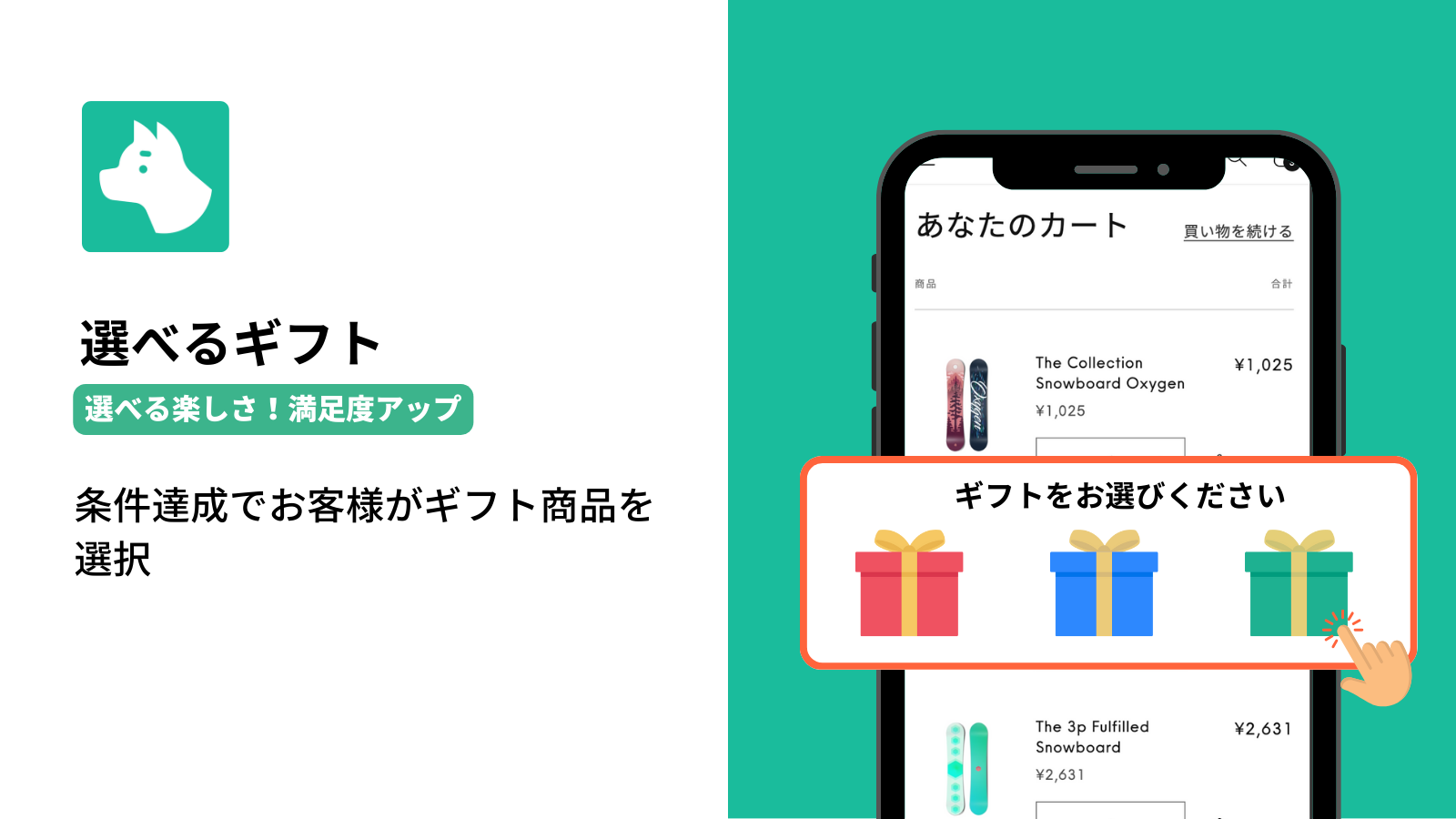
Shopifyで選べるギフトを実現する方法|条件達成でお客様が好みの商品を選択

How to Offer a Choice Gift on Shopify | Let Customers Pick Their Favorite Product When a Condition Is Met

A guide to setting up a "choice gift" on Shopify, letting customers pick their favorite gift when a condition is met. Learn how to use the Shopify app "RuffRuff Order Bonus" to build a novelty camp...

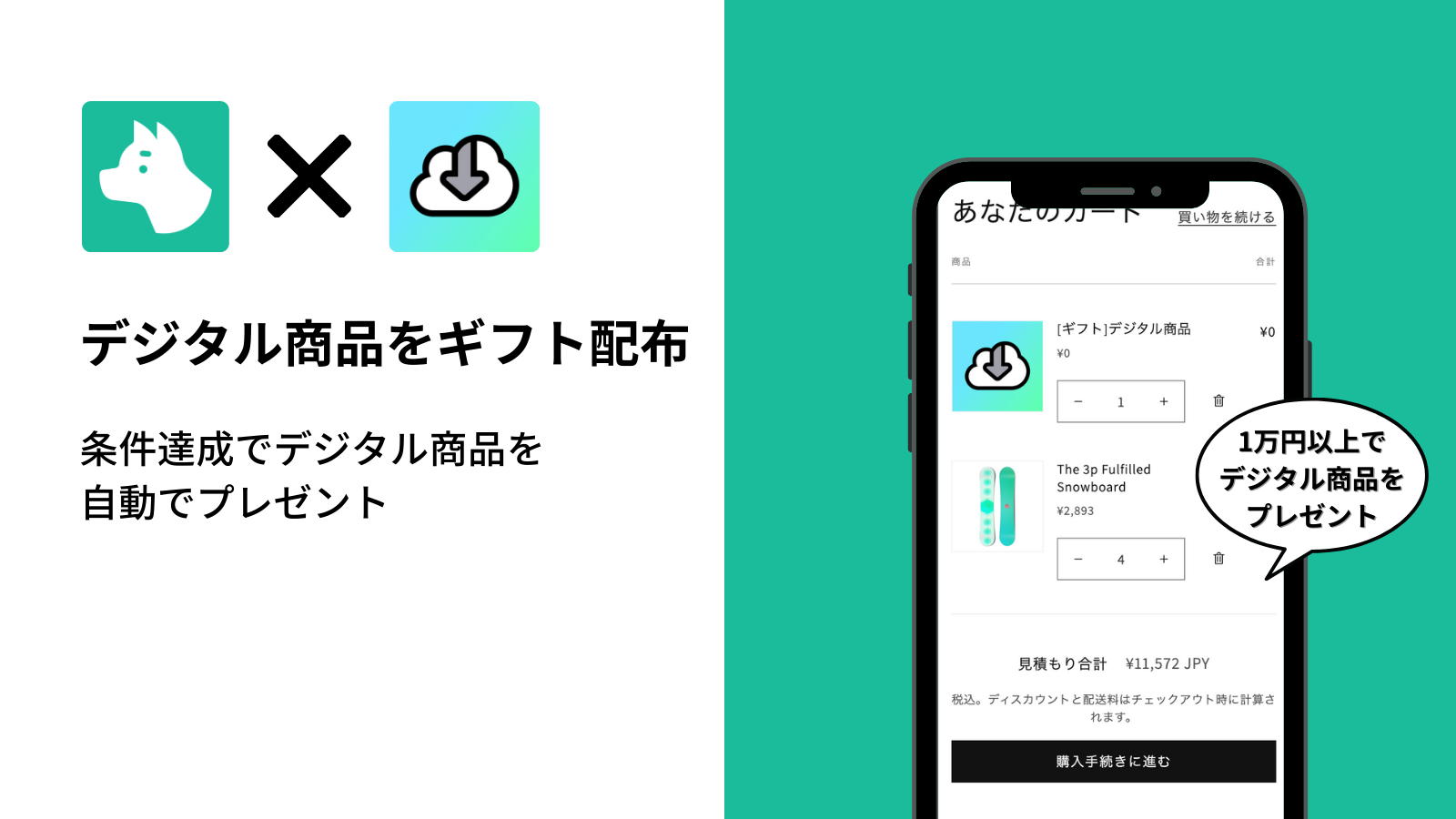
Shopifyで条件達成時にデジタル商品を無料プレゼントする方法

How to Give Away a Free Digital Product on Shopify When a Condition Is Met

A guide to giving away digital products as a gift on Shopify. Learn how to connect the "Digital Downloads" app with "RuffRuff Order Bonus" to automatically send buyers digital content, step by step.

How to Give VIP Customers a Free Gift on Shopify | Gift Distribution Based on Customer Tags

A detailed guide to automatically distributing a free gift to VIP customers based on a customer tag, using the RuffRuff Order Bonus Shopify app. Boost customer satisfaction and repeat purchase rate...

How to Distribute Sample Products on Shopify | Gift Distribution Based on Amount with RuffRuff Order Bonus

A guide to automatically distributing sample products on Shopify. Learn how to use the RuffRuff Order Bonus app to give away a sample product on orders of ¥10,000 or more, boosting average order va...

How to Give Away Free Gifts on Shopify | Gift Distribution Based on Quantity

A step-by-step guide with screenshots to automatically distribute free gifts on Shopify. Learn how to configure a 3-or-more quantity condition and enable your theme with the RuffRuff Order Bonus ap...

Shopify ✕ Blog

View all articles
Shopifyタグ一覧・絞り込み機能の導入方法|3つの実装アプローチを解説

How to Implement Tag Lists and Tag Filtering in Shopify

A complete guide to Shopify's tag feature. Implement tag list display and filtering using three methods: themes, apps, or code. We also cover setup and customization steps for RuffRuff Product & Bl...

【2025】Shopifyのタグ一覧アプリを徹底比較|表示位置やタグ絞り込み(タグフィルター)機能など

Comparing 3 Shopify Tag List Apps | Pricing, Features, and Setup Explained

Compare the Shopify tag list apps "RuffRuff Product & Blog Tags," "Simple Blog Tag Filter," and "Quick Tag Search." We break down pricing, features, and setup to help you choose the best app for yo...

Shopifyのブログ記事に目次を自動表示|3つの方法と無料アプリの設定手順

3 Ways to Automatically Display a Table of Contents in Shopify Blog Posts | Free App Setup Guide

Learn three methods to display a table of contents in Shopify blog posts (source code customization, app usage, theme usage). Step-by-step instructions focus on setup using the free app RuffRuff Ta...

Shopifyブログの著者プロフィール表示方法【3つの選択肢を比較】

How to Display Author Profiles on Shopify Blog Posts [Comparing 3 Options]

A thorough comparison of three ways to display author profile information on Shopify blog posts. We explain the features, advantages, and disadvantages of the standard feature, source code customiz...

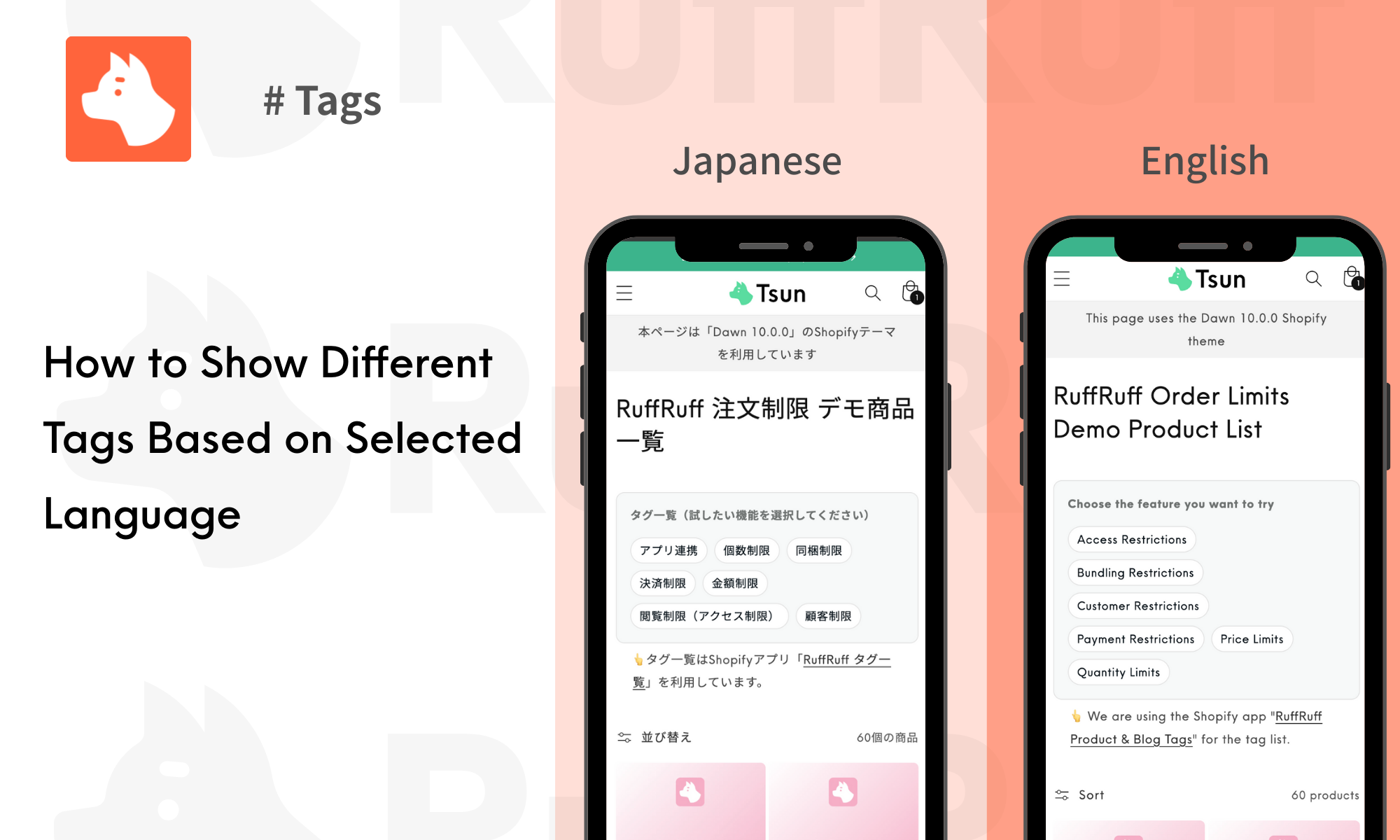
How to Display Shopify Tag Lists by Language | Show Japanese and English Tags Separately Using an App

Learn how to display tag lists on Shopify collection pages by language. This guide provides step-by-step instructions with screenshots on using the RuffRuff Product & Blog Tags app (Regular Pla...