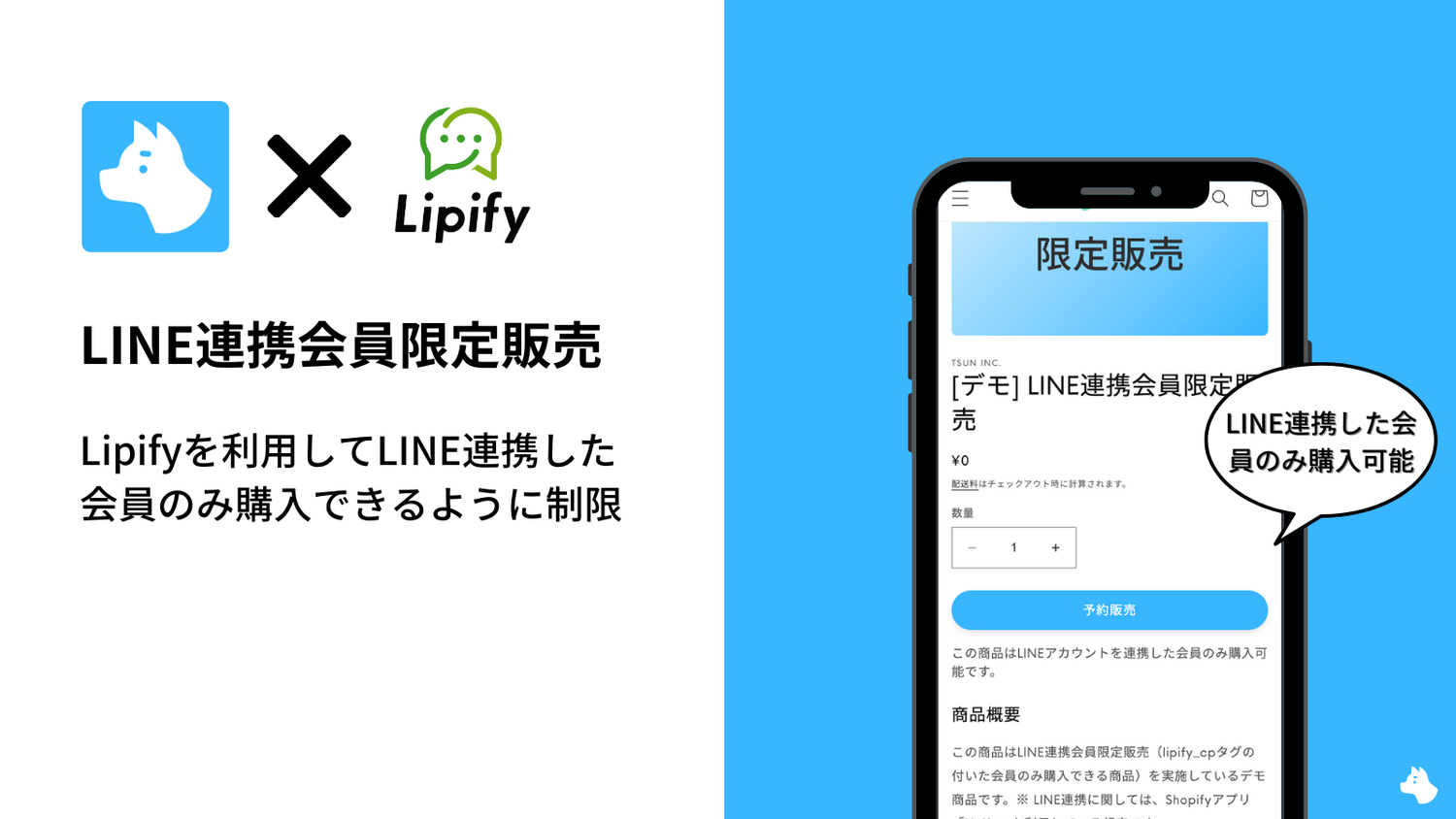
Are you running any special promotions for your Shopify store's LINE-linked members (hereafter, "LINE-linked members")? In this article, we introduce recommended Shopify apps that let you run exclusive sales for LINE-linked members. We'll also share example settings for exclusive sales and exclusive promotions for LINE-linked members using these apps.
Benefits of Using LINE
When running a Shopify store, the benefits of using LINE are as follows.
- Reach a wide range of age groups
- Send various types of messages
- Collect various types of data
- Streamline customer inquiry responses
- Enable one-on-one communication
- Send mass notifications and coupons

Benefits of Running Exclusive Sales for LINE-Linked Members
By running exclusive sales for LINE-linked members and limiting who can make a purchase, you can create a sense of "only I can get this" or "only I can buy this at a great price," which is expected to stimulate consumers' purchasing motivation. This is also expected to help increase the number of LINE-linked accounts.
Recommended Shopify Apps for Exclusive Sales to LINE-Linked Members
By using "Lipify" for LINE integration and "RuffRuff Pre Order" for exclusive sales, you can run exclusive sales and exclusive promotions for LINE-linked members.
Lipify (LINE Integration App)

Lipify is a Shopify app that connects your Shopify store with LINE, allowing you to send LINE messages based on your Shopify store's purchase history, behavior, registration information, and more.
As it is a Japanese-made Shopify app, it fully supports Japanese, and combining it with Shopify Flow also enables step-by-step message delivery for LINE members.
Shopify members who are LINE-linked using Lipify are automatically assigned the customer tag "lipify_cp". In addition, members who linked their ID in-store are automatically assigned not only the "lipify_cp" tag but also the "lipify_offline" customer tag.
RuffRuff Pre Order
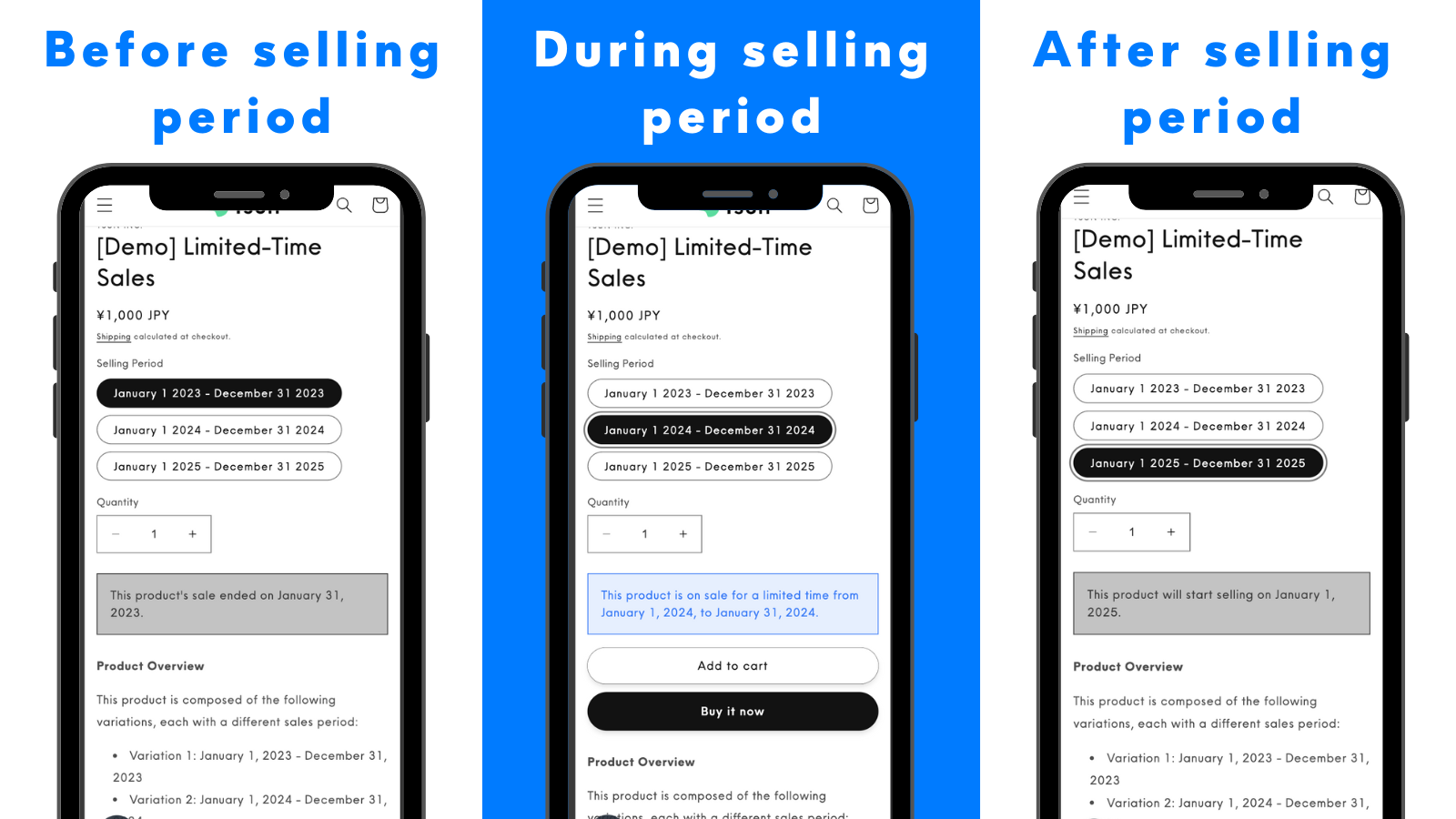
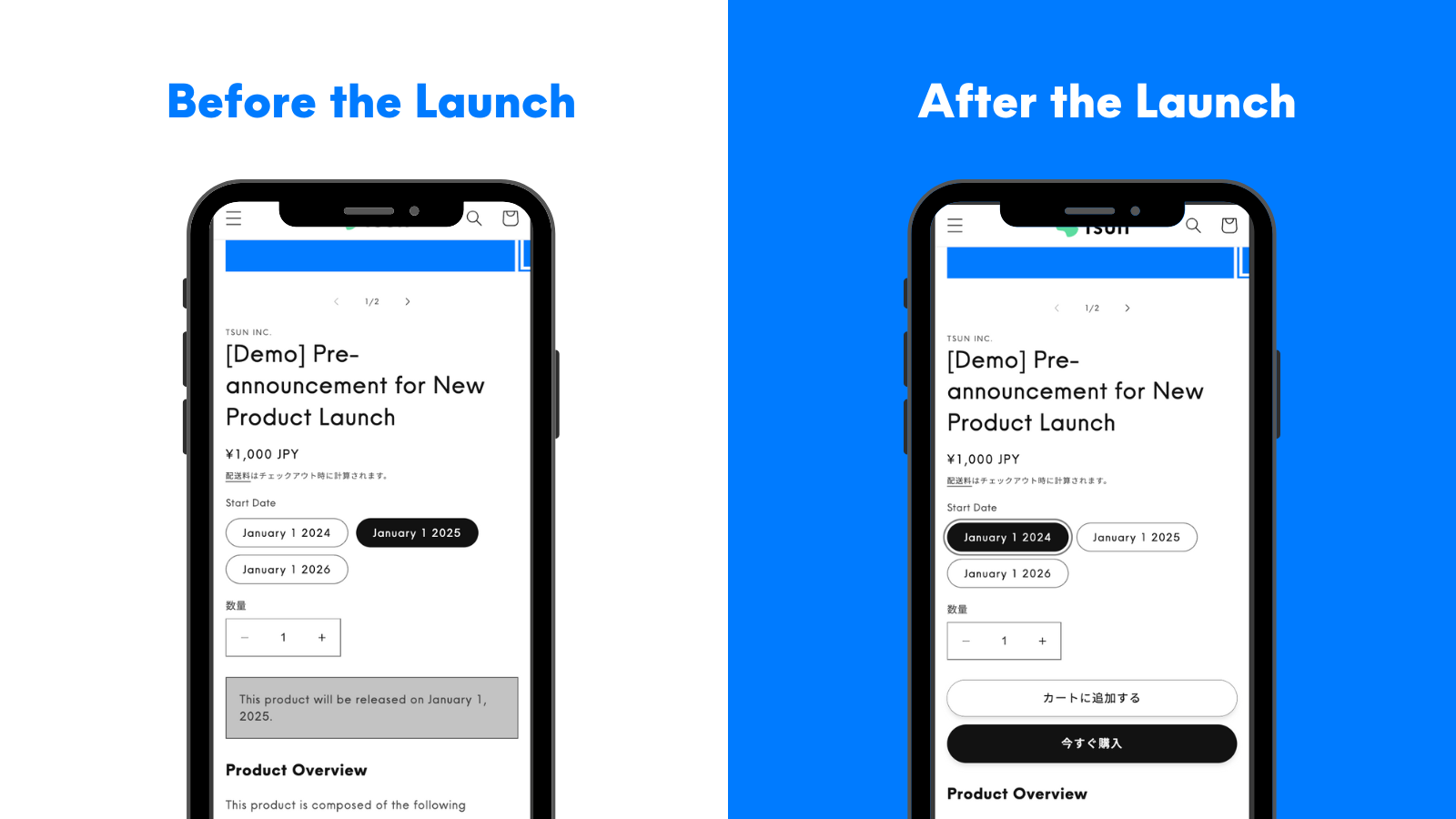
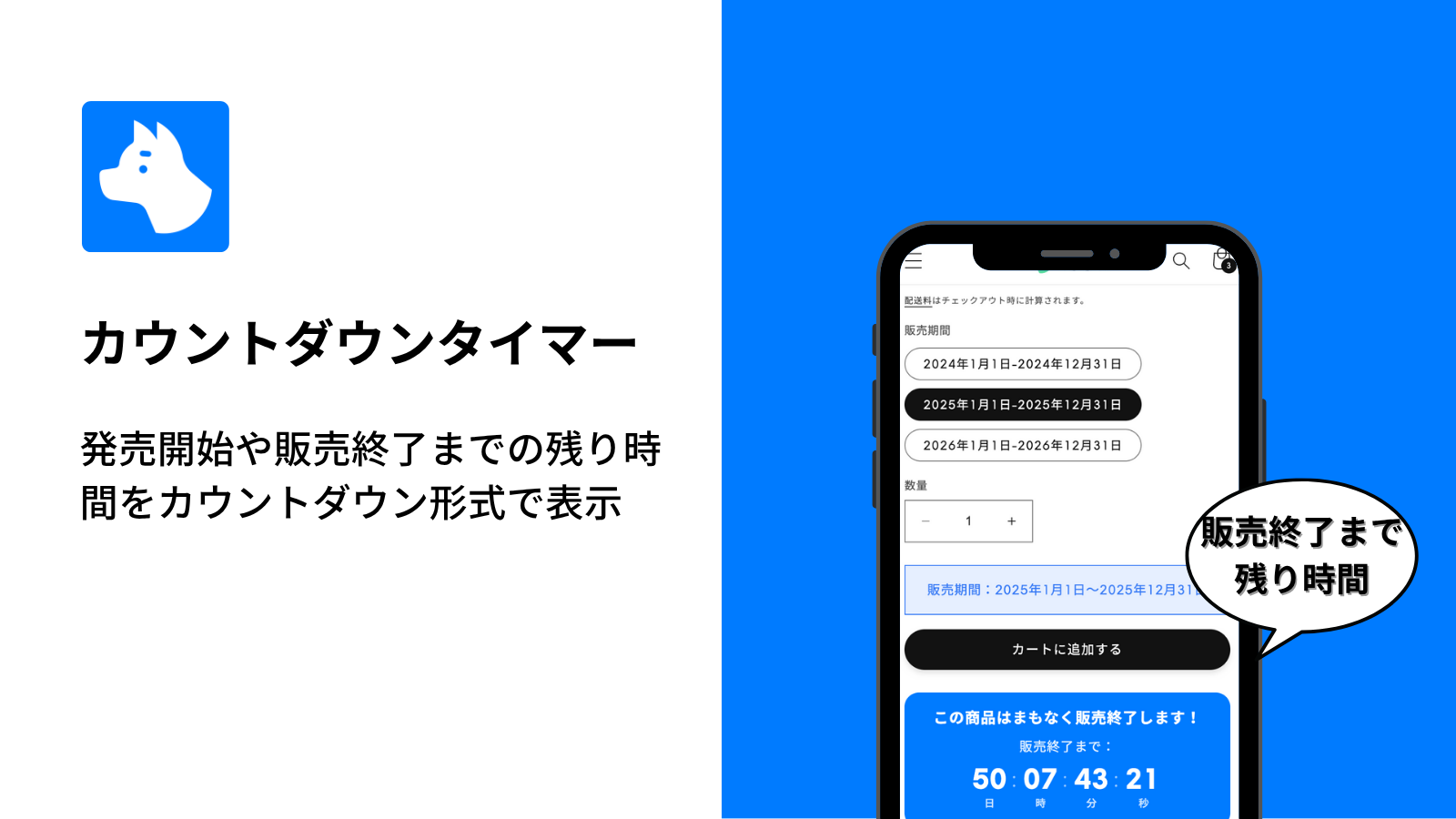
"RuffRuff Pre Order" is a Shopify app that makes it easy to implement pre-orders in your Shopify store. By making good use of this app, you can run various types of sales such as "limited-time sales," "limited-time promotions," "pre-launch announcements," "repeating sales," "member-exclusive sales," "VIP member-exclusive sales," and "deferred payment."
It also has many unique features not found in other pre-order apps, such as the "deferred payment" feature, which allows you to collect payment before the product ships.
It has also earned the "Built for Shopify" badge, Shopify's official mark of top-quality apps that meet standards for speed, ease of use, and reliability.
RuffRuff Pre Order has a feature that lets you run exclusive sales and exclusive promotions only for members with a specific customer tag. By using the "lipify_cp" customer tag automatically assigned by Lipify, you can easily run exclusive sales and exclusive promotions for LINE-linked members.
How to Run Exclusive Sales for LINE-Linked Members on Shopify

As mentioned above, Shopify members who are LINE-linked using Lipify are automatically assigned the customer tag "lipify_cp".
In addition, RuffRuff Pre Order has a feature that lets you run exclusive sales only for members with a specific customer tag.
Therefore, by using these two apps together, you can easily run exclusive sales for LINE-linked members.
Output
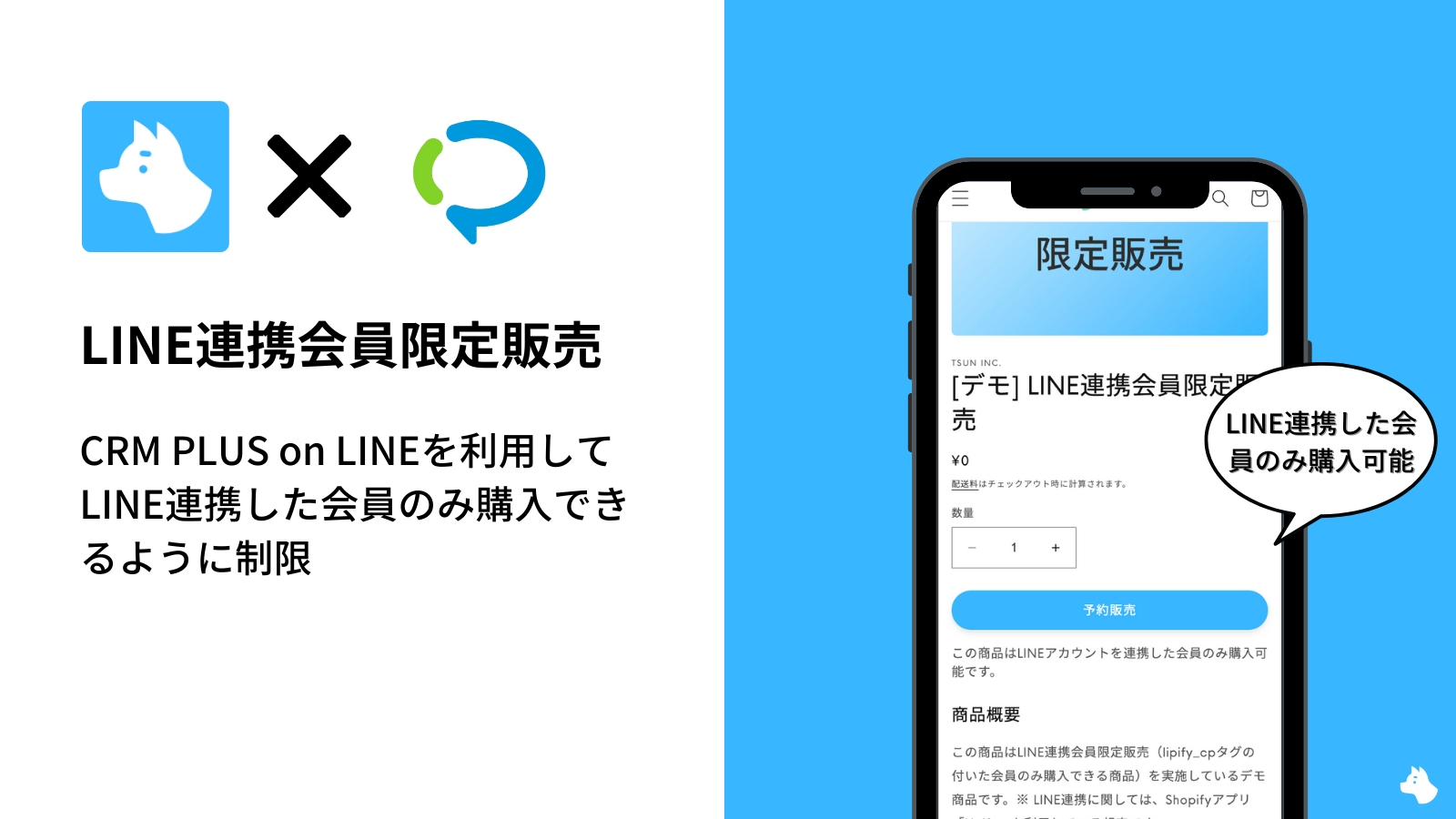
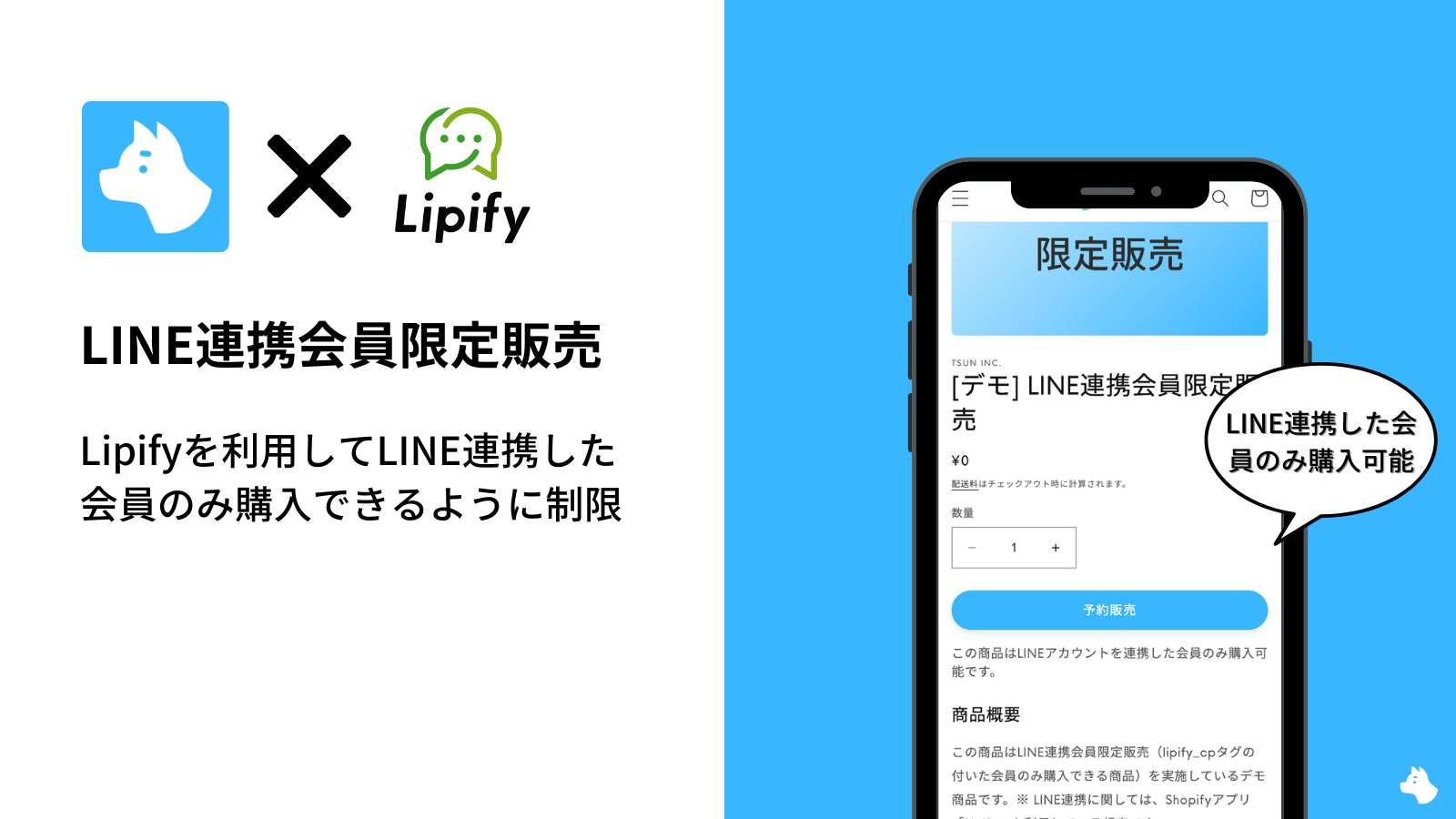
By following the setup method introduced in this section, the product page will appear as follows for LINE-linked members and for others.
For LINE-linked members (members with the lipify_cp tag)
- Cart button is clickable
- Cart button text is "Add to cart"
For non-members or non-LINE-linked members
- Cart button is not clickable
- Cart button text is "Not available for purchase"
- A message indicating the product is exclusive to LINE-linked members is displayed below the cart button
Setup method
This setup is intended for those who have already installed Lipify and completed the initial setup of RuffRuff Pre Order.
The setup consists of the following 2 steps.
- (Step 1) Create a pre-order rule for exclusive sales to LINE-linked members
- (Step 2) Apply the rule created in Step 1 to products
Let's go through each step in detail.
(Step 1) Create a pre-order rule for exclusive sales to LINE-linked members
First, create a pre-order rule for exclusive sales to LINE-linked members.
[Steps to create a pre-order rule]
Step 1. Click "Pre-order rules" in the left menu

Step 2. From the pre-order rules page, click "Create rule"
Step 3. In the "Conditions" section, set "lipify_cp" as the customer tag

(Example setting values)
- Sell only to customers have registered for an account.: Check the box
- Customer tags: Add "lipify_cp"
Step 4. In the "Actions (Pre-order)" section, set the action for LINE members

(Example setting values)
- Cart button text: Add to cart
Step 5. In the "Actions (If not met)" section, set the action for non-LINE members

(Example setting values)
- Cart button appearance: Disable cart button (shown, but not clickable)
- Cart button text: Not available for purchase
- Product message: This product is exclusive to LINE-linked members. To purchase it, you must be a LINE-linked member. Please "Sign up" or "Log in" first.
Step 6. Click "Save" at the top right of the screen
(Step 2) Apply the rule created in Step 1 to products
Apply the pre-order rule created in "(Step 1) Create a pre-order rule for exclusive sales to LINE-linked members" to the products you want to sell exclusively to LINE-linked members.
[Steps to apply the rule]

Step 1. Check the products you want to sell exclusively to LINE-linked members
Step 2. Click "Apply rule"
Step 3. From the dialog that appears, select the pre-order rule created in Step 1
Step 4. Click "Apply rule"
Troubleshooting
If the above settings don't work as expected, please refer to the help page below.

Demo product
Below is a demo product that implements exclusive sales for LINE-linked members. Please give it a try.
In closing
What do you think? By using Lipify and RuffRuff Pre Order together, you can easily run exclusive sales for LINE-linked members.
If you're planning to introduce LINE integration or are already using Lipify, please give it a try!