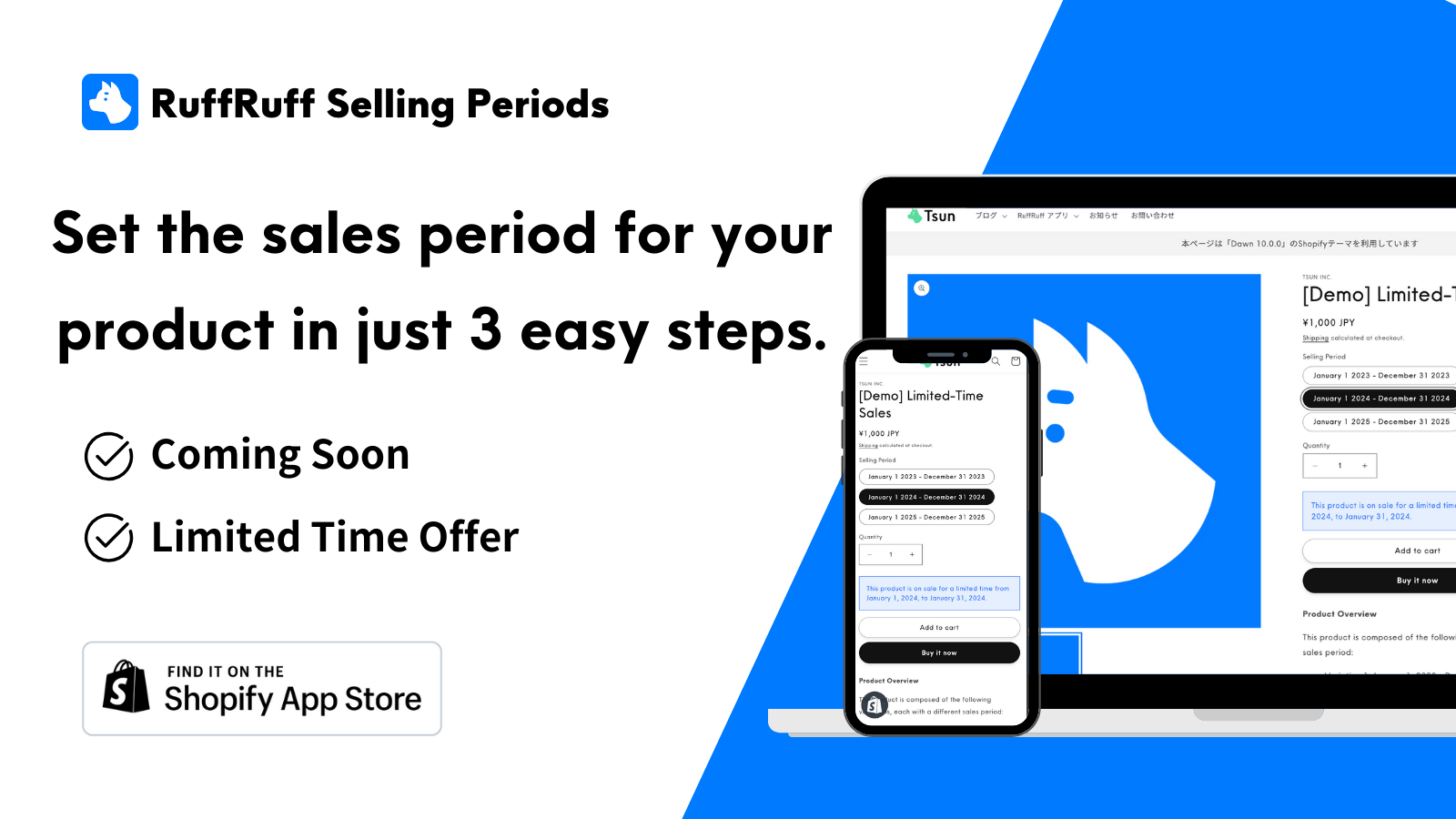

Ruffruff Selling Periods
Shopify app for setting sales periods for products
Before/After Release
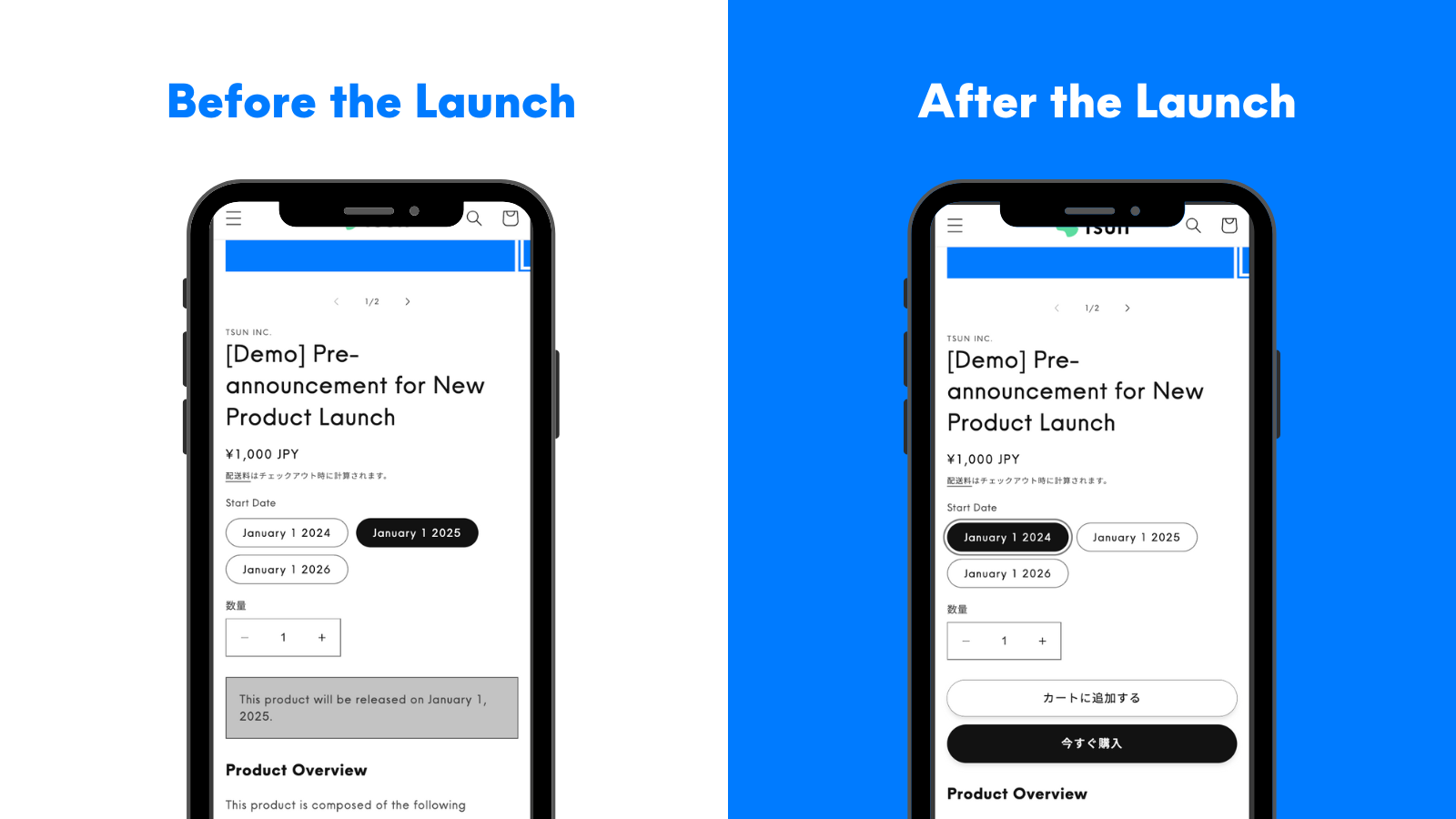
By using this app, you can implement product pre-release announcements.
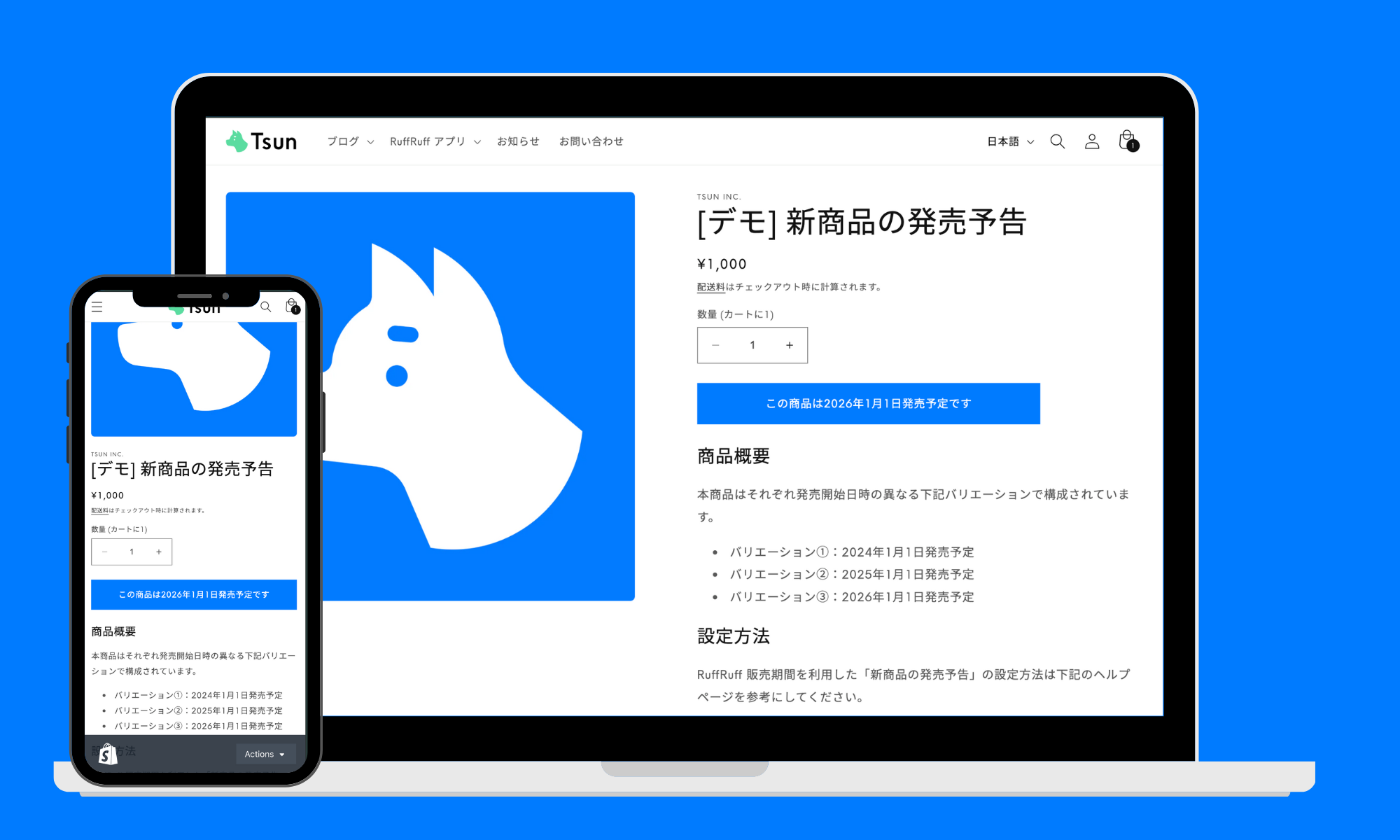
Before Release
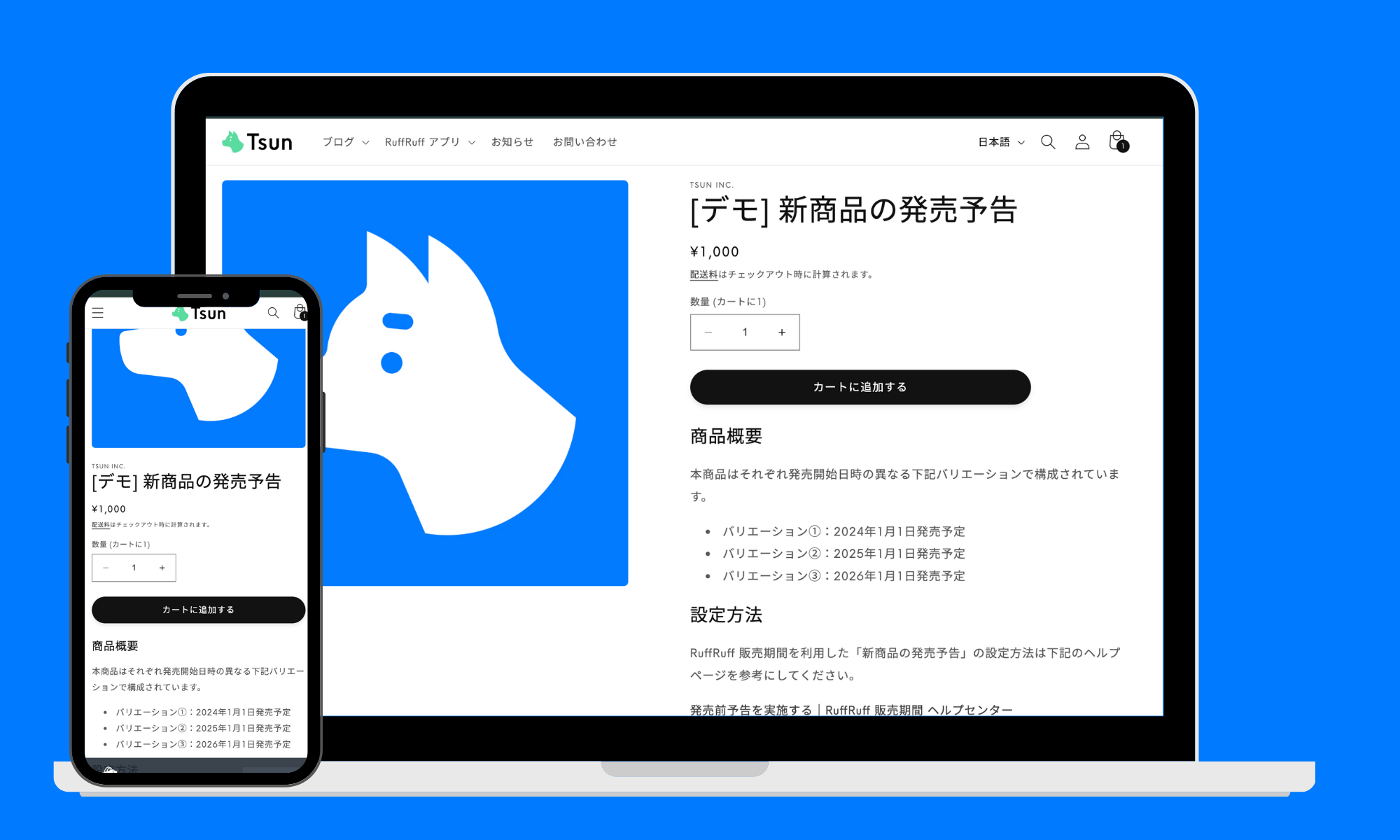
After Release
First in Japan
Compatible with Cart and Checkout Validation API
First among Japanese sales period setting apps to adopt the Cart and Checkout Validation API, achieving a more robust and secure validation system compared to existing sales period setting apps
No-code
Easy implementation with no coding
Can be implemented on any Shopify site without programming knowledge. Setup is completed in just 3 steps. Design can also be customized without coding.
Reliable
Reliable Customer Support
Have questions while using the app? Email us anytime for assistance
By Variant
Pre-release Announcements and Limited-time Sales by Variant
You can set up pre-release announcements and limited-time sales by individual variants, which wasn't possible with existing sales period apps. For example, if an apparel item has three color variations - black, white, and red, you can set up limited-time sales exclusively for the red variant.
Features
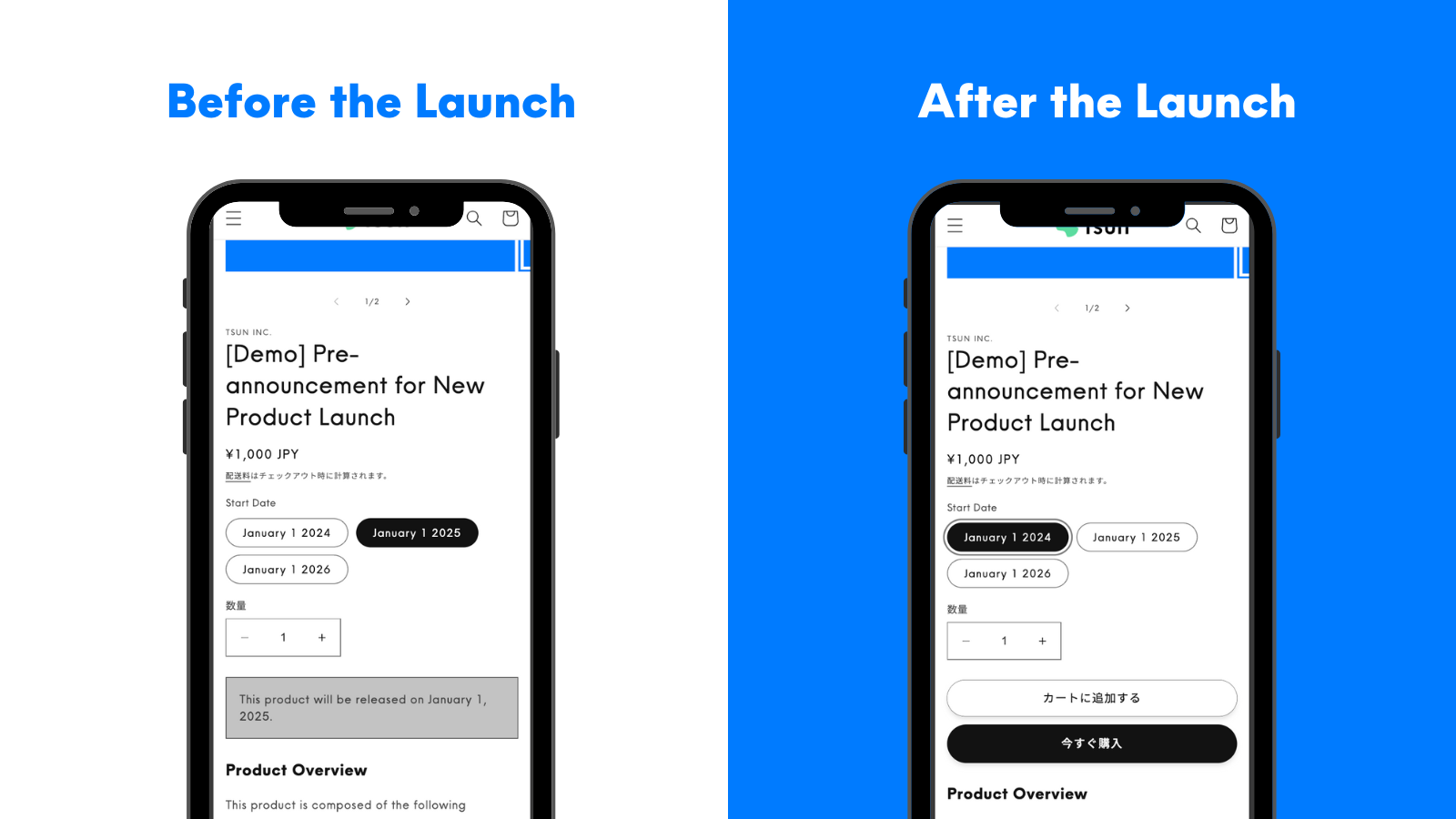
Pre-release Announcements
Set up pre-release announcements for your products. Before the release date, display the launch date/time while hiding the cart button. Once released, the cart button becomes visible.
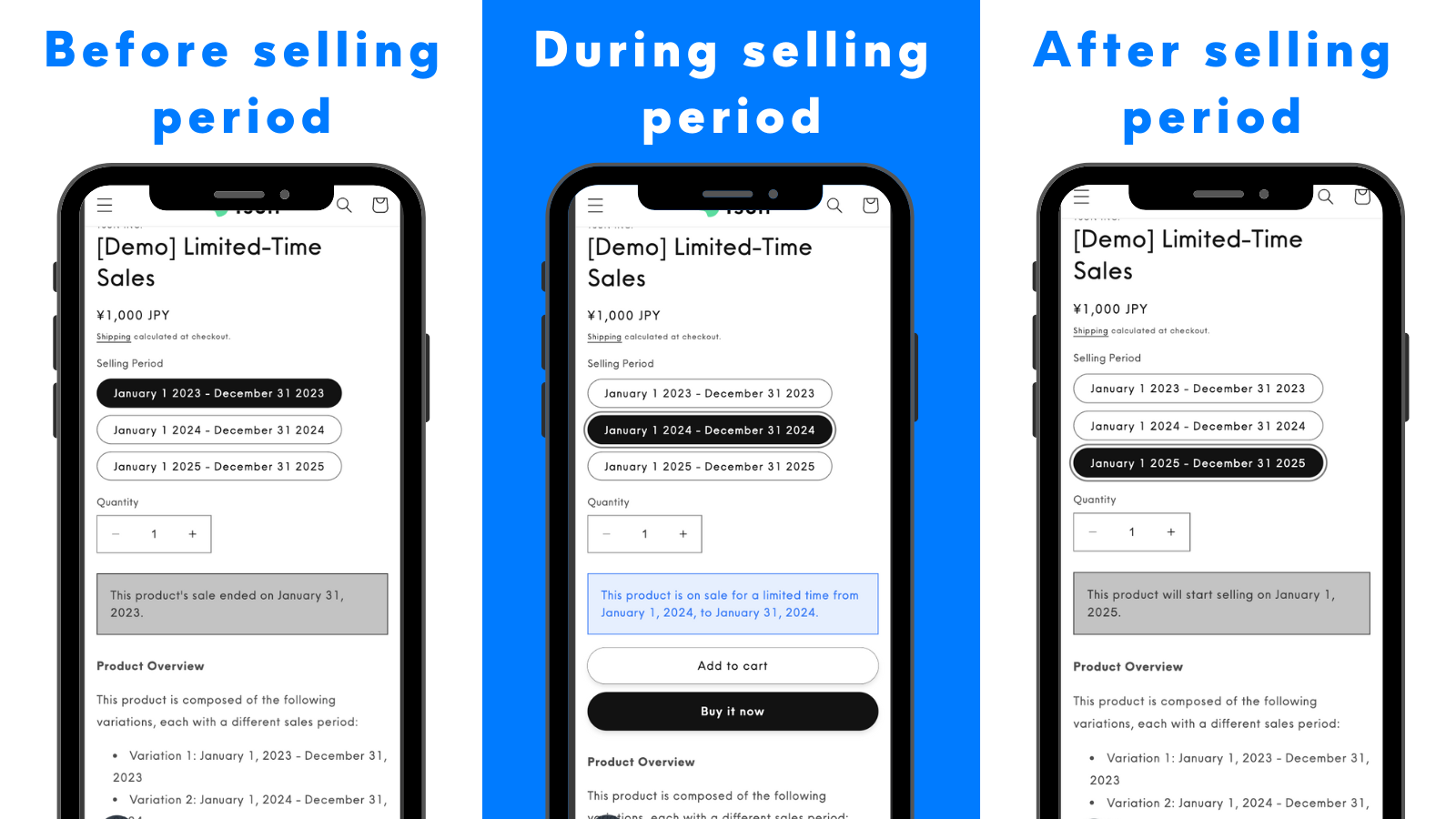
Limited-time Sales
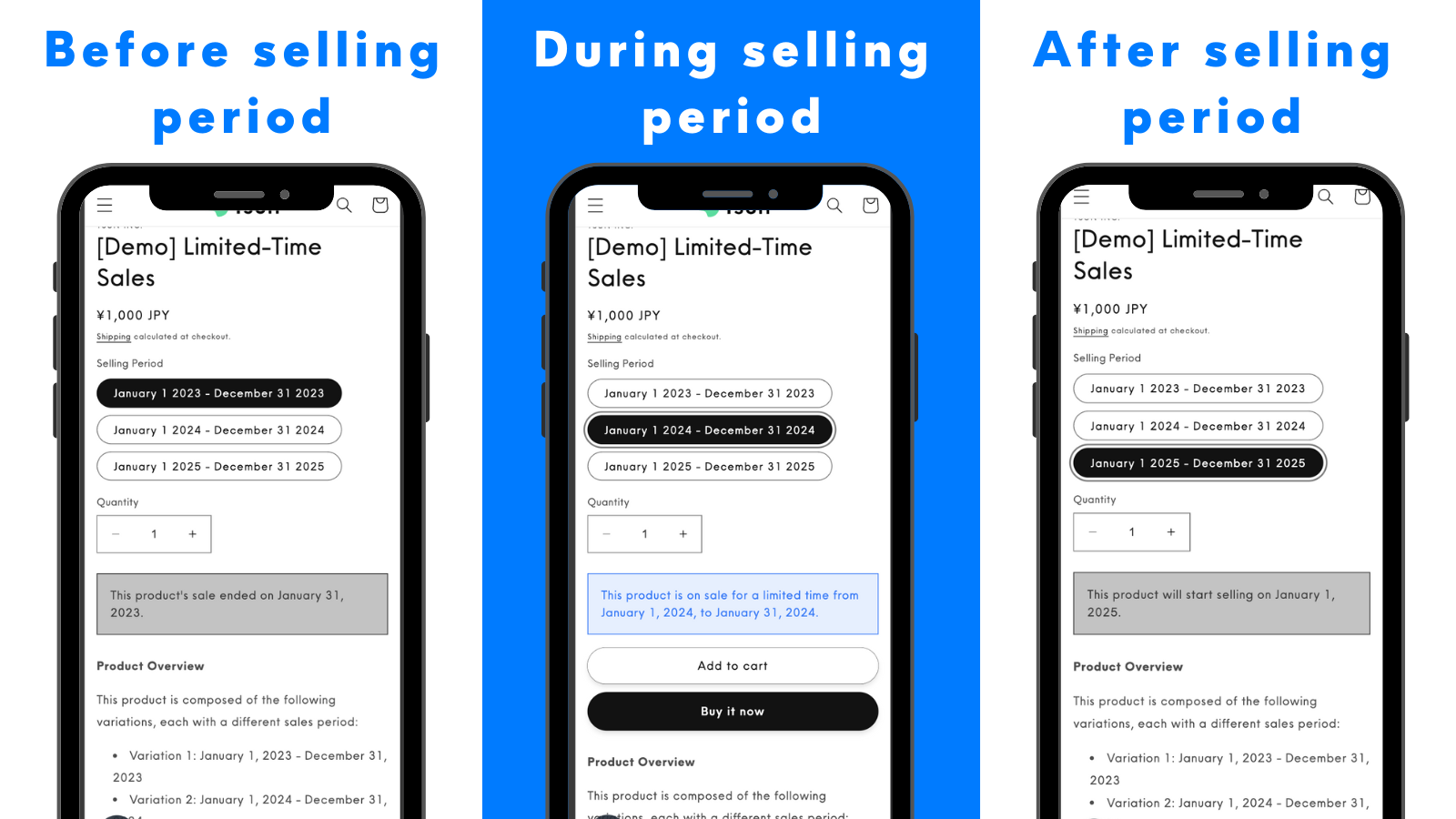
Implement limited-time sales with customizable start and end dates/times. Different messages can be displayed for each phase of the sale.
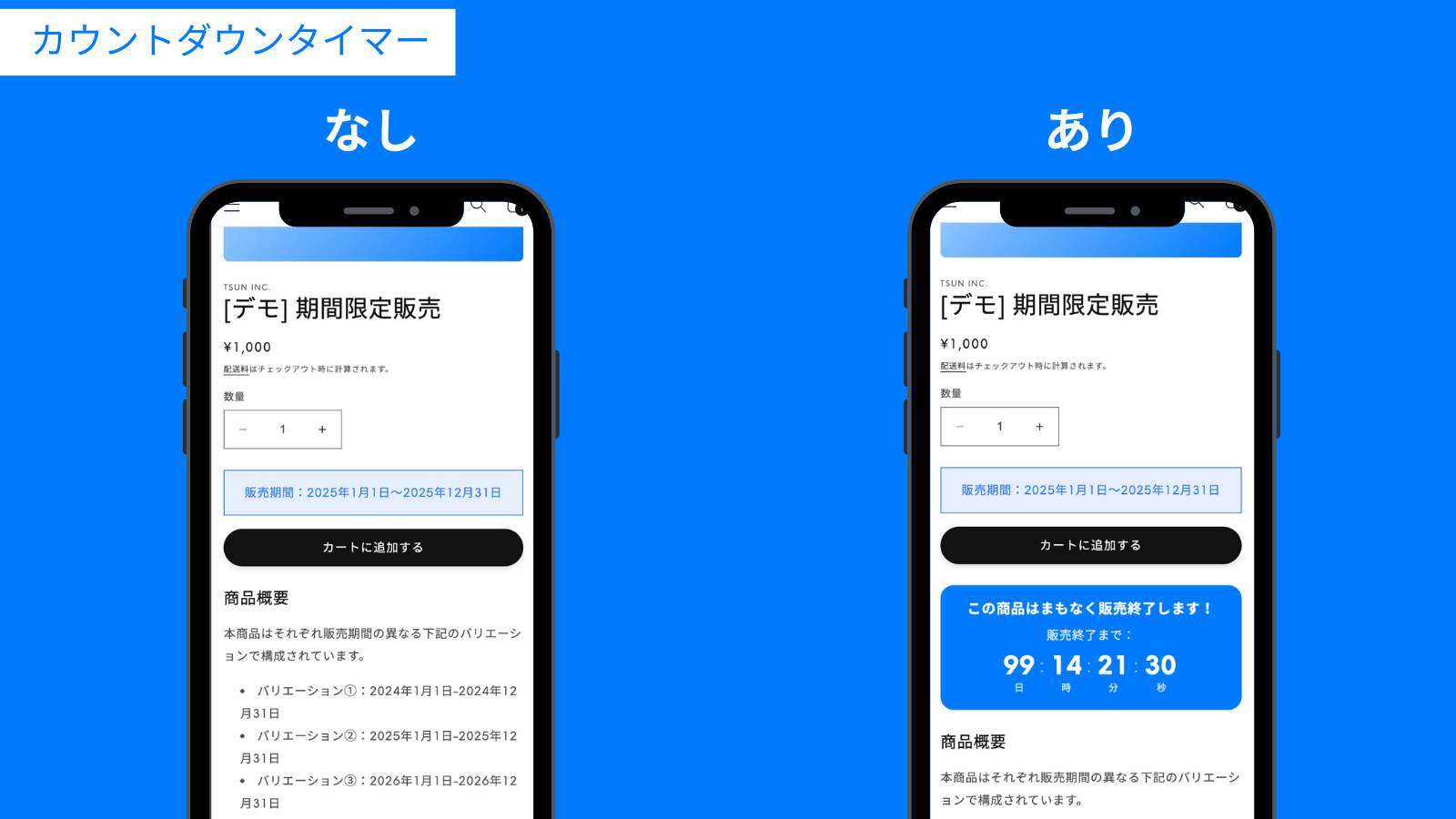
Display a Countdown Timer
Use the countdown timer feature to display the time remaining until a sale begins or ends in a countdown format.
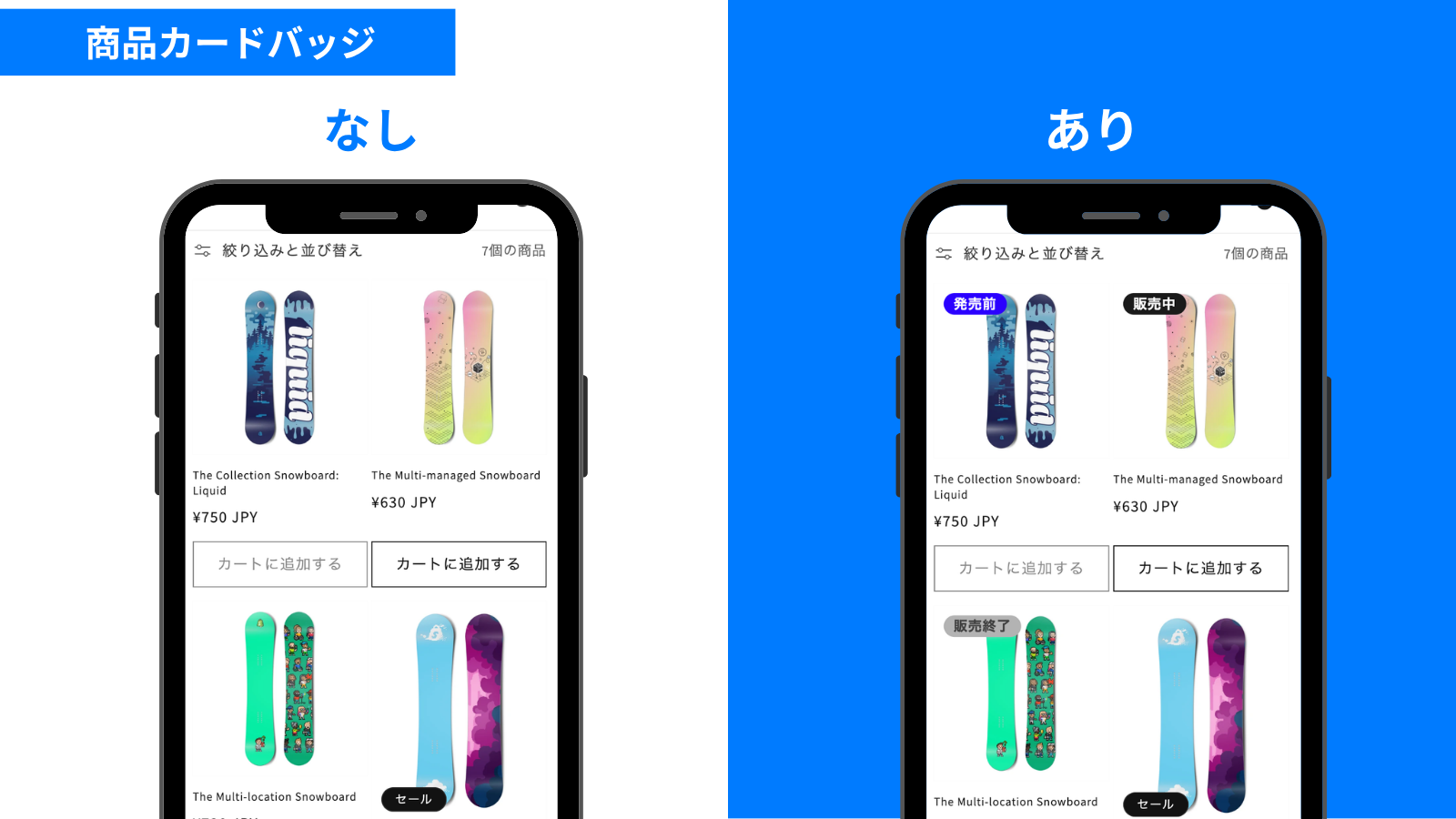
Product Card Badges
Overlay badges on product images. Use your preferred text and colors for “Before Sale,” “During Sale,” and “After Sale,” and adjust their position and shape without CSS. Badge text also supports translation.
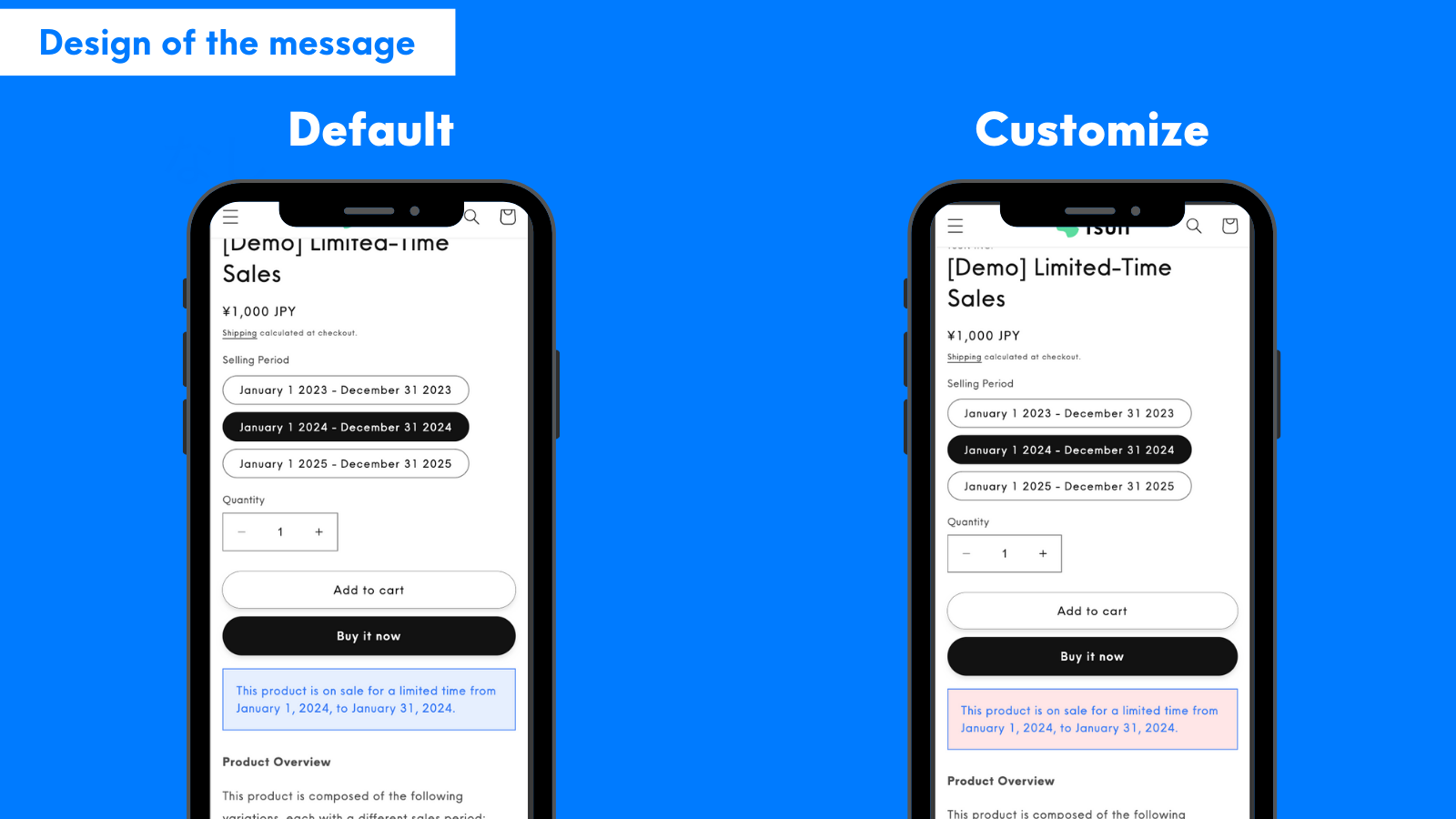
Message Design Customization
Set different designs for pre-sale, during sale, and post-sale periods.
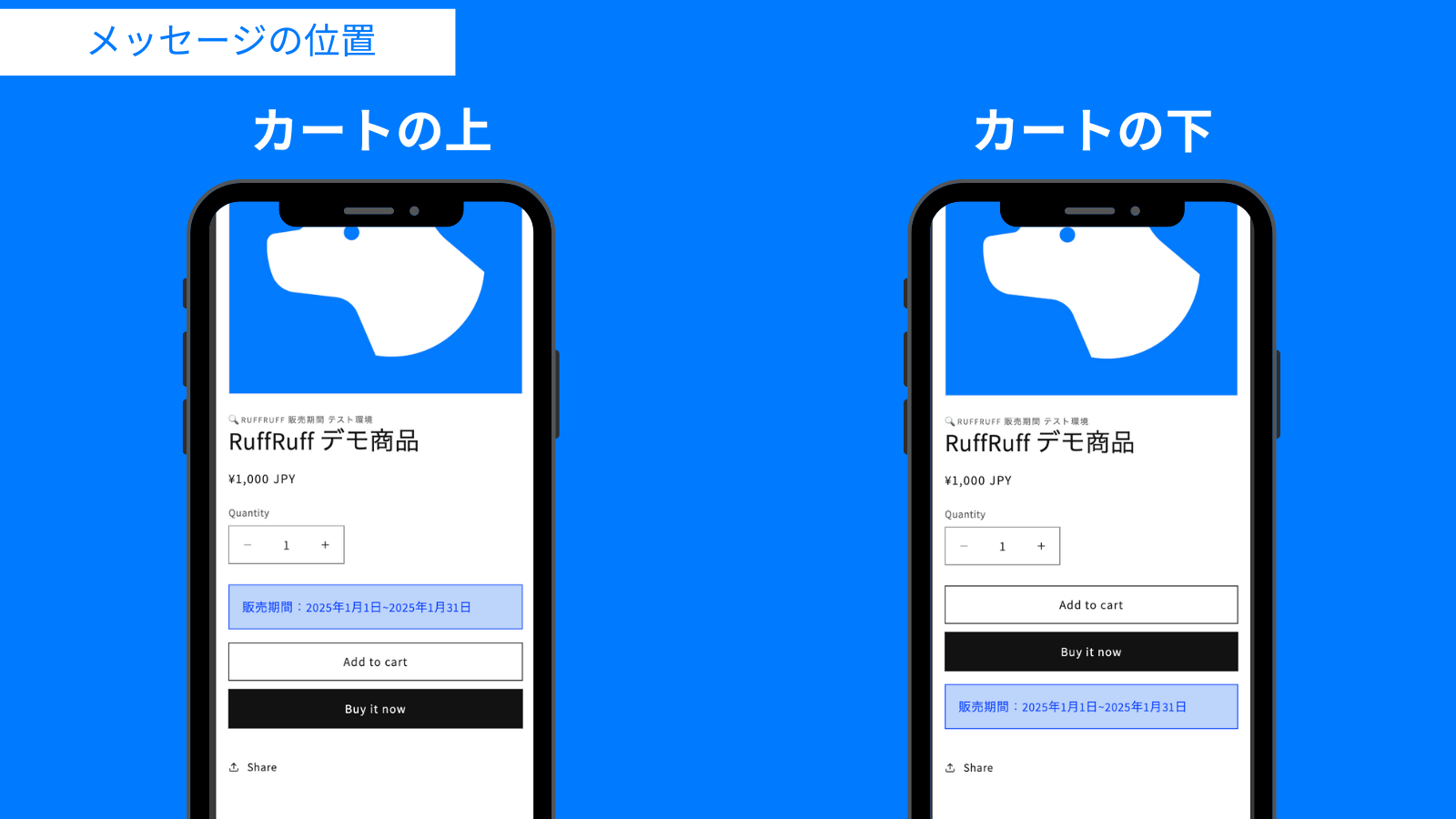
Message Placement Options
Choose to display messages either above or below the cart button.
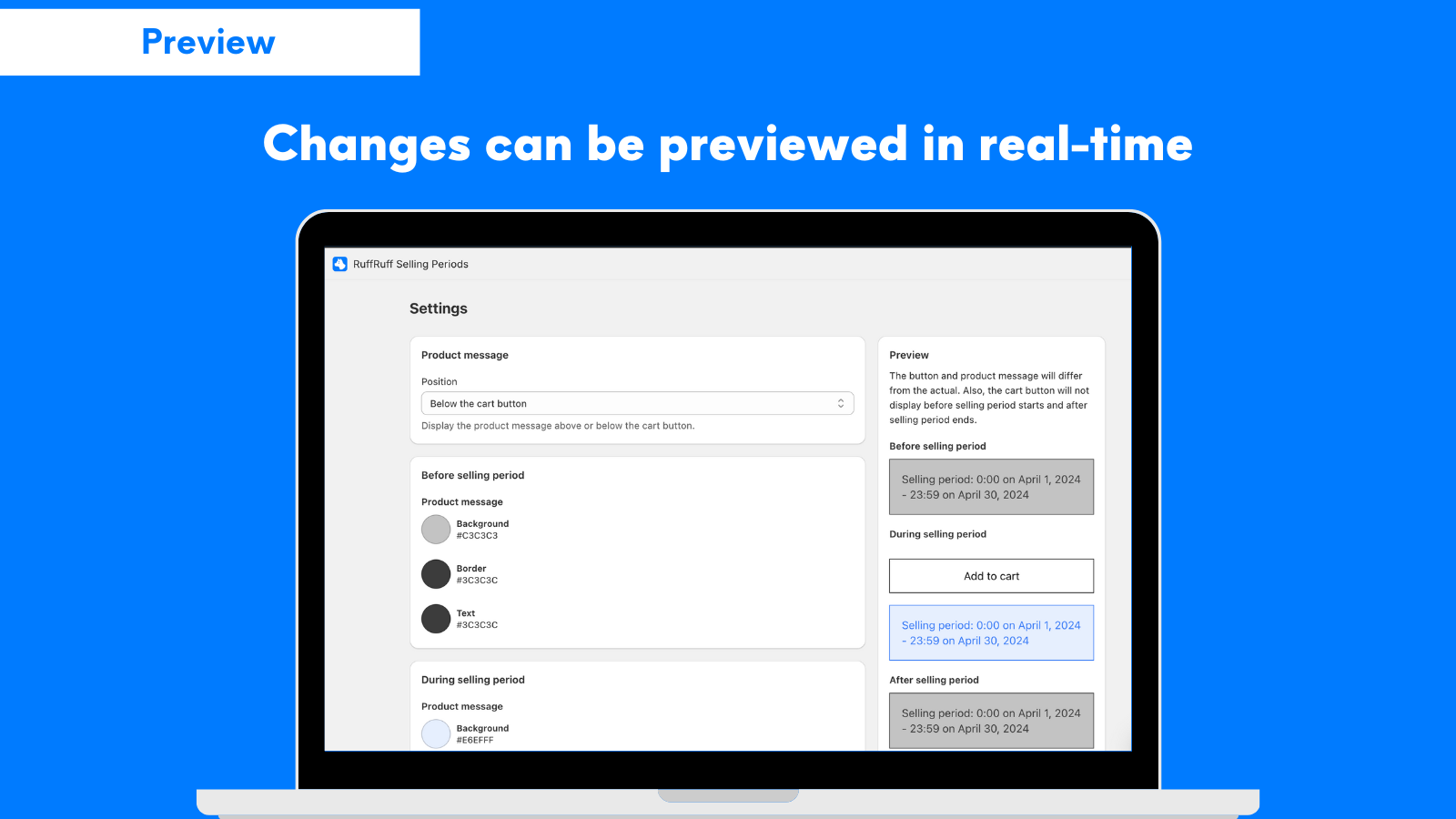
Preview Function
Check design changes in real-time with the preview feature.
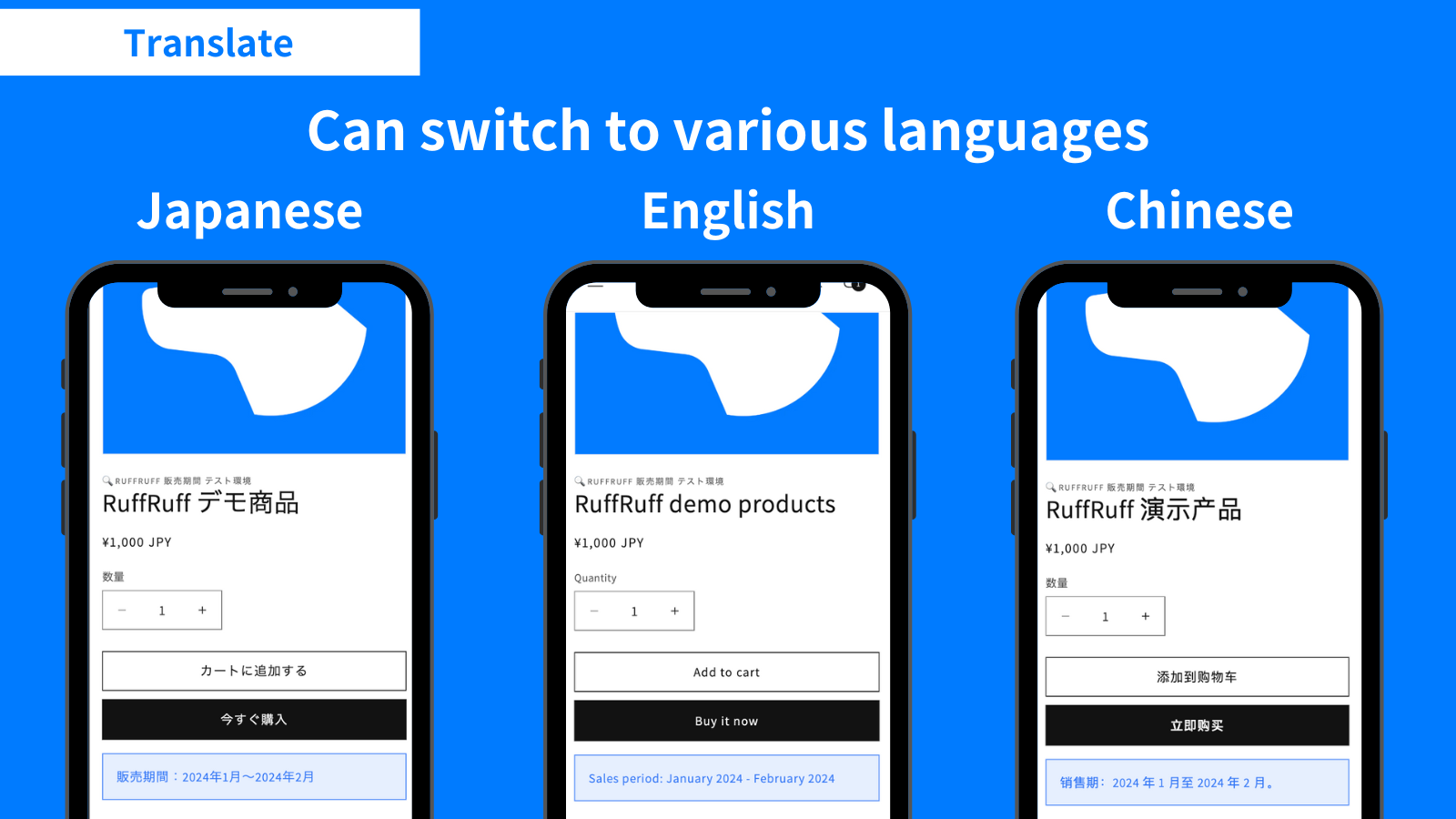
Translation
All configurable messages within the app can be switched between various languages.
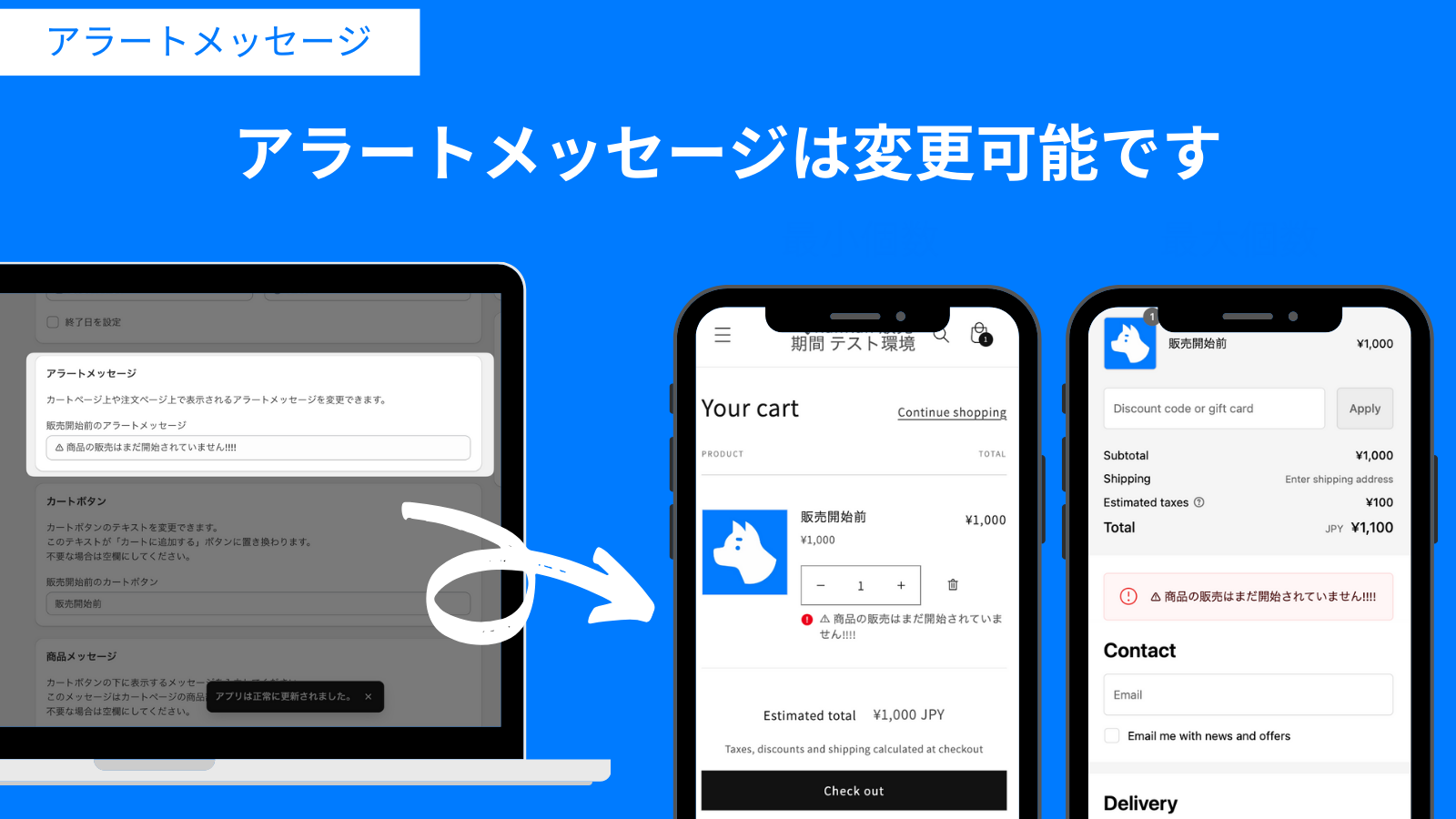
Customizing Alert Messages
When customers attempt to purchase products outside their sales period, orders can be blocked. You can customize the alert message displayed to customers when orders are blocked.
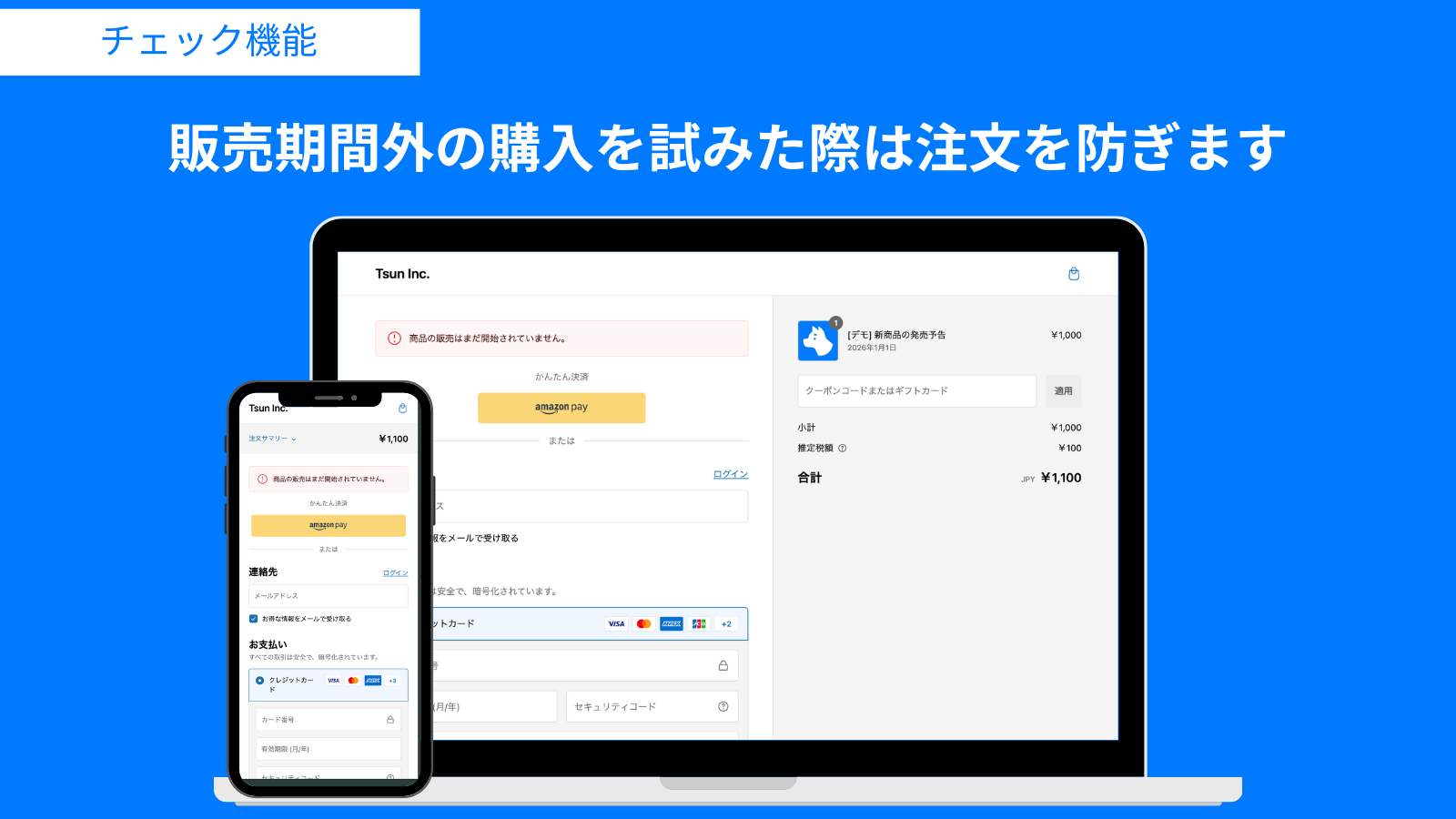
Blocking Orders Outside Sales Period
Even if products that are no longer available through limited-time sales remain in the cart, orders can be blocked at the checkout page.
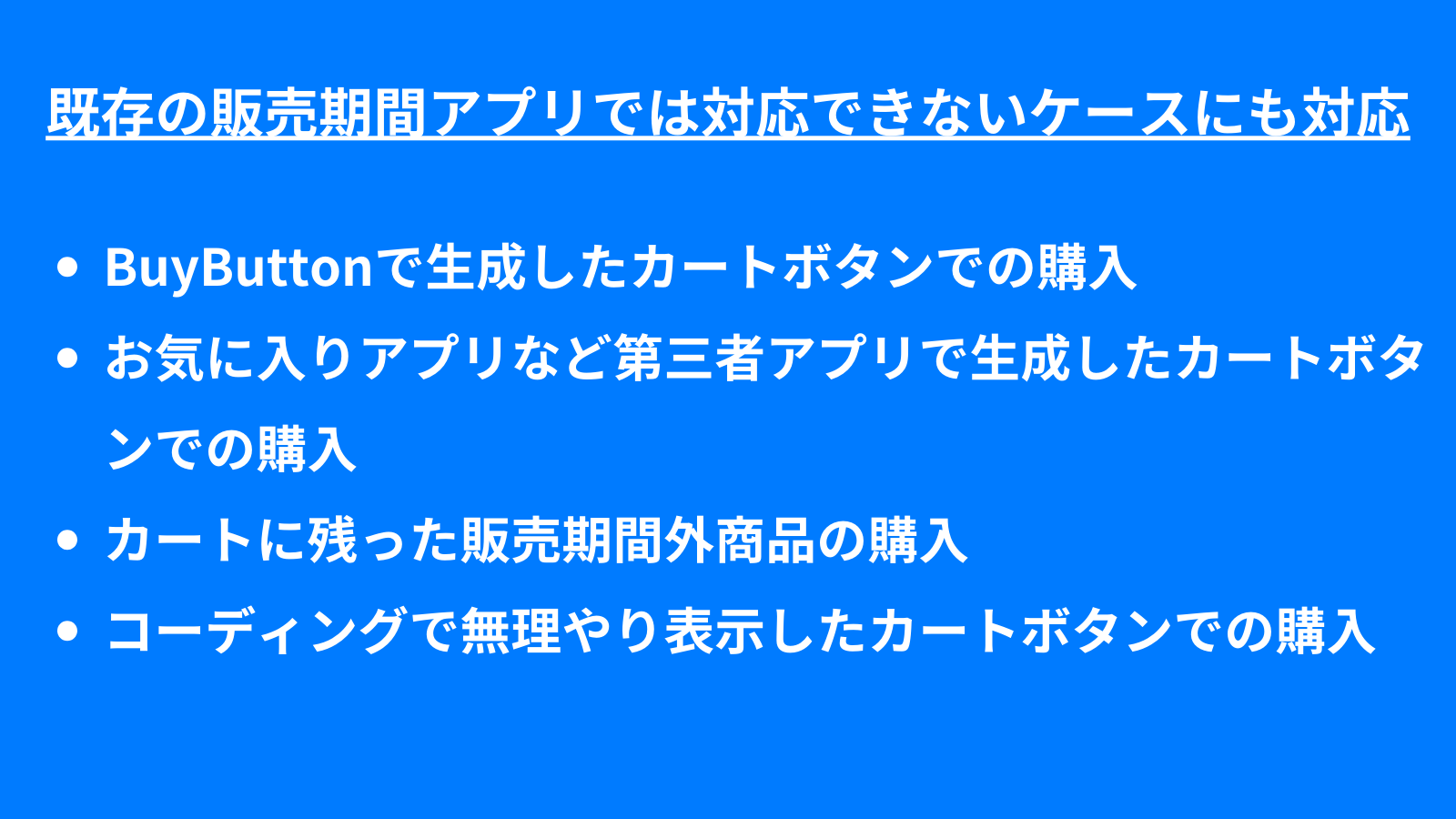
Preventing Unintended Orders
Prevention of unintended orders, which was difficult with conventional apps, is now possible. This includes purchases using cart buttons generated by BuyButton, purchases through cart buttons generated by third-party apps such as favorites apps, and purchases from forcibly displayed cart buttons through coding. Various fraudulent and inappropriate purchases can be prevented.
Demo Products
![[Demo] Limited-Time Sales](http://ruffruff.app/cdn/shop/files/RuffRuffSellingPeriods_7e7f3cb1-f717-41c3-b7ec-908cf1659574.png?v=1738563072&width=1200)
![[Demo] New Product Pre-Release Announcement](http://ruffruff.app/cdn/shop/files/RuffRuffSellingPeriods_0380cced-b84d-4f20-8d06-78afb7e565bb.png?v=1738563065&width=1200)
![[Demo] Limited-Time Sales for Selected Variations Only](http://ruffruff.app/cdn/shop/files/RuffRuffSellingPeriods_445bb55e-3656-46f5-bd6b-150668608dea.png?v=1738563075&width=1200)
SetUp
How to set up
You can carry out both pre-release announcements and limited-time sales in three easy steps.
How to run a pre-release announcement
This video shows how to run a pre-release announcement using RuffRuff’s sale period feature. ⚠️ The video contains audio. Please be mindful of the volume when playing it.
How to Implement Limited-Time Sales
This video demonstrates how to conduct limited-time sales using the RuffRuff sales period.
⚠️ This video contains audio. Please be mindful of the volume when playing.
Price
- Pricing varies depending on your Shopify store's plan.
- Choosing an annual plan saves you the equivalent of two months compared to a monthly plan.
- A 3-day free trial is available.
Monthly payment
Annual Payment
(Monthly Equivalent)
$9.9 per month
$99 per year
(Monthly equivalent: $8.25)
$11.9 per month
$119 per year
(Monthly equivalent: $9.91)
$14.9 per month
$149 per year
(Monthly equivalent: $12.41)
$19.9 per month
$199 per year
(Monthly equivalent: $16.58)
Case Studies
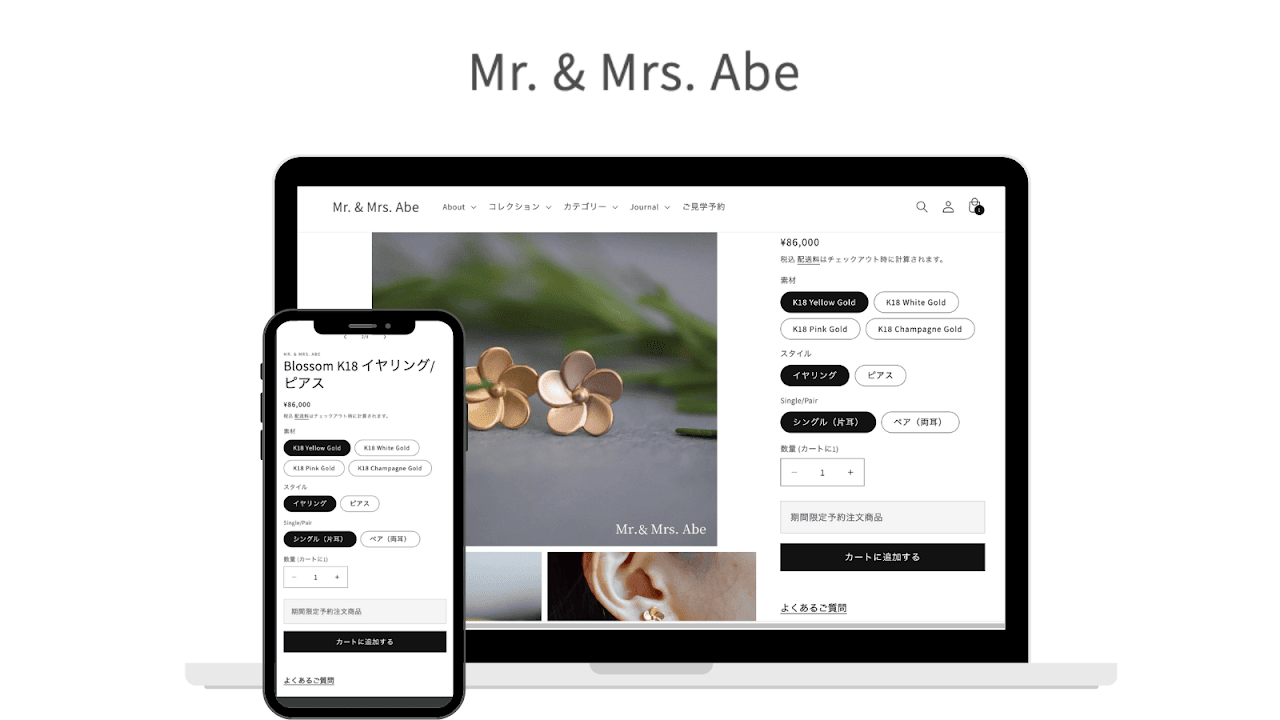
Mr. & Mrs. Abe
Using RuffRuff Selling Periods enabled limited-time sales across all variations, including materials and styles, for accessory products
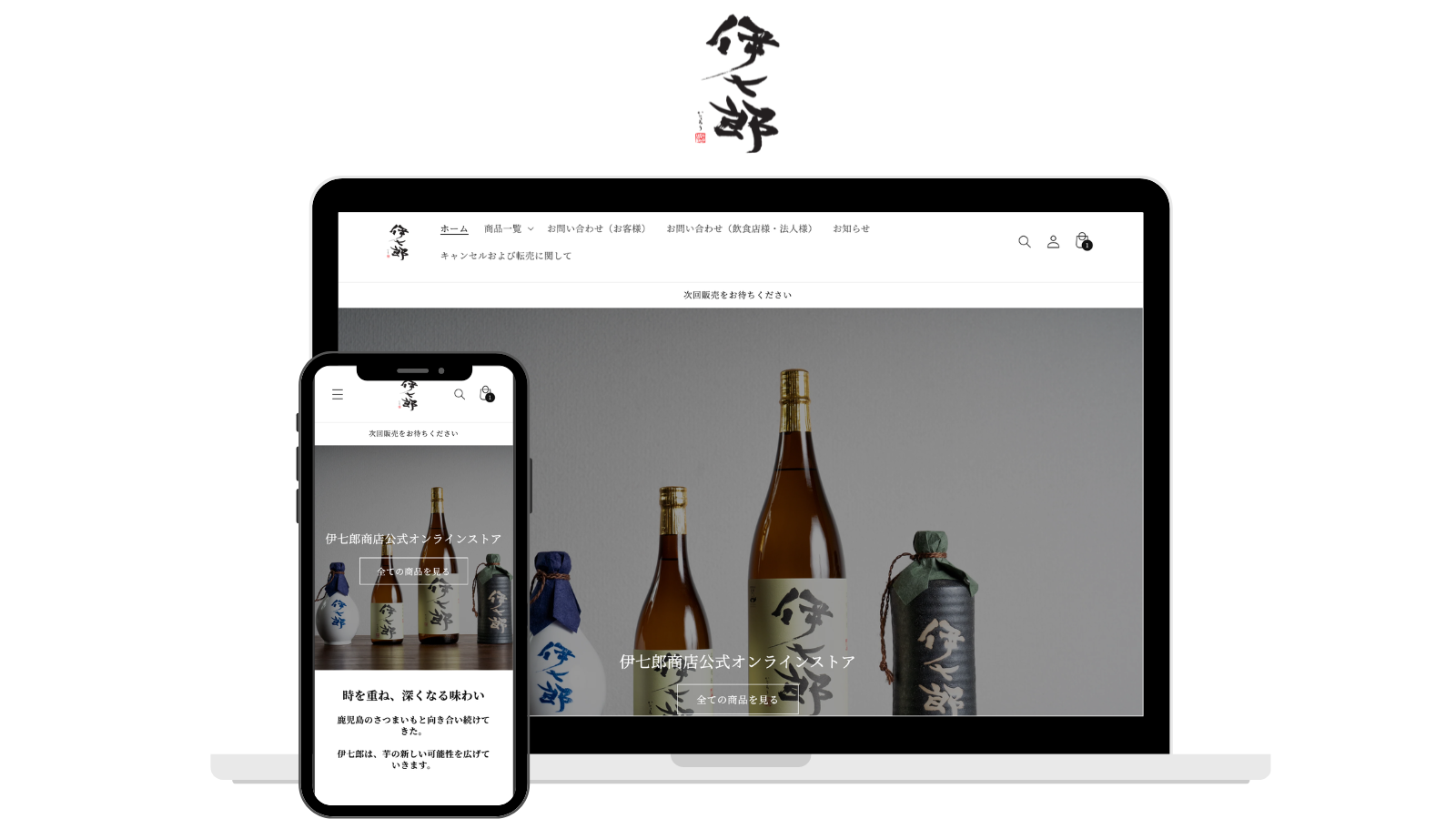
Ishichiro
Using RuffRuff Selling Periods enabled limited-time sales held several times each month
User Testimonials
I implemented this for pre-release announcements of new products. Operation was simple and I could set it up immediately without looking at the manual. Since it can also handle limited-time sales, I'd like to try that feature next time.
Not only does it have many features, but they also responded immediately to inquiries during the Obon holiday period. When there was interference with other apps causing malfunction, they spent a whole day working on a solution. They really consider users' needs and are truly a trustworthy company. With overseas apps, it's often difficult to make contact when problems occur and response times can be poor, so in that sense, I highly recommend this app.
Support is quick and setup was very easy
Blog posts
[Updated for 2026] How to Run Limited-Time Sales on Shopify | Selling Period Setting Apps Compared
A detailed guide to setting up limited-time sales on Shopify, plus our recommended apps. Learn the strategies for boosting sales in a short period of time!
[Updated for 2026] How to Run Release Announcements on Shopify | Recommended Apps
Learn how to run release announcements on Shopify and which apps to use. We explain concrete techniques and setup methods to build customer anticipation and boost sales on launch day, along with ti...
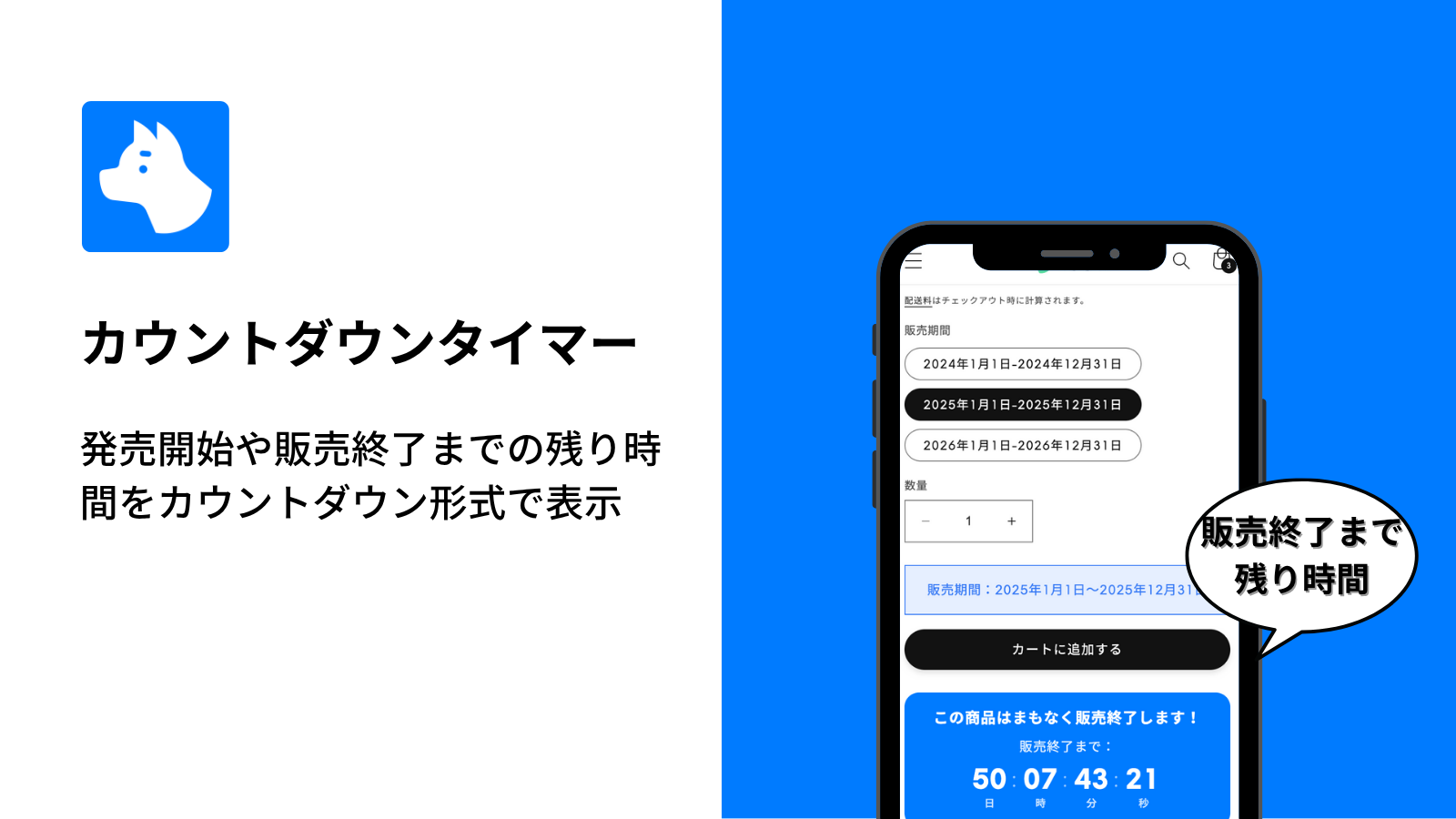
Learn the basic setup and usage of the RuffRuff Selling Periods countdown timer. Discover how showing the remaining time can create urgency and boost your conversion rate.