
RuffRuff Order Limits
From single orders to each customer's purchases across orders—manage purchase limits in one app
Install the appOur commitment to security
- No customer data stored
- Settings in an app-only space
- Security check on every update
3,000+
stores have installed the app
Used by hundreds of Shopify Plus stores
First in Japan
Built on the Cart and Checkout Validation API
First in Japan to adopt Cart and Checkout Validation API, achieving a more robust checking function that is harder to bypass compared to existing purchase restriction apps
Highest quality
Certified as a top-quality app
Built for Shopify is a mark of “highest quality” given to apps that meet Shopify’s strict standards—speed, security, usability, and merchant value.
Reliable
Customer support
Have questions while using the app? Email us anytime for assistance
By variant
Purchase limits per variant
Set purchase limits for each product variant (color, size, etc.). For example, apply a quantity limit only to the red version of a product, or sell a new color to VIP members only.
Set quantity, price, and weight limits per order
Features are available on both Light and Full unless marked “Full plan only”.
Quantity rules
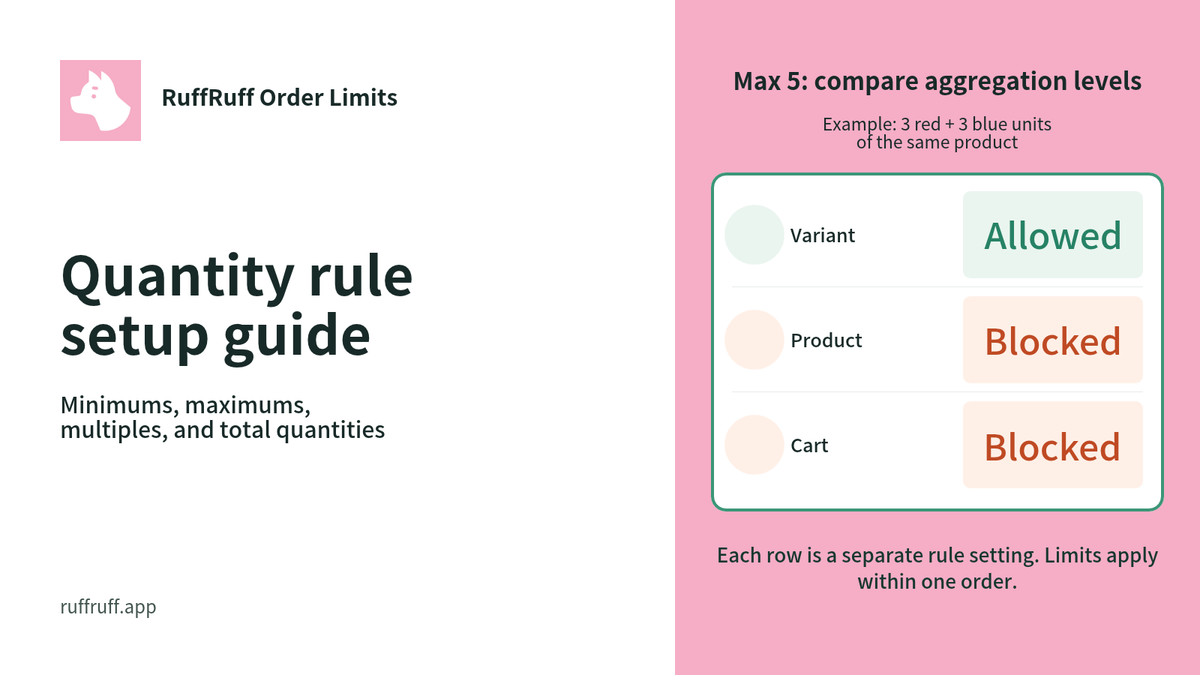
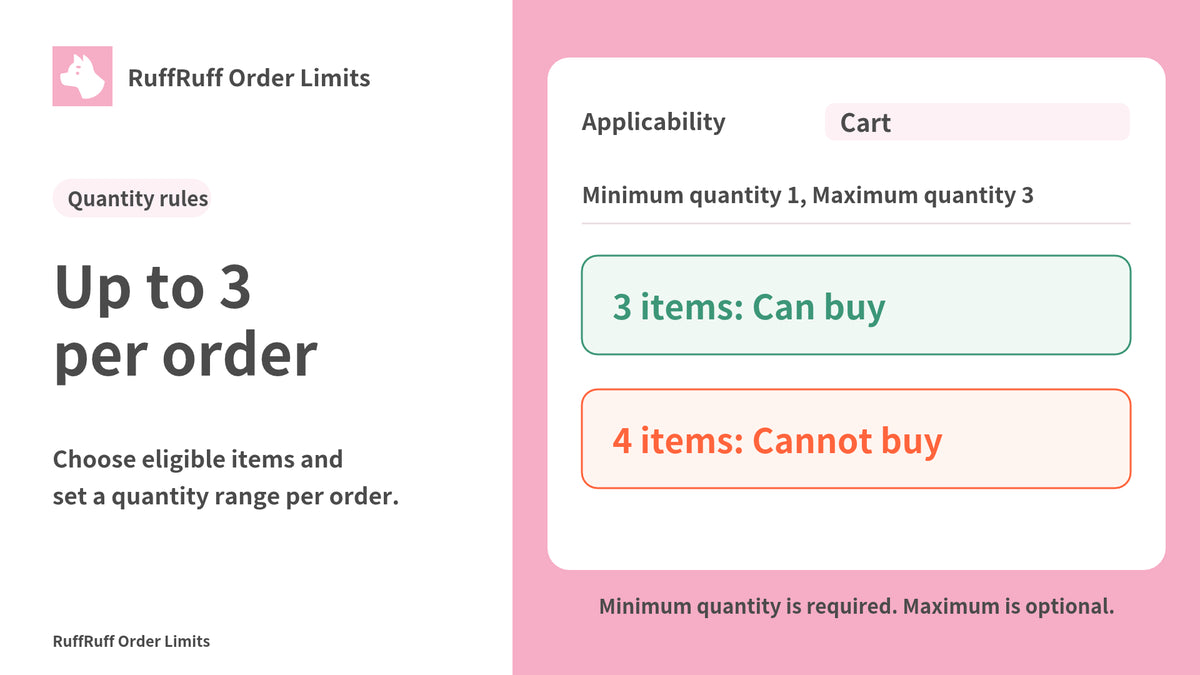
Set per-order min and max quantities to curb stockpiling and small orders. Count by variant, product, or cart.
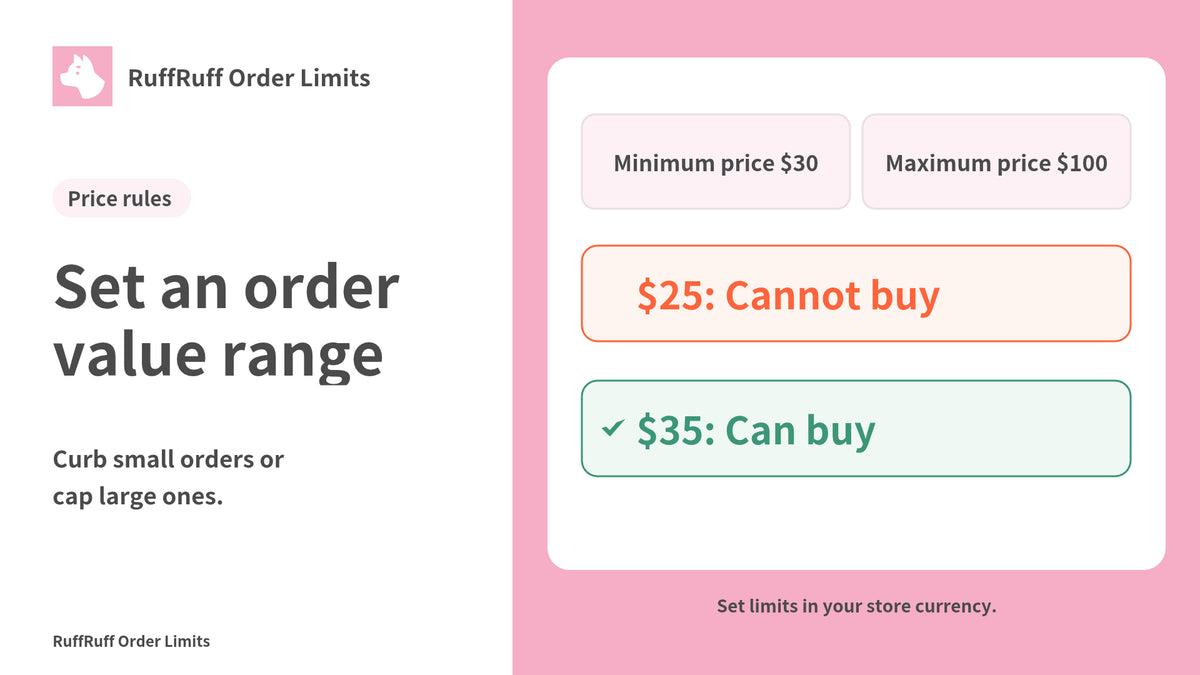
Price rules
Prevent low- or high-value orders with min and max order values. Use your store currency and choose a Price type.
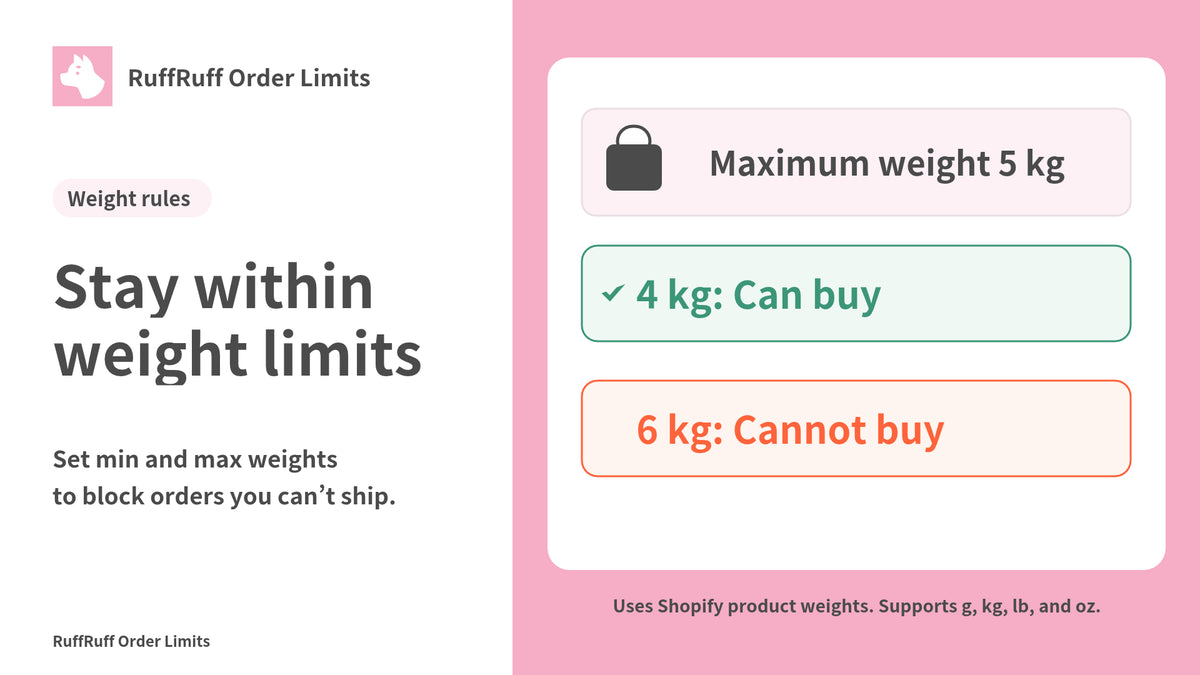
Weight rules
Set min and max order weights from Shopify product weights to stay within shipping limits. Supports g, kg, lb, and oz.
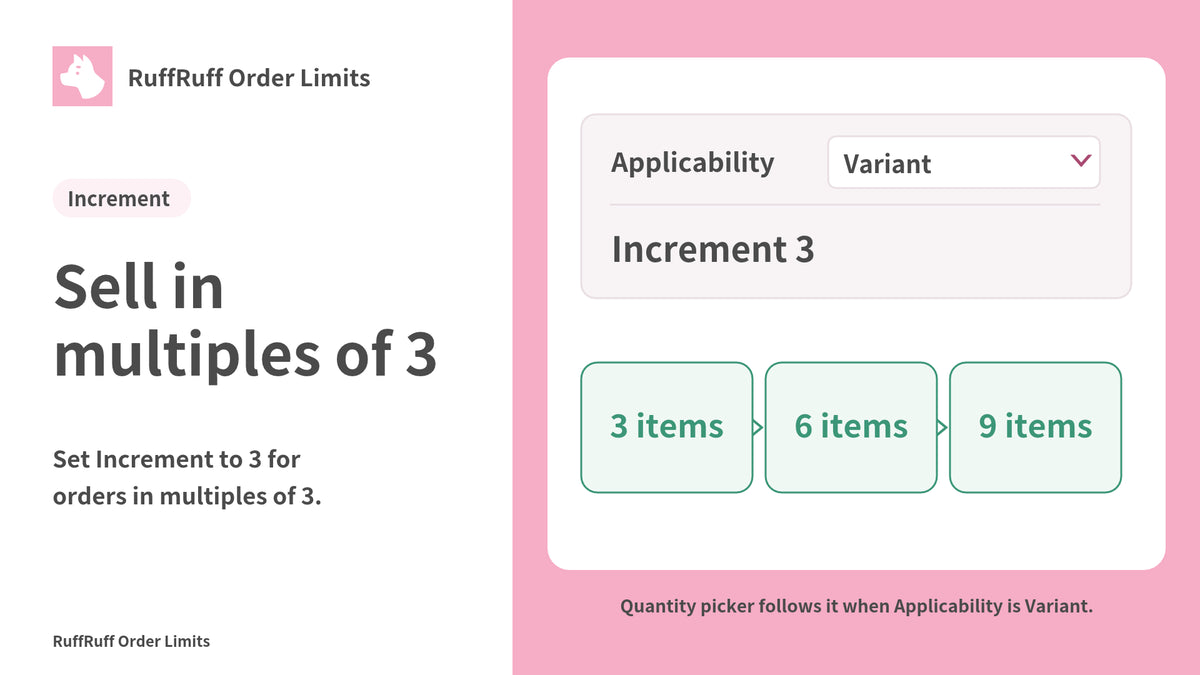
Increment (multiples)
Set Increment to 3 to sell only in multiples: 3, 6, 9. The quantity picker steps by that amount if Applicability is Variant.
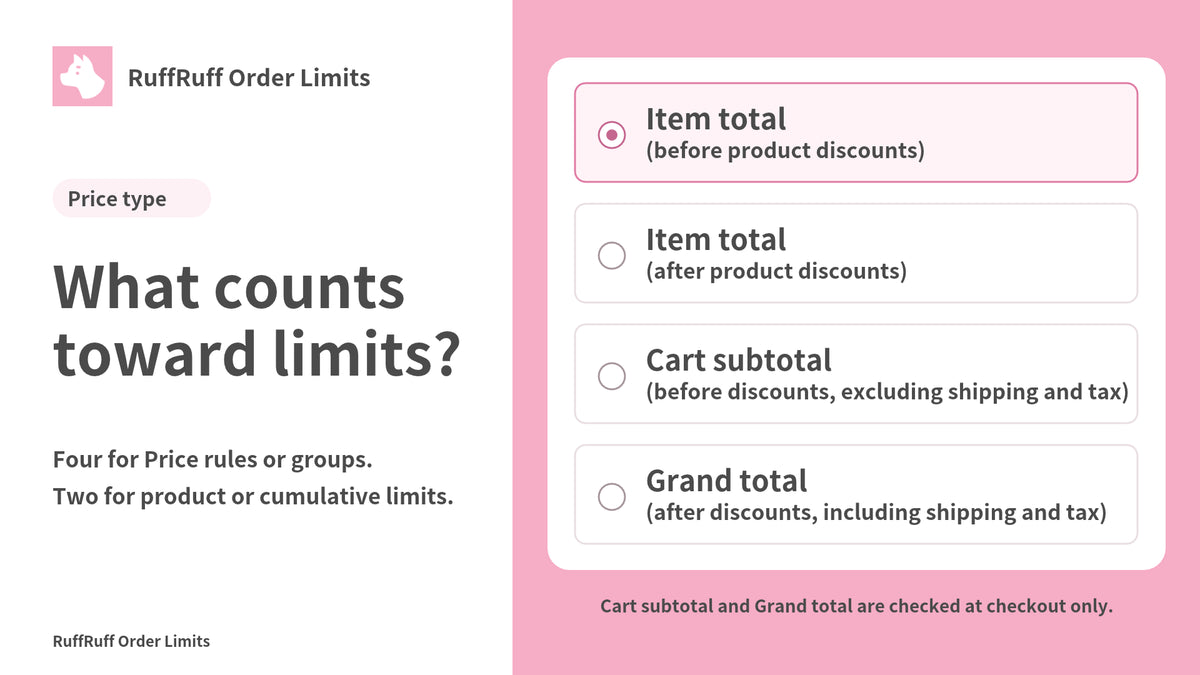
Price type
Choose one of four price types (two for limits by product and cumulative rules). Cart subtotal and Grand total: checkout only.
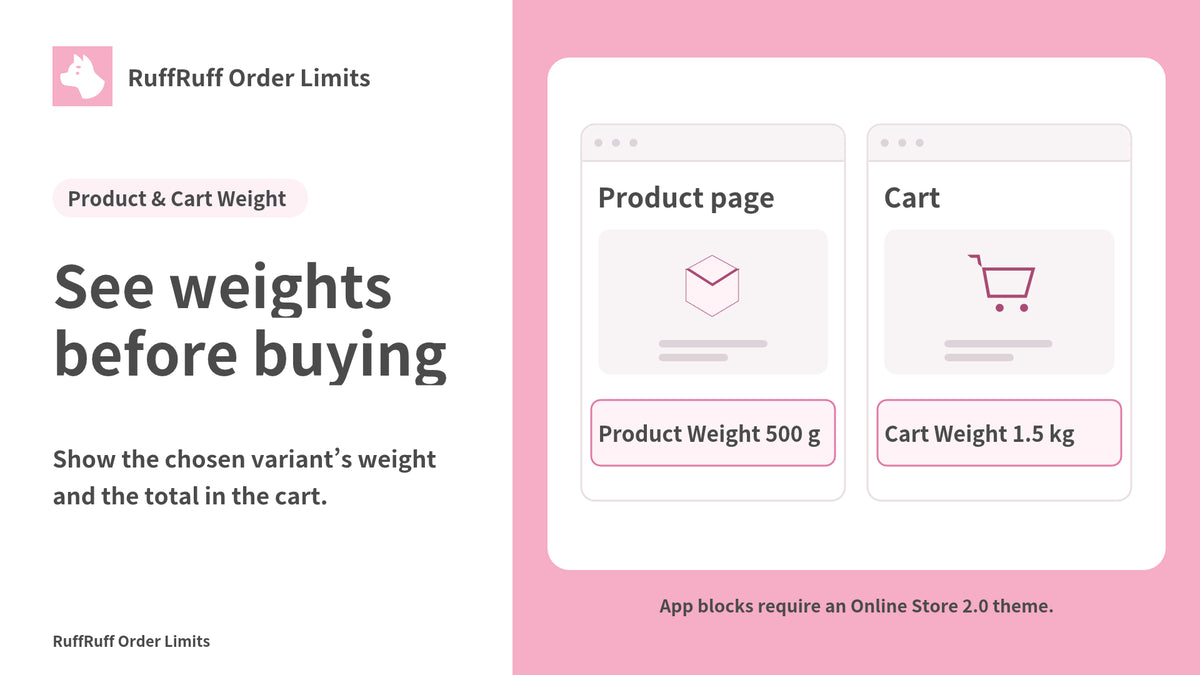
Weight display
Let shoppers check Product Weight on product pages and Cart Weight in the cart. Works with Online Store 2.0 themes.
Set different limits by customer group (Full plan only)
Group customers by tags or metafields and set limits for each group. Customers in no group, and guests, can have default limits.
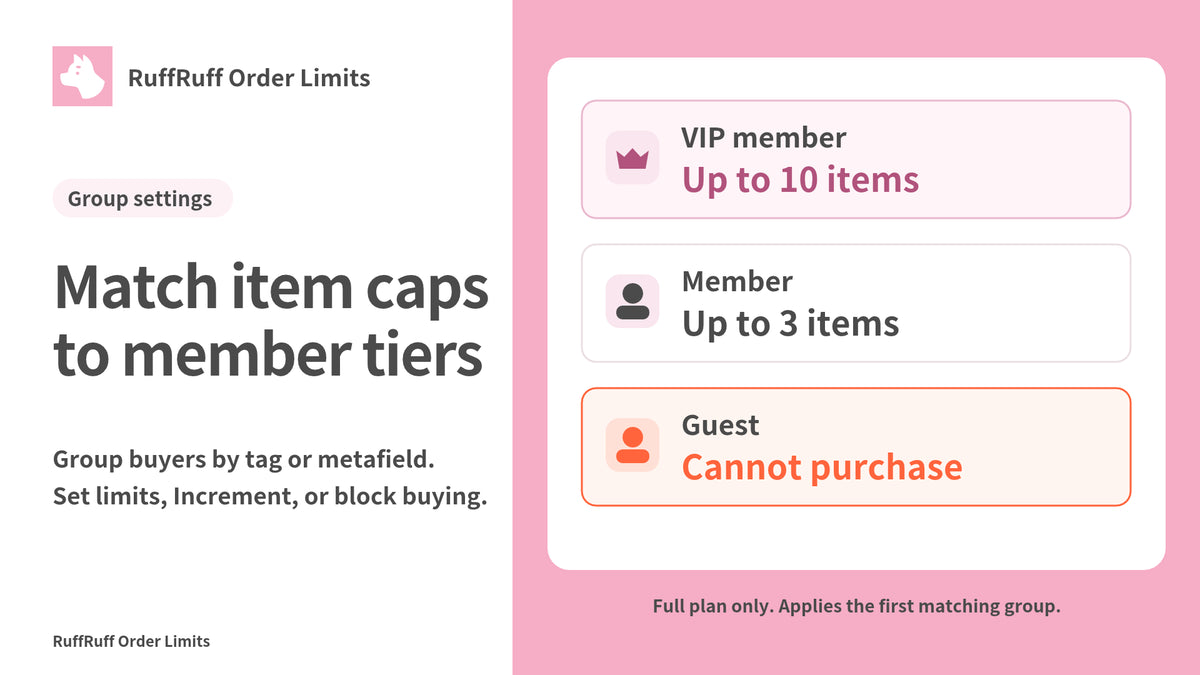
Quantity rules by customer group (Full plan only)
Use customer tags or metafields to group buyers. Customize min and max quantities, Increment, and who can buy by group.
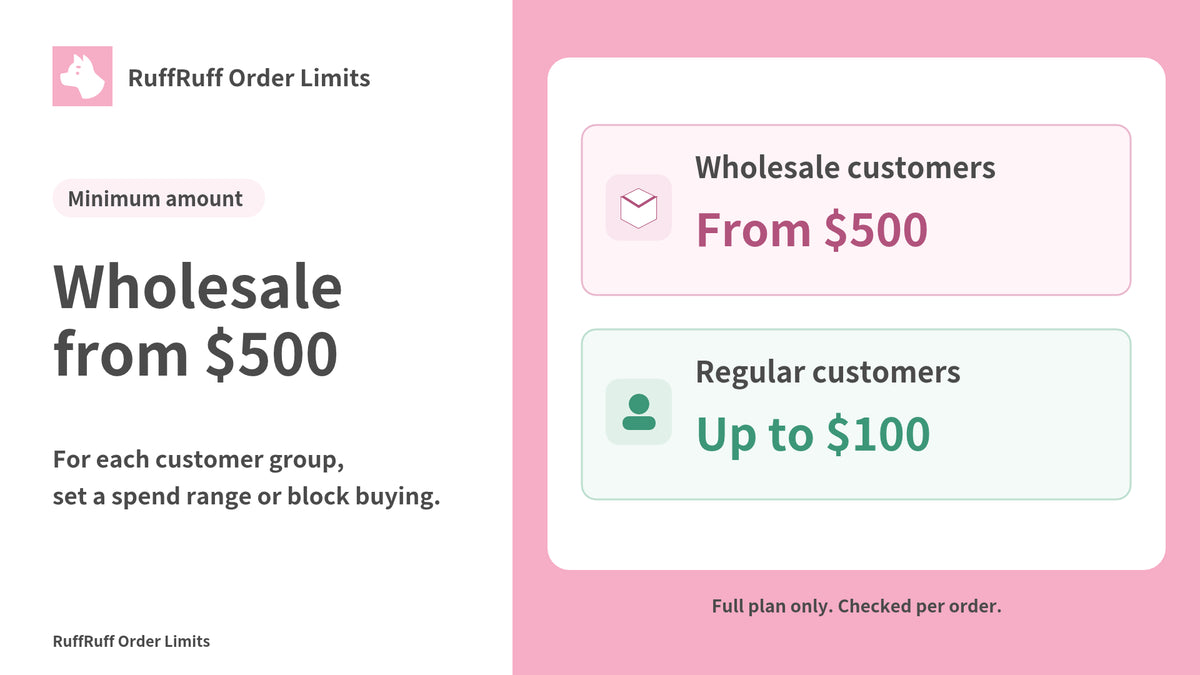
Price rules by customer group (Full plan only)
Set min and max order values per group, or block a group. Require a minimum order value only for wholesale customers.
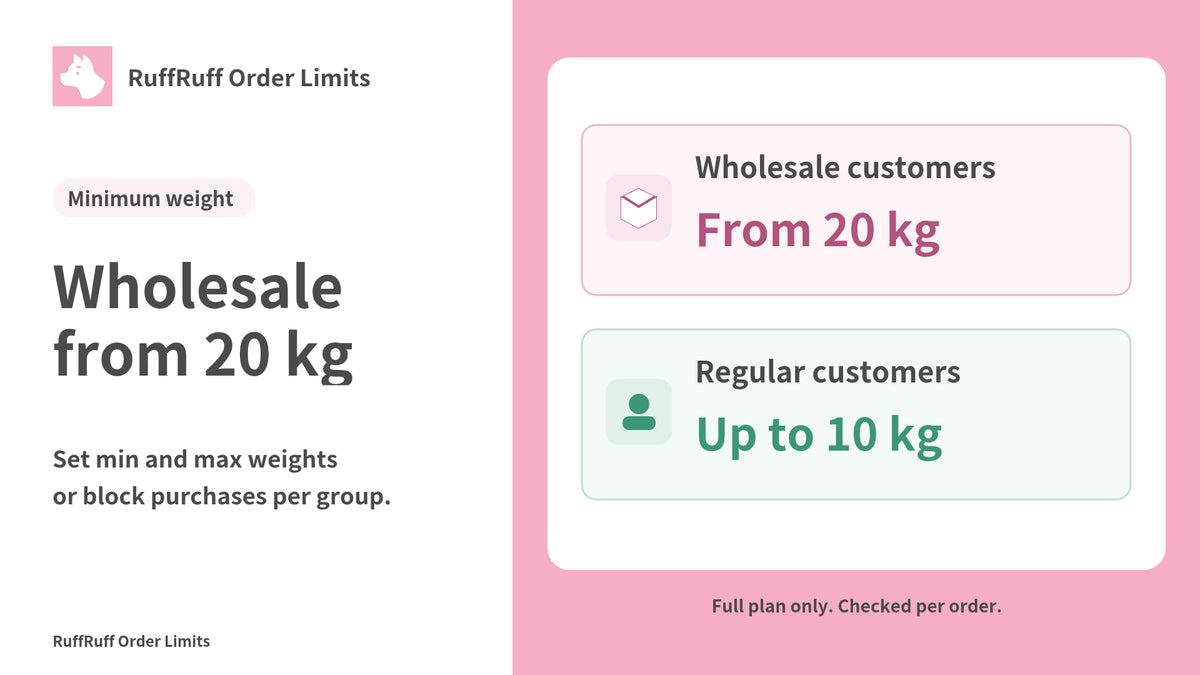
Weight rules by customer group (Full plan only)
Tailor min and max weights and who can buy by group. Require a minimum weight only for wholesale customers.
Cap purchases across orders (Full plan only)
Each customer’s quantity or spend is counted from orders placed after you create the rule.
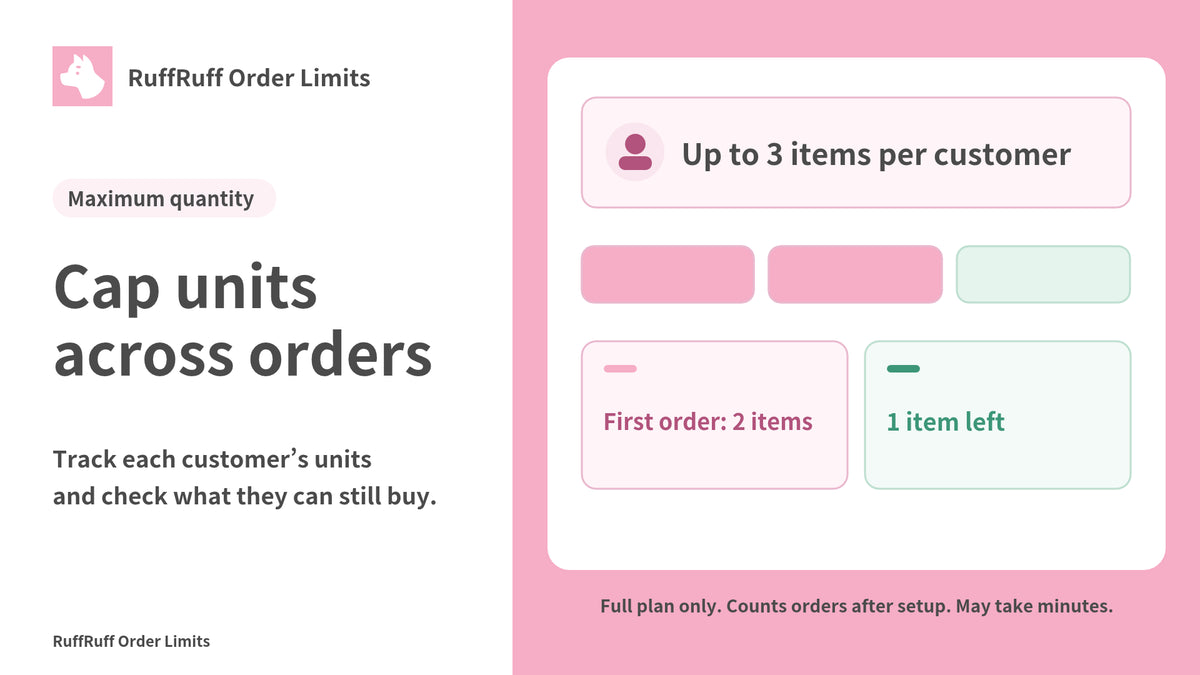
Cumulative quantity rules (Full plan only)
Cap units per customer across orders to curb stockpiling. Counts orders after rule creation. Updates may take a few minutes.
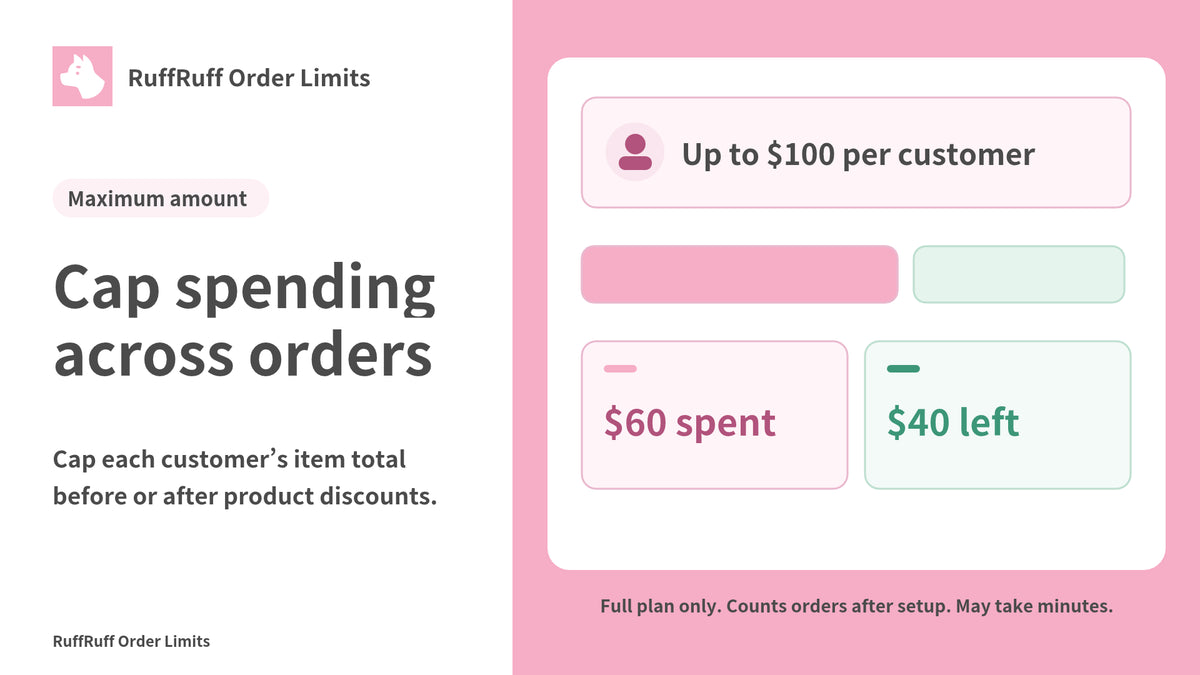
Cumulative price rules (Full plan only)
Cap spend per customer across orders. Counts item totals before or after product discounts from rule creation.
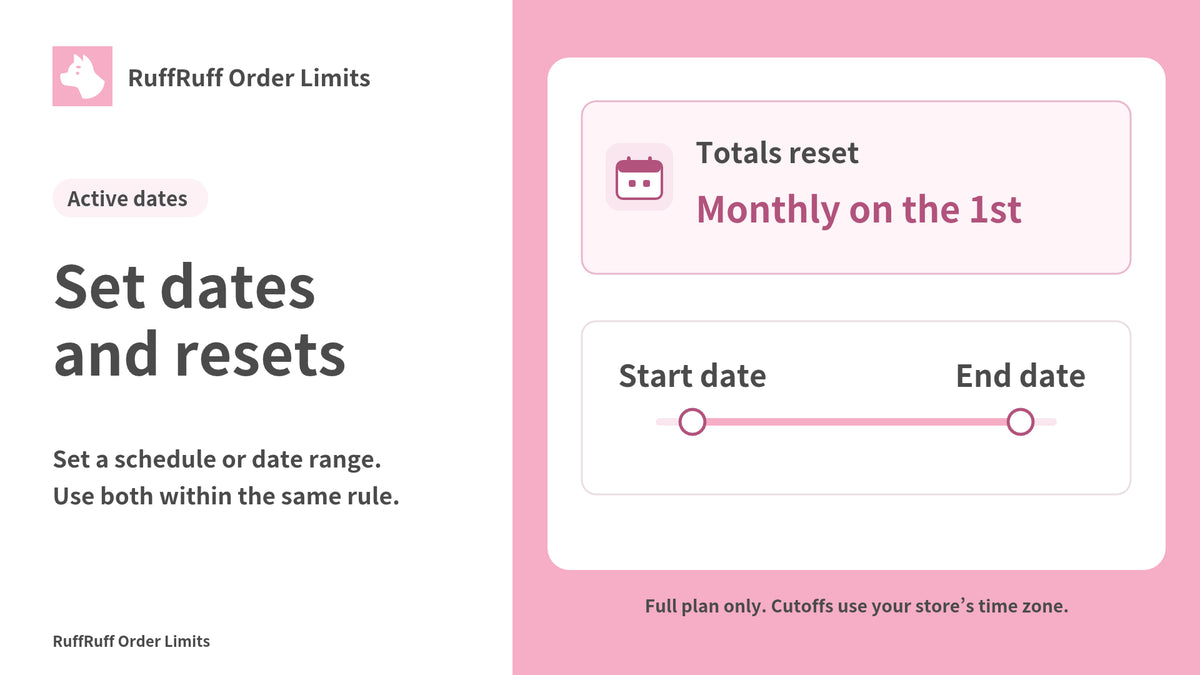
Resets and date ranges (Full plan only)
Reset totals (like monthly on the 1st), track only during a campaign, or both. Cutoffs use your store’s time zone.
Control which items can be bought together
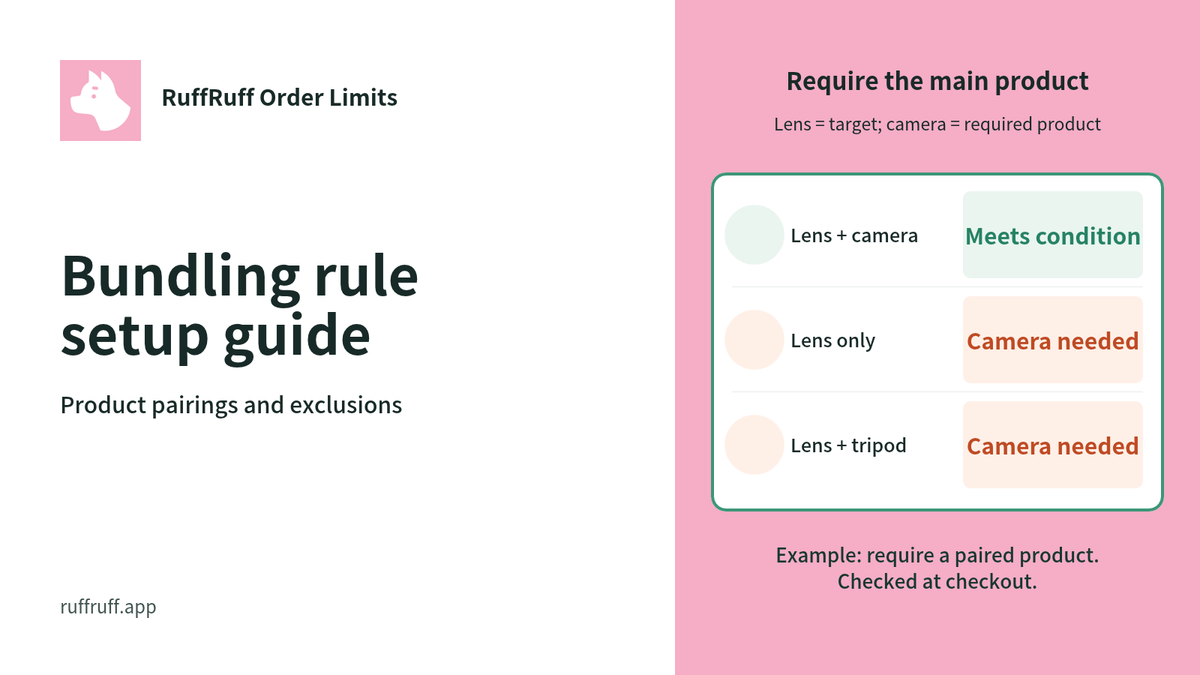
Choose one Bundle limit level per rule and specify any Excluded items.
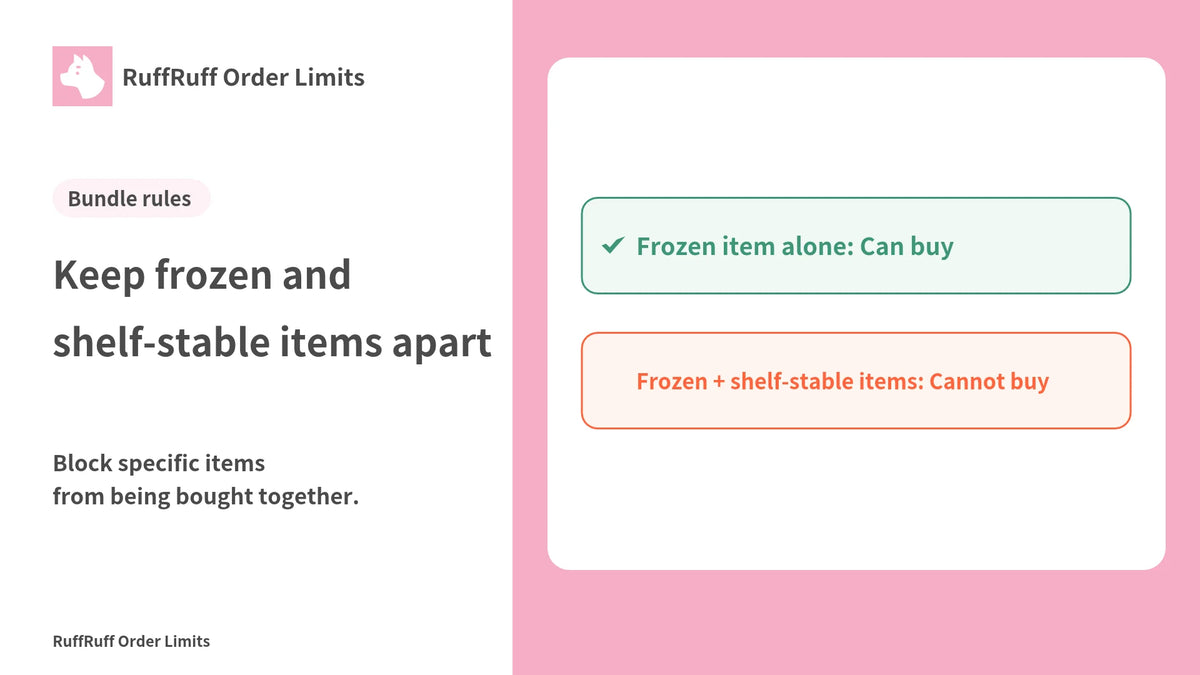
Keep items apart
Use “No bundling (standalone only)” in Bundle rules. Pick “Cannot bundle with selected items” to block specific pairs.
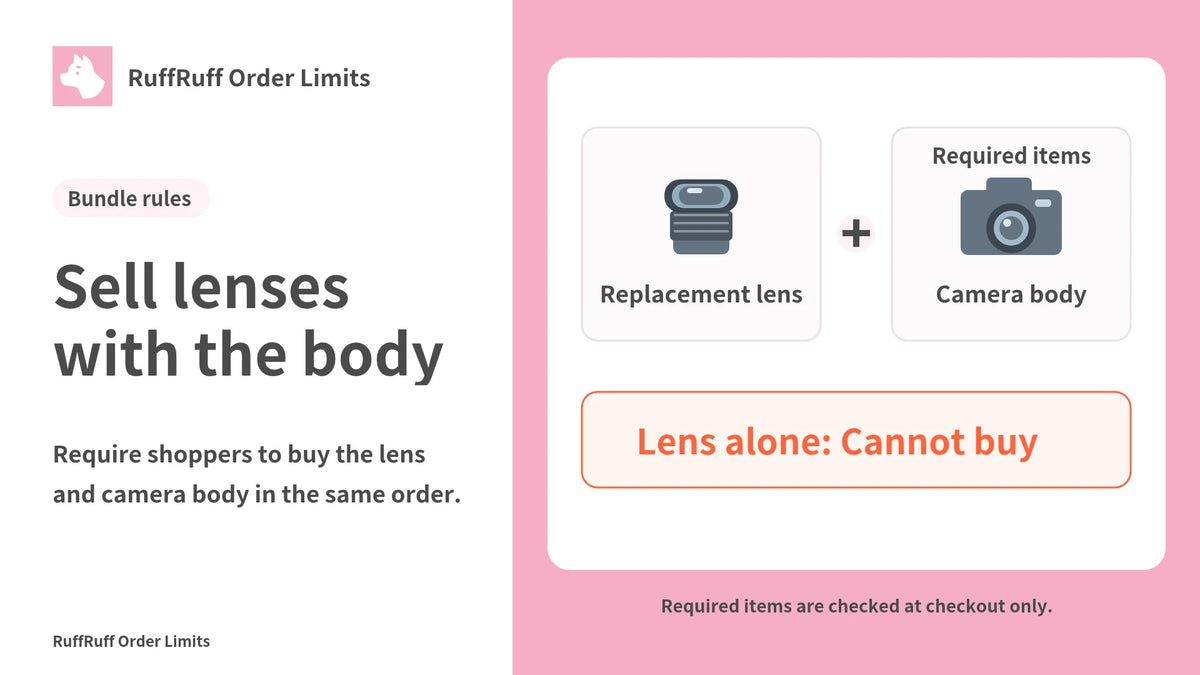
Require another item
Bundle rules offer “Standalone purchase not allowed” or “Only with any of the required items”. Both are checked at checkout only.
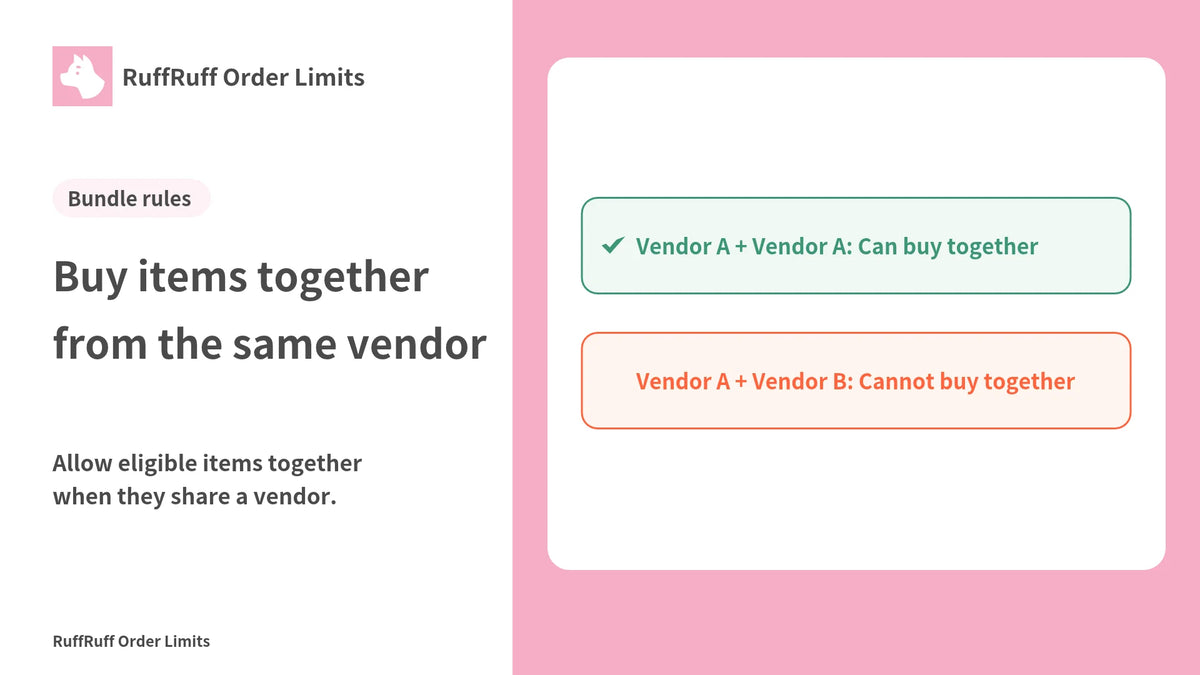
Limit what can go together
Allow bundles only among eligible items, items from the same vendor, variations of the same product, or selected items.
Control who can buy

Require login to buy
Turn on “Require account” in Customer rules. Shoppers must log in to buy eligible items.
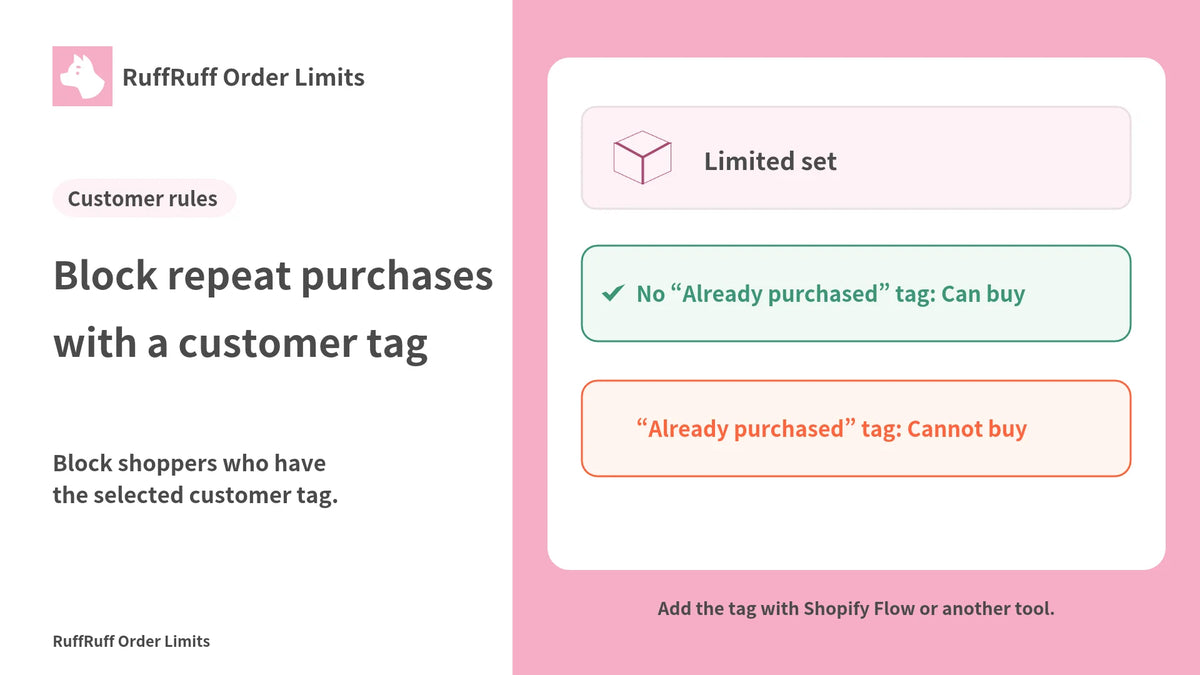
Block purchases by tag or metafield
Use Customer tags in Customer rules to block shoppers with selected tags. You can also block by Customer metafield value.
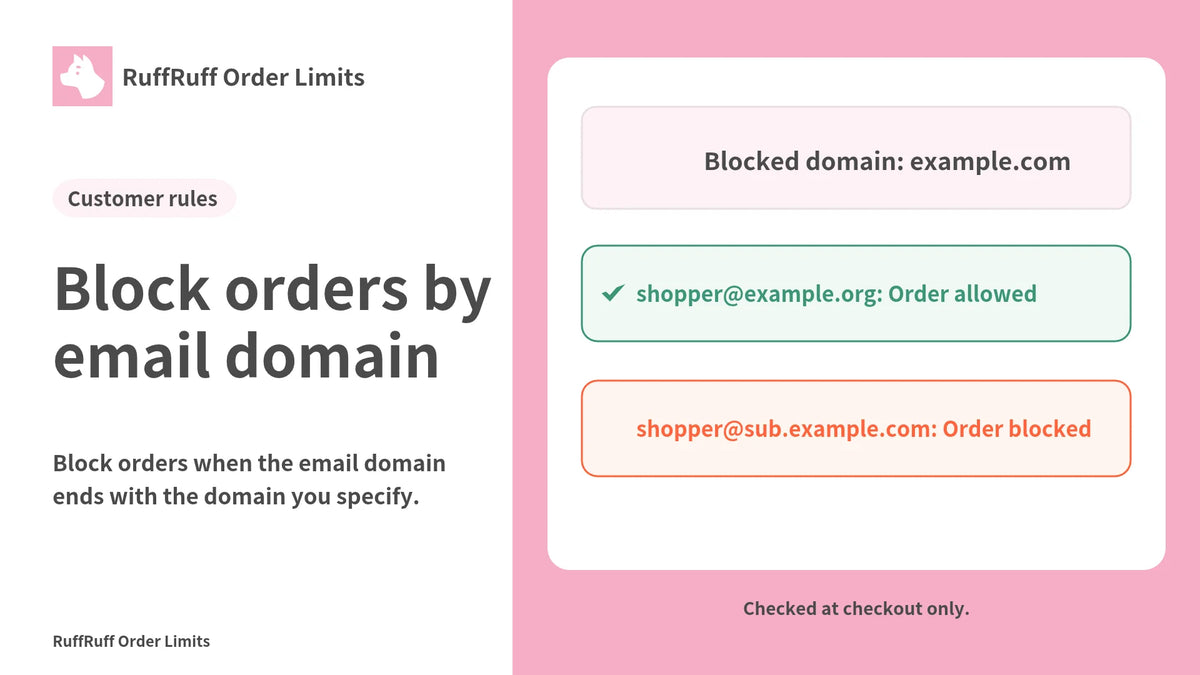
Block orders by email domain
Use Email domain in Customer rules to block orders by domain suffix. The check runs only at checkout.
Control who can view pages
Access rules only control who can view pages, so use Customer rules to block purchases.
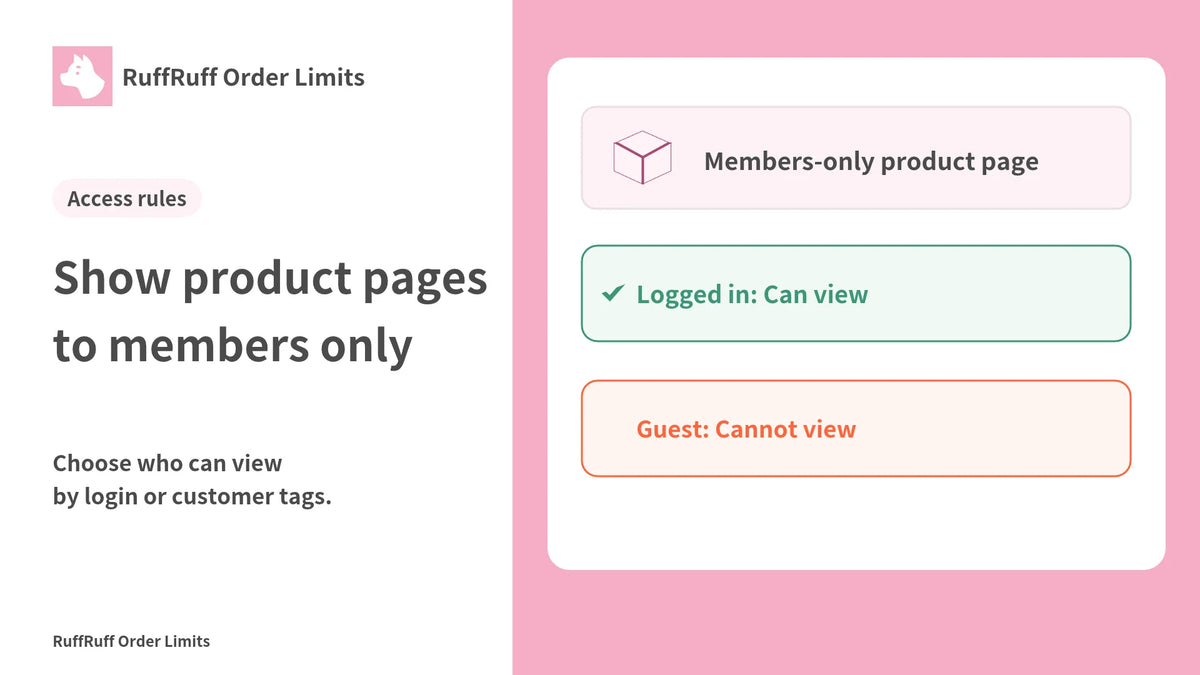
Choose who can view a page
In Access rules, use Visible to and Allowed or Denied customer tags to control access. Include collection pages too.
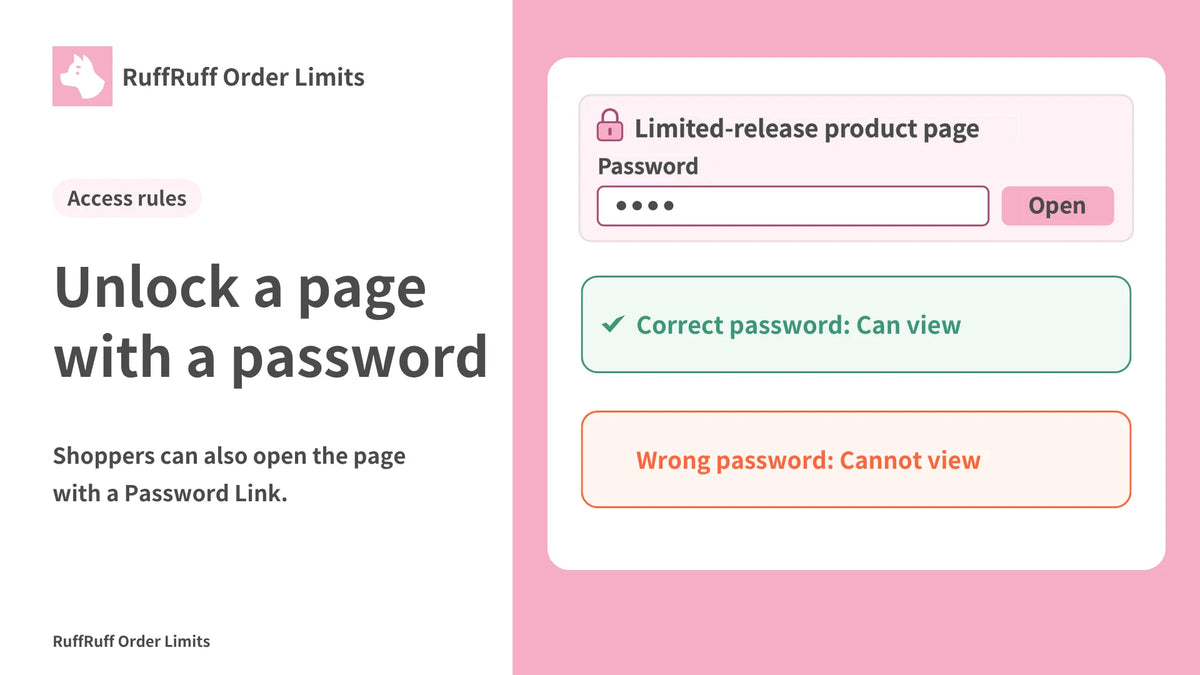
Share pages with a password
Set a Password in Access rules to let shoppers unlock a product page. You can also share a Password Link.
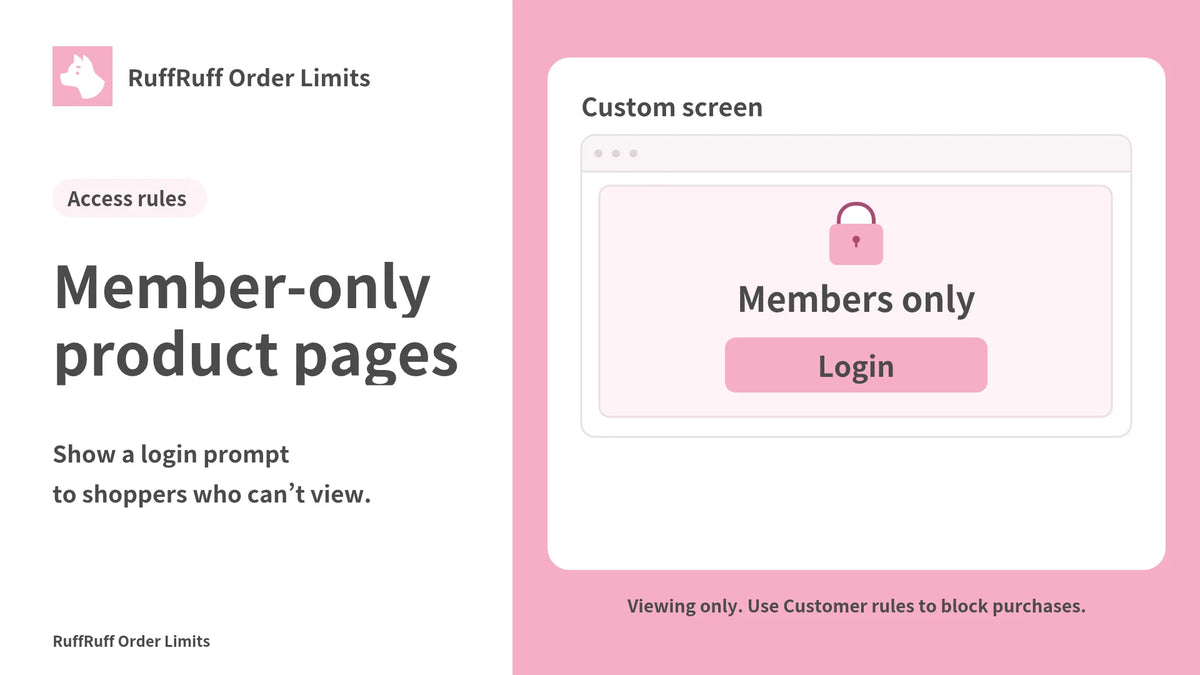
Guide shoppers who can’t view a page
In Access rules, choose “Show custom screen” to prompt login or password entry. Or choose “Redirect to URL”.
Limit payment and delivery options
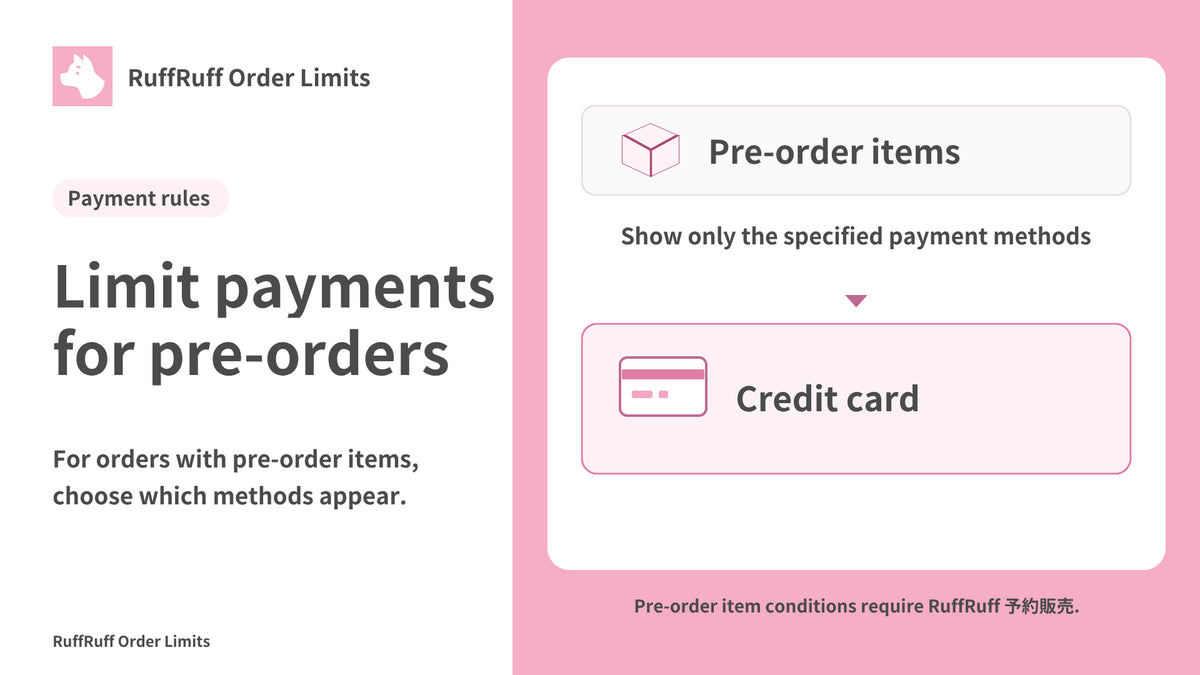
Payment rules
Hide or show only selected payment methods for matching orders. Pre-order item conditions require RuffRuff 予約販売.
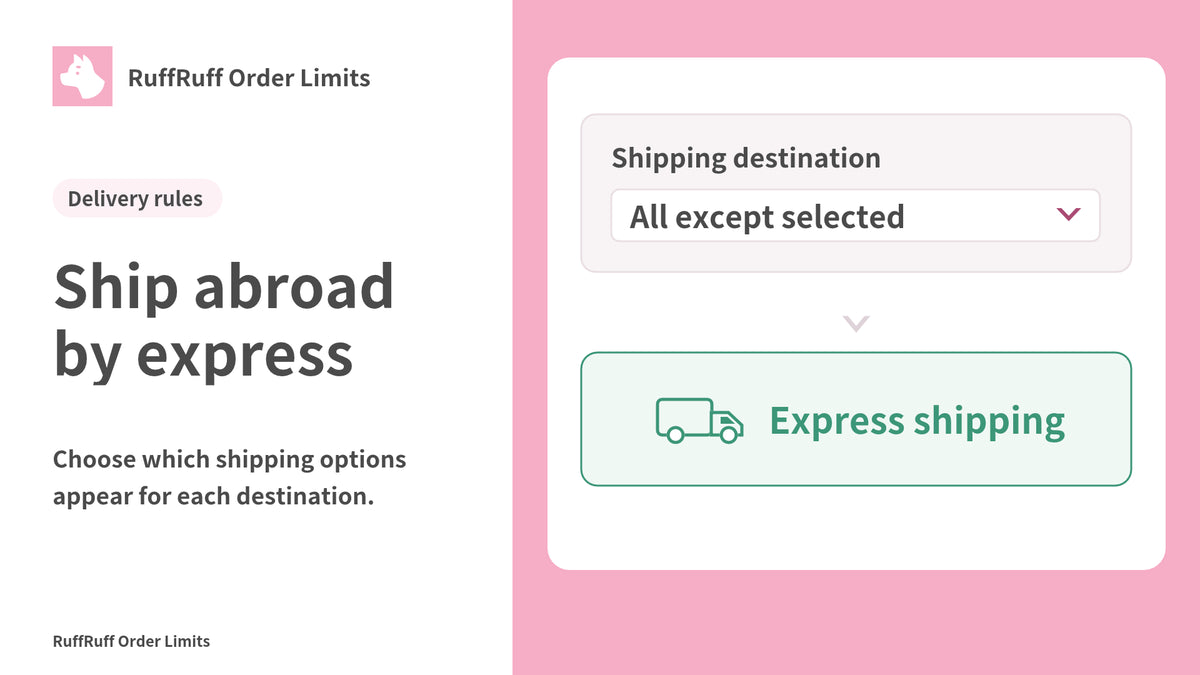
Delivery rules
Set which shipping, local delivery, or pickup in store options appear by condition or country, like express only abroad.
Explain purchase limits and block ineligible orders
To show Product messages, apply Access rules, and control the quantity picker, enable the app embed in your theme.
Purchase checks and alerts
Block invalid orders at checkout and show an Alert message explaining the fix. Some rules can also check on cart updates.
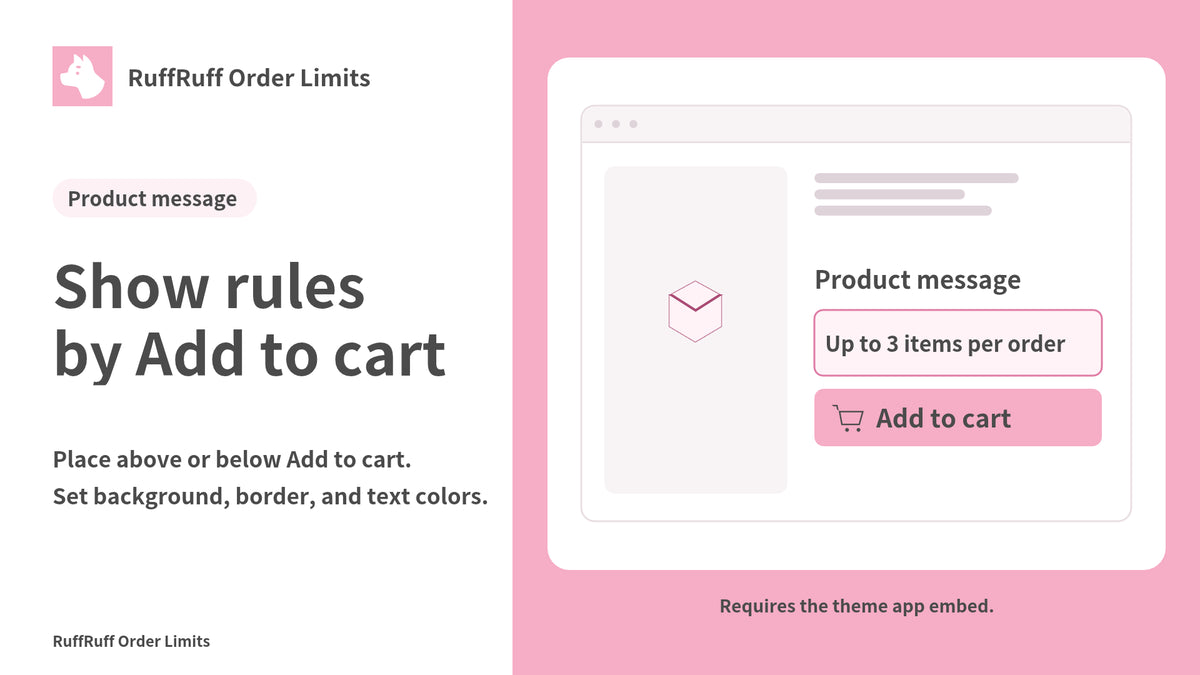
Product message
Show purchase rules above or below Add to cart. Set background, border, and text colors to match your store.
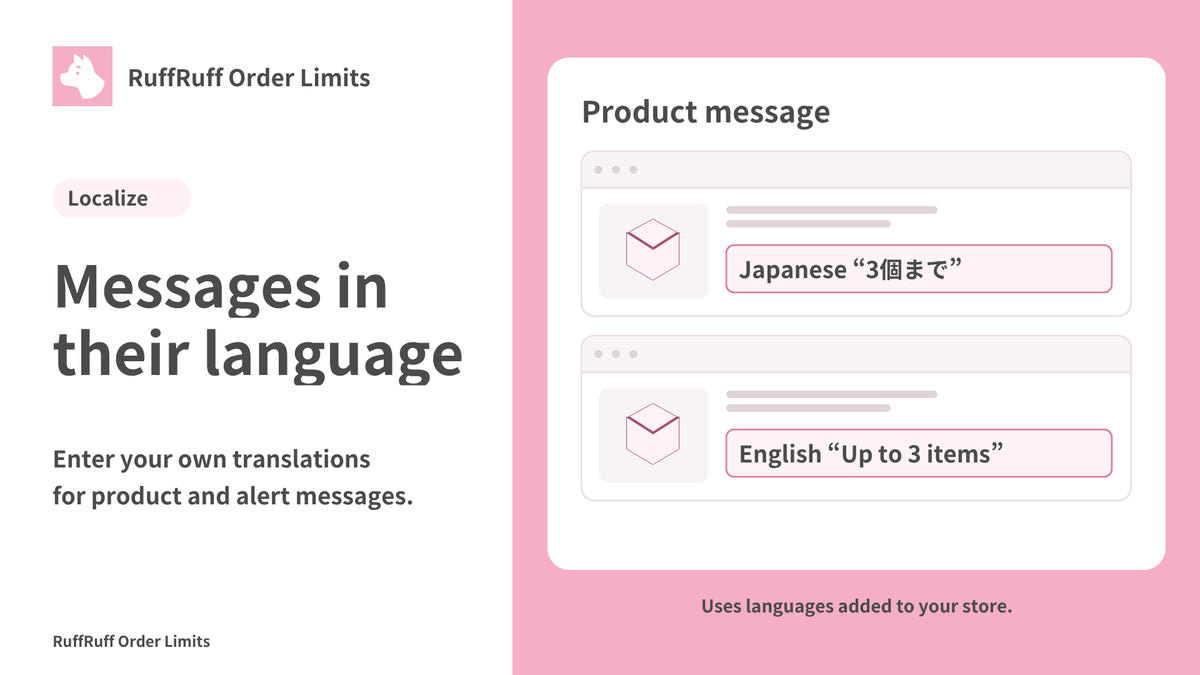
Message translations
Enter Product message, Alert message, Access rules screen text, and more by language to reach shoppers abroad.
Demo products


Light / Full
Choose your plan and compare features
Light plan
For stores that need basic purchase conditions, such as quantity, price, weight, bundles, and who can buy. Product-specific customer limits also let you choose who can buy each product or variant.
Full plan
Everything in Light, plus quantity, price, and weight rules by customer group, and cumulative quantity and price rules across orders. Set monthly limits or limits that apply only during a campaign.
Product-specific customer limits are set individually for each product or variant. Customer rules apply shared conditions to selected products, collections, product tags, and other targets. Both control who can buy and are available on Light and Full.
Rules by customer group on the Full plan control how many items, how much, and what weight each group can buy.
| Feature | Light plan | Full plan |
|---|---|---|
| Quantity limits | ||
| Product-specific quantity limits | Included | Included |
| Quantity rules | Included | Included |
| Quantity rules by customer group | Not included | Included |
| Cumulative quantity rules | Not included | Included |
| Price limits | ||
| Price limits by product | Included | Included |
| Price rules | Included | Included |
| Price rules by customer group | Not included | Included |
| Cumulative price rules | Not included | Included |
| Weight limits | ||
| Product-specific weight limits | Included | Included |
| Weight rules | Included | Included |
| Weight rules by customer group | Not included | Included |
| Bundle limits | ||
| Product-specific bundle limits | Included | Included |
| Bundle rules | Included | Included |
| Customer limits | ||
| Product-specific customer limits | Included | Included |
| Customer rules | Included | Included |
| Other limits | ||
| Delivery rules | Included | Included |
| Payment rules | Included | Included |
| Access rules | Included | Included |
Pricing plans
Choose Light or Full based on the features you need, then find the price for your Shopify plan.
- All prices are in USD and depend on your Shopify plan.
- Annual billing saves the equivalent of two months compared with monthly billing.
- A 3-day free trial is available once per store.
Light plan
Monthly / Annual
Full plan
Monthly / Annual
$9.9 / $99
$29.9 / $299
$13.9 / $139
$34.9 / $349
$19.9 / $199
$39.9 / $399
$29.9 / $299
$49.9 / $499
Security
What RuffRuff apps do to protect your store and your customers' data.
-
We don't keep your customers' personal data
Purchase totals are kept inside your store and deleted automatically when a customer asks.
-
Only this app can change its rules
Rules are saved in your store, in a place only this app can write to.
-
Access expires after one hour
It also works only from Tsun's servers, so stolen access is hard to misuse.
-
Security checked on every update
Shopify's official security check runs on every code change.
-
We report on newly disclosed vulnerabilities
When a flaw in software like Node.js is announced, we publish whether our apps are affected.
-
Data is deleted when you uninstall
Your store's data doesn't stay with an app you no longer use.
Use Cases
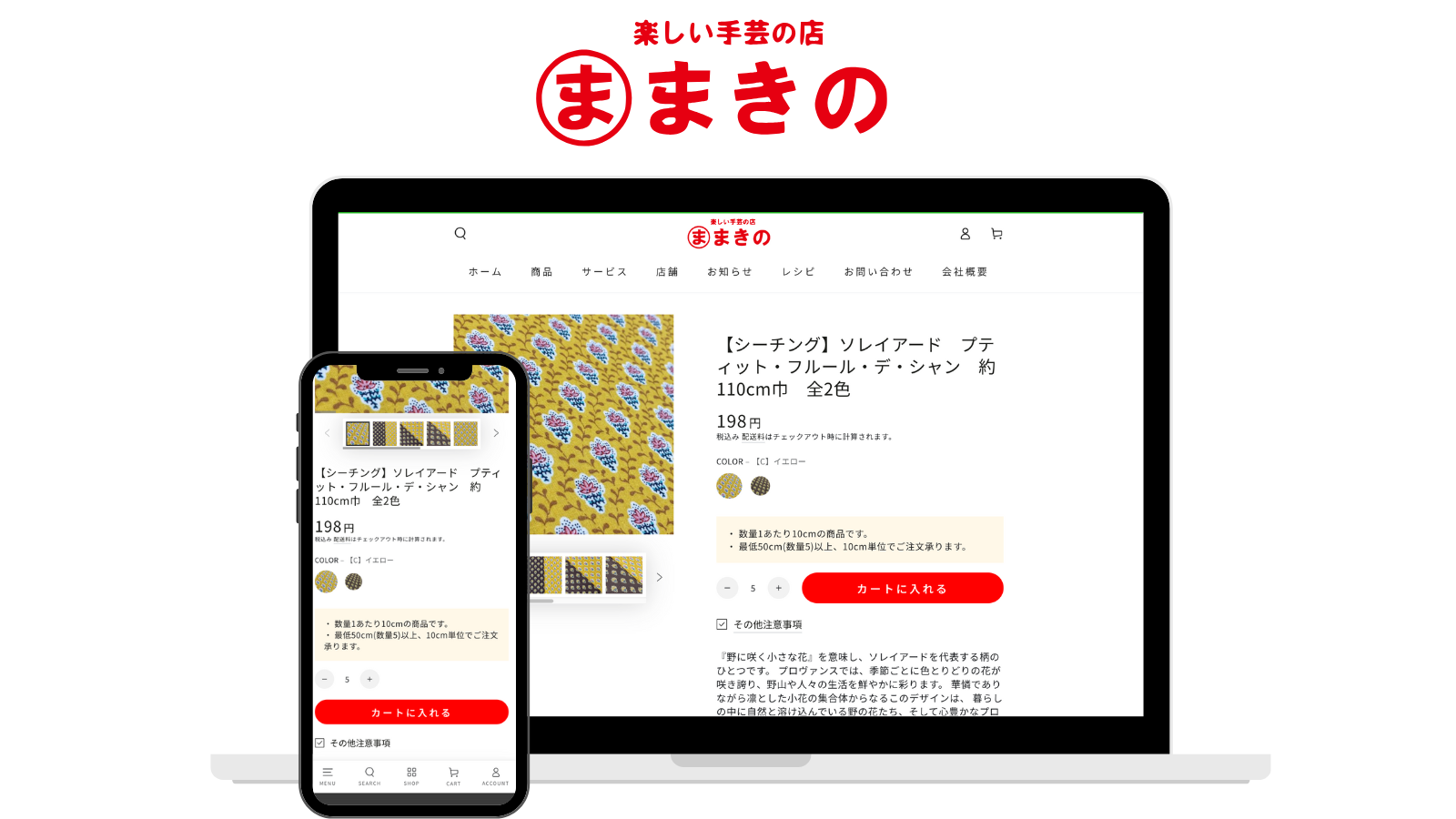
Makino Shop
For fabric and cloth sold by measurement, implement a minimum order quantity of 50cm per transaction.
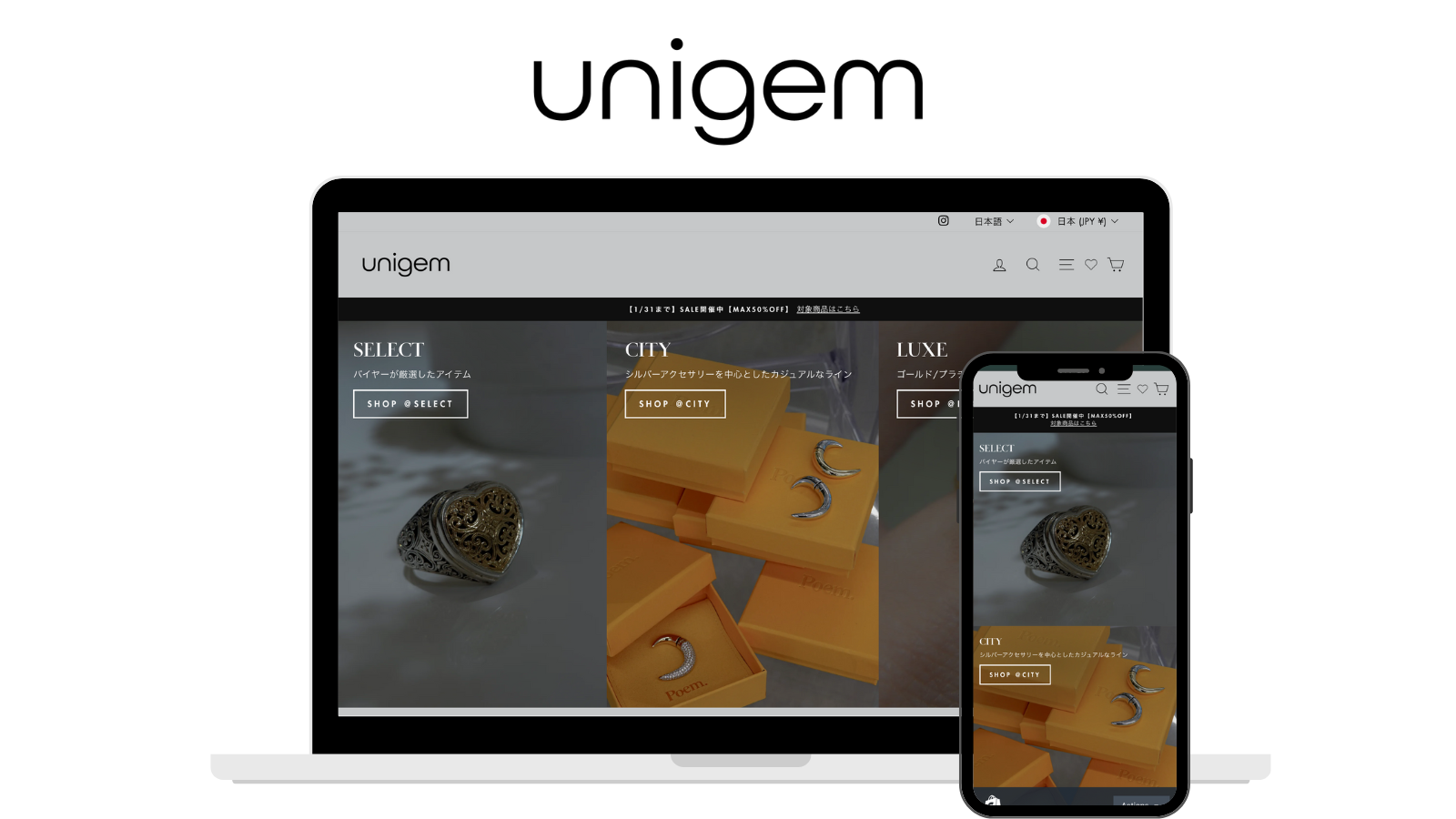
unigem
For accessories and jewelry products, implemented a restriction that "prevents bundling items from different sellers"
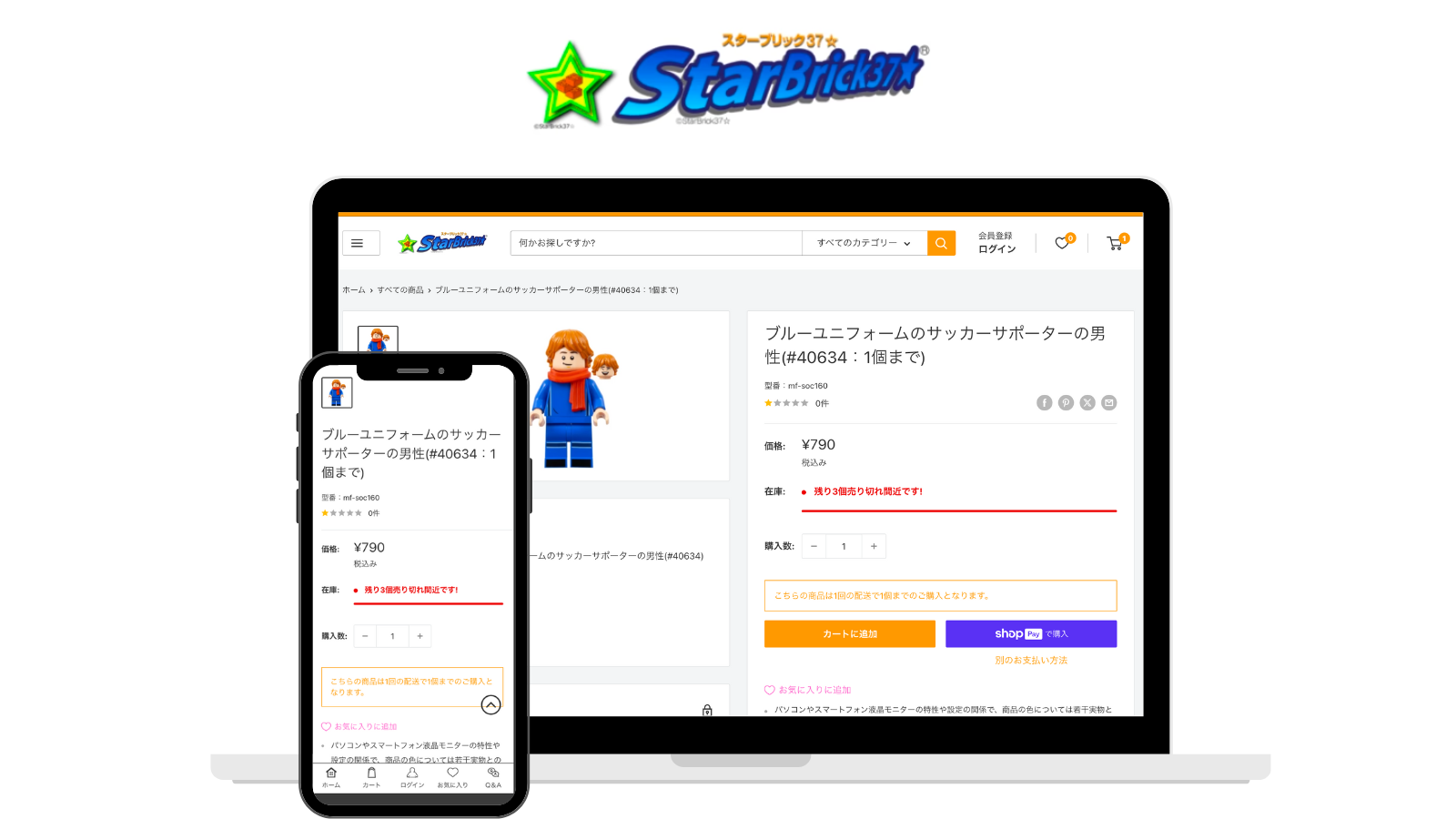
StarBrick37☆
For high-demand LEGO block products, implemented a "limit of 1 item per order" restriction to prevent hoarding

SUMIDA-YA
For products such as rare sake, enables quantity limits of one bottle per customer and bundling restrictions that prevent purchases with other products
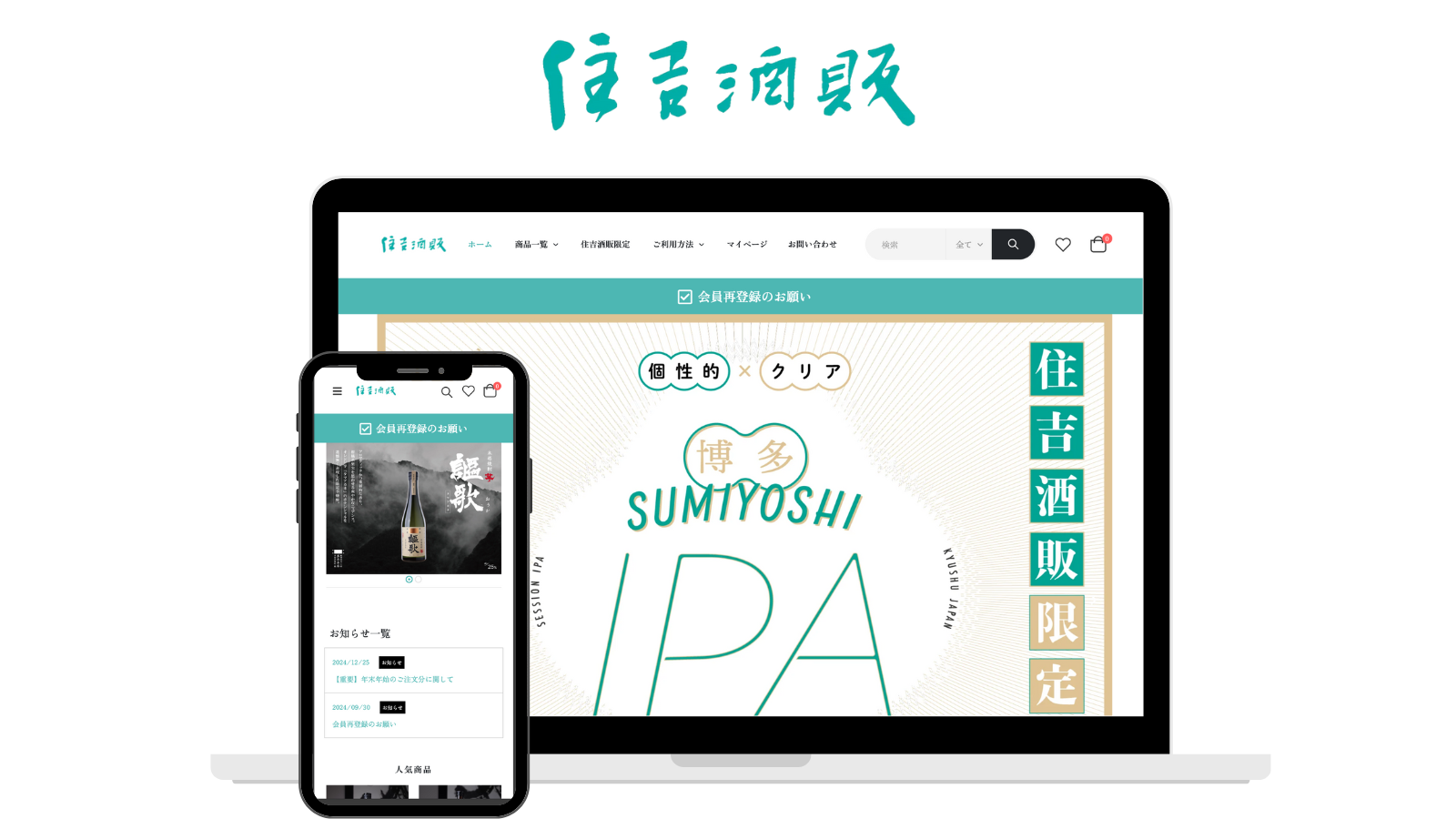
Sumiyoshi Shuhan
Achieved "different Product quantity rules for each product, such as up to 1 unit, 2 units, or 3 units" for items requiring purchase limits.
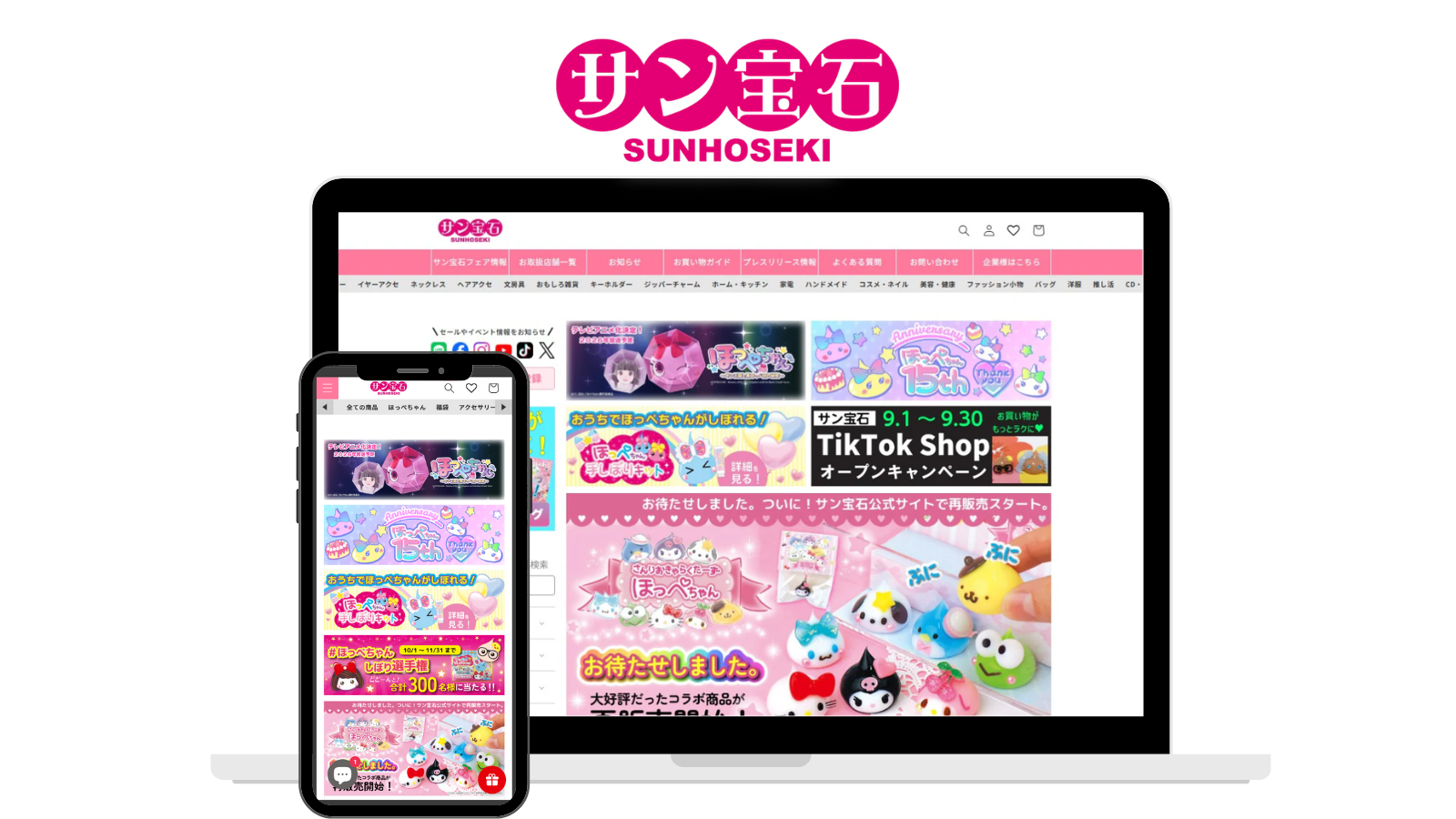
Sunhoseki
By replacing the purchase limits previously managed by their warehouse system with RuffRuff Order Limits, they achieved a "reduction in manual effort and complexity."

EVERING
Achieved "Product quantity rule of up to 1 unit per person for rings" and "Bundle rules where options such as loss replacement warranty or engraving can only be purchased with a ring."
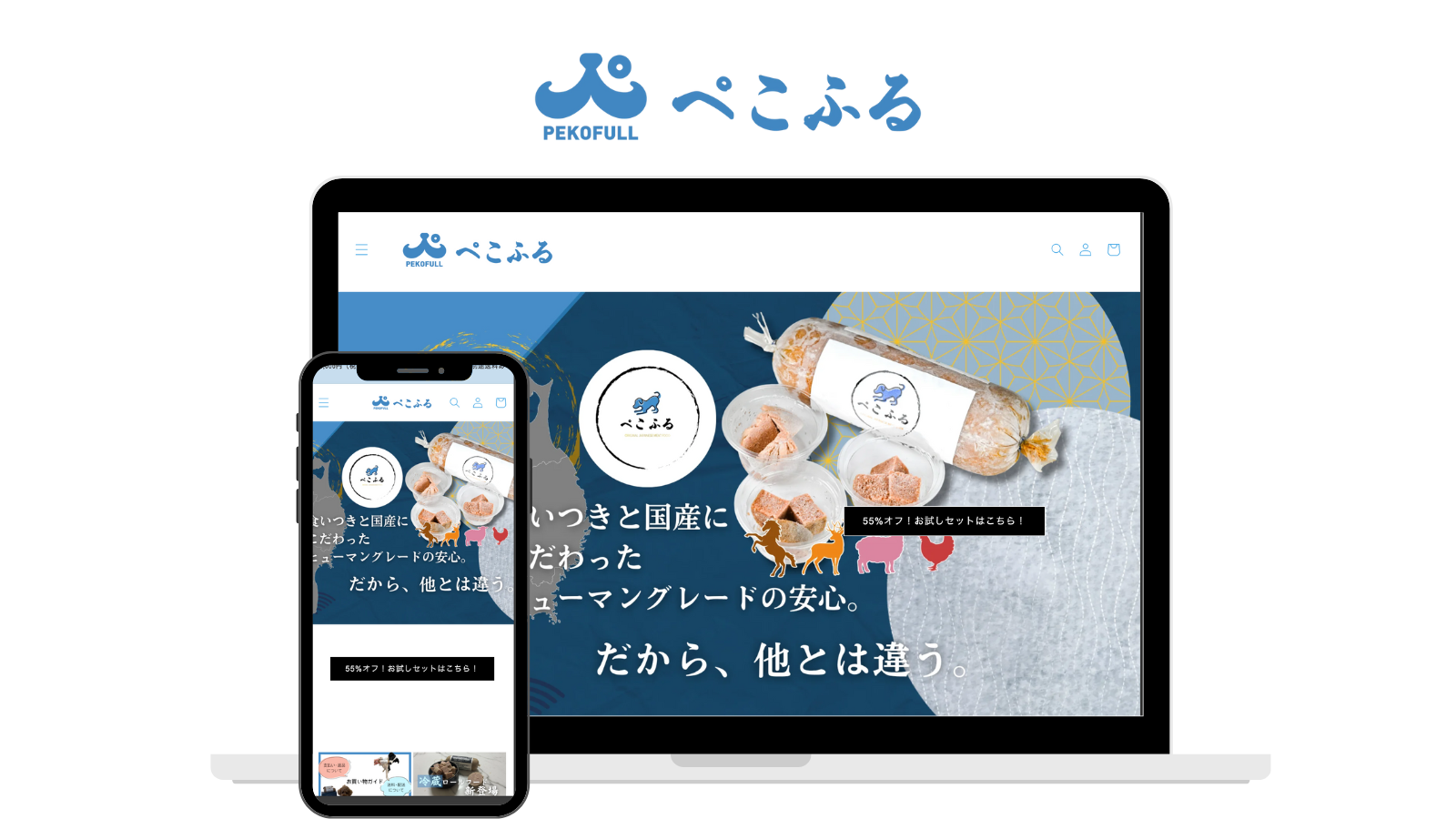
Pekofull
Reduce shipping costs with quantity limits based on what fits in a single box and limit trial sets to one per customer

Tree of Life
Hide cash-on-delivery payments for intangible products that do not require shipping, such as workshops
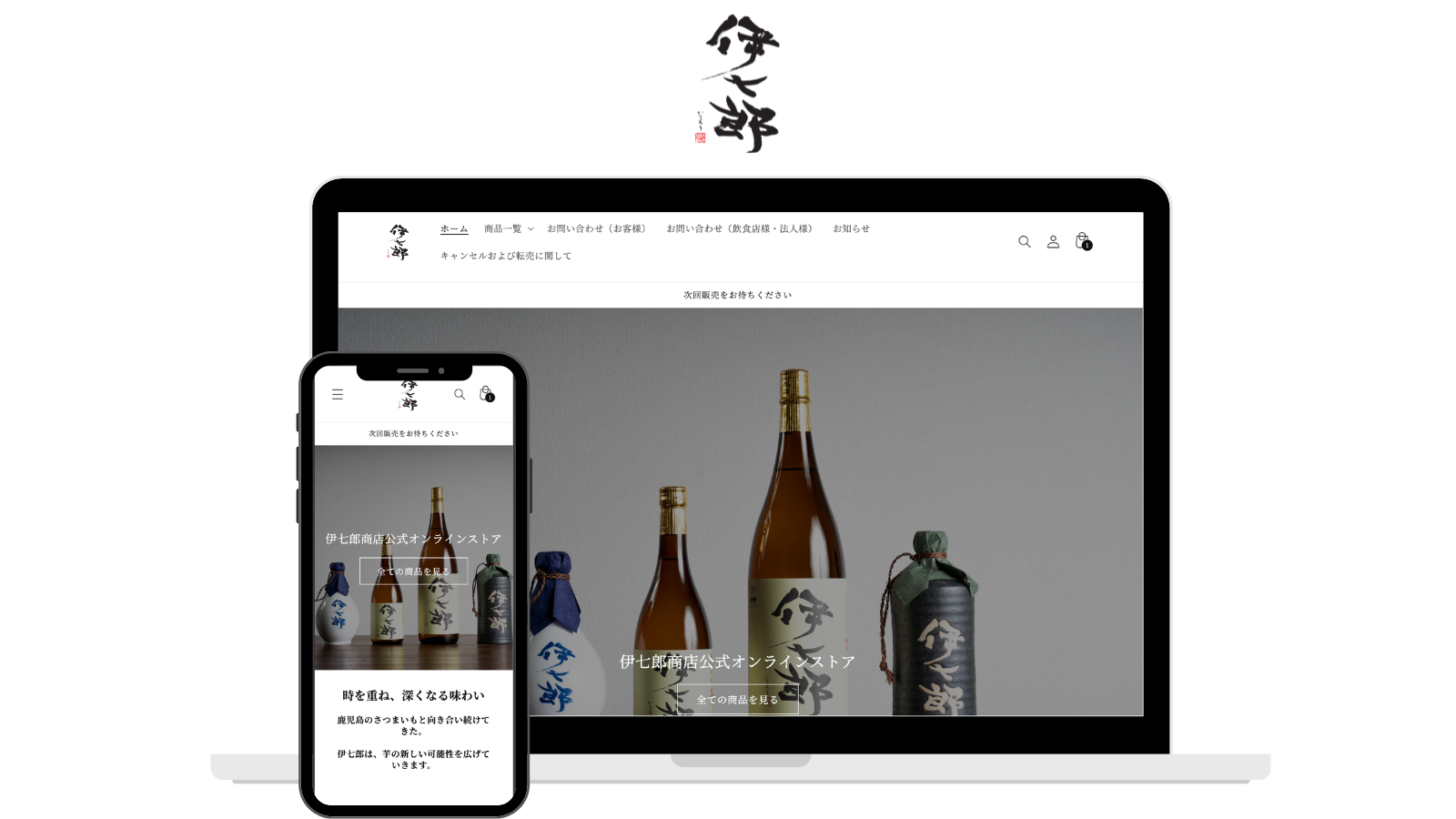
Ishichiro
Implemented a range of restrictions, including quantity limits per order, access restrictions for specific customers, and hiding convenience-store payments for eGift products.
User Reviews
This is a highly recommended app. By implementing it, we have been able to set limits, which has significantly expanded our range of operational possibilities. It is exciting to be able to execute various sales promotions on our site through diverse combinations. We look forward to continuing our use of this app.
It was very simple and easy to understand, and I could use it right away after installing! While Japanese apps often give a sense of security, many of them tend to be expensive. In contrast, RuffRuff's series offers many affordable options, which makes it really helpful to get started without hesitation. Also, I find it somehow wonderful that the series has the cute name "RuffRuff," making it easy to remember (^^)
A highly recommended app. By installing this app, we were able to implement limits, and the variations in how it can be used have increased significantly. It is enjoyable to be able to run various sales promotions on the site through various combinations. We would like to continue using it in the future.
I was looking for a order limits app, so I'm glad I found this at the perfect timing. It operates smoothly without any issues. Looking forward to future updates.
I found this app while looking for one that could implement bundling restrictions. The setup is simple and it functions as expected.
With the quantity limit feature, minimum lot sizes have become clearer to customers making purchases. We will continue to use this app.
FAQ
Frequently Asked Questions
Yes. There is a 3-day free trial, available once per store. Development stores can use all features for free, because Shopify treats their charges as test charges.
Yes. We offer implementation support via email. If you have any questions about implementing the app, please contact us through the inquiry form.
Yes. Purchase limits also work with Vintage themes. However, showing product and cart weights uses app blocks, so it requires an Online Store 2.0 theme.
No. Only orders placed after the rule starts tracking are counted. Earlier orders cannot be imported.
Yes. Cumulative quantity and price rules on the Full plan support daily resets, resets on the 1st of each month or January 1 each year, custom reset schedules, and a start and end date and time. You can combine a date range with scheduled resets.
Dates and times use the store's time zone. From the exact end date and time onward, this rule neither limits nor tracks purchases. Rolling windows that count purchases from the last 30 days, for example, are not supported.
See the specifications and setup steps for active dates and reset schedules
No, not always. Totals may take a few minutes to update. Rapid orders, or simultaneous checkouts from multiple tabs or devices, may exceed the limit before totals update. Orders found when totals update are flagged for review.
Customer rules control who can purchase. On the Full plan, rules by customer group let you set different quantity, price, or weight conditions for the same products, such as 10 items for VIP members and 3 for regular members, a $500 minimum for wholesale customers and a $100 maximum for everyone else, or 10 kg for VIP members and 3 kg for regular members. Groups are defined by customer tags or customer metafields. Members who don't match any group, and guests who aren't logged in, can have default limits.
Yes. On the Full plan, price rules by customer group let you set a minimum price, a maximum price, or both for each group. You can also choose the Price type: Item total (before product discounts), Item total (after product discounts), Cart subtotal (before discounts, excluding shipping and tax), or Grand total (after discounts, including shipping and tax).
Yes. Weight rules and weight rules by customer group use one weight unit for the whole rule: g, kg, lb, or oz. Products registered in a different unit can either be converted and included in the calculation or excluded from it. The check uses the weight registered on each Shopify product variant, so a variant with no weight is counted as 0. When you set a minimum purchase weight, make sure the eligible products have a weight registered.
The limits in price rules by customer group and cumulative price rules are stored in the store currency used when the rule was created, and are converted to the customer's payment currency at checkout. If you change the store currency itself, rules created before the change can no longer be checked correctly. The app admin shows a currency change notice, so recreate those rules in the current store currency.
RuffRuff apps don't store your customers' personal or payment data on Tsun's servers. Here is what we do:
- We don't keep your customers' personal data: Purchase totals are kept inside your store and deleted automatically when a customer asks.
- Only this app can change its rules: Rules are saved in your store, in a place only this app can write to.
- Access expires after one hour: It also works only from Tsun's servers, so stolen access is hard to misuse.
Related articles