Skip to content
RuffRuff Order Bonus

Gift recovery and post-order distribution now support orders in currencies other than the store currency | RuffRuff Order Bonus

ストア通貨以外の注文でも、ギフトのリカバリーと注文後の配布ができるようになりました|RuffRuff 購入特典

RuffRuff Order Bonus can now recover missed gifts for orders in currencies other than the store currency. Gifts can also be added when "Distribute gifts after the order" is enabled.

Key points

  • Post-order gift distribution and recovery of missed gifts now work for orders in currencies such as US dollars and Korean won.
  • You do not need to change any settings or save your campaigns again.
  • For orders marked "Review required" before this change, please check whether the gifts have been distributed.

Prerequisite settings

The settings are under "Settings > Automation > Post-order gifts" in the app.

  • "Distribute gifts after the order": Adds gift component products to orders from the channels set to "After the order" in the campaign.
  • "Recover gifts missing from online store orders": Adds component products to qualifying orders that are missing a gift that should have been distributed in the cart.

Previous behavior

When using these settings, adding a gift to an order in a currency other than the store currency failed if a gift component product had a price greater than zero. The "Post-order gift" block in the order details displayed "Review required".

What changed

A 100% discount is now applied to component products added after the order, so they can be added free of charge regardless of the order currency.

Order currency Before After
A currency other than the store currency Addition failed and the order was marked "Review required" Gift component products can be added free of charge
Store currency Gift component products could be added free of charge No change: gift component products are still added free of charge

The discount applies only to the line items added as gifts. If a customer also purchased the same product, the purchased line items are not discounted.

For orders in the store currency, the discount shown on the gift line items in the order details changes from an amount to "100%". As before, no discount is added if a component product is priced at 0.

Eligible and excluded cases

  • Eligible: Post-order distribution or recovery of Simple gift and Repeatable gift campaigns whose gift price is 0. Existing eligibility conditions and target channels still apply.
  • Excluded: Choice gifts, gifts whose price is not 0, and the process that adds gifts to the online store cart.

The restrictions on fully fulfilled orders, canceled orders, and orders that cannot be edited in Shopify remain unchanged.

Action required by store owners

This change applies automatically. Your existing settings are preserved, and you do not need to change any settings or save your campaigns again.

Orders marked "Review required" before this change will not be processed again automatically. Check the order contents and whether the gift has been distributed. If an undistributed gift is needed, edit the order to add it.

For instructions on checking and resolving these orders, see the help article Order Details Shows "Review Required".

Effective date

October 12, 2026 (JST)

RuffRuff apps related to this article

Reading next

商品ごとの顧客制限を追加しました|RuffRuff 注文制限
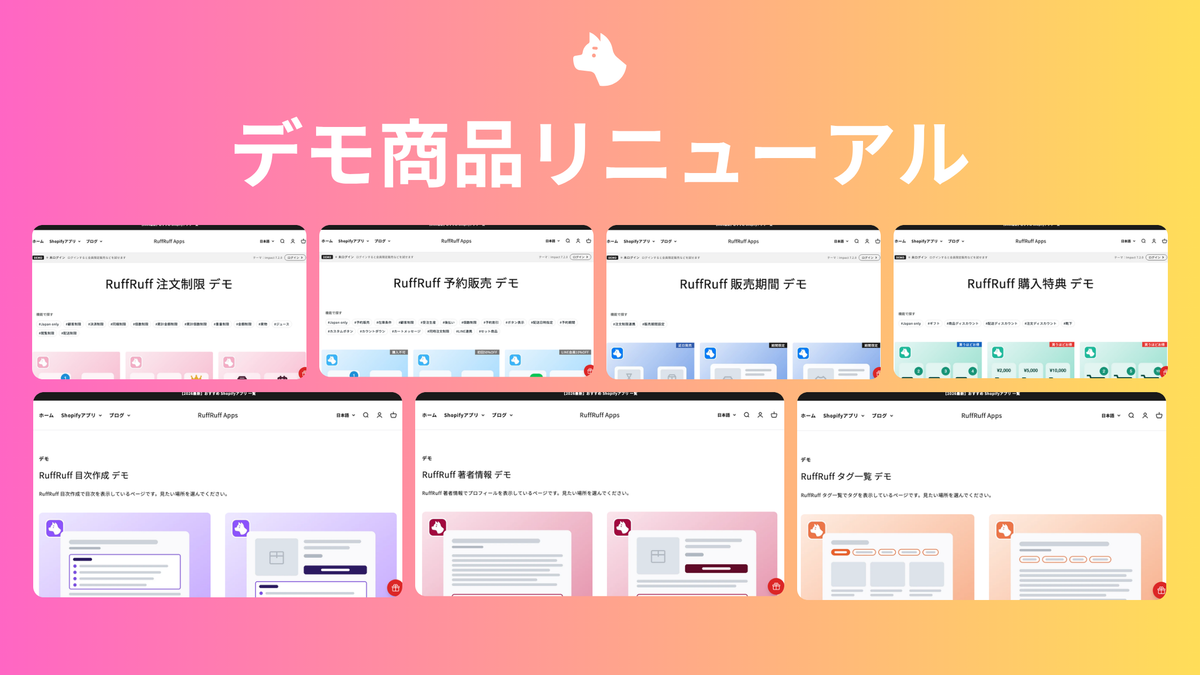
デモ商品をリニューアルし、ruffruff.app にまとめました|RuffRuff Apps

Changelog

View more articles
注文後に配布するランダムギフトを追加しました|RuffRuff 購入特典

Random gifts are now available for post-order distribution | RuffRuff Order Bonus

RuffRuff Order Bonus now supports random gifts. For an eligible order, the app randomly selects one in-stock, free gift from your candidates and adds it to the order.

カートボタンの色を予約販売・販売不可・通常販売で分けて設定できるようになりました|RuffRuff 予約販売

Separate Cart Button Colors for Pre-Orders, Unavailable Items, and Regular Sales | RuffRuff 予約販売

RuffRuff 予約販売 now lets you set cart button colors separately for pre-orders, unavailable items, and regular sales. You can use your theme’s design for regular sales, and your existing colors carry ...

再入荷通知ボタンの配色設定を分かりやすくしました|RuffRuff 予約販売

Clearer Color Settings for Back-in-Stock Buttons | RuffRuff 予約販売

The back-in-stock alert settings in RuffRuff 予約販売 now show the button color fields only when design customization is on. Your saved colors are kept when you turn customization off.

コレクションを指定して販売期間ルールを一括適用・解除できるようになりました|RuffRuff 販売期間

Apply and remove selling period rules in bulk by collection | RuffRuff Selling Periods

You can now apply and remove selling period rules in bulk by collection in RuffRuff Selling Periods. Before running the update, you can review the variant count and see which rules will be replaced.

チャットでのお問い合わせの受付条件を変更しました|RuffRuff 販売期間

We changed which stores can contact us by chat|RuffRuff Selling Periods

Live chat with the RuffRuff Selling Periods support team is available only in Japanese, for stores that use the app in Japanese and are on the Light plan with Shopify Advanced or Plus. Other stores...

チャットでのお問い合わせの受付条件を変更しました|RuffRuff 購入特典

We changed which stores can contact us by chat|RuffRuff Order Bonus

Live chat with the RuffRuff Order Bonus support team is available only in Japanese, for stores that use the app in Japanese and are on the Light plan with Shopify Advanced or Plus. Other stores can...

GUIDE

Shopify guides

Clear, easy-to-follow, and accurate guides to Shopify sales tactics and how to use our apps.

福袋の中身を注文後に自動追加する方法|RuffRuff 購入特典 × RuffRuff 注文制限

How to Automatically Add Lucky Bag Contents After an Order | RuffRuff Order Bonus × RuffRuff Order Limits

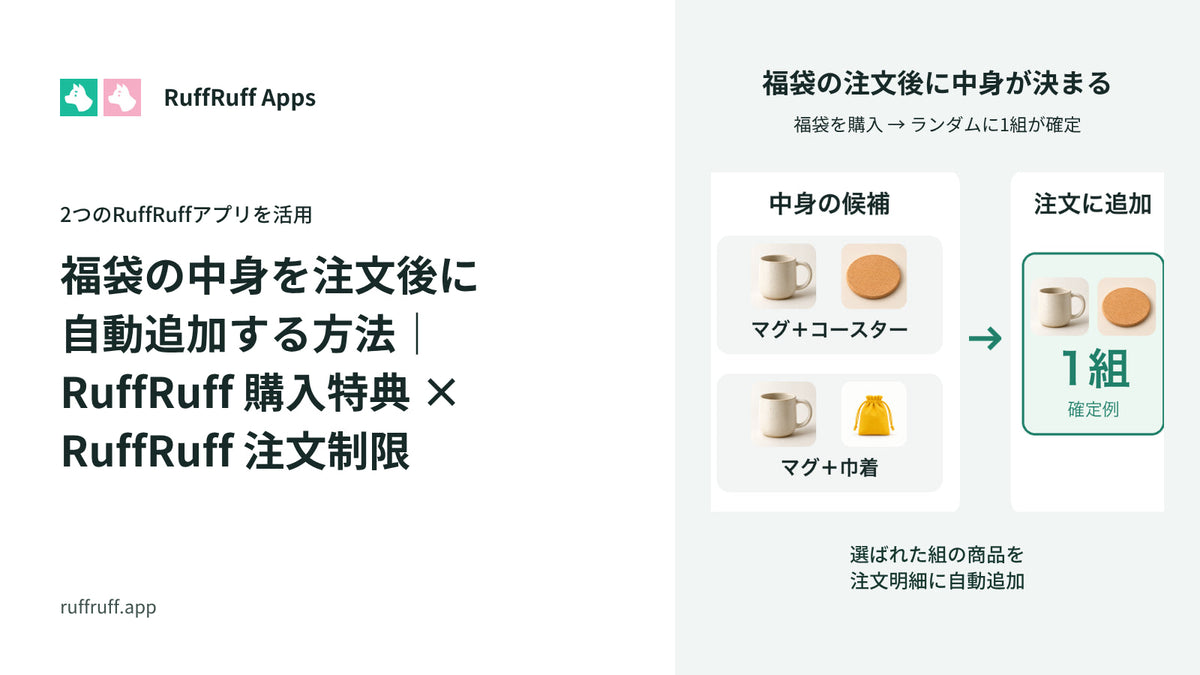
Use RuffRuff Order Limits to cap lucky bag purchases at 1 per order, then use RuffRuff Order Bonus to add one assortment of 2 products after the order. Follow the setup steps and see the details of...

初売り対象の商品を5,000円以上購入し、クーポンコードを入力すると500円引きになる設定例

How to set up a Shopify New Year coupon | RuffRuff Order Bonus

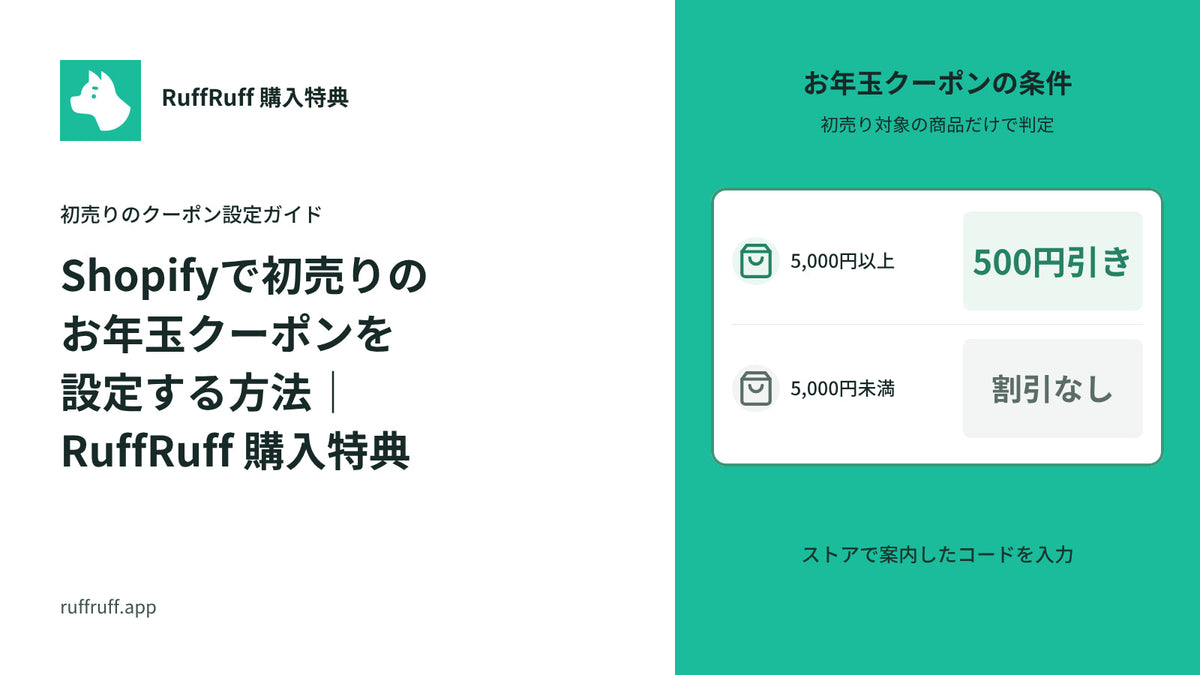
Create a New Year coupon that takes ¥500 off the order when a customer buys ¥5,000 or more of New Year sale products. This article covers usage limits, active dates, how to announce it in your stor...

How to Automatically Add a Promotional Gift After an Order on Shopify | Add It to the Order Without Putting It in the Cart

How to Automatically Add a Promotional Gift After an Order on Shopify | Add It to the Order Without Putting It in the Cart

A setup example for automatically adding a JPY 0 promotional gift after an order is created, without putting the gift in the cart. Covers eligibility requirements and how to verify the addition in ...

How to set bundle rules in RuffRuff Order Limits | Combinations and excluded items

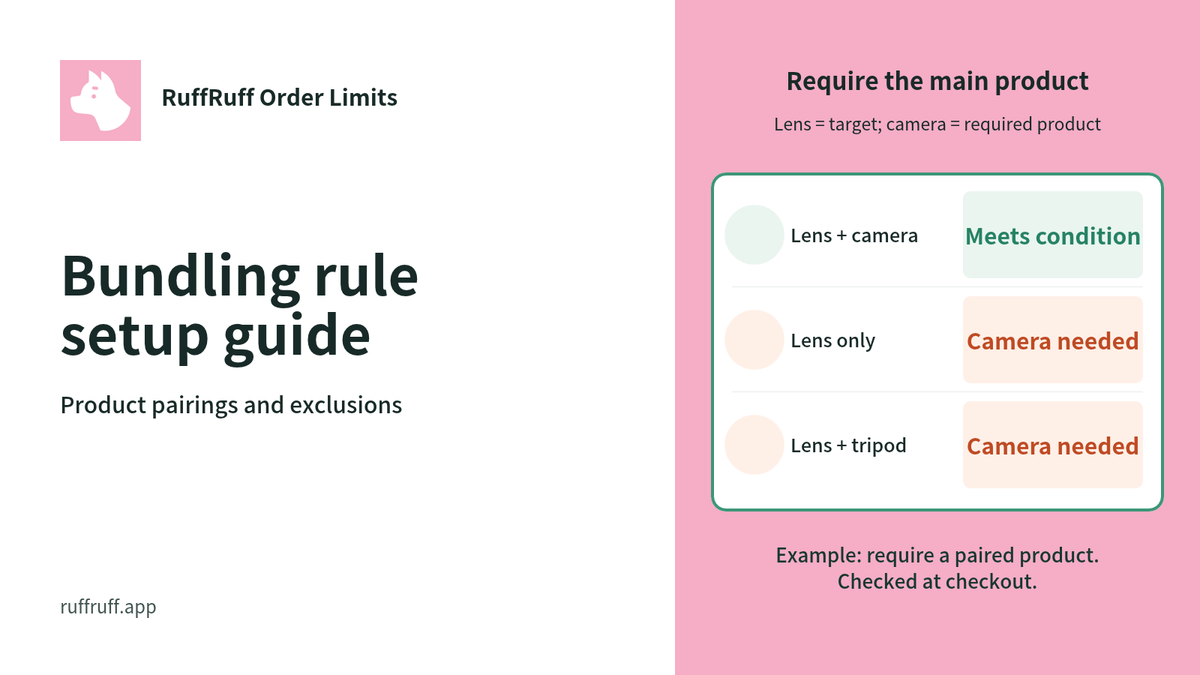
Explains standalone purchases, allowing or requiring bundles with selected items, and exclusions such as catalogs, using the actual settings screens. It covers how to choose eligible items, how to ...

Shopify Limited-Time Sale Guide: Comparing and Explaining 3 Methods

Shopify Limited-Time Sale Guide: Comparing and Explaining 3 Methods

A thorough guide to the three ways to run a limited-time sale on Shopify. Compares the built-in feature, manual setup, and dedicated apps, along with the pros and cons of each and how to use RuffR...

Add a table of contents to Shopify FAQs and guides

Add a table of contents to Shopify FAQs and guides

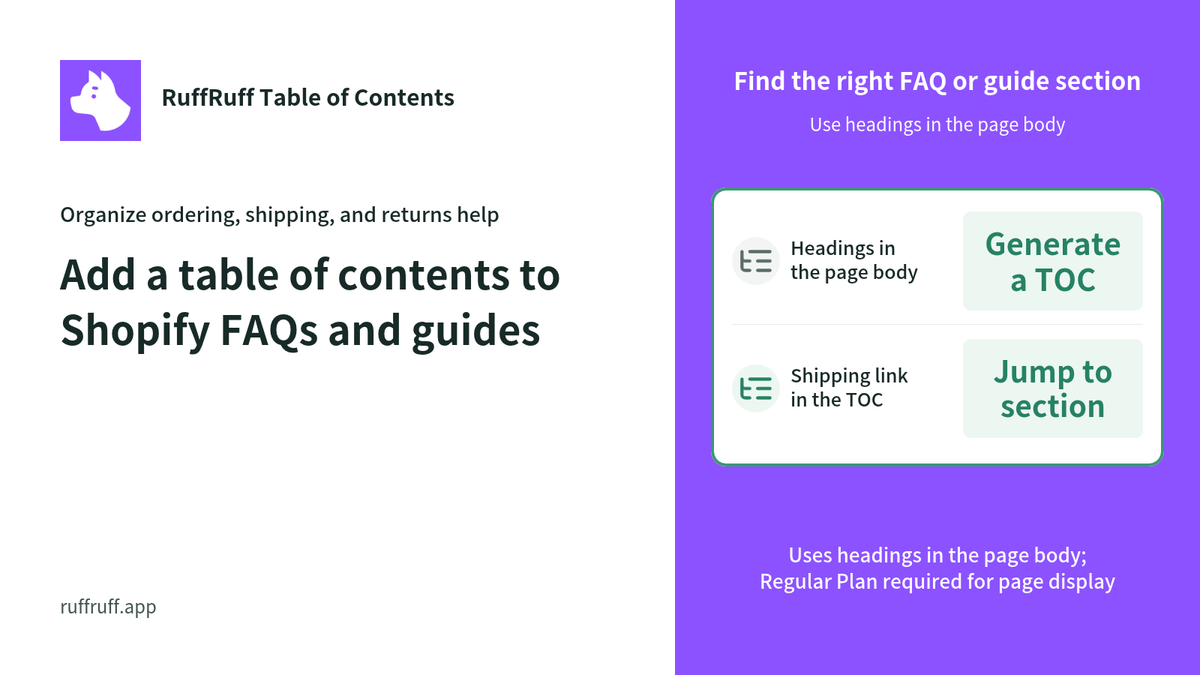
Use headings in FAQs and store guides to link readers to topics and questions. Covers page requirements, template placement, and checks after updates.

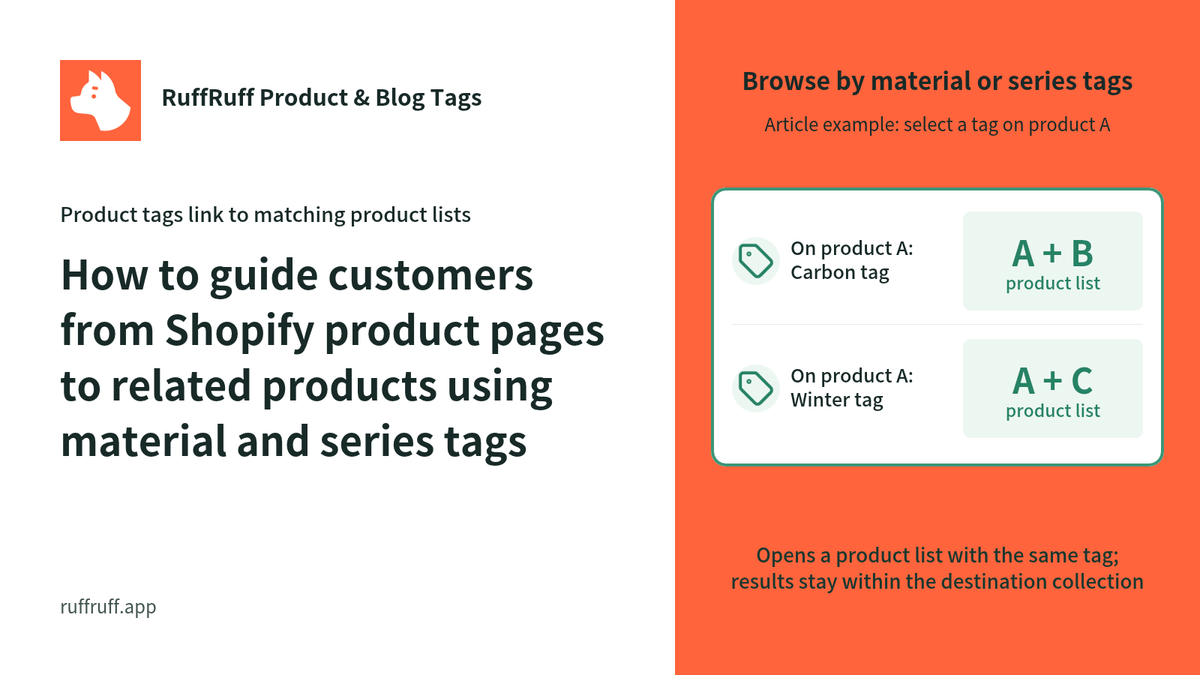
How to guide customers from Shopify product pages to related products using material and series tags

How to display tags on Shopify product pages so customers can find products by material or series

Display material or series tags on product pages to link to products sharing those tags. Learn how product URLs affect the filter scope, how to hide internal tags, and what to test after setup.

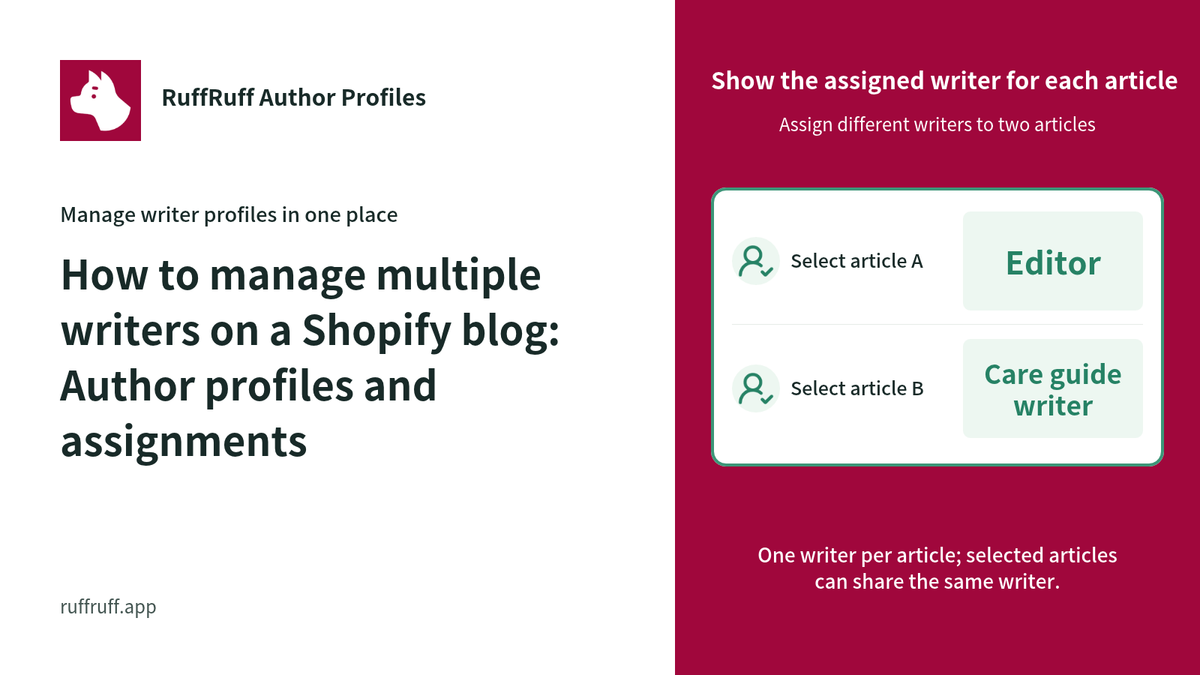
How to manage multiple writers on a Shopify blog: Author profiles and assignments

How to manage multiple writers on a Shopify blog: Author profiles and assignments

Assign the right writer to each post. This example explains author profiles, bulk assignment and removal, the one-author-per-post limit, and Shopify’s native author name.

How to Set Up Limited-Time Sales with RuffRuff Selling Periods | Start, End, and Testing

How to Set Up Limited-Time Sales with RuffRuff Selling Periods | Start, End, and Testing

Learn how to sell a product for a fixed period with RuffRuff Selling Periods, from setting start/end times and product messages to enabling and applying rules and testing purchase restrictions outs...