RuffRuff Order Bonus now offers a Random gift type for gift campaigns. You can offer different colors of the same giveaway item or give out one sample from a set of options.

How random gifts work
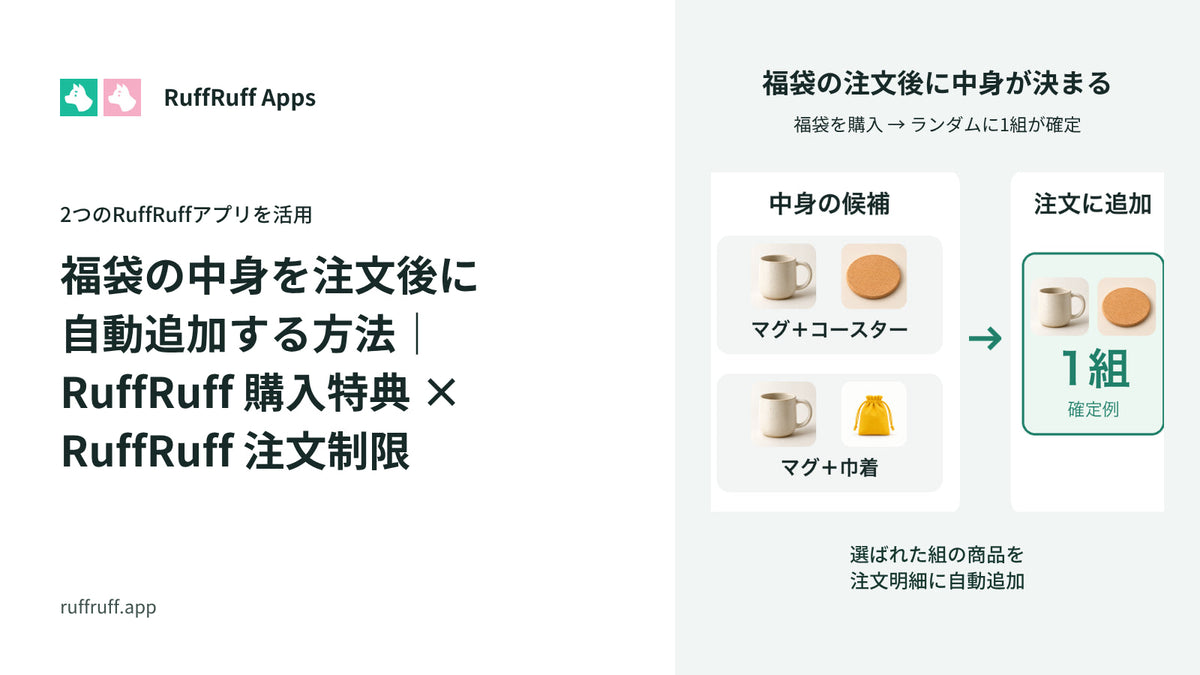
You can set up to 30 gift candidates per campaign. When an order from a targeted channel meets the campaign conditions, the app gives each in-stock, free candidate an equal chance of being selected. It adds the selected gift’s component products to the order at no extra charge.
The gift is selected after the order is created. Customers cannot choose which gift they receive, and the gift product does not appear in the cart. The app skips the gift if the entire order has already been fulfilled or the order cannot be edited.
Set up random gifts for your online store
An active paid plan is required to activate gift campaigns.
- In the app, go to Settings, open Automation, and enable Distribute gifts after the order under Post-order gifts. Grant any additional permissions when prompted and save the settings.
- From the gift campaign list, select Create campaign. Select Random gift, then set your Gift candidates and eligibility conditions.
- Under Distribution method by channel, confirm that the online store is set to After the order, then save.
- On the campaign details page that opens, change Status to Active, then save again.
You can see which gift was added in the Post-order gift block on the order details page in Shopify.
Related guide: How to limit purchases of a paid lucky bag to one per order and add one assortment afterward
Customers now see a notice for post-order gifts
When post-order distribution is enabled, the widget tells customers that their gift will be added after the order if the campaign is displayed, their cart meets the conditions, and a gift is available.
The floating button badge counts one per eligible gift campaign when a gift is available and the customer has yet to receive it in the cart. These display changes automatically apply to existing simple and repeatable gifts configured for post-order distribution.
Effective date
November 24, 2026 (Japan Standard Time)