RuffRuff Order Limits

From a single order to cumulative customer purchases—manage every purchase restriction with one app
Security checked with Shopify’s official toolkit
🏆️ Developed by the "Shopify Partner of the Year 2025 Japan" award-winning company

2,800+

stores have installed the app

Used by hundreds of Shopify Plus stores

First in Japan

Compatible with Cart and Checkout Validation API

First in Japan to adopt Cart and Checkout Validation API, achieving a more robust checking function that is harder to bypass compared to existing purchase restriction apps

Highest Quality

Chosen as a Shopify app

Built for Shopify is a mark of “highest quality” given to apps that meet Shopify’s strict standards—speed, security, usability, and merchant value.

Reliable

Reliable Customer Support

Have questions while using the app? Email us anytime for assistance

By Variant

Order limits by Variant

You can set individual order limits for each product variant (color, size, etc.). For example, you can apply quantity limits only to the red color of the same product, or restrict sales of new colors to VIP members only.

Reliable support! Email support available anytime when you need assistance

Included in Full

New features

Customer group weight rule example: VIP members up to 10kg, regular members up to 3kg, and guests cannot purchase. Minimum and maximum weights are supported. Full plan required.

Weight Rules by Customer Group

Set different purchase weights for the same products based on the customer group. Both upper and lower limits are supported, so you can set member-tier maximums or a wholesale minimum purchase weight in a single rule.

View features and conditions

Different weights for each group

For example: up to 10kg for VIP members, up to 3kg for regular members, and no purchases for guests. Define groups using customer tags or customer metafield values.

Minimum and maximum weights

Set a minimum, a maximum, or both for each group. Setting only a minimum creates a minimum purchase weight, such as 20kg for wholesale customers. You can also allow unlimited purchases or block purchases.

Products with a different unit are handled too

Choose kilograms, grams, pounds, or ounces as the rule's weight unit. Products registered in a different unit are either converted and included in the total or excluded from the calculation.

These rules check the weight within a single order, using the weight registered on each Shopify product variant. A variant with no weight is counted as 0. Tag and metafield group conditions apply to logged-in customers. Customers who are not logged in use the guest settings.

Customer group price rule example: VIP members have no limit, regular members up to JPY 10,000, and guests up to JPY 3,000. Minimum and maximum amounts are supported. Full plan required.

Price Rules by Customer Group

Set different purchase amounts for the same products based on the customer group. Both upper and lower limits are supported, so you can set member-tier maximums or a wholesale minimum order value in a single rule.

View features and conditions

Different amounts for each group

For example: no limit for VIP members, up to JPY 10,000 for regular members, and up to JPY 3,000 for guests. Define groups using customer tags or customer metafield values.

Minimum and maximum amounts

Set a minimum, a maximum, or both for each group. Setting only a minimum creates a minimum order value, such as JPY 50,000 for wholesale customers. You can also allow unlimited purchases or block purchases.

Choose the amount to check against

Choose the total product amount before product discounts, the total product amount after product discounts, the cart subtotal, or the order total. Cart subtotal and order total check the whole cart.

These rules check amounts within a single order. Limits are set in your store currency and converted to the customer's payment currency at checkout. Tag and metafield group conditions apply to logged-in customers. Customers who are not logged in use the guest settings.
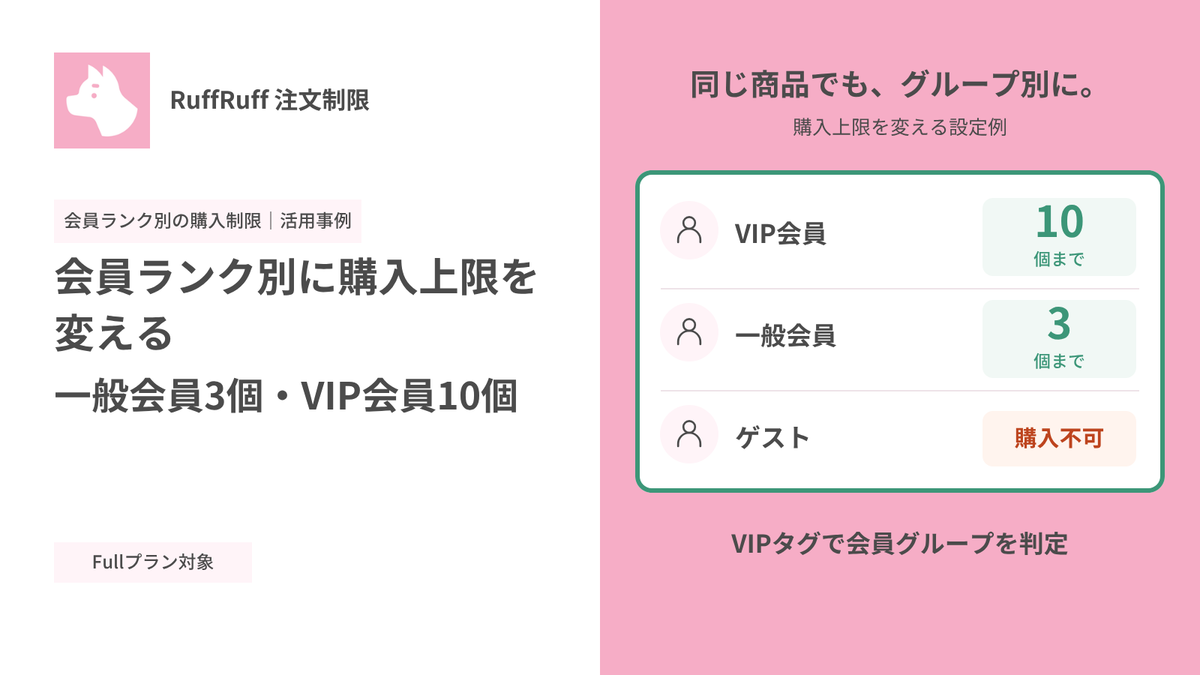
Customer group quantity rule example: VIP members can buy up to 10 items, regular members up to 3, and guests cannot purchase. Minimum, maximum and quantity multiples are supported. Full plan required.

Quantity Rules by Customer Group

Set different purchase quantities for the same products based on the customer group. Manage member and customer-specific purchase conditions in a single rule.

View features and conditions

Different quantities for each group

For example: up to 10 items for VIP members, 3 for regular members, and no purchases for guests. Define groups using customer tags or customer metafield values.

Minimums, maximums and multiples

Set a minimum, maximum and quantity multiple for each group. You can also allow unlimited purchases or block purchases.

Control which group takes priority

If a customer matches multiple groups, only the first matching group applies. You can also configure default settings for other logged-in members and guests.

These rules check quantities within a single order. Tag and metafield group conditions apply to logged-in customers. Customers who are not logged in use the guest settings.

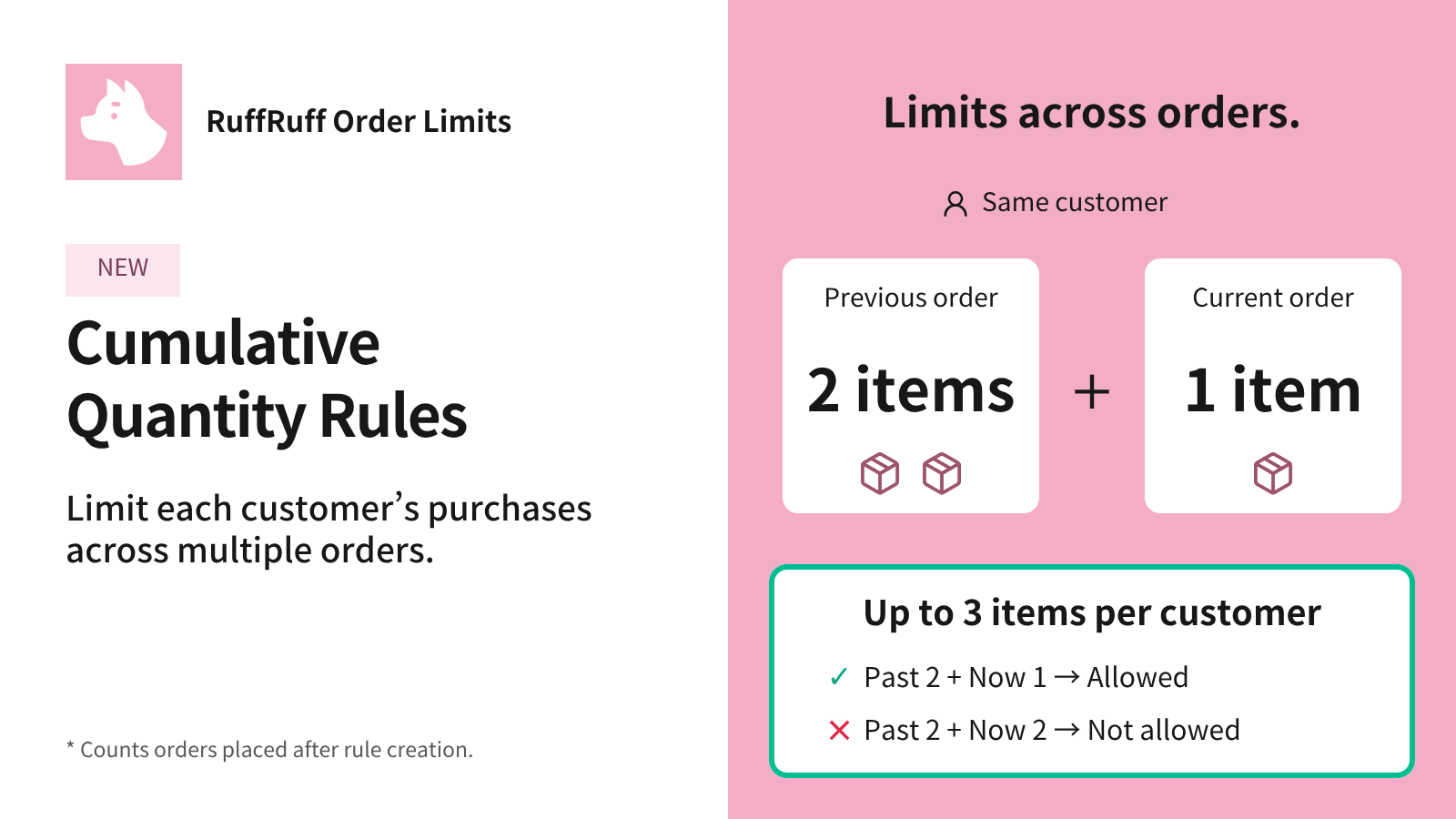
Cumulative Quantity Rules: up to 3 items per customer. Previous 2 plus current 1 is allowed; previous 2 plus current 2 is not allowed. Counts orders placed after rule creation.

Cumulative Quantity Rules

Limit how many items each customer can buy across orders. Set limits for a period, such as 3 items per month or 3 items during a campaign.

View features and conditions

Up to 3 items per customer

A customer who has already purchased 2 items in the same tracking period can buy 1 more in their next order. Adding 2 would bring the total to 4, so the order is blocked at checkout.

Choose what to count

Select products, variants, collections, or product tags. Count all selected items together, or track totals separately for each product or variant.

For monthly limited sales and campaigns

Set limits such as 3 items per customer each month or during a campaign. You can also set an all-time cumulative limit, or combine a date range with scheduled resets.

Orders placed before tracking starts are not included. Active dates cannot be changed once tracking has started.

See a monthly reset setup example

Cumulative Price Rules: up to $100 per customer across orders. A previous $60 purchase plus $40 is allowed; adding $50 is blocked. Only orders placed after tracking starts are counted. Full plan required.

Cumulative Amount Rules

Set a spending limit per customer across orders, such as JPY 10,000 per month or JPY 10,000 during a campaign.

View features and conditions

Set a spending limit for a campaign

With a JPY 10,000 limit for the campaign, a customer who has already bought JPY 6,000 of eligible products during that period can buy another JPY 4,000. Outside the date range, this rule neither limits nor tracks purchases.

Choose the amount to track

Use the total product amount before product discounts or the total product amount after product discounts.

Choose products and tracking scope

Select products, variants, collections or product tags. Track all eligible items together, or separately by product or variant.

Orders placed before tracking starts are not included. Active dates cannot be changed once tracking has started. Rapid or simultaneous orders before totals update may exceed the limit.

See a campaign date range setup example

Cumulative quantity and amount rules count orders placed after tracking starts. Totals may take a few minutes to update. Rapid or simultaneous orders before totals update may exceed the limit.

Features

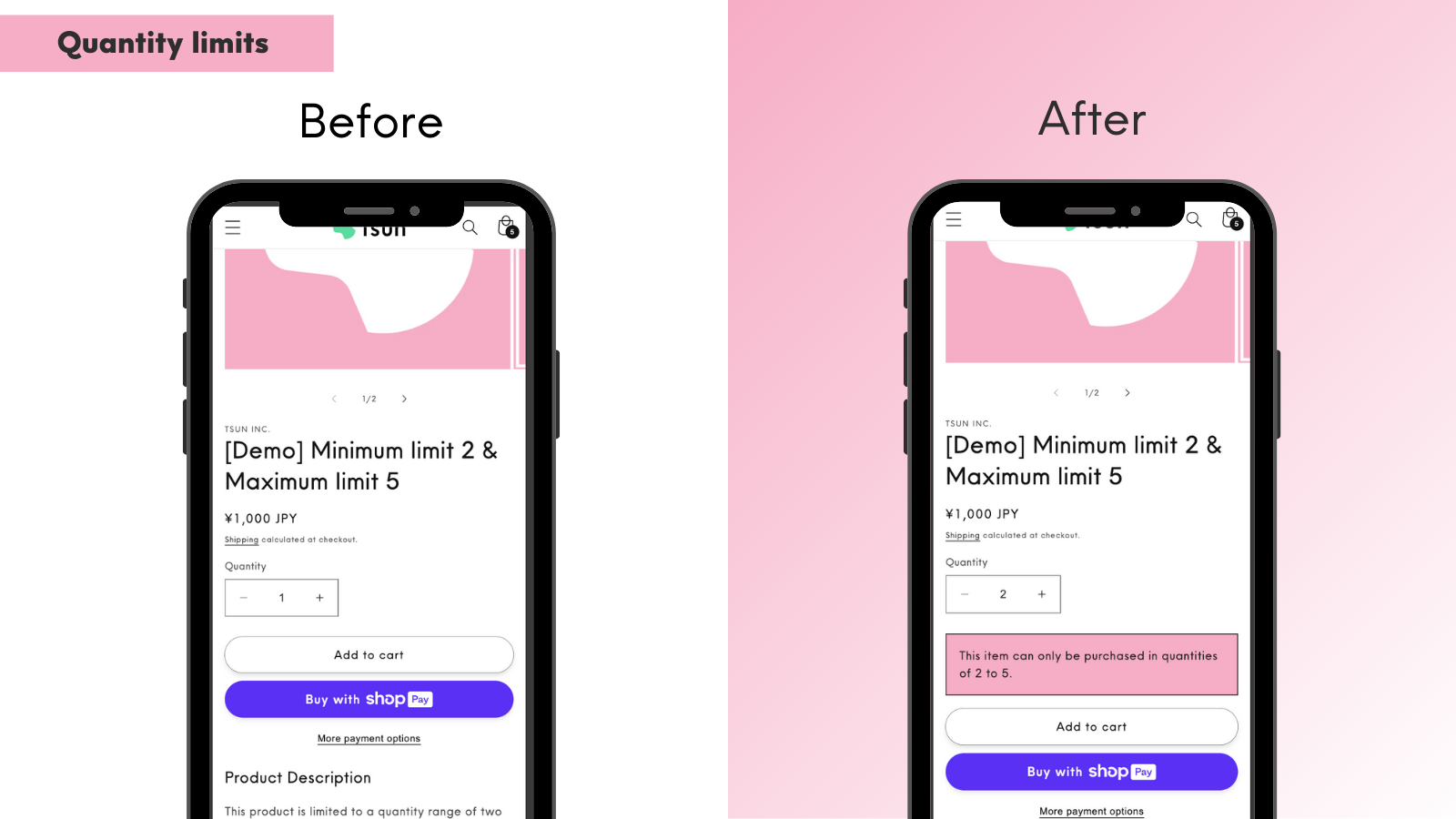
Quantity Limits

Set minimums, maximums and quantity multiples at the product, variant or cart level.

You can also set different limits for individual products. Full adds quantity limits by customer group and cumulative quantity limits across orders.

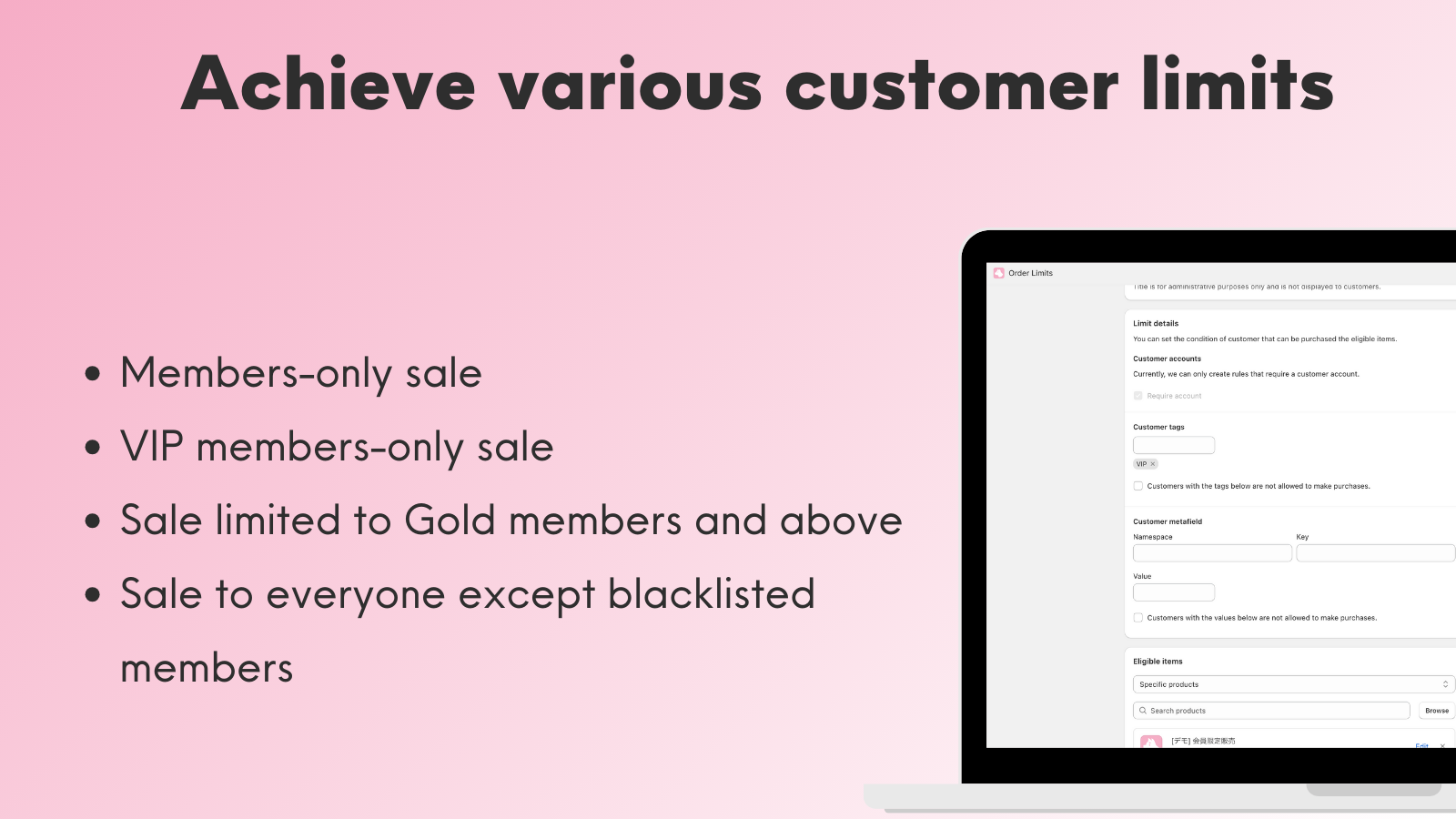
Customer Restrictions

Various customer restrictions can be set based on conditions such as customer tags and customer metafields.
• Members-only sales
• VIP members-only sales
• Sales restricted to Gold members and above
• Sales to all except blacklisted members

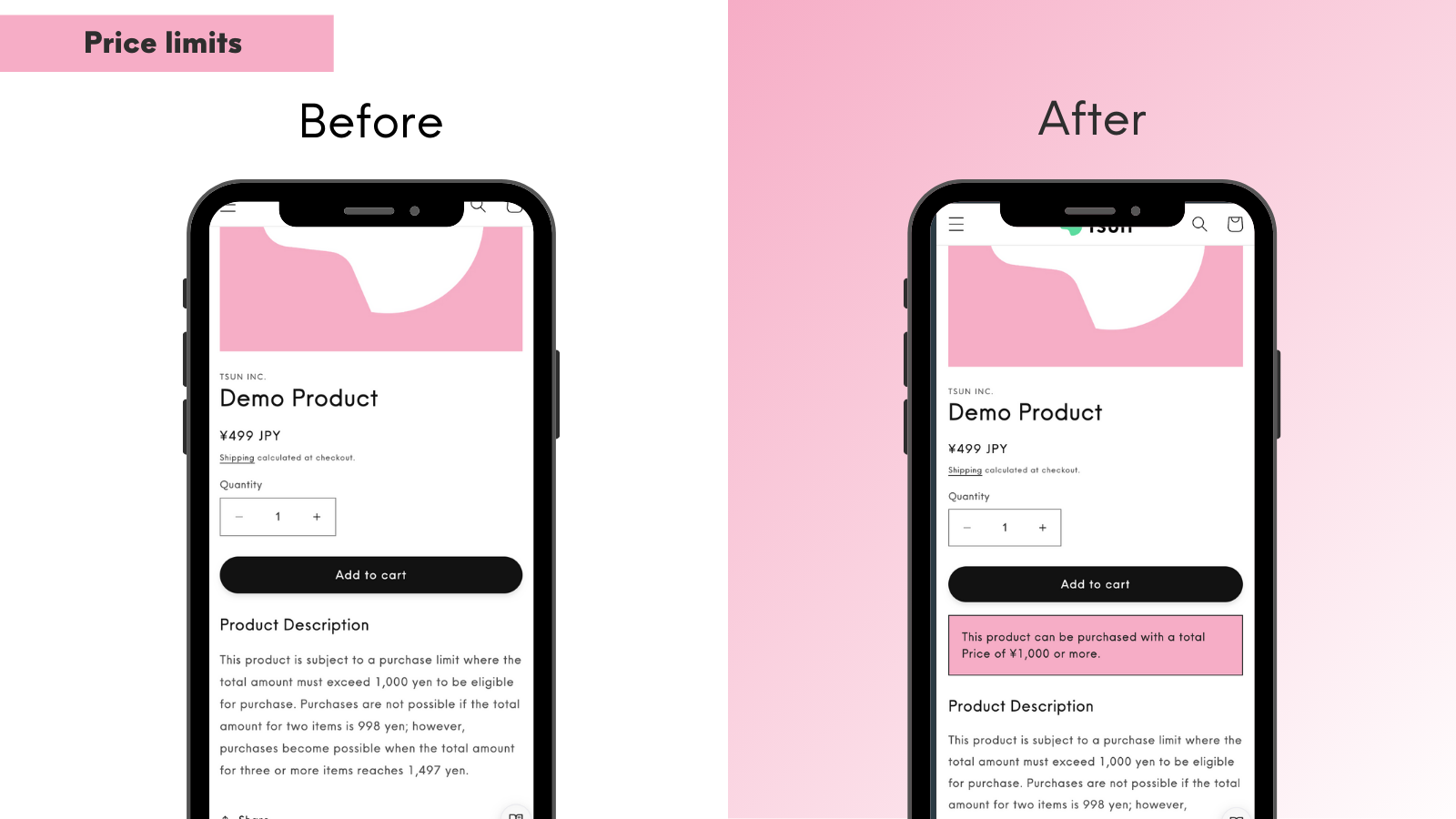
Price Limits

Set minimum and maximum purchase amounts at the product, variant or cart level.

You can also set different limits for individual products. Full adds price limits by customer group (member-tier maximums and wholesale minimum order values) and cumulative amount limits per customer across orders.

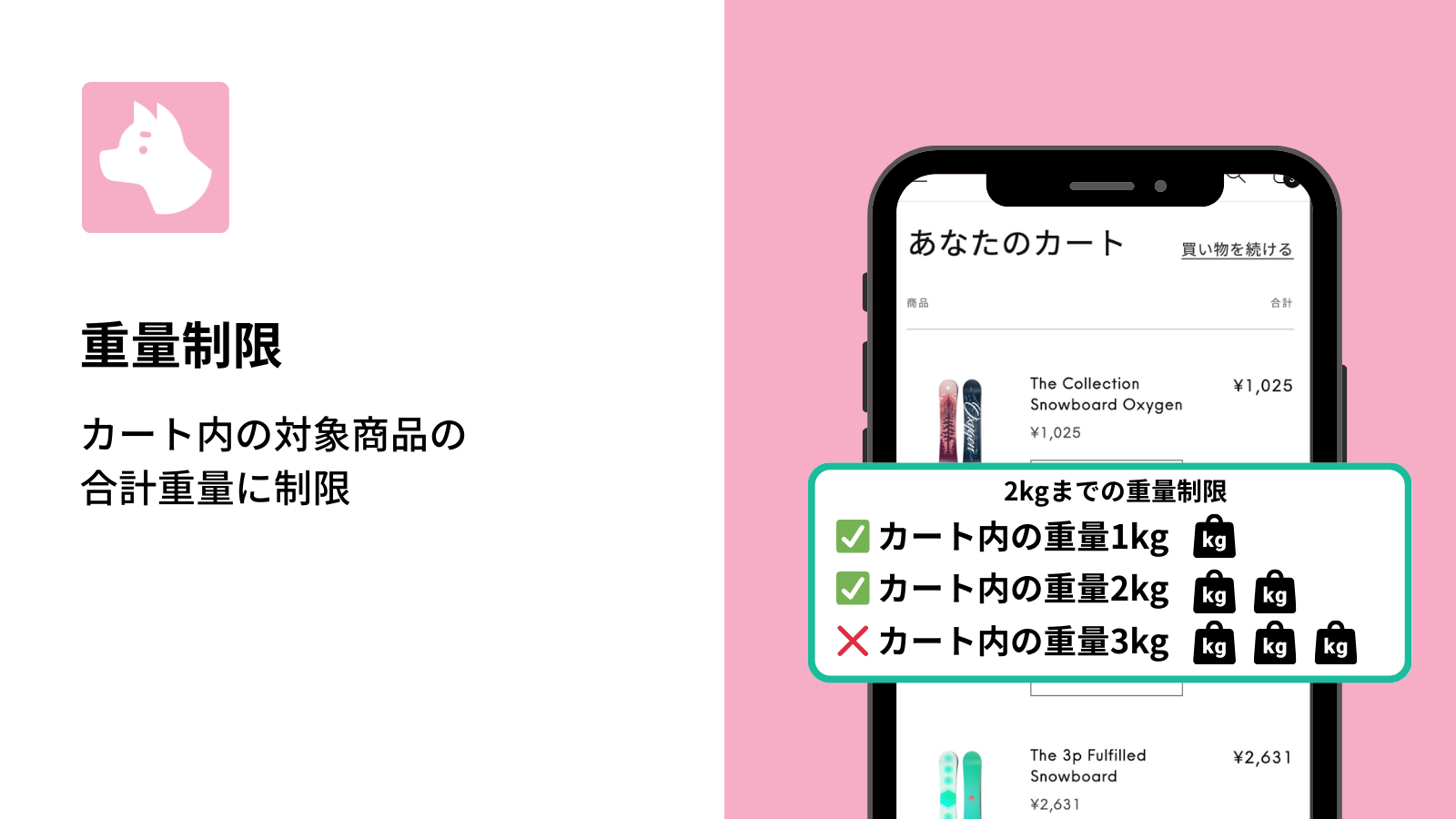
Weight Limits

Set minimum and maximum weights at the product, variant or cart level.

Kilograms, grams, pounds and ounces are supported, and products registered in a different unit can be converted and totaled. You can also set different limits for individual products. Full adds weight limits by customer group (member-tier maximums and wholesale minimum purchase weights).

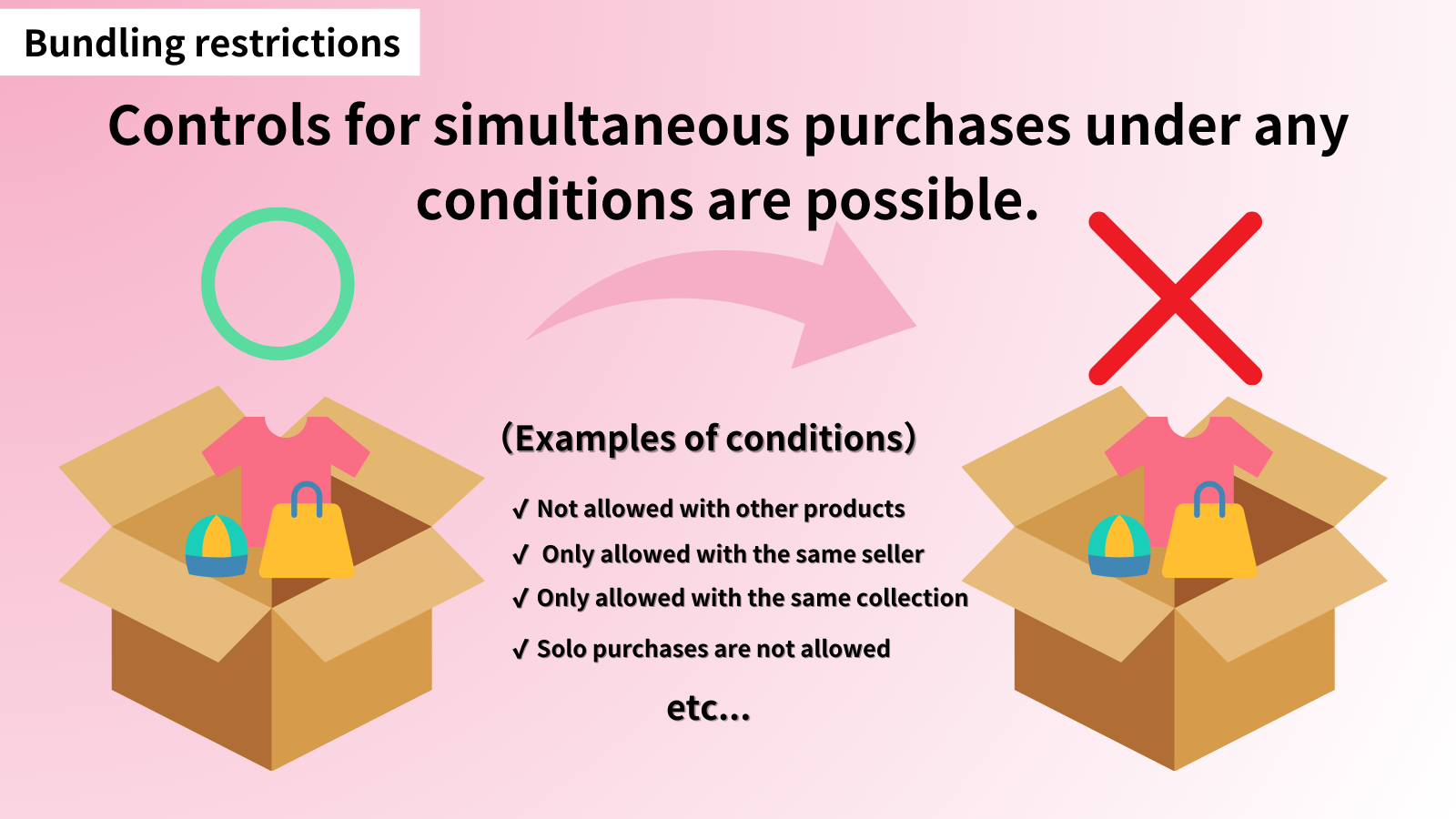
Bundle Limits

Restrict which products can be bought together. Choose bundle rules, which apply to items grouped by tags or collections, or product-specific bundle limits, which are set per product and variant.

• Buy alone only (no bundling)
• Cannot buy alone (must be bundled with another product)
• Bundle only with variants of the same product
• Bundle only with products from the same vendor
• Bundle only with selected products (such as noshi and gift wrapping)
• Cannot bundle with selected products
• Must be bought with selected products

Bundle rules and product-specific bundle limits are available on both the Light and Full plans.

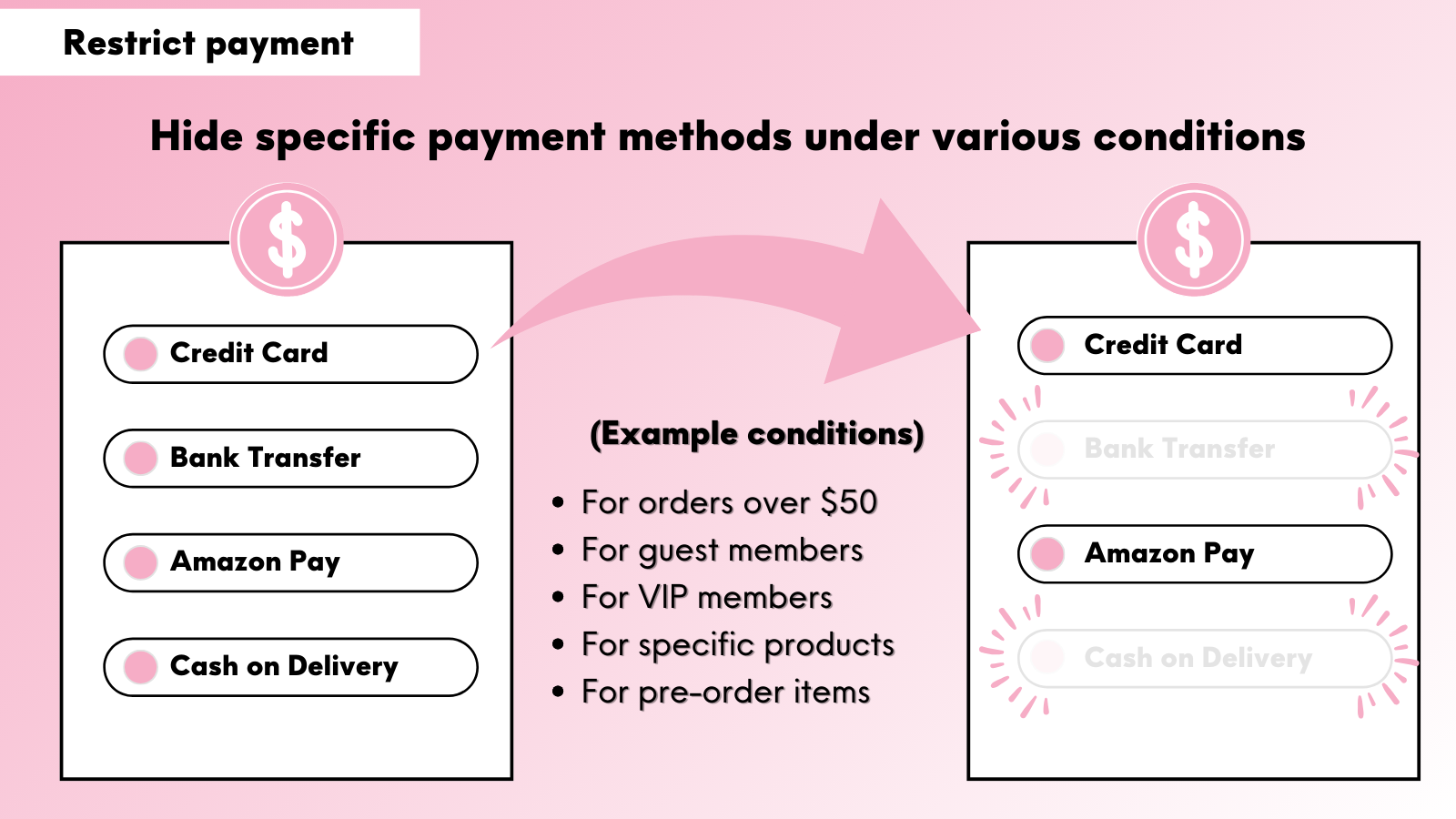
Payment Restrictions

Various payment restrictions can be set based on different conditions:
• Hide payment options when specific products are included
• Hide payment options when items from specific collections are included
• Hide payment options when pre-order items are included
• Hide payment options for guest members only
• Hide payment options for blacklisted members only
• Hide payment options when total amount is ¥5,000 or more
• Hide payment options when total amount is ¥10,000 or less

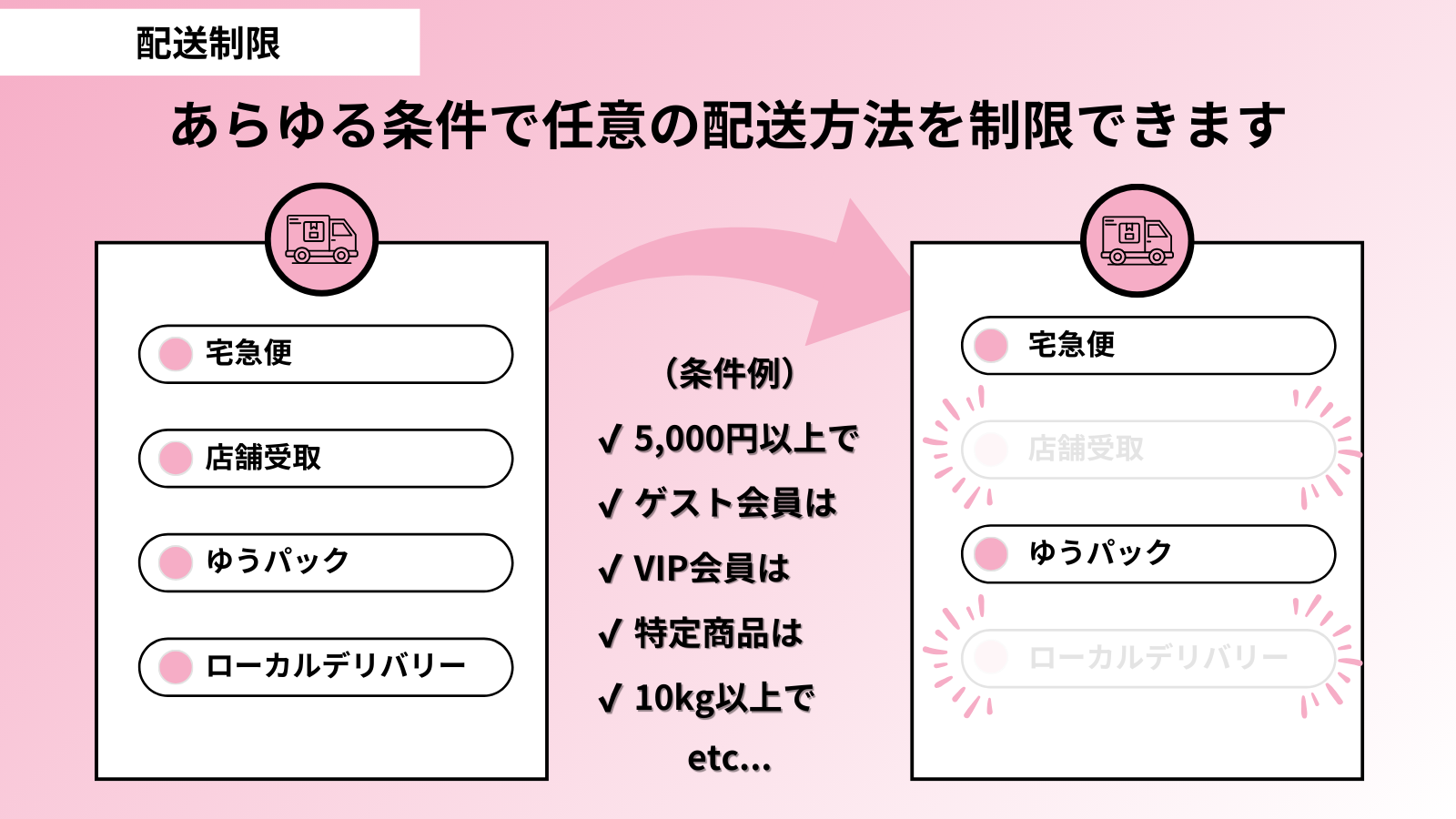
Shipping Restrictions

Delivery restrictions can be configured based on a variety of conditions.

● Hide shipping options when specific products are included
● Hide shipping options when specific collections are included
● Make store pickup unavailable for orders weighing 3 kg or more
● Hide shipping options for guest customers only
● Hide shipping options for blacklisted customers only
● Hide shipping options when the subtotal is ¥20,000 or more
● Display special shipping options for VIP members only

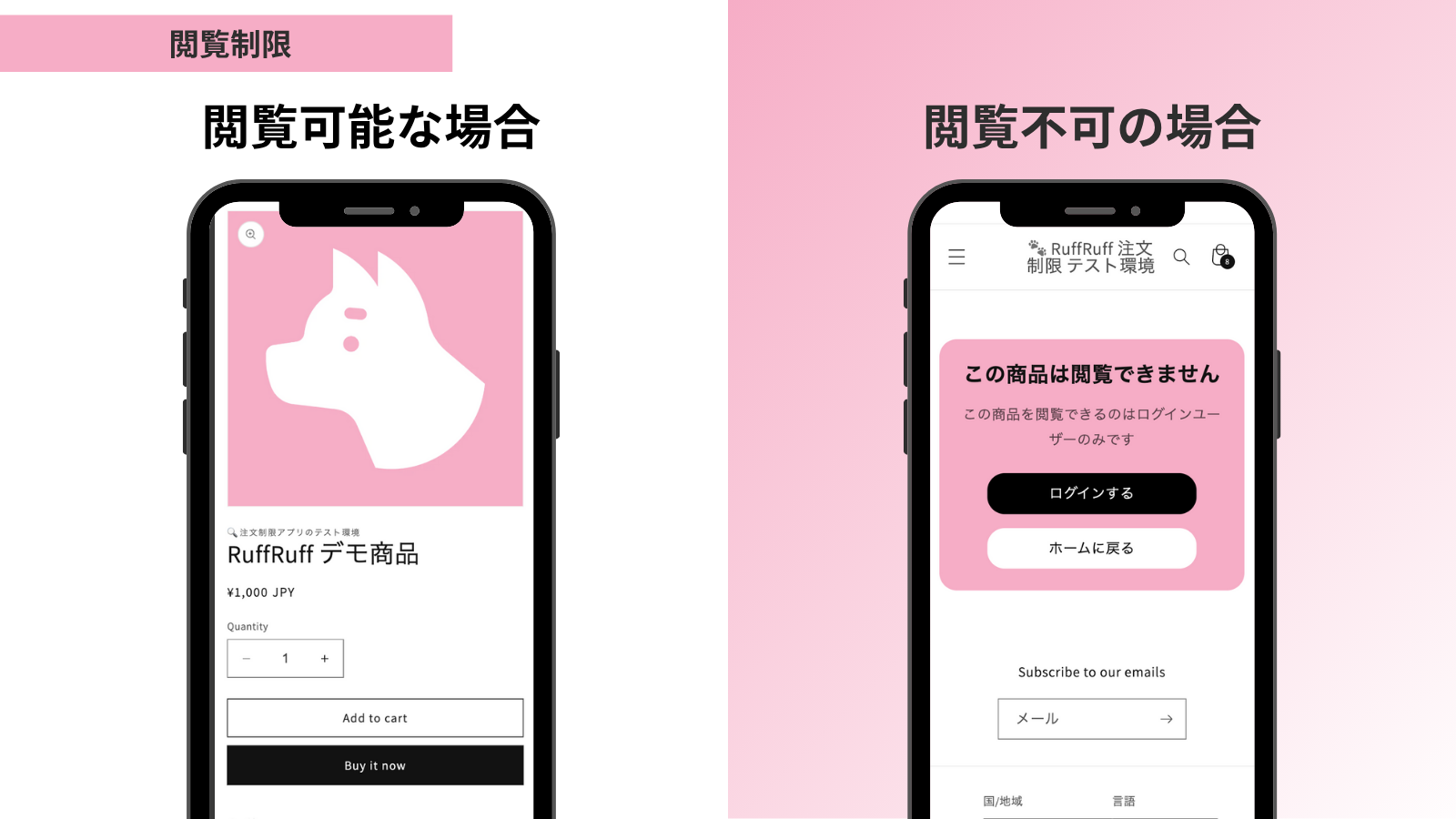
Access restriction

You can set various Access restriction.

  • Visible to Guest only
  • Visible to Logged in customer only
  • Visible to VIP members only
  • Not accessible to Blacklist tags customers
  • Redirect Guest to regular-priced products
  • Visible only to Password holder
  • Visible only via Password Link

Quantity Multiple Limits

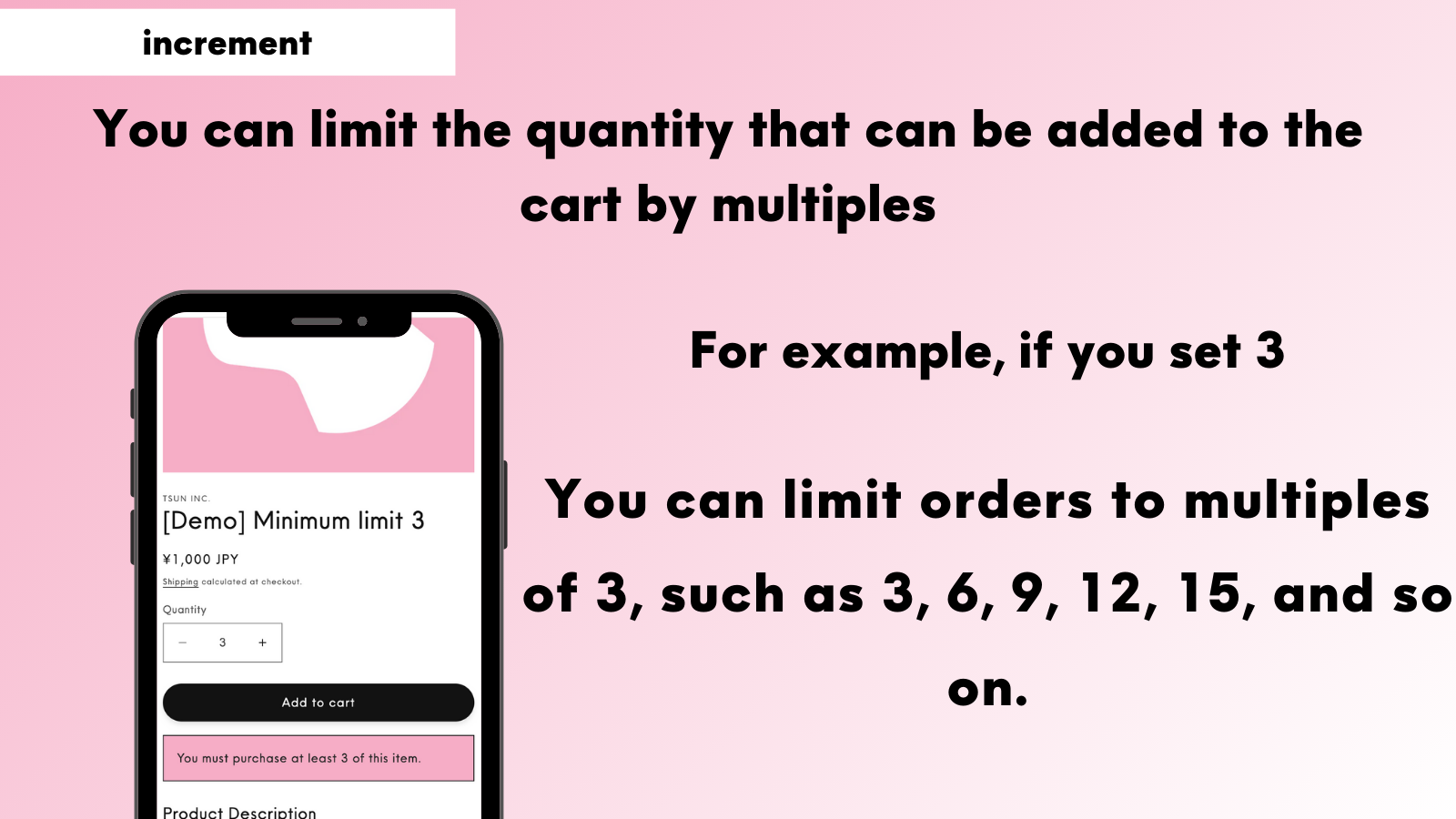
You can limit the quantity added to cart by multiples. For example, if you set it to 3, orders can only be placed in multiples of 3, such as "3, 6, 9, 12, 15..."

Restriction Scope

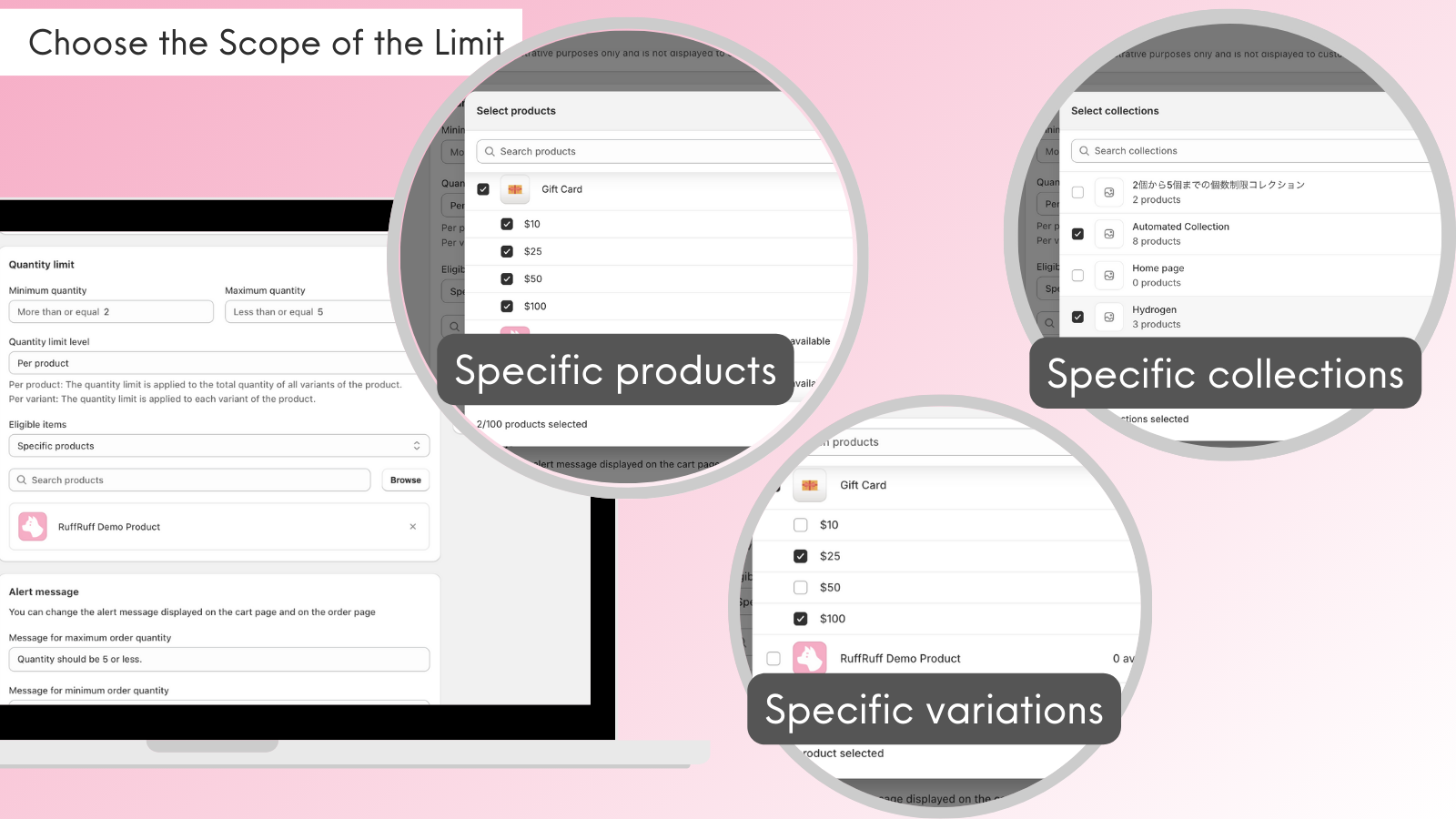
You can choose the scope for purchase restrictions from all products, collections, products, variants, and product tags.

By combining scopes, you can create more flexible purchase restrictions.

Alert Messages

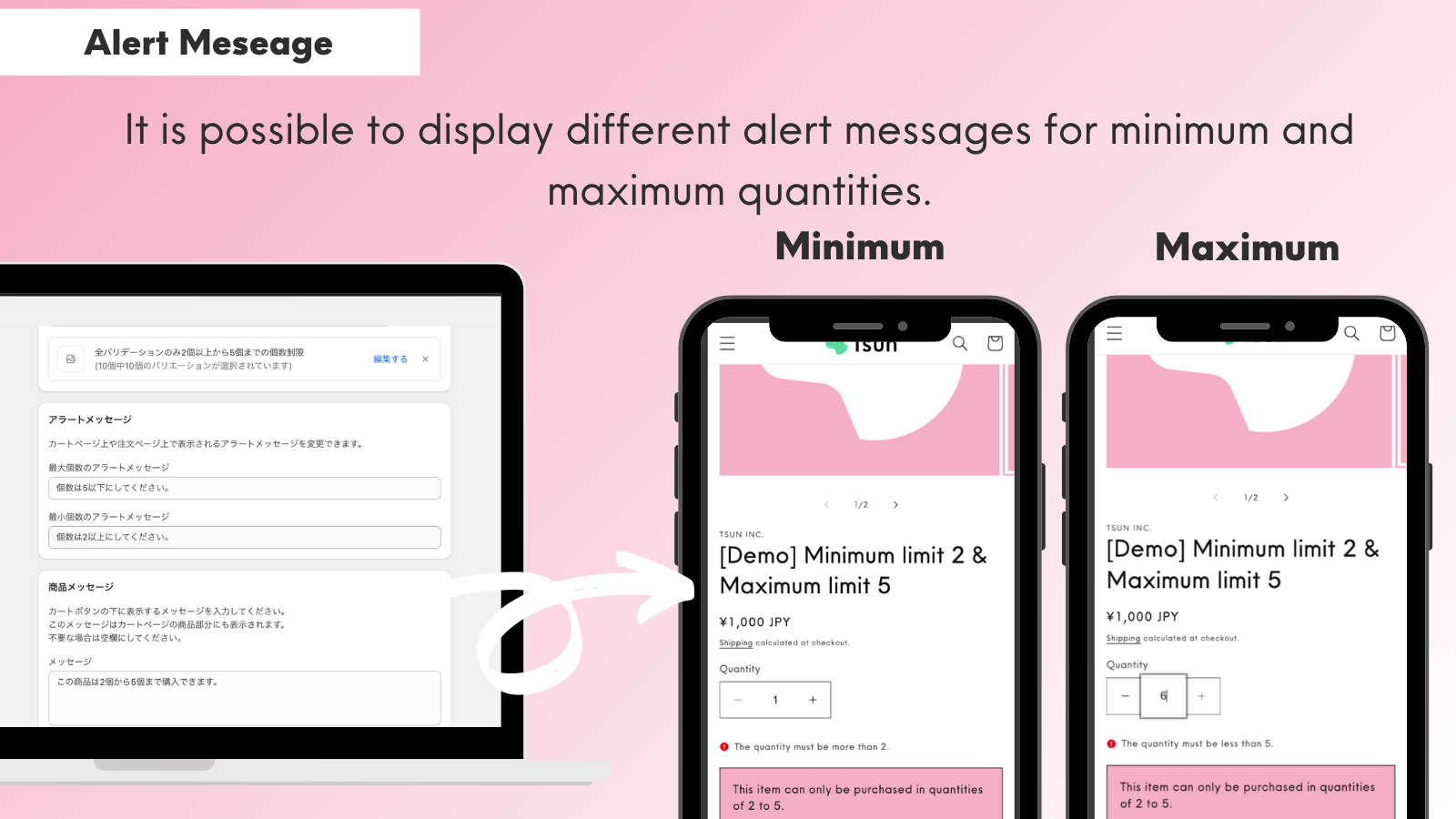
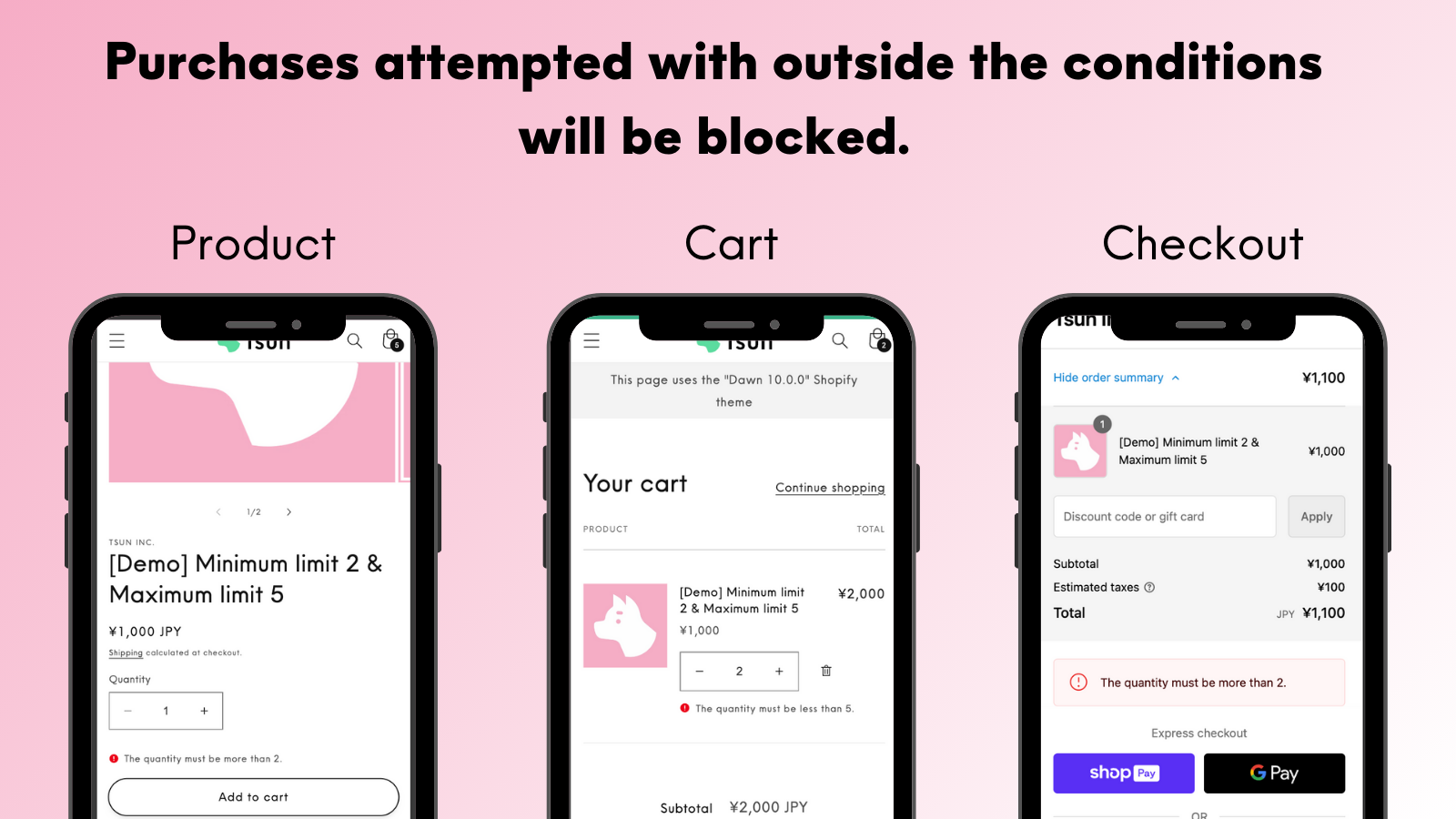
The app can prevent orders that fall outside the set conditions. You can also customize the alert messages displayed to customers when orders are blocked.

Product Messages

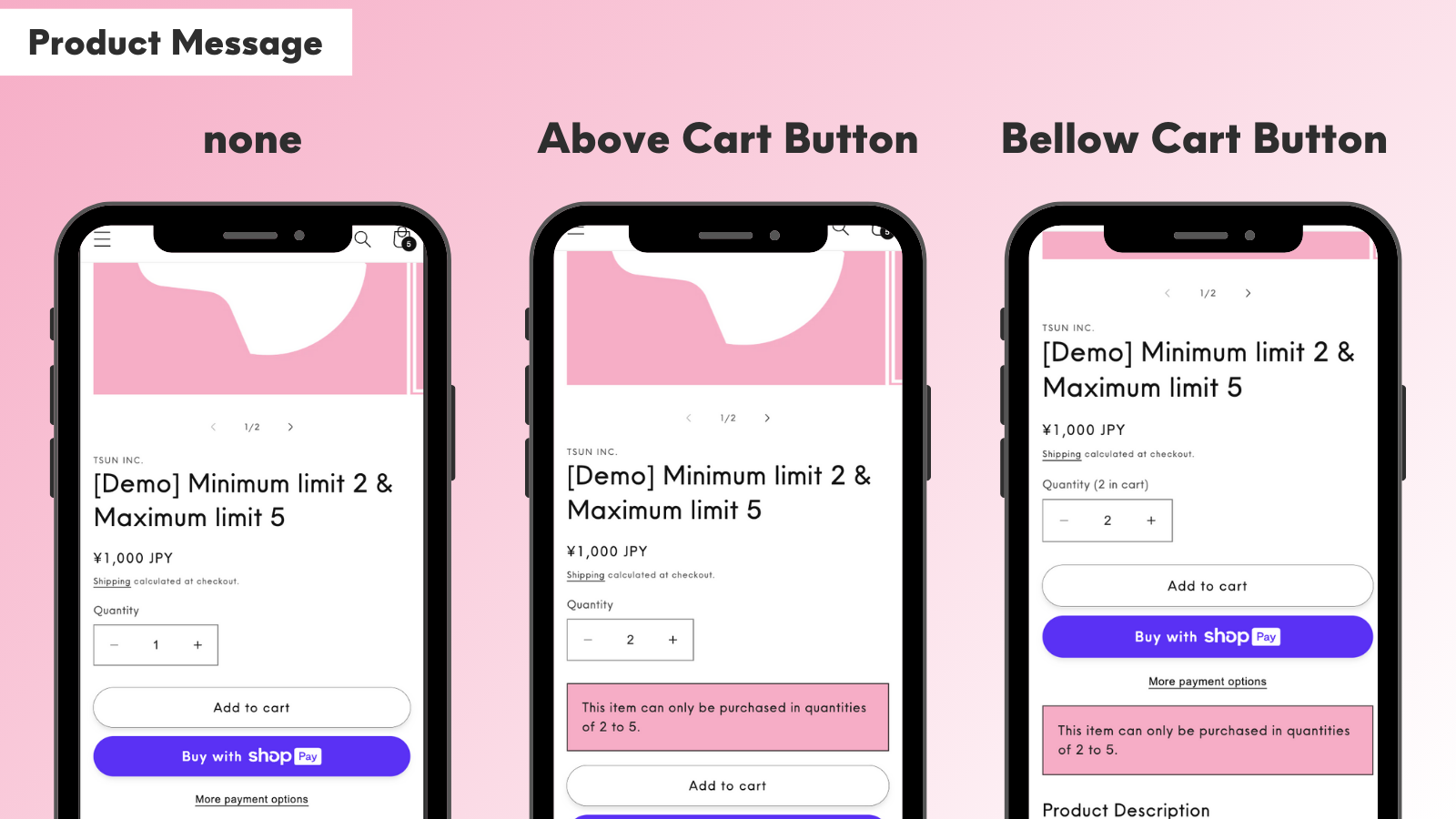
You can display custom messages on products with purchase restrictions. The message position can be toggled between above or below the cart button.

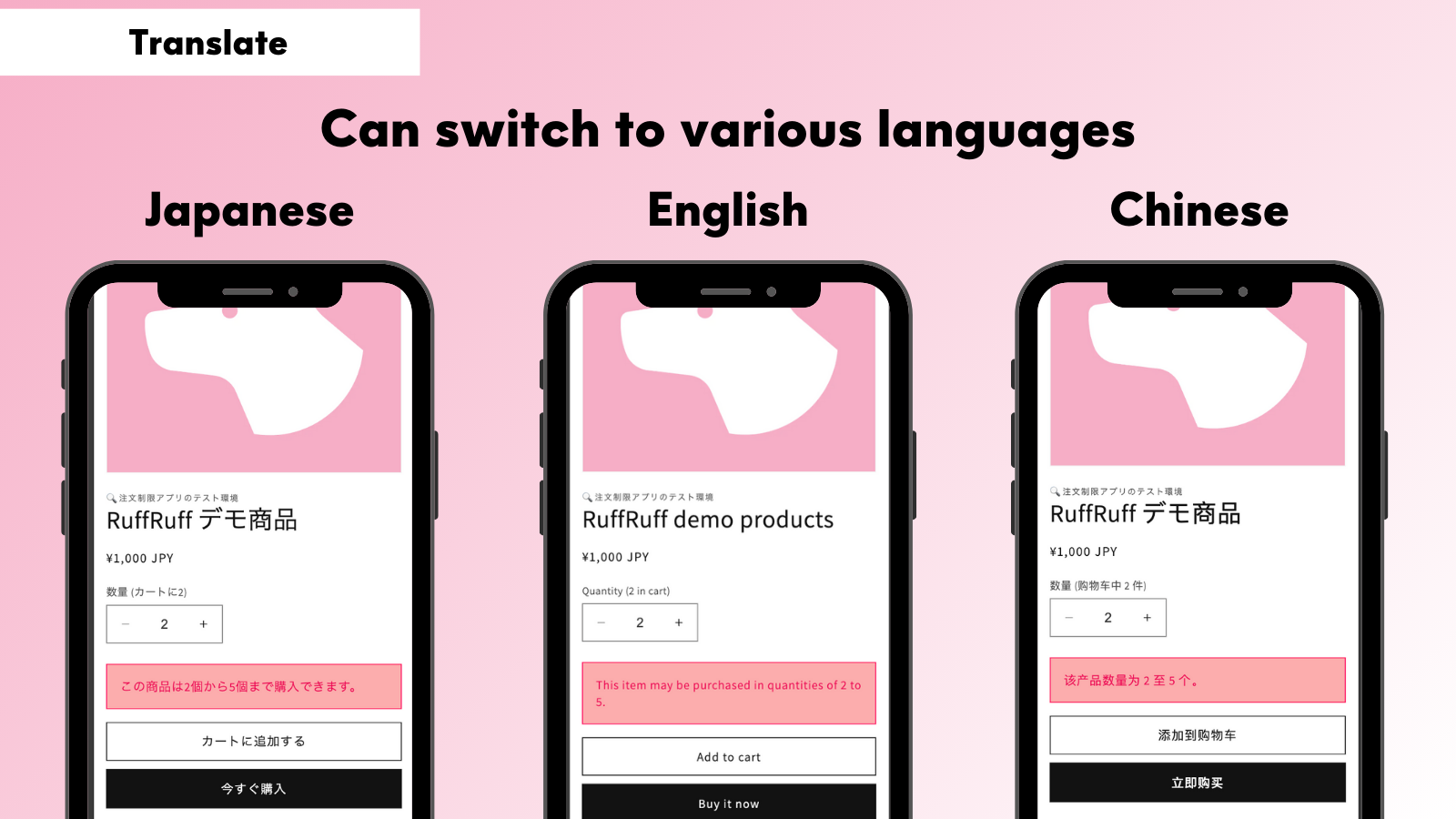
Translation

All text data in the app, including product messages and alert messages, can be translated. This allows for flexible language switching to match user preferences during cross-border sales.

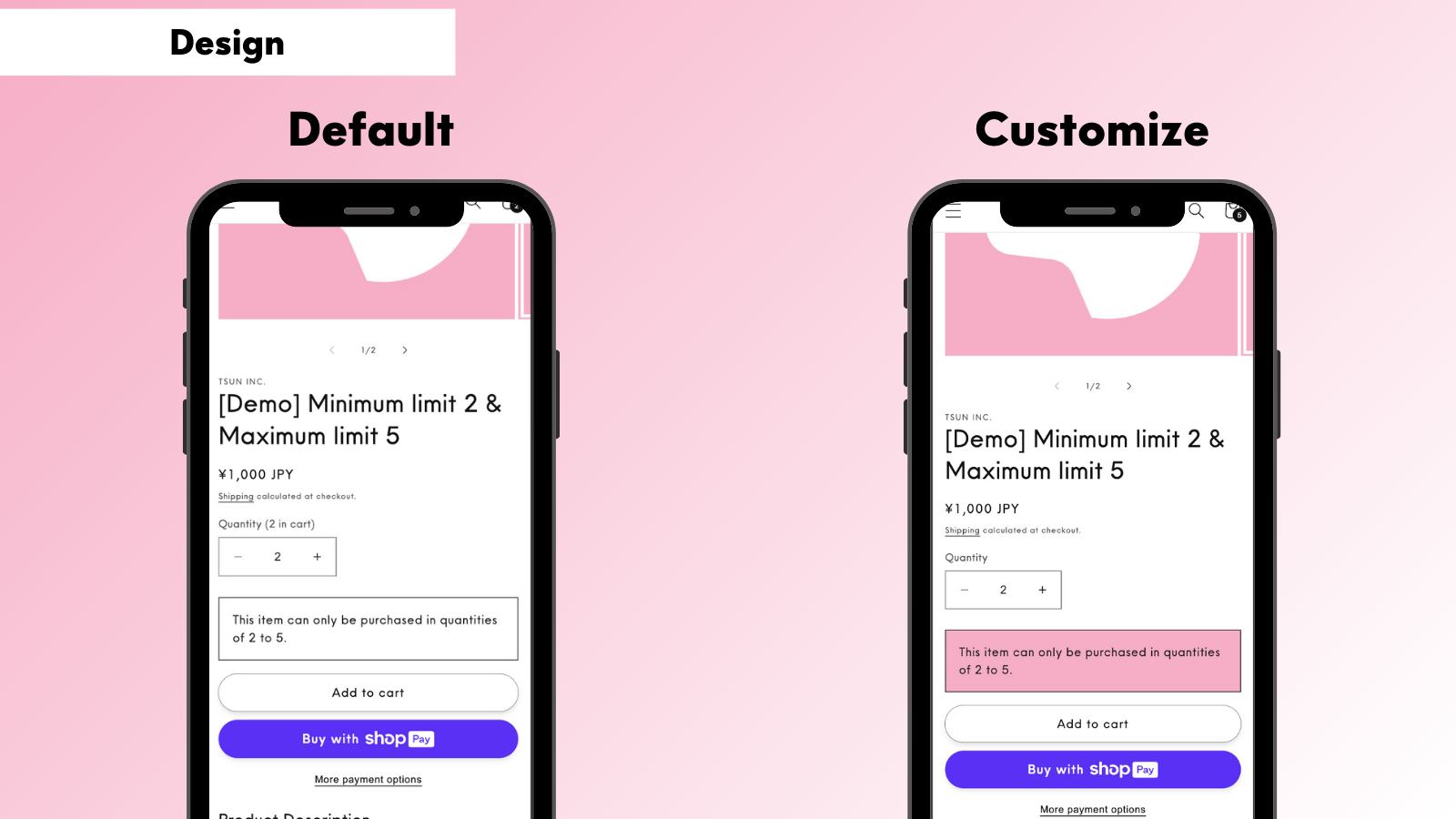
Design Customization

The design of product messages can be freely customized.

Validation

The app can prevent orders that don't meet the set conditions. It blocks unintended orders at various points including product pages, cart, and checkout pages.

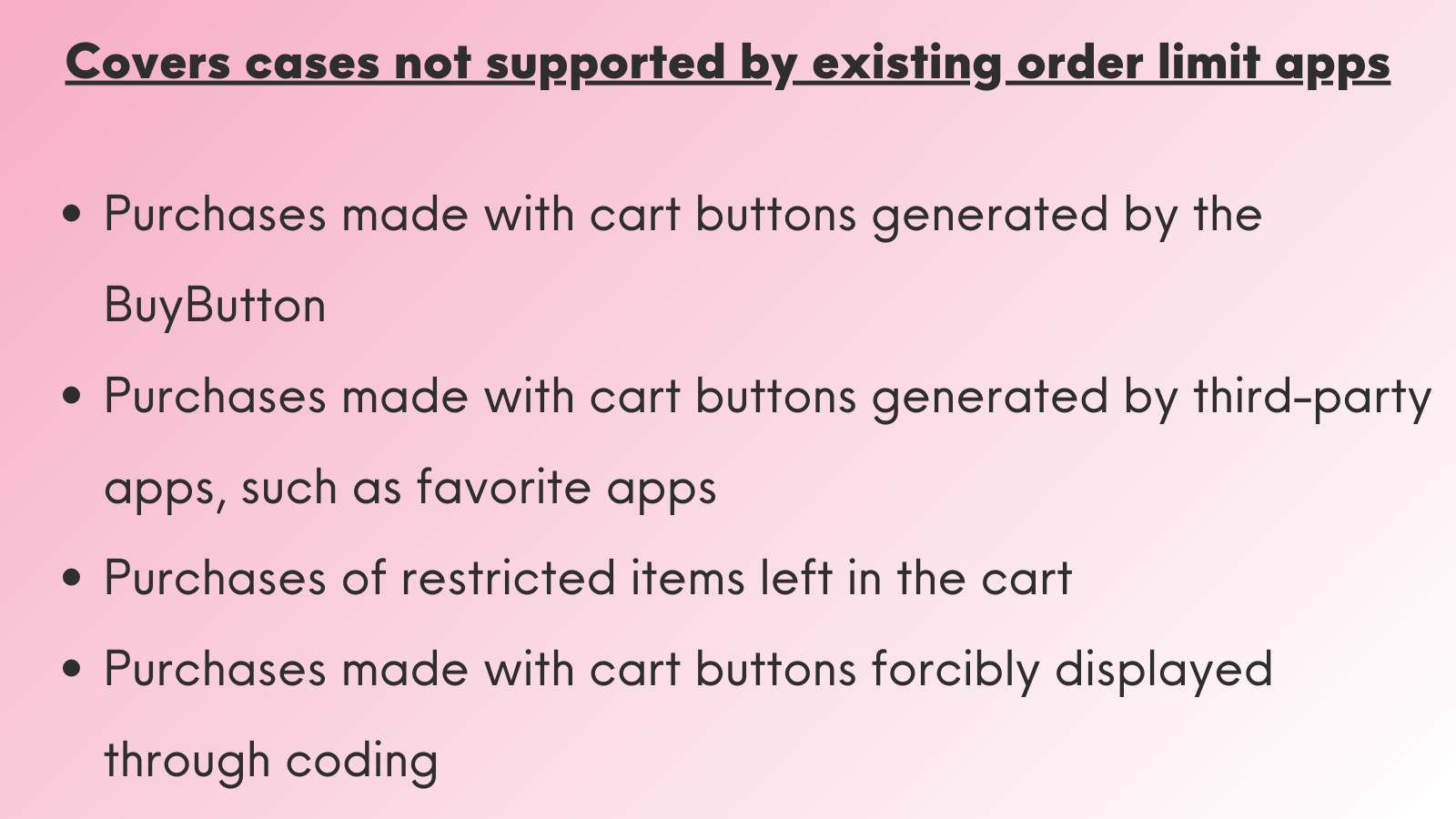
Prevention of Unintended Orders

The app can prevent unintended orders that are typically difficult to handle with conventional apps. This includes purchases through cart buttons generated by BuyButton, purchases through third-party apps like wishlist applications, and purchases from cart buttons forcibly displayed through coding. This helps prevent various forms of fraudulent or inappropriate purchases.

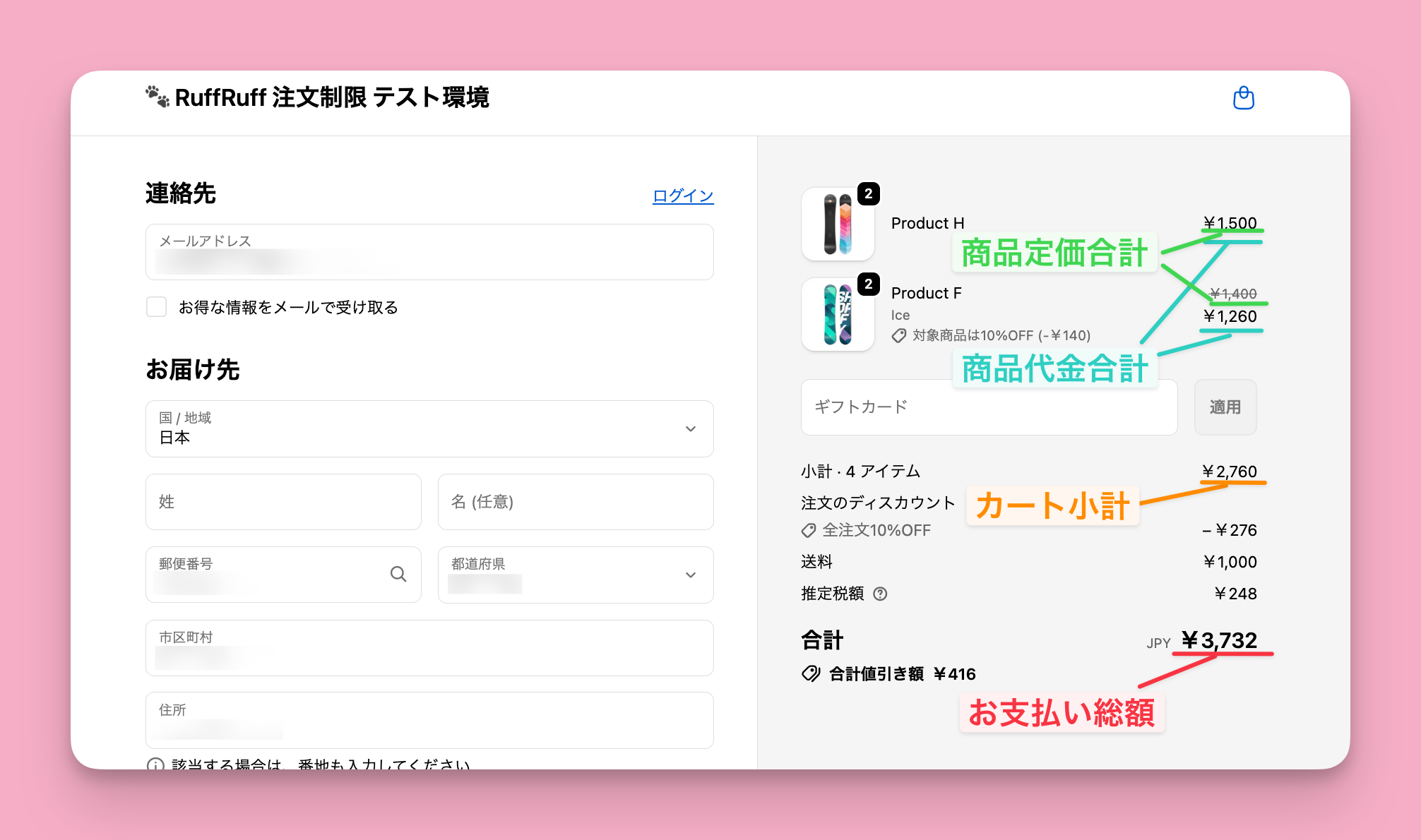
Selectable Price type

When setting a Price rule, you can freely select from four "Price type" options.

  • Item total (before product discounts)
  • Item total (after product discounts)
  • Cart subtotal (Excludes taxes, shipping, and discounts)
  • Grand total (Includes taxes, shipping, and discounts)

Restrict orders with mobile carrier email addresses

You can block orders placed using email addresses from specific Email domains.
By using this feature, you can avoid issues where emails are not delivered to mobile carrier email addresses.

Restrict orders from blacklisted customers

You can block orders from customers who have specific Customer tags. By using this feature, you can block orders from customers with Blacklist tags.

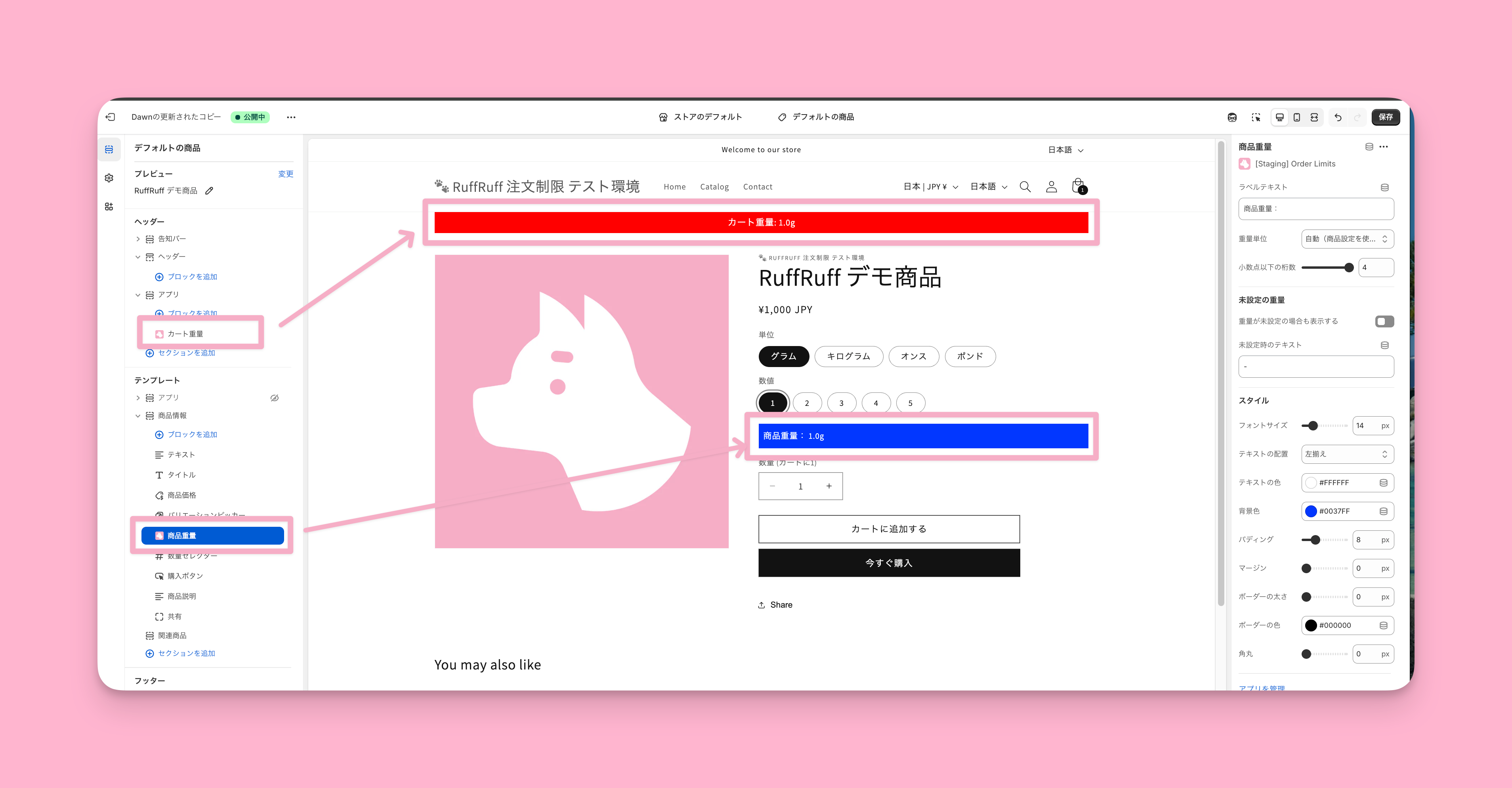
Display weight on online store

You can display the cart total weight and product weight on your online store.
The following four Weight units are supported:

  • Grams (g)
  • Kilograms (kg)
  • Pounds (lb)
  • Ounces (oz)

Light / Full

Choose your plan and compare features

Light plan
For stores that need standard purchase conditions, including quantity, amount, weight, bundle and customer restrictions. Product-specific customer limits also let you specify who can buy each product or variant.

Full plan
Everything in Light, plus quantity, price and weight rules by customer group and cumulative quantity and amount limits across orders, including monthly limits and limits during a campaign.

Product-specific customer limits are set individually for each product or variant. Customer rules apply shared conditions to selected products, collections, product tags and other targets. Both control who can buy and are available on Light and Full.

Customer group rules on the Full plan control how many items, how much and what weight each group can buy.

FeatureLight planFull plan
Quantity limits
Product-specific quantity limits Included Included
Quantity rules Included Included
Quantity rules by customer group Not included Included
Cumulative quantity rules Not included Included
Amount limits
Product-specific amount limits Included Included
Amount rules Included Included
Price rules by customer group Not included Included
Cumulative amount rules Not included Included
Weight limits
Product-specific weight limits Included Included
Weight rules Included Included
Weight rules by customer group Not included Included
Bundle limits
Product-specific bundle limits Included Included
Bundle rules Included Included
Customer limits
Product-specific customer limits Included Included
Customer rules Included Included
Other limits
Delivery rules Included Included
Payment rules Included Included
Access rules Included Included

Pricing Plans

Choose Light or Full based on the features you need, then find the price for your Shopify plan.

  • All prices are in USD and depend on your Shopify plan.
  • Annual billing saves the equivalent of two months compared with monthly billing.
  • A 3-day free trial is available once per store.
Shopify Plan

Light plan
Monthly / Annual

Full plan
Monthly / Annual

Basic

$9.9 / $99

$29.9 / $299

Grow

$13.9 / $139

$34.9 / $349

Advanced

$19.9 / $199

$39.9 / $399

Plus

$29.9 / $299

$49.9 / $499

Use Cases

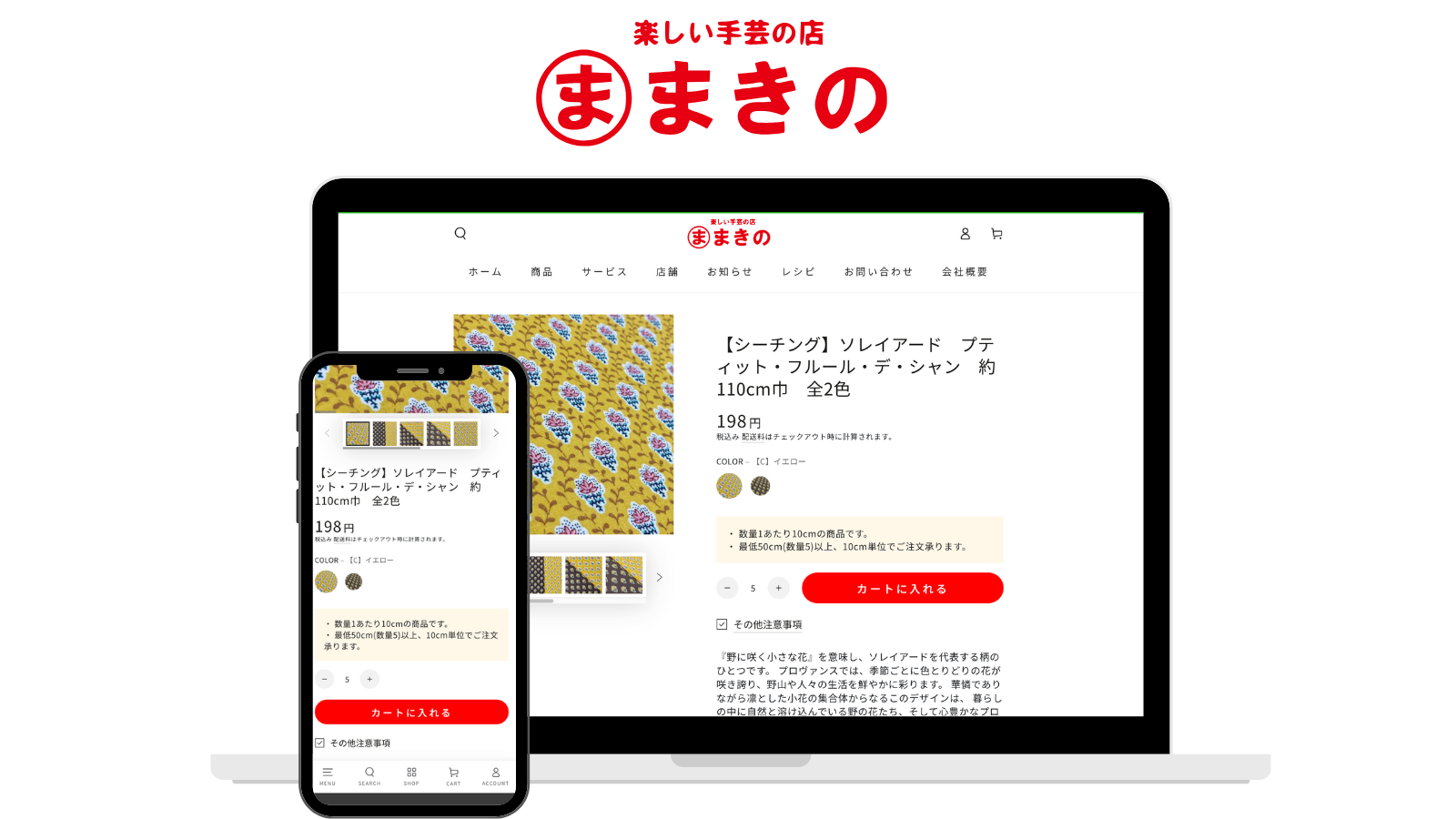
Makino Shop

For fabric and cloth sold by measurement, implement a minimum order quantity of 50cm per transaction.

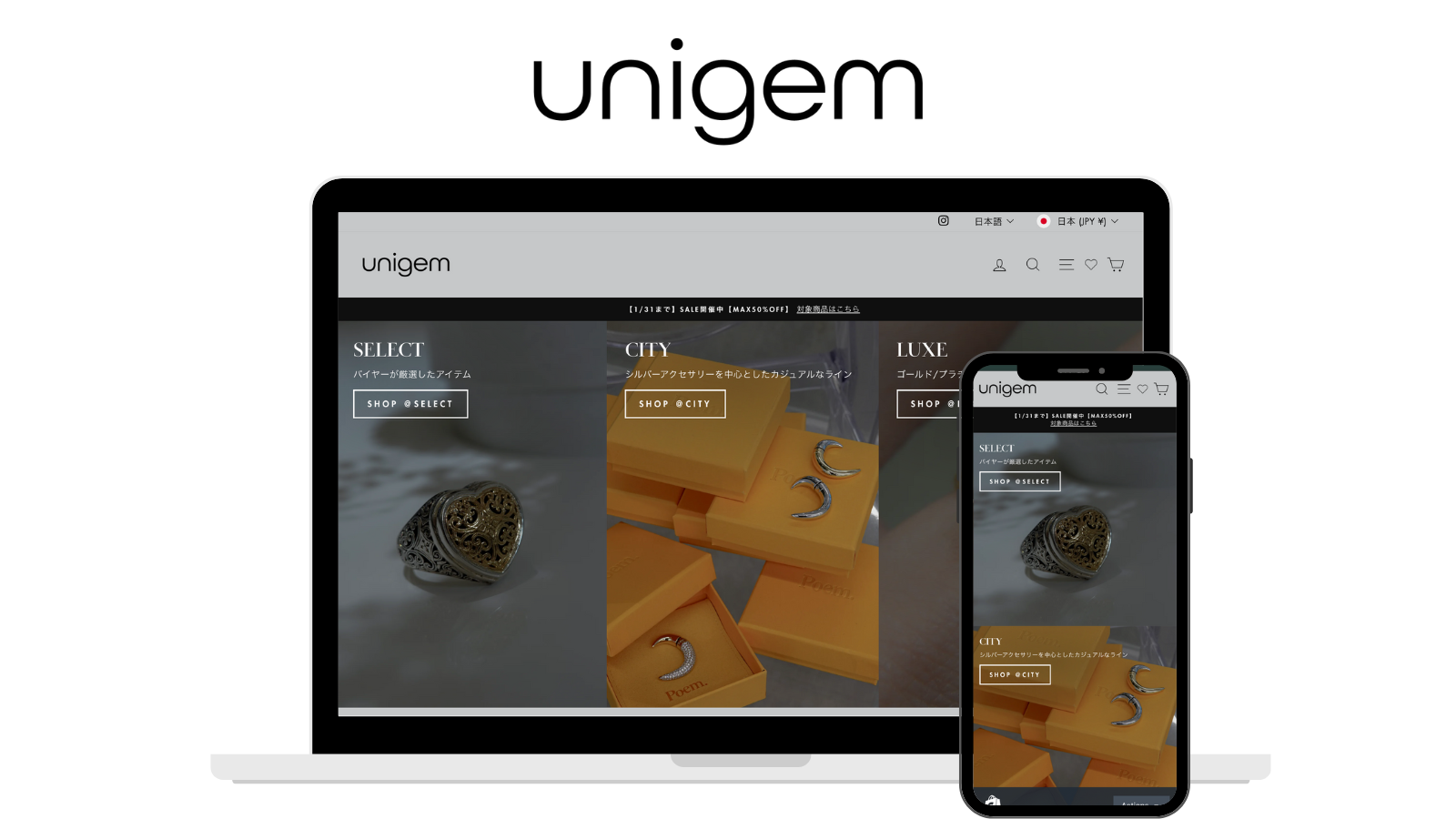
unigem

For accessories and jewelry products, implemented a restriction that "prevents bundling items from different sellers"

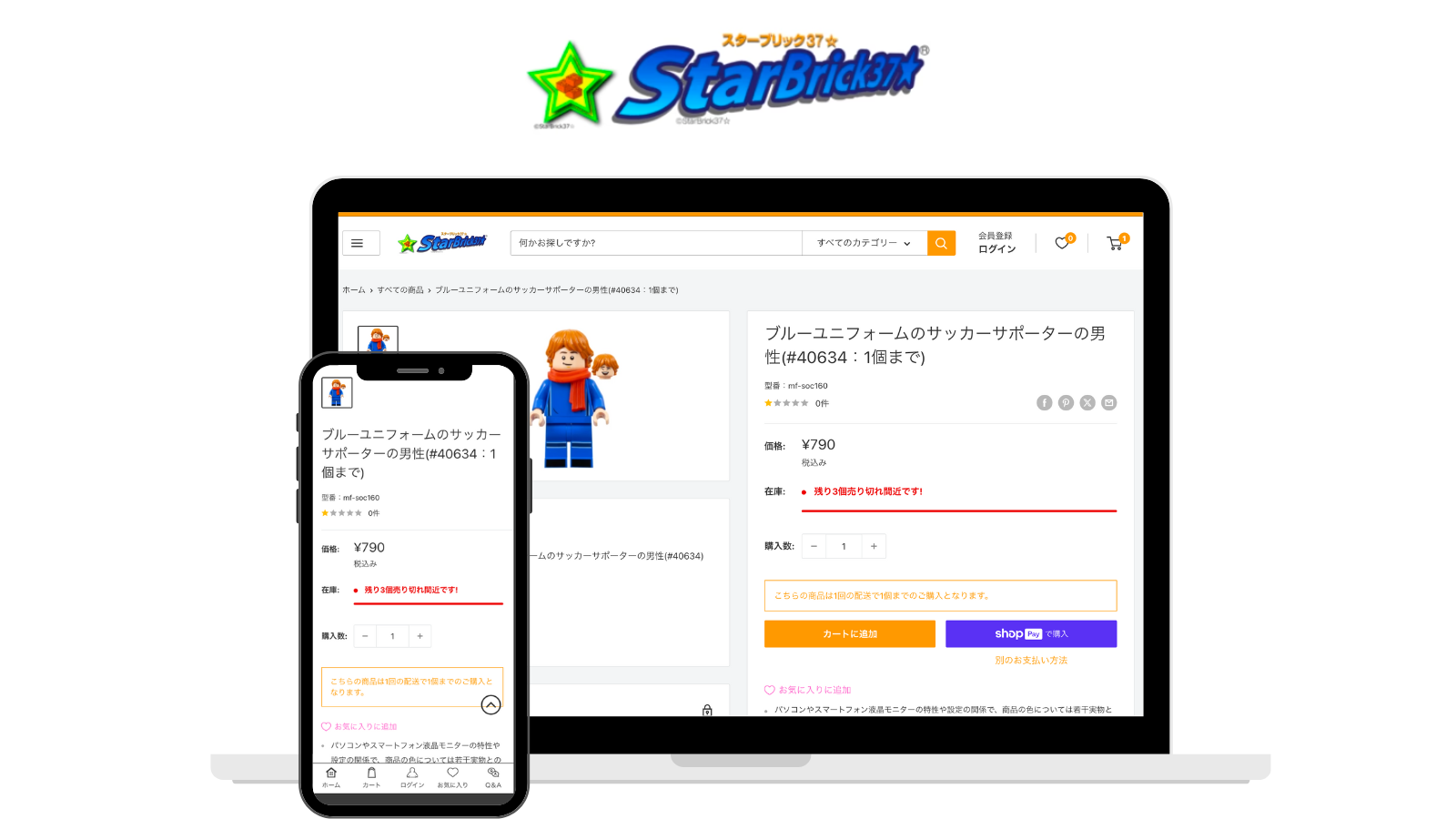
StarBrick37☆

For high-demand LEGO block products, implemented a "limit of 1 item per order" restriction to prevent hoarding

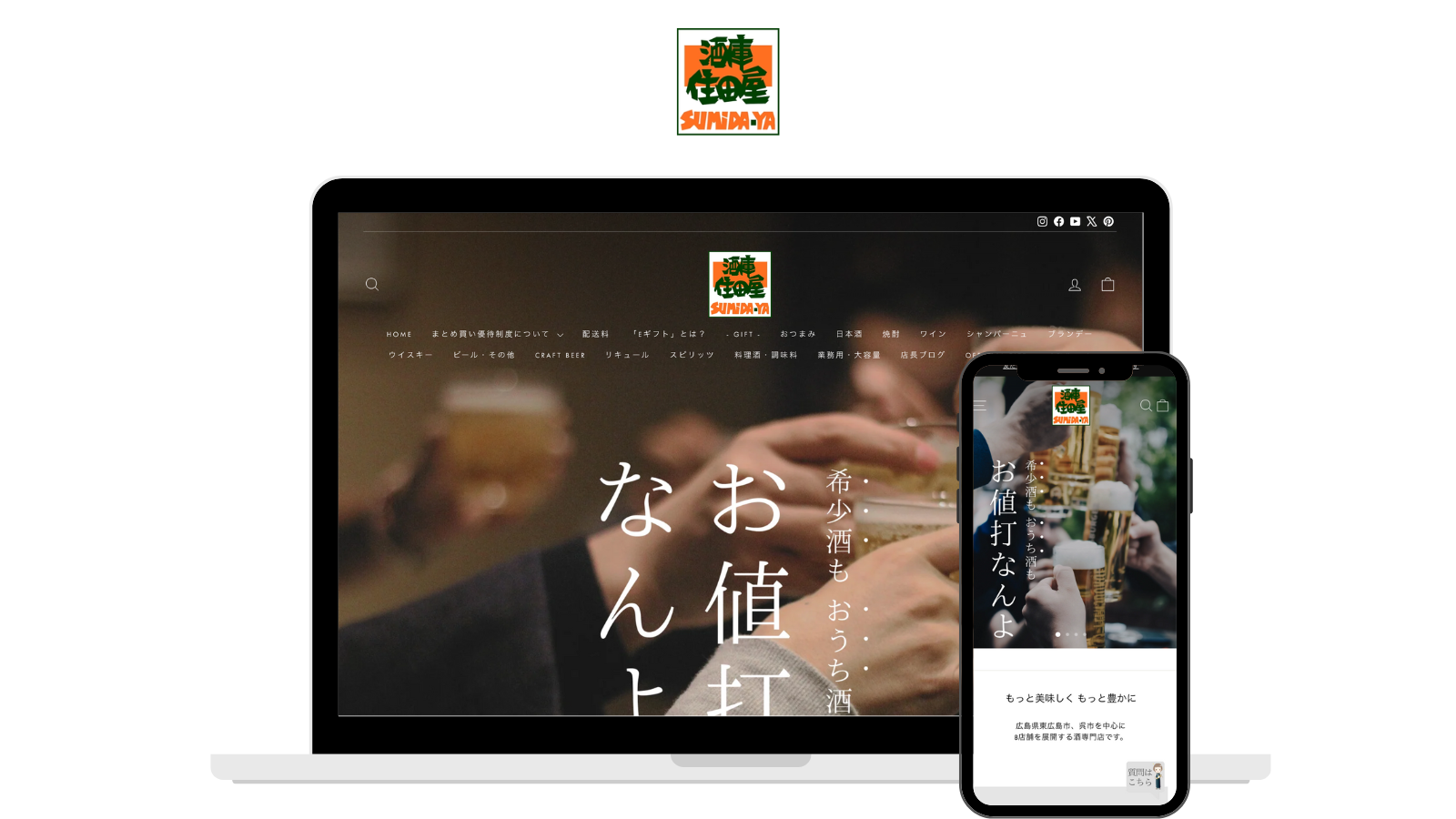
SUMIDA-YA

For products such as rare sake, enables quantity limits of one bottle per customer and bundling restrictions that prevent purchases with other products

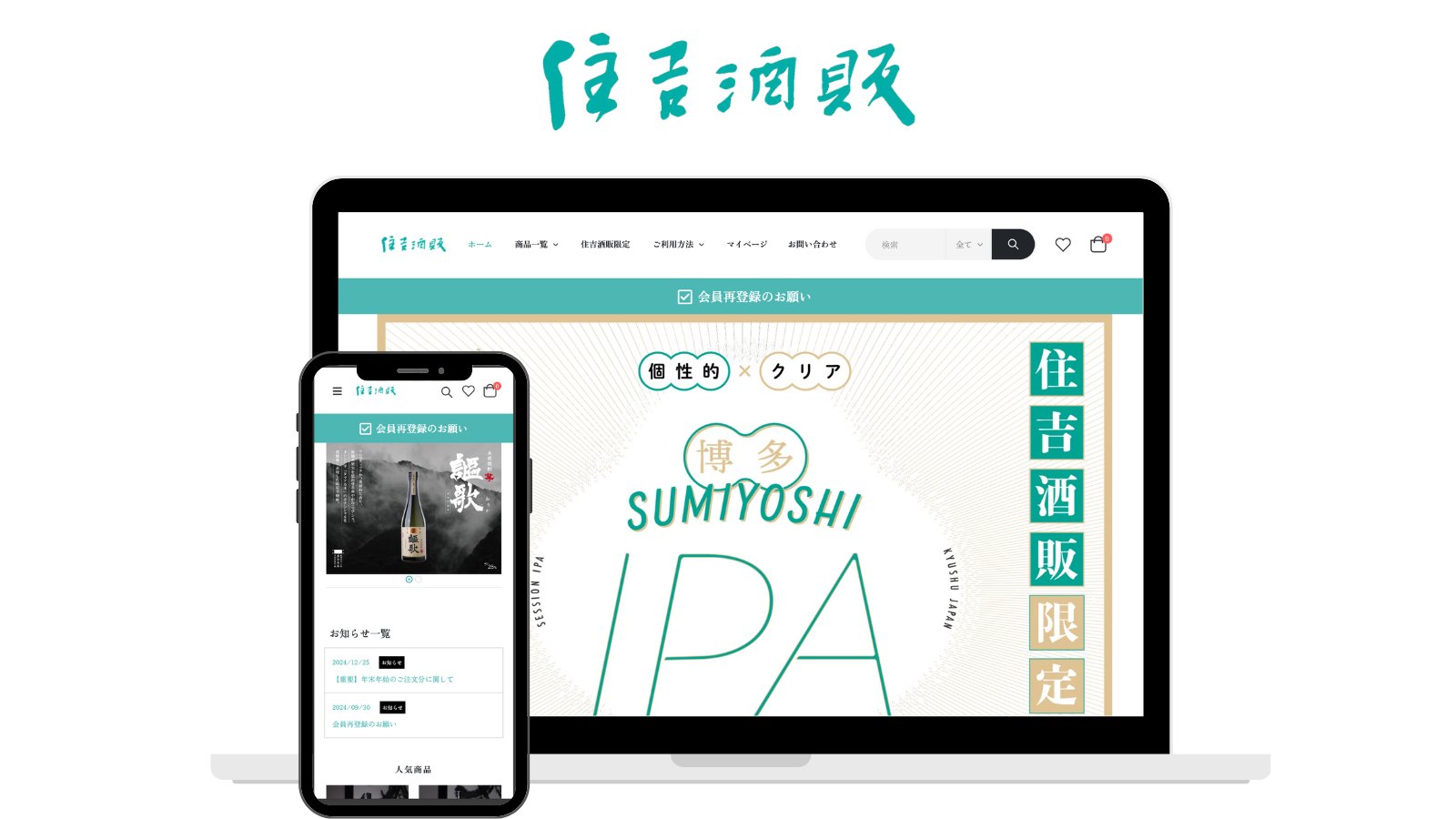
Sumiyoshi Shuhan

Achieved "different Product quantity rules for each product, such as up to 1 unit, 2 units, or 3 units" for items requiring purchase limits.

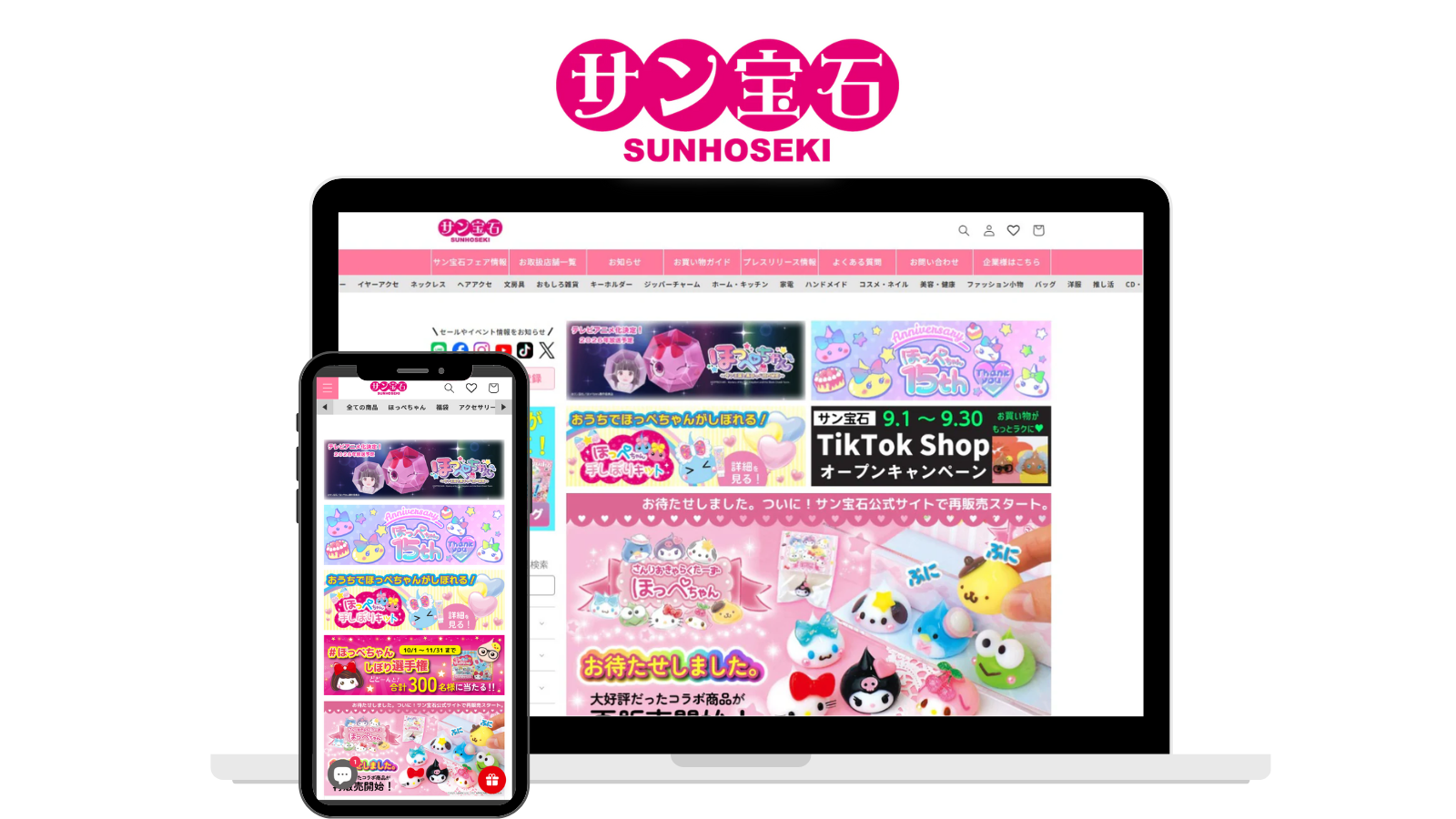
Sunhoseki

By replacing the purchase limits previously managed by their warehouse system with RuffRuff Order Limits, they achieved a "reduction in manual effort and complexity."

EVERING

Achieved "Product quantity rule of up to 1 unit per person for rings" and "Bundle rules where options such as loss replacement warranty or engraving can only be purchased with a ring."

Pekofull

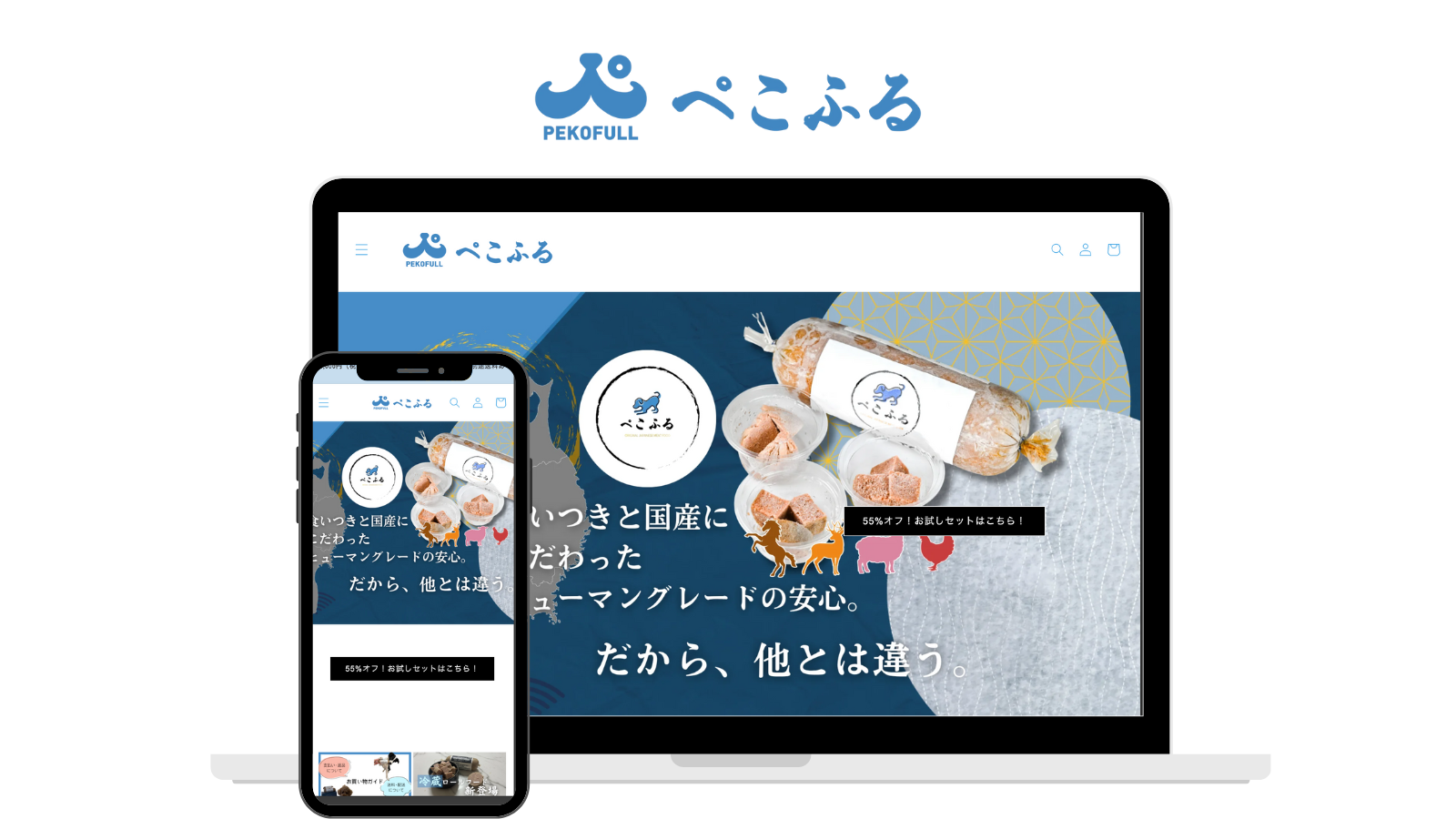
Reduce shipping costs with quantity limits based on what fits in a single box and limit trial sets to one per customer

Tree of Life

Hide cash-on-delivery payments for intangible products that do not require shipping, such as workshops

Ishichiro

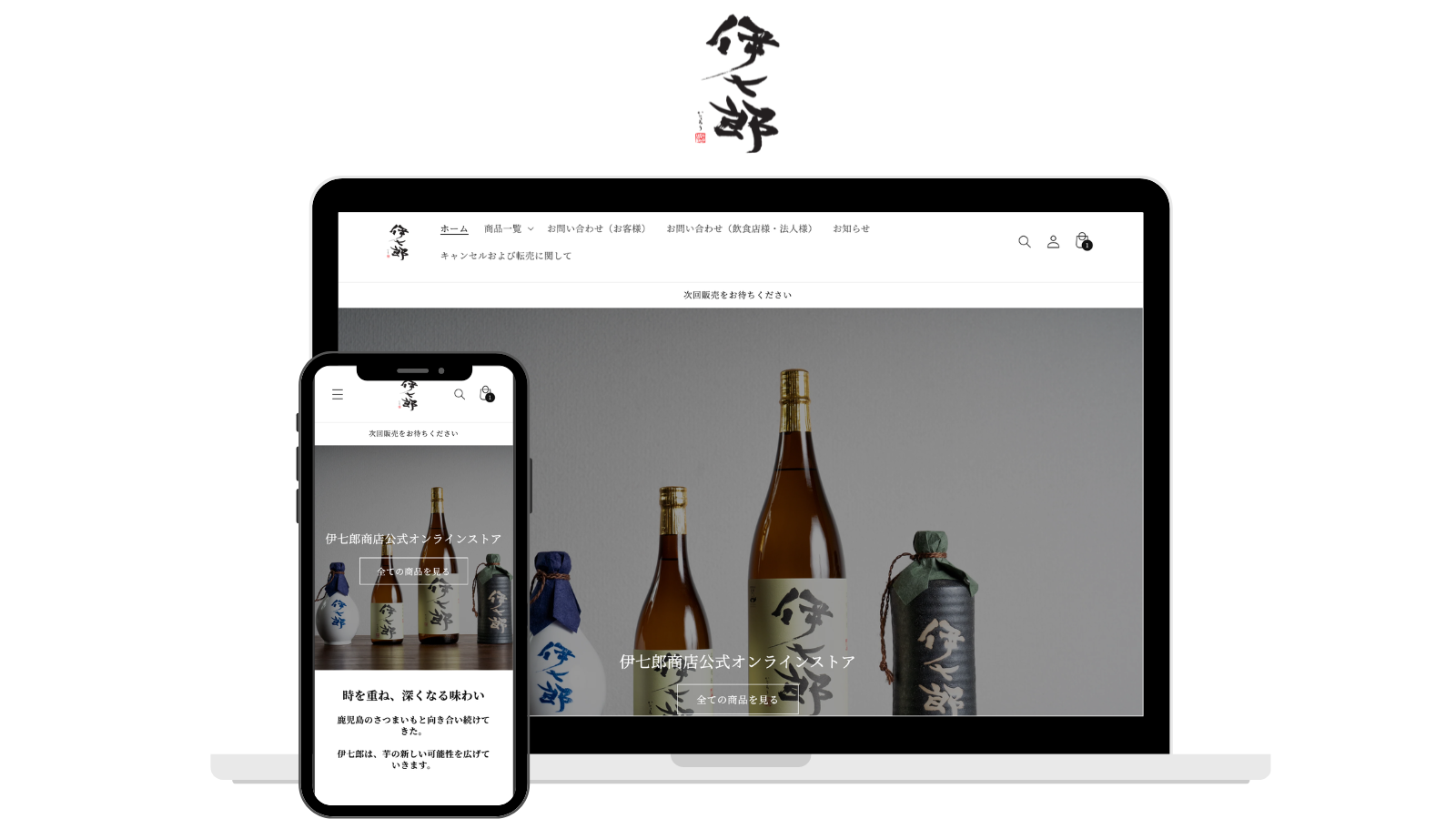
Implemented a range of restrictions, including quantity limits per order, access restrictions for specific customers, and hiding convenience-store payments for eGift products.

User Reviews

This is a highly recommended app. By implementing it, we have been able to set limits, which has significantly expanded our range of operational possibilities. It is exciting to be able to execute various sales promotions on our site through diverse combinations. We look forward to continuing our use of this app.
It was very simple and easy to understand, and I could use it right away after installing! While Japanese apps often give a sense of security, many of them tend to be expensive. In contrast, RuffRuff's series offers many affordable options, which makes it really helpful to get started without hesitation. Also, I find it somehow wonderful that the series has the cute name "RuffRuff," making it easy to remember (^^)
A highly recommended app. By installing this app, we were able to implement limits, and the variations in how it can be used have increased significantly. It is enjoyable to be able to run various sales promotions on the site through various combinations. We would like to continue using it in the future.
I was looking for a order limits app, so I'm glad I found this at the perfect timing. It operates smoothly without any issues. Looking forward to future updates.
I found this app while looking for one that could implement bundling restrictions. The setup is simple and it functions as expected.
With the quantity limit feature, minimum lot sizes have become clearer to customers making purchases. We will continue to use this app.

FAQ

Frequently Asked Questions

Is there a free trial period?

Yes. there is a 3-day free trial period.

Is implementation support available?

Yes. We offer implementation support via email. If you have any questions about implementing the app, please contact us through the inquiry form.

Can it be used with themes other than Online Store 2.0?

This is possible. It can also be used with the Vintage theme.

Are earlier orders included in cumulative totals?

No. Only orders placed after the rule starts tracking are counted. Earlier orders cannot be imported.

Can I set monthly limits or limits that apply only during a campaign?

Yes. Cumulative quantity and amount rules on the Full plan support daily resets, resets on the 1st of each month or January 1 each year, custom reset schedules, and a start and end date and time. You can combine a date range with scheduled resets.

Dates and times use the store's time zone. From the exact end date and time onward, this rule neither limits nor tracks purchases. Rolling windows that count purchases from the last 30 days, for example, are not supported.

See the specifications and setup steps for active dates and reset schedules

Can every rapid or simultaneous order be blocked?

Totals may take a few minutes to update. Rapid orders or simultaneous checkouts from multiple tabs or devices may exceed the limit before totals update. Orders detected during aggregation are flagged for review.

How do customer rules differ from rules by customer group?

Customer rules control who can purchase. On Full, rules by customer group let you set different quantity, amount or weight conditions for the same products, such as 10 items for VIP members and 3 for regular members, a JPY 50,000 minimum for wholesale customers and a JPY 10,000 maximum for everyone else, or 10kg for VIP members and 3kg for regular members. Groups are defined by customer tags or customer metafields, and you can also set defaults for guests and logged-in members.

Can I set a minimum order value for wholesale customers only?

Yes. On Full, price rules by customer group let you set a minimum amount, a maximum amount, or both for each group. You can also choose which amount is checked: the total product amount before product discounts, the total product amount after product discounts, the cart subtotal (excluding shipping and tax), or the order total (including shipping and tax).

Can weights still be checked when products use different units?

Yes. A weight rule by customer group uses one weight unit for the whole rule: kilograms, grams, pounds or ounces. Products registered in a different unit can either be converted and included in the calculation or excluded from it. The check uses the weight registered on each Shopify product variant, so a variant with no weight is counted as 0. When you set a minimum purchase weight, make sure the eligible products have a weight registered.

Is there anything to watch out for when selling in multiple currencies?

The limits in a price rule by customer group are stored in the store currency used when the rule was created, and are converted to the customer's payment currency at checkout. If you change the store currency itself, rules created before the change stop being applied. The app admin shows a currency change notice, so please recreate those rules in the current store currency.

UPDATES

Changelog