Shopify × Pre-Order
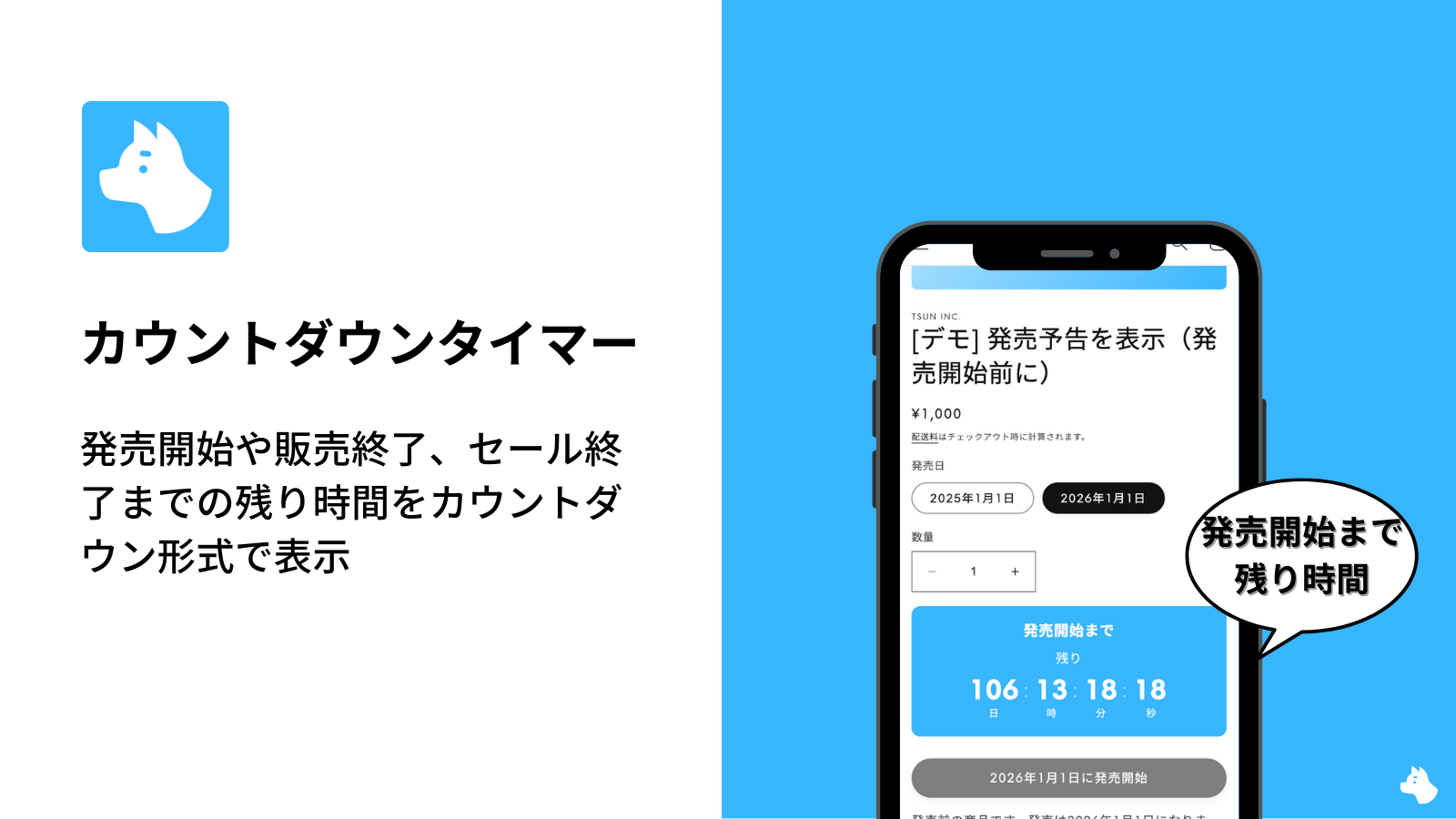
How to Use and Specifications of the Countdown Timer Feature in the Shopify App "RuffRuff Pre Order"
Explains the basic steps for installing the "Countdown Timer" feature of RuffRuff Pre Order on the product page. Assuming an Online Store 2.0 compatible theme, this briefly summarizes the key point...
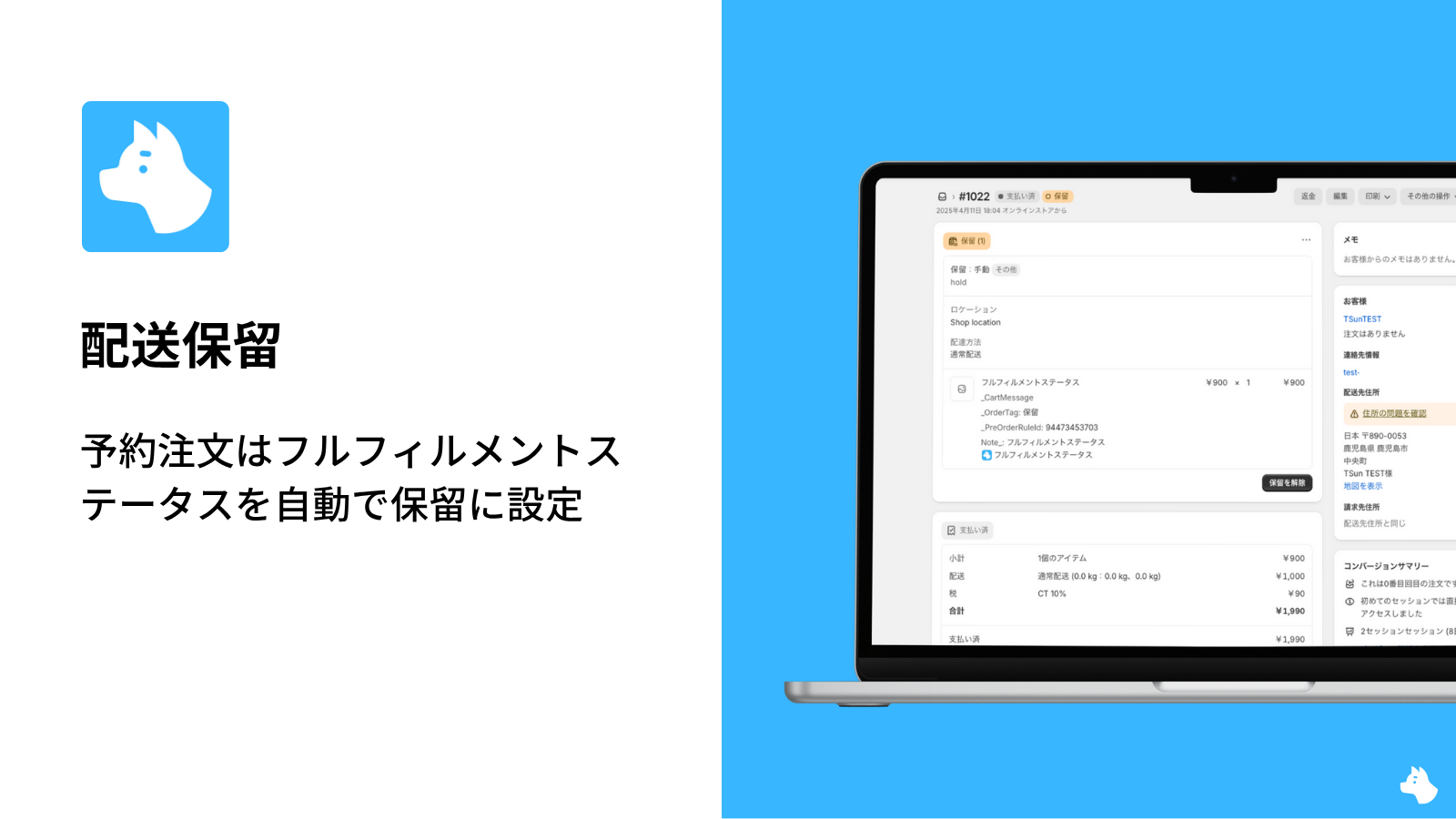
How to Put Shipping On Hold with a Shopify App | Set Fulfillment Status to On Hold for Pre-Orders
Streamline shipping management for pre-orders on Shopify with the "RuffRuff Pre Order" app. This article explains how to use the shipping hold feature and key points for setup to support smooth sto...
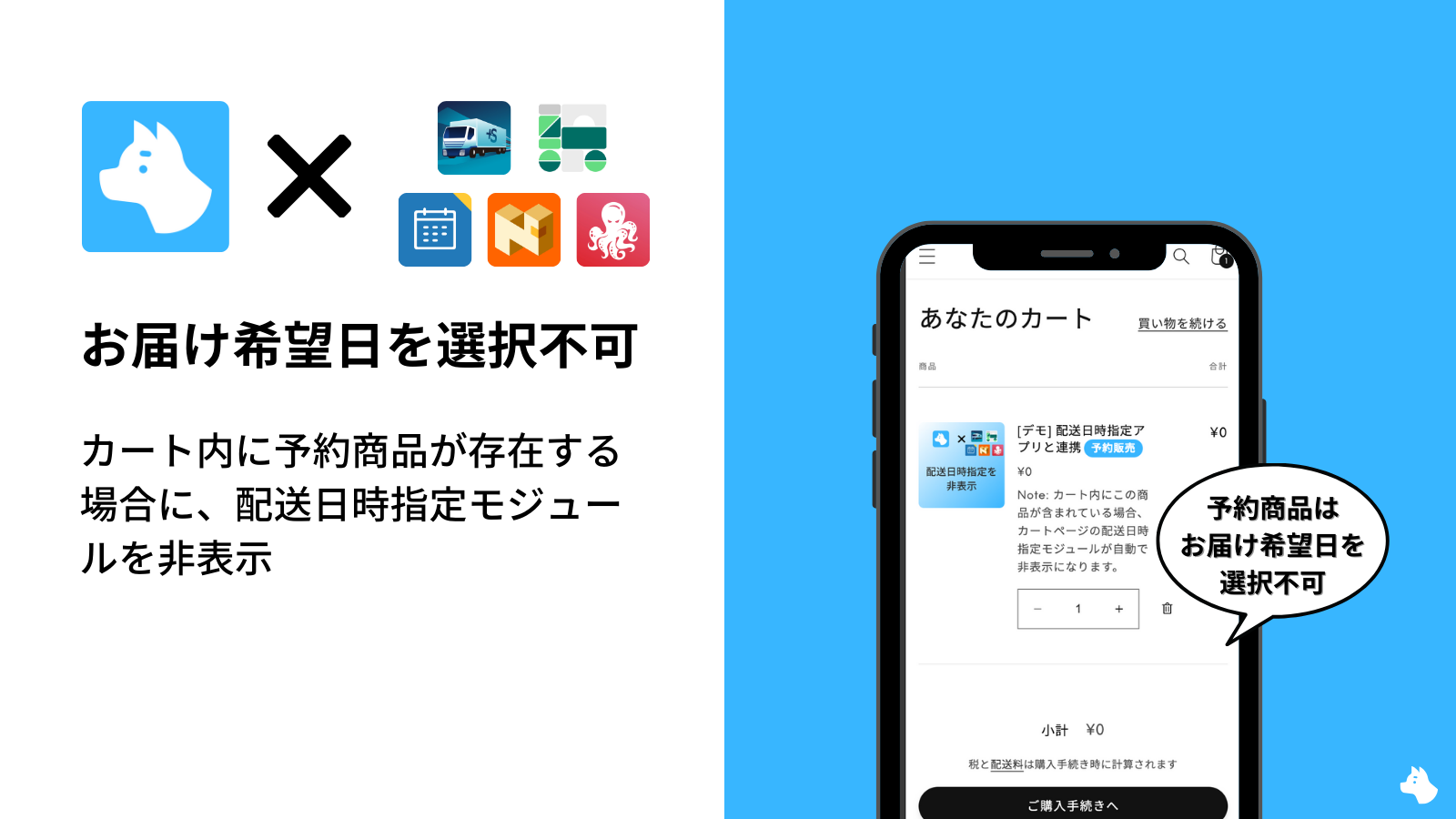
Explains how to disable preferred delivery date selection only for pre-order items in Shopify. Introduces the setup steps for using RuffRuff Pre Order's feature to automatically hide the delivery d...
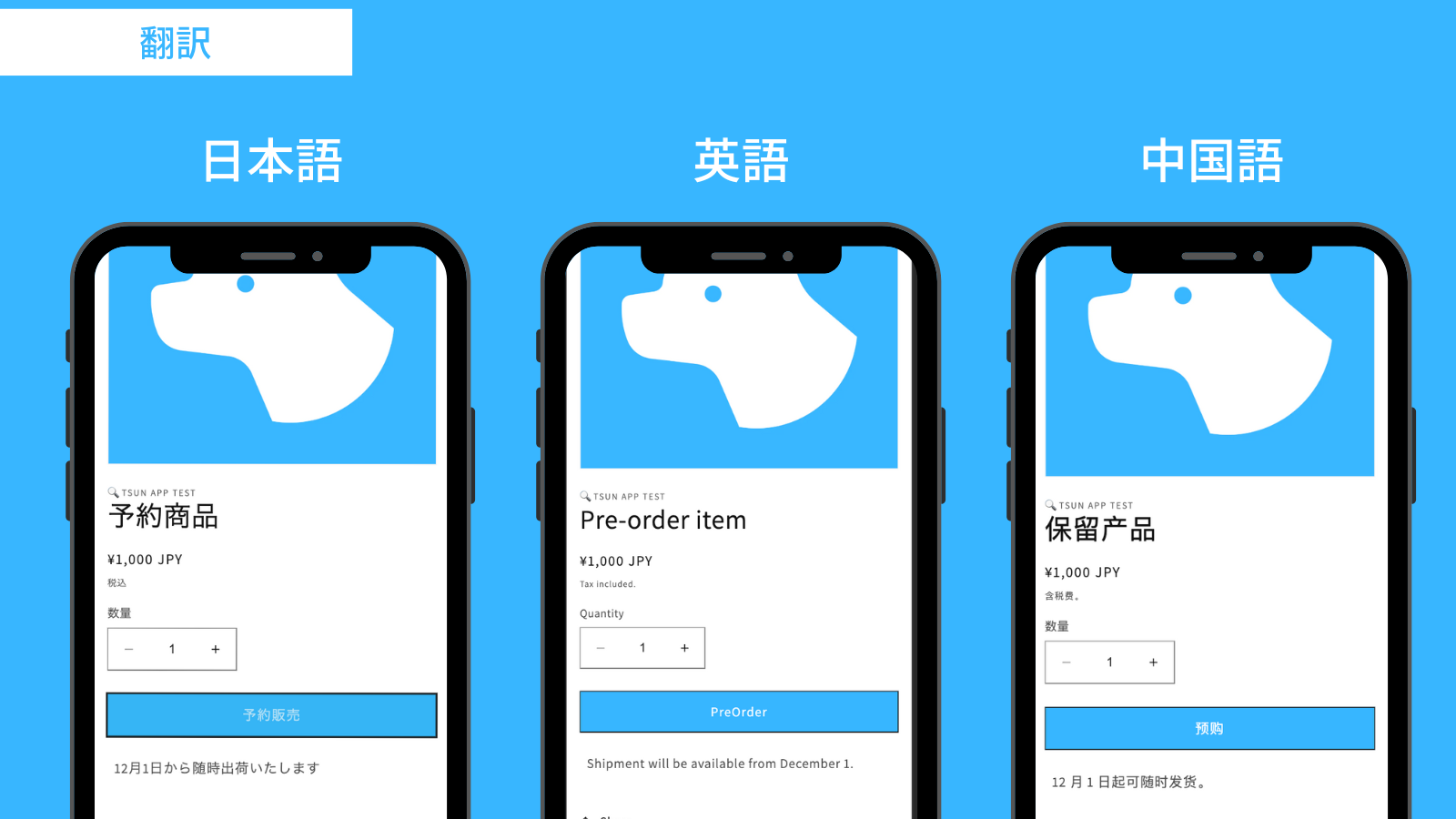
A complete guide to achieving multi-language support with the RuffRuff Pre Order app for Shopify. Covers every localization step needed for cross-border e-commerce, from setting up pre-order produc...
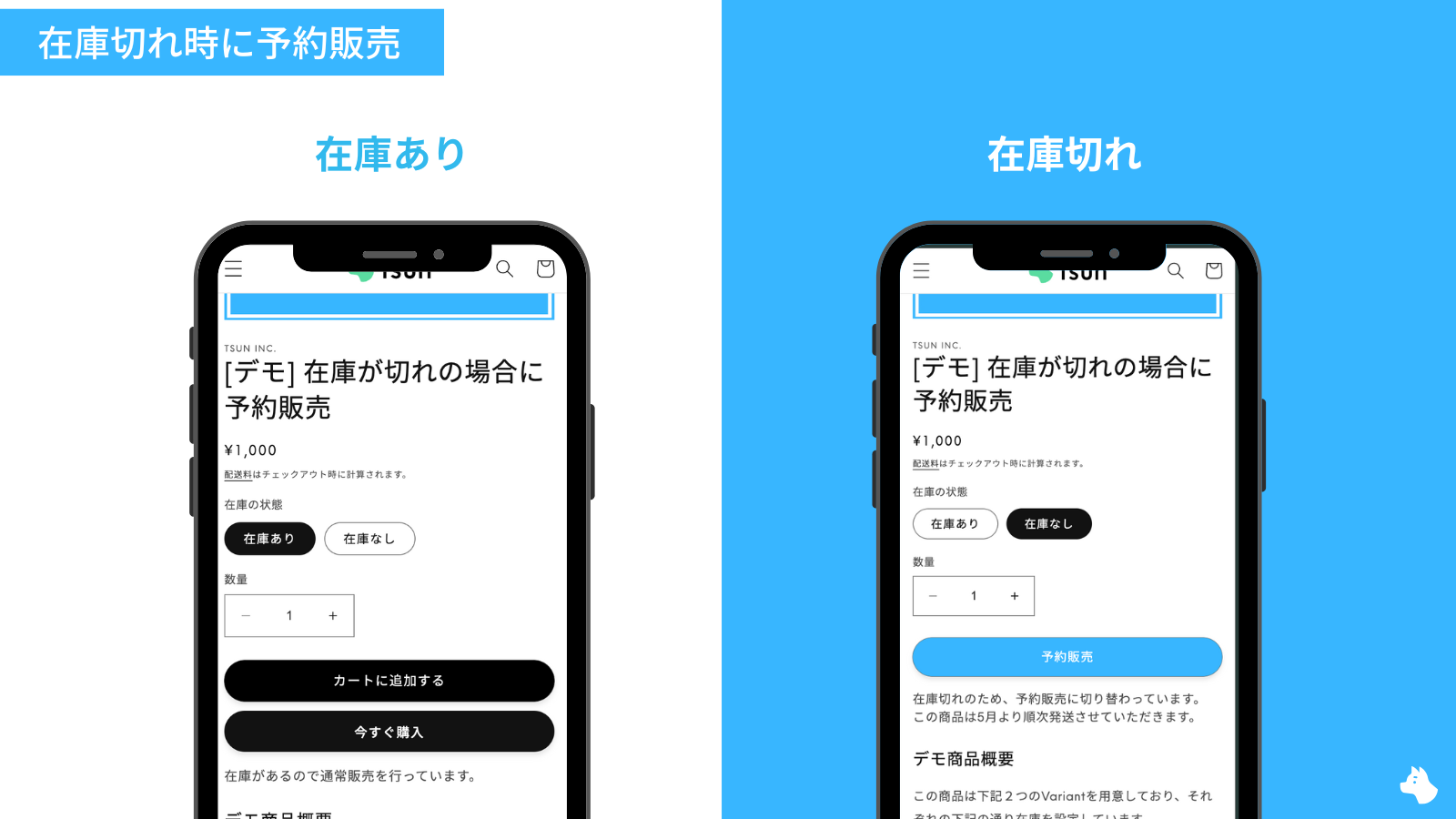
[Shopify] How to Switch to Pre-order When Out of Stock | Accepting Pre-orders After Stock Runs Out
This article explains how to automatically switch to pre-order when out of stock on Shopify. It introduces, step by step, two setup methods: the basic setup using the RuffRuff Pre Order app, and th...