Skip to content
RuffRuff予約販売

We changed which stores can contact us by chat|RuffRuff 予約販売

チャットでのお問い合わせの受付条件を変更しました|RuffRuff 予約販売

Live chat with the RuffRuff 予約販売 support team is available in Japanese only. We changed which stores are eligible for live chat.

Key points

  • To use live chat, your app must be displayed in Japanese and your store must be on the Basic or Pro plan
  • Other stores can ask questions through the help center, the AI assistant, or the inquiry form
  • App features, settings, and pricing do not change. You do not need to do anything

Before and after

Store type or planBeforeAfter
Shopify development stores using the app in JapaneseInquiry form and live chatInquiry form only
Basic, ProInquiry form and live chatInquiry form and live chat
StarterInquiry form and live chatInquiry form only
OtherInquiry form onlyInquiry form only

On every plan, you can still use the help center and the AI assistant.

Stores covered

  • Chat support: stores that use the app in Japanese and are on the Basic or Pro plan
  • No chat support: the Starter plan, the former Light and Regular plans, free stores, Shopify development stores and stores on a Shopify free trial, and stores that use the app in English

How to contact us without chat

  • AI assistant: open it from the chat button in the app at any time. It does not connect you to a staff member
  • Inquiry form: if your question is not solved, send it through the inquiry form

When your plan is checked

We check your plan when you open the app. If you change your plan, reopen the app before you start a chat.

Impact on existing settings

Your pre-order rules, settings, and pricing do not change.

Date applied

November 23, 2026 (JST)

What store owners need to do

This change is applied automatically. You do not need to change any settings.

RuffRuff apps related to this article

Reading next

NGINXの脆弱性によるRuffRuff アプリへの影響はありません|RuffRuff Apps
チャットでのお問い合わせの受付条件を変更しました|RuffRuff 注文制限

Changelog

View more articles
チャットでのお問い合わせの受付条件を変更しました|RuffRuff 販売期間

We changed which stores can contact us by chat|RuffRuff Selling Periods

Live chat with the RuffRuff Selling Periods support team is available only in Japanese, for stores that use the app in Japanese and are on the Light plan with Shopify Advanced or Plus. Other stores...

チャットでのお問い合わせの受付条件を変更しました|RuffRuff 購入特典

We changed which stores can contact us by chat|RuffRuff Order Bonus

Live chat with the RuffRuff Order Bonus support team is available only in Japanese, for stores that use the app in Japanese and are on the Light plan with Shopify Advanced or Plus. Other stores can...

チャットでのお問い合わせの受付条件を変更しました|RuffRuff 注文制限

We changed which stores can contact us by chat|RuffRuff Order Limits

Live chat with the RuffRuff Order Limits support team is available only in Japanese, for stores that use the app in Japanese and are on the Full plan or the Light plan with Shopify Advanced or Plus...

NGINXの脆弱性によるRuffRuff アプリへの影響はありません|RuffRuff Apps

RuffRuff apps are not affected by the NGINX vulnerabilities|RuffRuff Apps

None of the seven RuffRuff apps use NGINX, so they are not affected by the NGINX vulnerabilities disclosed on November 18, 2026. You do not need to change any RuffRuff app settings or reinstall the...

カートボタンを無効・非表示にしていても数量欄の Enter でカートに入る不具合を修正しました|RuffRuff 予約販売

Fixed an issue where pressing Enter in the quantity field could add a product to the cart even when the cart button was disabled or hidden | RuffRuff 予約販売

We fixed an issue in RuffRuff 予約販売 where pressing Enter in the quantity field on a product page could add a product to the cart even when the cart button was disabled or hidden. No settings changes...

マーケット別の配送方法を配送ディスカウントで選べるようになりました|RuffRuff 購入特典

You can now select market-specific shipping methods in shipping discounts|RuffRuff Order Bonus

In RuffRuff Order Bonus shipping discounts, you can now select shipping methods configured in Shopify's market-specific shipping settings from the options. You do not need to reconfigure saved camp...

GUIDE

Shopify guides

Clear, easy-to-follow, and accurate guides to Shopify sales tactics and how to use our apps.

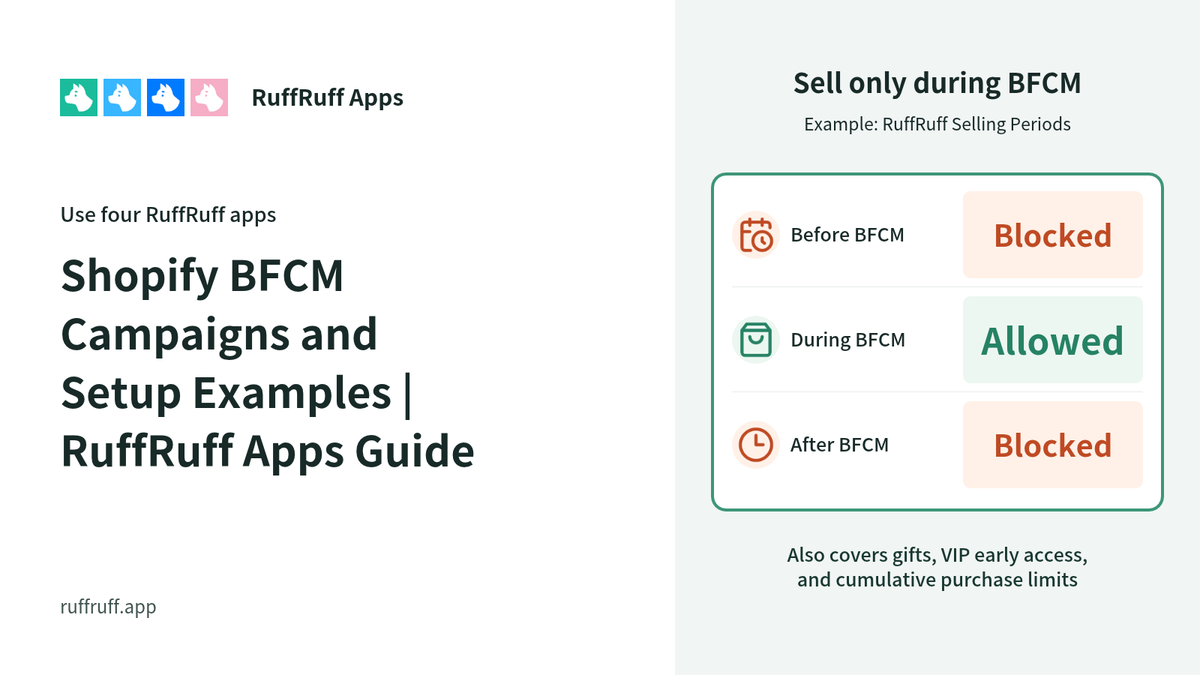
[2026] Shopify BFCM Campaigns and Setup Examples | RuffRuff Apps Guide

Explore BFCM campaigns using four RuffRuff apps, with practical setup examples. This guide covers gifts, VIP early access, limited-time sales, cumulative purchase limits, and the apps and checks th...

How to Set Up Discounts on Subscription Products by Membership Rank in Shopify

How to Set Up Discounts on Subscription Products by Membership Rank in Shopify

Learn how to vary subscription prices by membership rank using Shopify Subscription. Using the RuffRuff Order Bonus app, this guide walks through — with screenshots — how to automatically apply a t...

How to Automatically Add a Promotional Gift After an Order on Shopify | Add It to the Order Without Putting It in the Cart

How to Automatically Add a Promotional Gift After an Order on Shopify | Add It to the Order Without Putting It in the Cart

A setup example for automatically adding a JPY 0 promotional gift after an order is created, without putting the gift in the cart. Covers eligibility requirements and how to verify the addition in ...

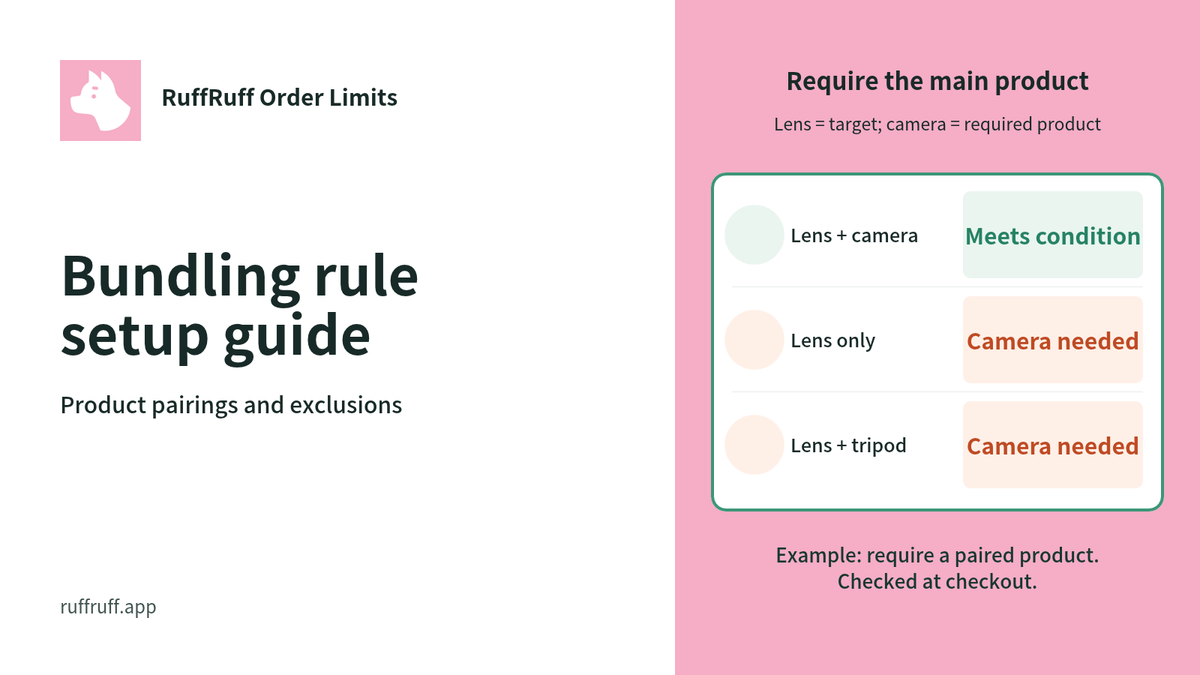
How to set bundle rules in RuffRuff Order Limits | Combinations and excluded items

Explains standalone purchases, allowing or requiring bundles with selected items, and exclusions such as catalogs, using the actual settings screens. It covers how to choose eligible items, how to ...

Shopify Limited-Time Sale Guide: Comparing and Explaining 3 Methods

Shopify Limited-Time Sale Guide: Comparing and Explaining 3 Methods

A thorough guide to the three ways to run a limited-time sale on Shopify. Compares the built-in feature, manual setup, and dedicated apps, along with the pros and cons of each and how to use RuffR...

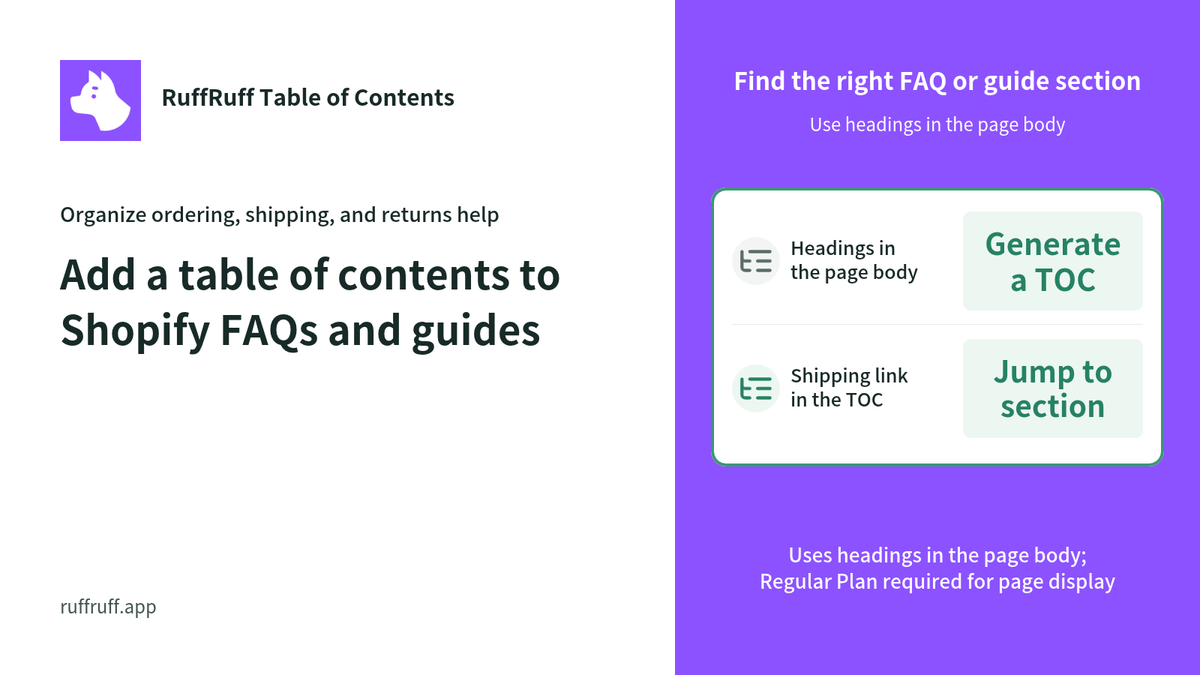
Add a table of contents to Shopify FAQs and guides

Add a table of contents to Shopify FAQs and guides

Use headings in FAQs and store guides to link readers to topics and questions. Covers page requirements, template placement, and checks after updates.

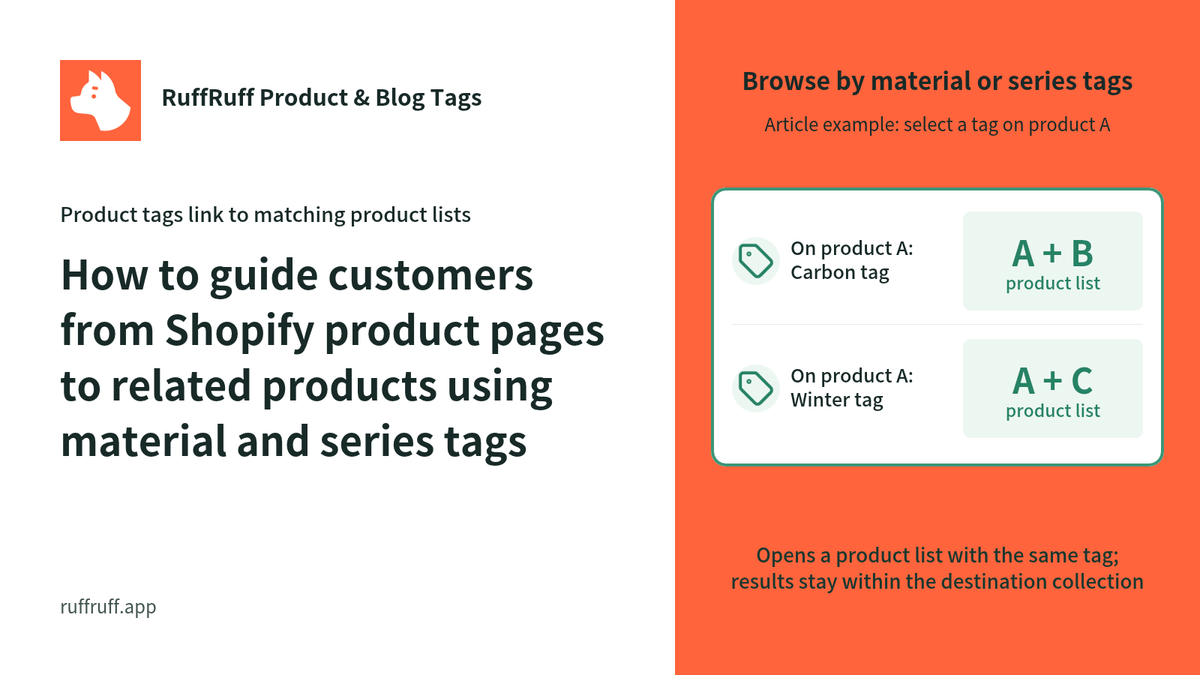
How to guide customers from Shopify product pages to related products using material and series tags

How to display tags on Shopify product pages so customers can find products by material or series

Display material or series tags on product pages to link to products sharing those tags. Learn how product URLs affect the filter scope, how to hide internal tags, and what to test after setup.

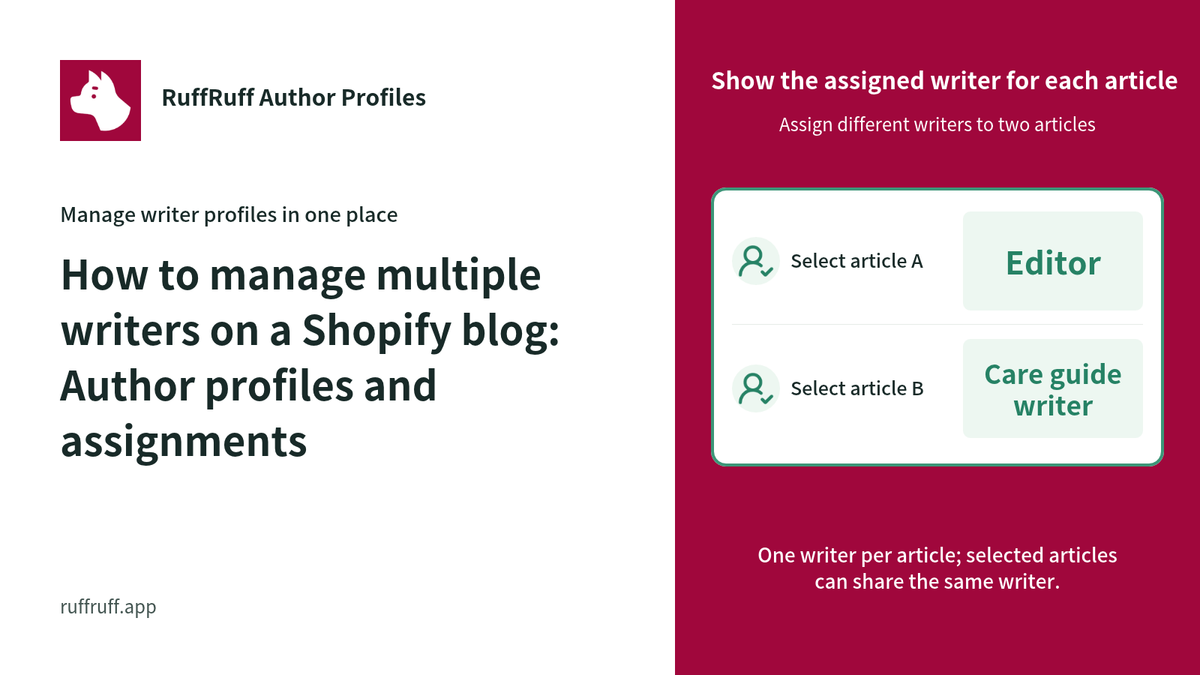
How to manage multiple writers on a Shopify blog: Author profiles and assignments

How to manage multiple writers on a Shopify blog: Author profiles and assignments

Assign the right writer to each post. This example explains author profiles, bulk assignment and removal, the one-author-per-post limit, and Shopify’s native author name.

How to Set Up Limited-Time Sales with RuffRuff Selling Periods | Start, End, and Testing

How to Set Up Limited-Time Sales with RuffRuff Selling Periods | Start, End, and Testing

Learn how to sell a product for a fixed period with RuffRuff Selling Periods, from setting start/end times and product messages to enabling and applying rules and testing purchase restrictions outs...