Skip to content
RuffRuff Apps

We have updated to the November 2026 Node.js security release|RuffRuff Apps

Node.jsのセキュリティリリース(2026年11月)に対応しました|RuffRuff Apps

RuffRuff apps were not affected by the Node.js vulnerabilities disclosed on November 11, 2026. We have still updated Node.js in all seven apps to the fixed version (22.23.5).

Key points

  • RuffRuff apps were not affected by these vulnerabilities
  • We updated Node.js in all seven apps to the fixed version, 22.23.5
  • Store owners do not need to change any settings or reinstall the apps

Apps covered by this notice

  • RuffRuff 予約販売
  • RuffRuff Order Limits
  • RuffRuff Order Bonus
  • RuffRuff Selling Periods
  • RuffRuff Table of Contents
  • RuffRuff Product & Blog Tags
  • RuffRuff Author Profiles

What we did

On November 11, 2026, Node.js released security fixes for 16 vulnerabilities, including issues in HTTP/2, TLS, and the Permission Model.

All seven RuffRuff apps use Node.js, but they were not affected by these vulnerabilities. To keep the apps on a fixed version, we still updated them to Node.js 22.23.5.

Date applied

November 12, 2026 (JST)

What store owners need to do

You do not need to change any RuffRuff app settings or reinstall the apps in response to this issue. You can continue using them as usual.

We will provide an update if the situation changes.
Reading next

ルールの一括適用・一括解除で、対象の集計が終わらない不具合を修正しました|RuffRuff 予約販売
マーケット別の配送方法を配送ディスカウントで選べるようになりました|RuffRuff 購入特典

Changelog

View more articles
マーケット別の配送方法を配送ディスカウントで選べるようになりました|RuffRuff 購入特典

You can now select market-specific shipping methods in shipping discounts|RuffRuff Order Bonus

In RuffRuff Order Bonus shipping discounts, you can now select shipping methods configured in Shopify's market-specific shipping settings from the options. You do not need to reconfigure saved camp...

ルールの一括適用・一括解除で、対象の集計が終わらない不具合を修正しました|RuffRuff 予約販売

Fixed an issue where counting targets did not finish in "Bulk apply or remove rules" | RuffRuff 予約販売

We fixed an issue in RuffRuff 予約販売 where counting the target variants in "Bulk apply or remove rules" sometimes did not finish. If a bulk action did not finish counting, start it again from "Review...

セキュリティへの取り組みを公開しました|RuffRuff Apps

We published "Our approach to security"|RuffRuff Apps

We published a page, "Our approach to security", that summarizes the security measures in place across all seven RuffRuff apps. Store owners do not need to change settings or reinstall.

有効期限付きアクセストークンへの移行に対応しました|RuffRuff Apps

Added support for expiring access tokens | RuffRuff Apps

All seven RuffRuff apps now support expiring access tokens. No action is required from merchants.

IP許可リストによるAPIアクセス制限に対応しました|RuffRuff Apps

Enabled API access restrictions with an IP allowlist | RuffRuff Apps

All seven RuffRuff apps now use an IP allowlist to restrict API access. No action is required from merchants.

Ruby on Railsの脆弱性(Active Storage)によるRuffRuff アプリへの影響はありません|RuffRuff Apps

RuffRuff apps are not affected by the Ruby on Rails (Active Storage) vulnerability|RuffRuff Apps

None of the seven RuffRuff apps use Ruby on Rails, so they are not affected by the Active Storage vulnerability disclosed on November 4, 2026. You do not need to change any RuffRuff app settings or...

GUIDE

Shopify guides

Clear, easy-to-follow, and accurate guides to Shopify sales tactics and how to use our apps.

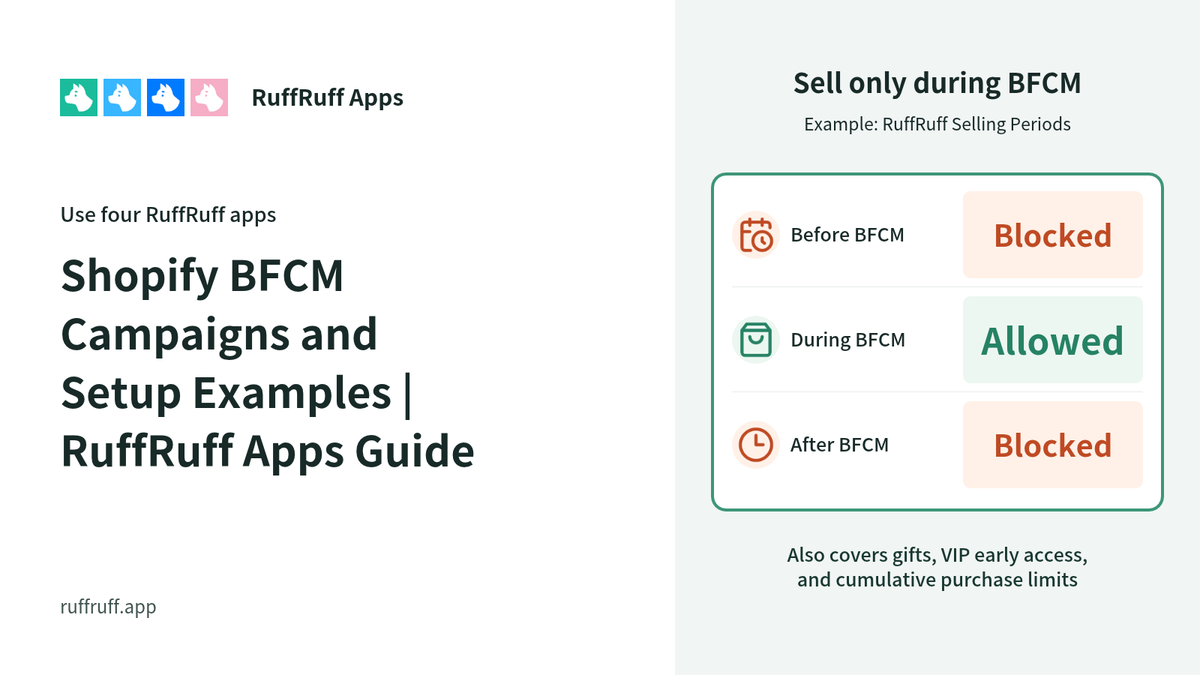
[2026] Shopify BFCM Campaigns and Setup Examples | RuffRuff Apps Guide

Explore BFCM campaigns using four RuffRuff apps, with practical setup examples. This guide covers gifts, VIP early access, limited-time sales, cumulative purchase limits, and the apps and checks th...

How to Set Up Discounts on Subscription Products by Membership Rank in Shopify

How to Set Up Discounts on Subscription Products by Membership Rank in Shopify

Learn how to vary subscription prices by membership rank using Shopify Subscription. Using the RuffRuff Order Bonus app, this guide walks through — with screenshots — how to automatically apply a t...

How to Automatically Add a Promotional Gift After an Order on Shopify | Add It to the Order Without Putting It in the Cart

How to Automatically Add a Promotional Gift After an Order on Shopify | Add It to the Order Without Putting It in the Cart

A setup example for automatically adding a JPY 0 promotional gift after an order is created, without putting the gift in the cart. Covers eligibility requirements and how to verify the addition in ...

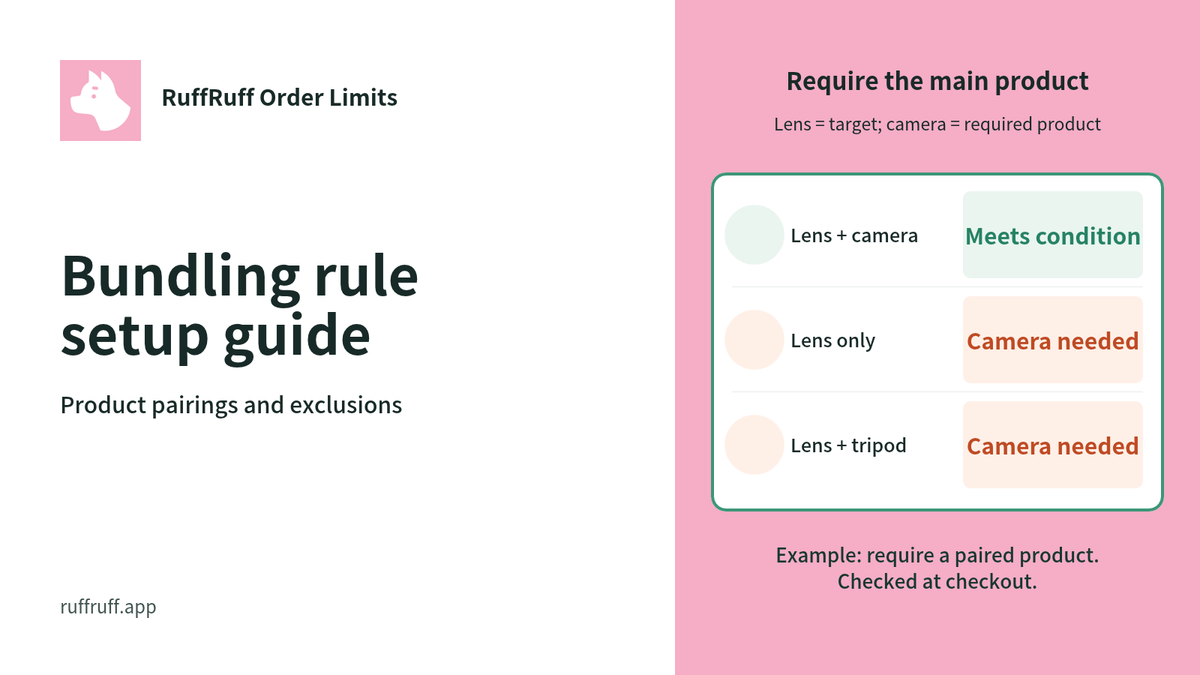
How to set bundle rules in RuffRuff Order Limits | Combinations and excluded items

Explains standalone purchases, allowing or requiring bundles with selected items, and exclusions such as catalogs, using the actual settings screens. It covers how to choose eligible items, how to ...

Shopify Limited-Time Sale Guide: Comparing and Explaining 3 Methods

Shopify Limited-Time Sale Guide: Comparing and Explaining 3 Methods

A thorough guide to the three ways to run a limited-time sale on Shopify. Compares the built-in feature, manual setup, and dedicated apps, along with the pros and cons of each and how to use RuffR...

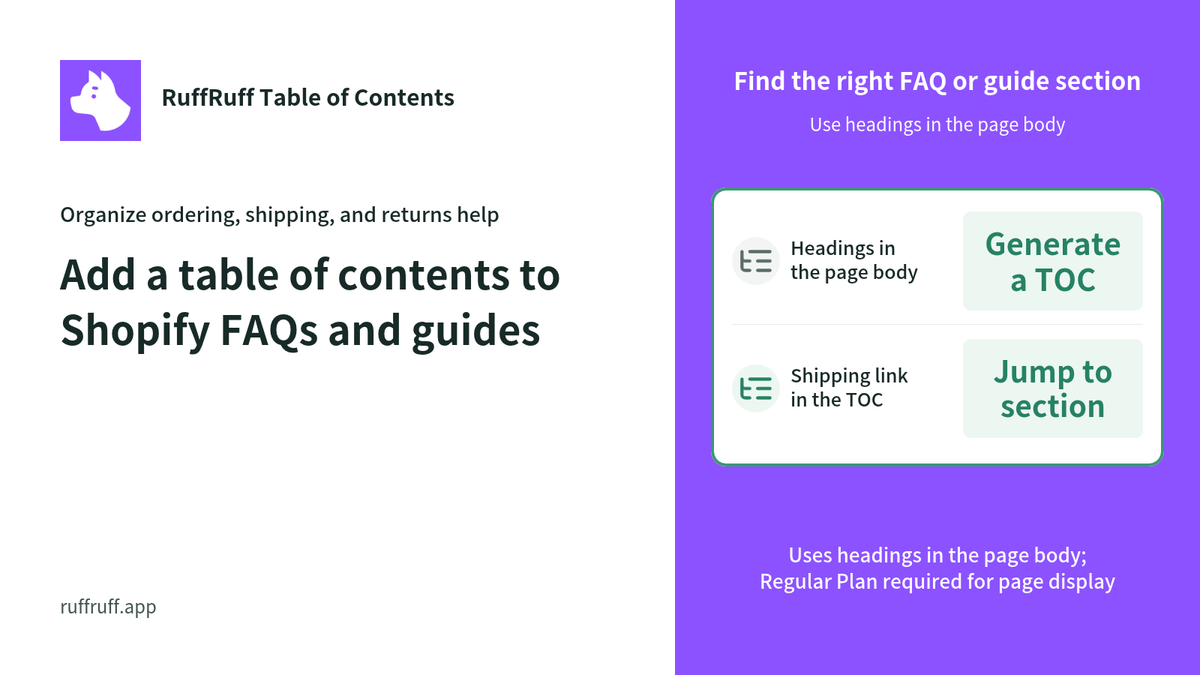
Add a table of contents to Shopify FAQs and guides

Add a table of contents to Shopify FAQs and guides

Use headings in FAQs and store guides to link readers to topics and questions. Covers page requirements, template placement, and checks after updates.

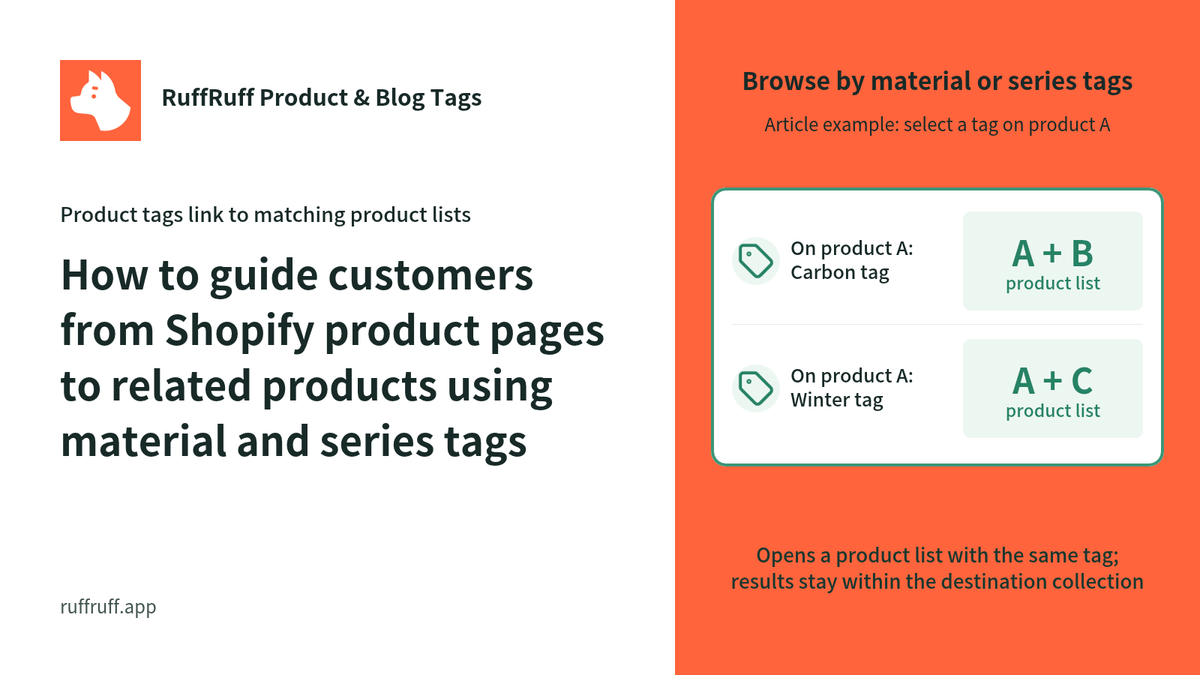
How to guide customers from Shopify product pages to related products using material and series tags

How to guide customers from Shopify product pages to related products using material and series tags

Display material or series tags on product pages to link to products sharing those tags. Learn how product URLs affect the filter scope, how to hide internal tags, and what to test after setup.

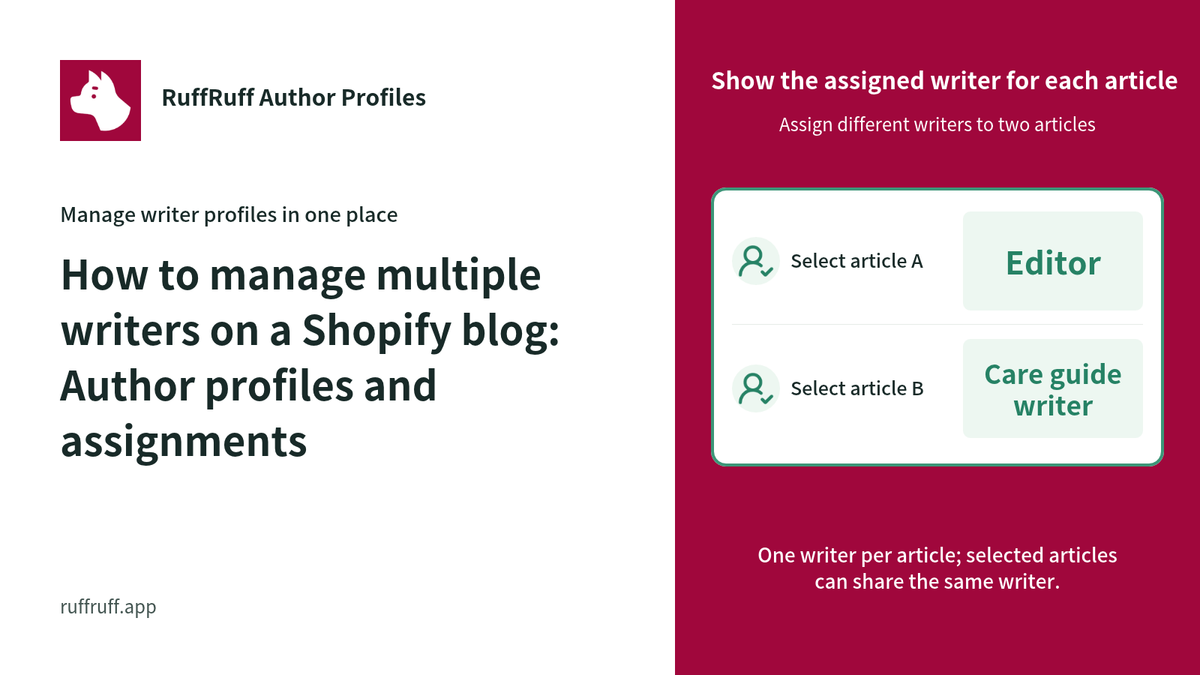
How to manage multiple writers on a Shopify blog: Author profiles and assignments

How to manage multiple writers on a Shopify blog: Author profiles and assignments

Assign the right writer to each post. This example explains author profiles, bulk assignment and removal, the one-author-per-post limit, and Shopify’s native author name.

How to Set Up Limited-Time Sales with RuffRuff Selling Periods | Start, End, and Testing

How to Set Up Limited-Time Sales with RuffRuff Selling Periods | Start, End, and Testing

Learn how to sell a product for a fixed period with RuffRuff Selling Periods, from setting start/end times and product messages to enabling and applying rules and testing purchase restrictions outs...