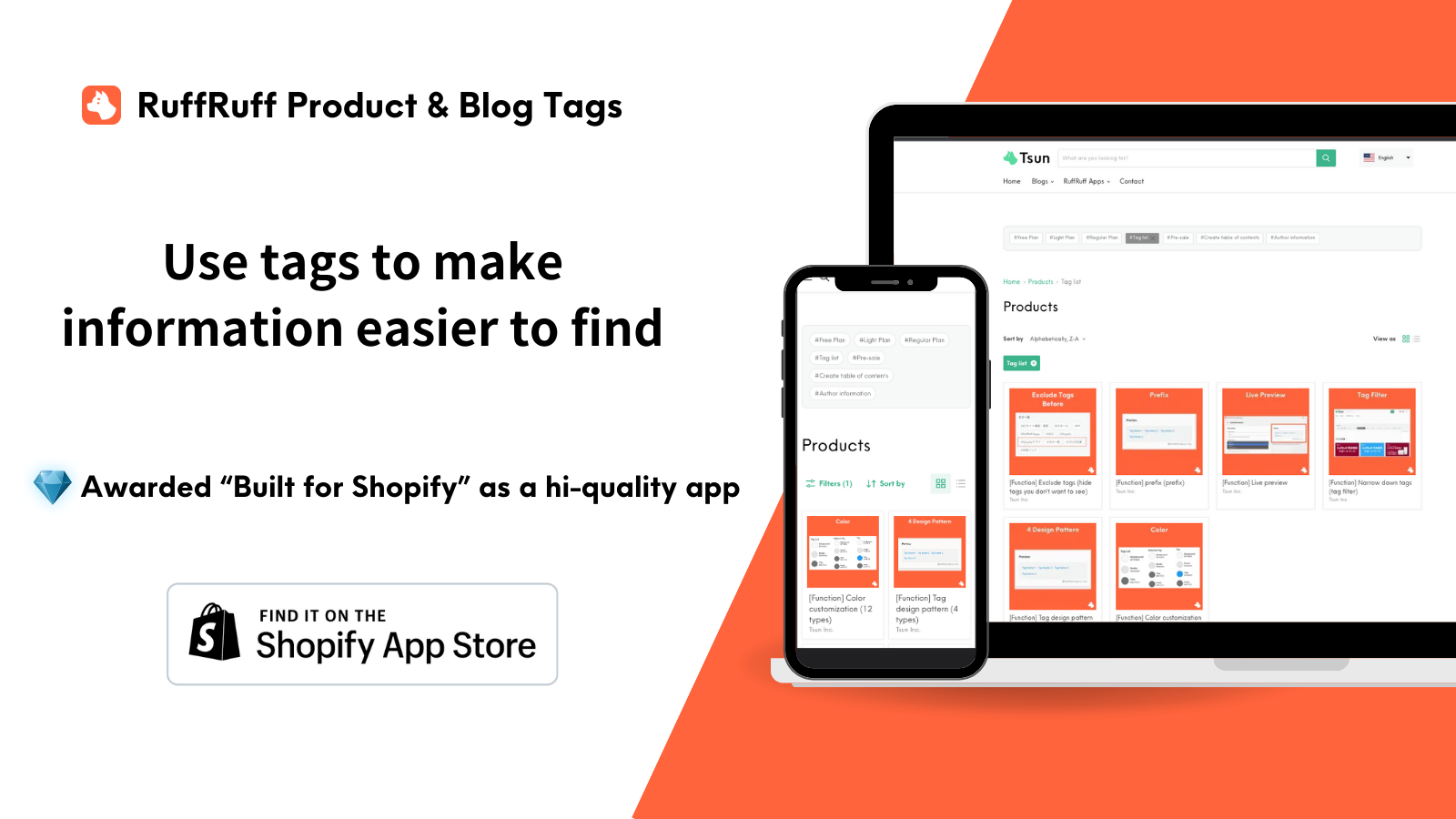

RuffRuff Product & Blog Tags
A Shopify app that can automatically display tag lists for products, blog posts, collections, and blog listings
Install the appOur commitment to security
- Read-only access
- No customer data stored
- Security check on every update
Before/after
By using this app, you can display tag lists on pages such as collections and blog listings.
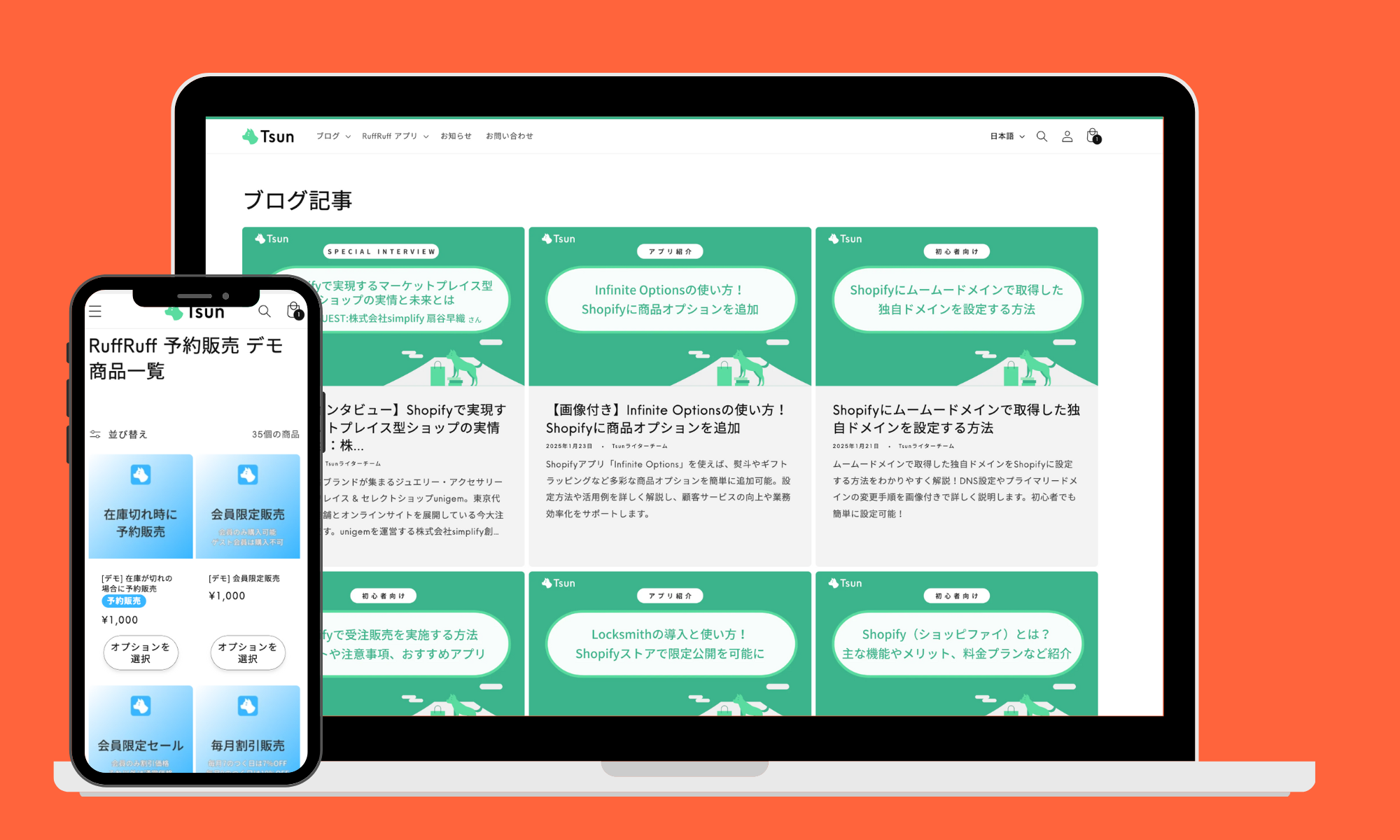
Before
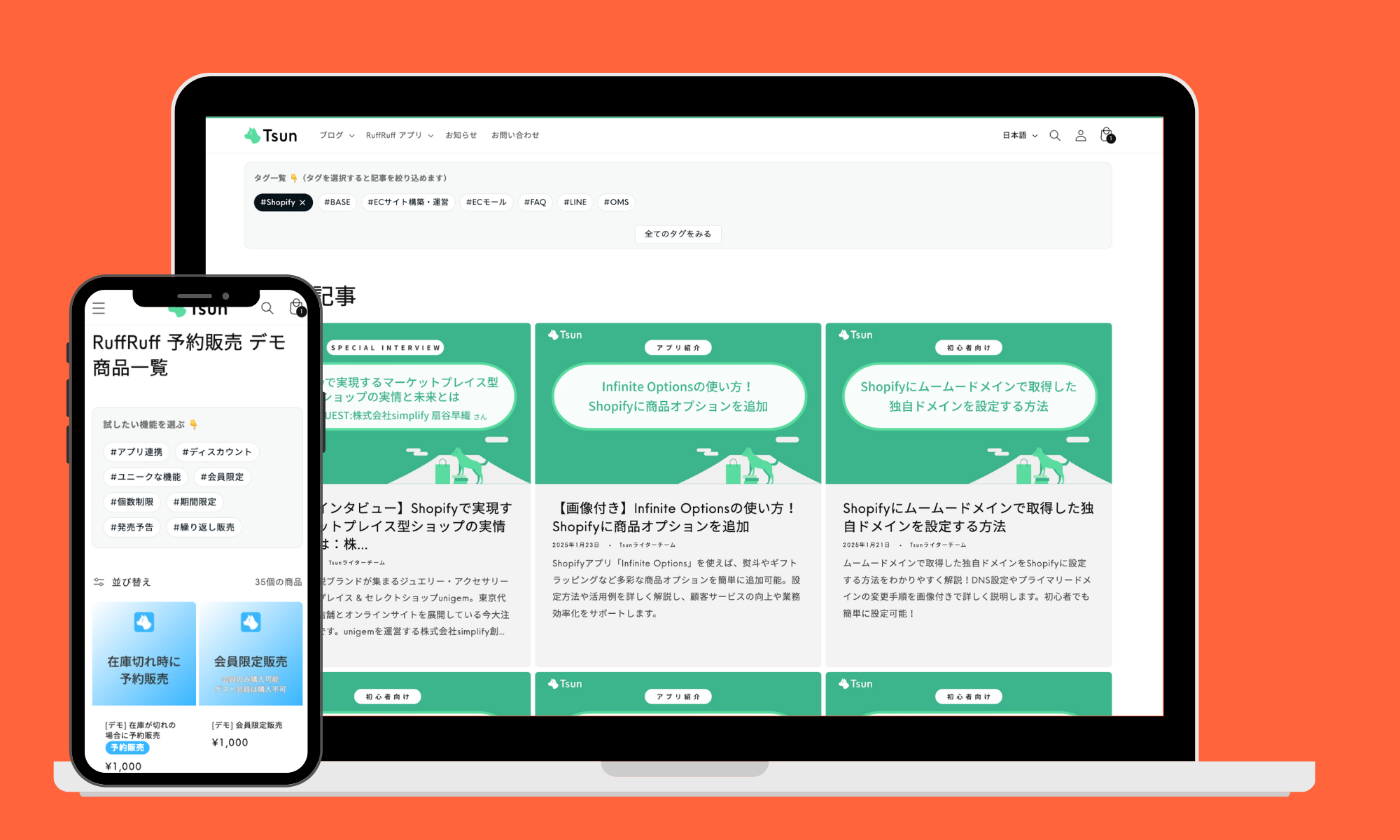
After
Free
Available starting with a free plan
You can use the app starting with a free plan by simply installing and setting it up. If you no longer need it, you can uninstall it and quickly revert to the original state.
Highest quality
Adopted as a highest quality app
This is a Shopify app that has earned the prestigious "Built for Shopify" badge. "Built for Shopify" is a Shopify-certified qualification that can only be earned by the highest quality apps that meet standards for usability, security, performance, and utility among over 8,000 Shopify apps published in the Shopify App Store.
No-code
Easy implementation with no coding
Can be implemented on any Shopify site without programming knowledge. Setup is completed in just 2 steps. Design can also be customized without coding.
Features

Display tag list
You can display tag lists on blog posts, products, collections, and blog listing pages.
Filter by tags
By clicking tags in the tag list, you can filter content (blog posts or products) that have the same tags.

Customize design
You can freely customize the design of tag lists. The customization page has a simple UI for intuitive operation.
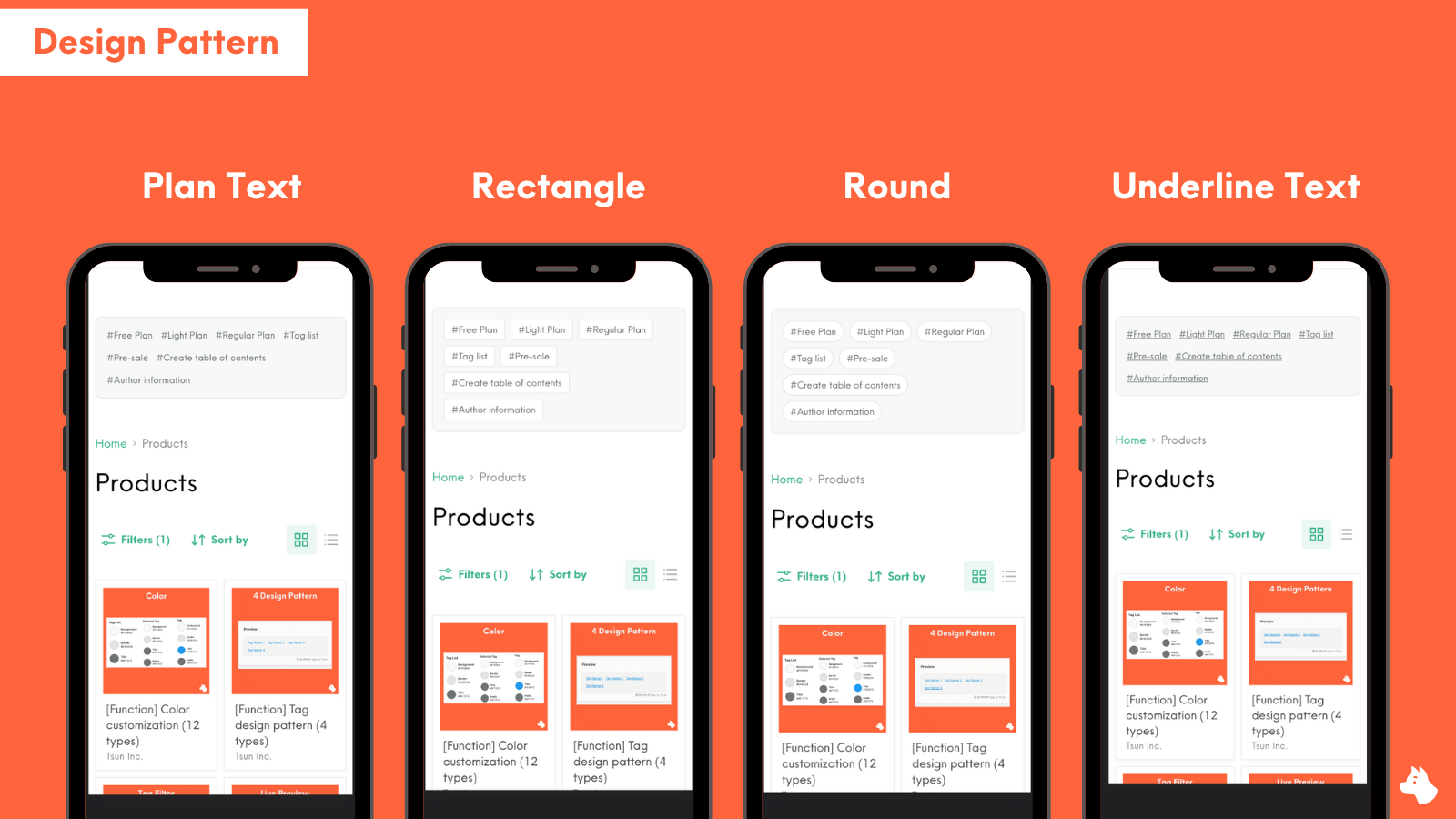
Choose design patterns
You can choose from four tag design patterns (plain text, rectangle, rounded corners, underlined text).

Customize prefix
The prefix can be freely customized. You can create hashtag displays by adding "#" as a prefix.
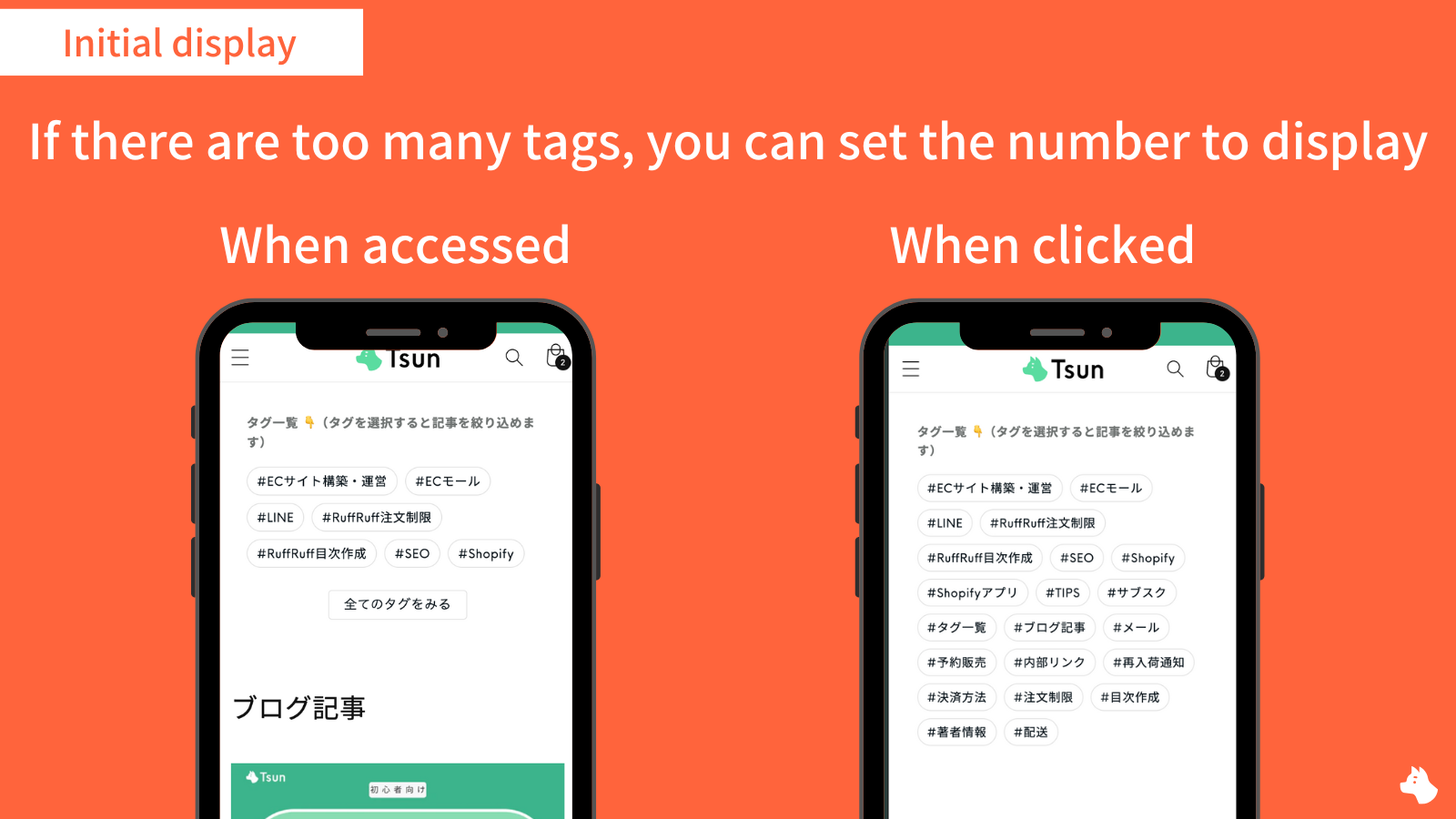
Customize initial display count
You can customize the number of tags shown when users access the page. *Available in Light plan and above
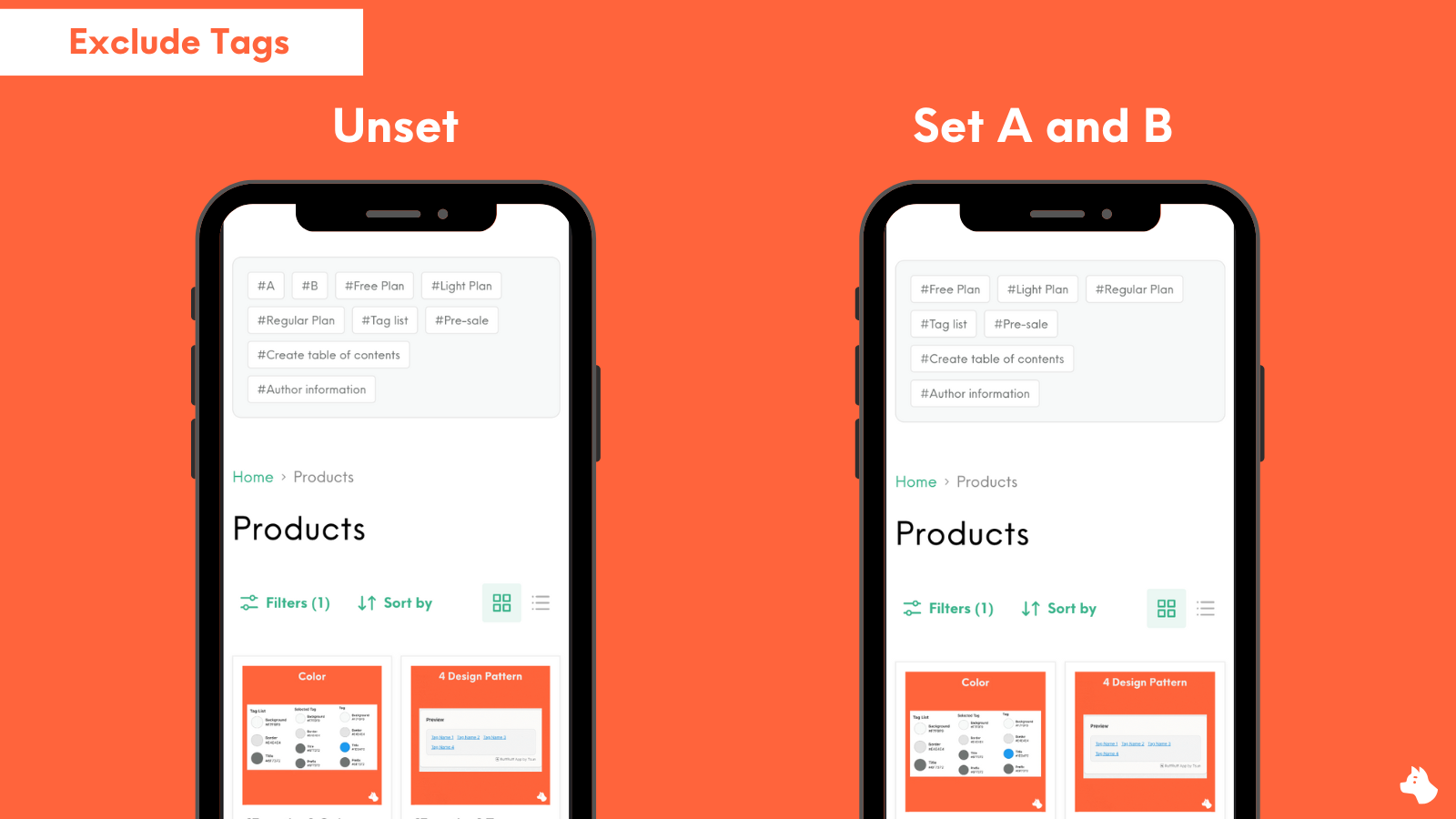
Exclude specific tags
You can hide specific tags that you don't want users to see.
Demo
Let's look at pages that are actually using RuffRuff Product & Blog Tags. View all demos
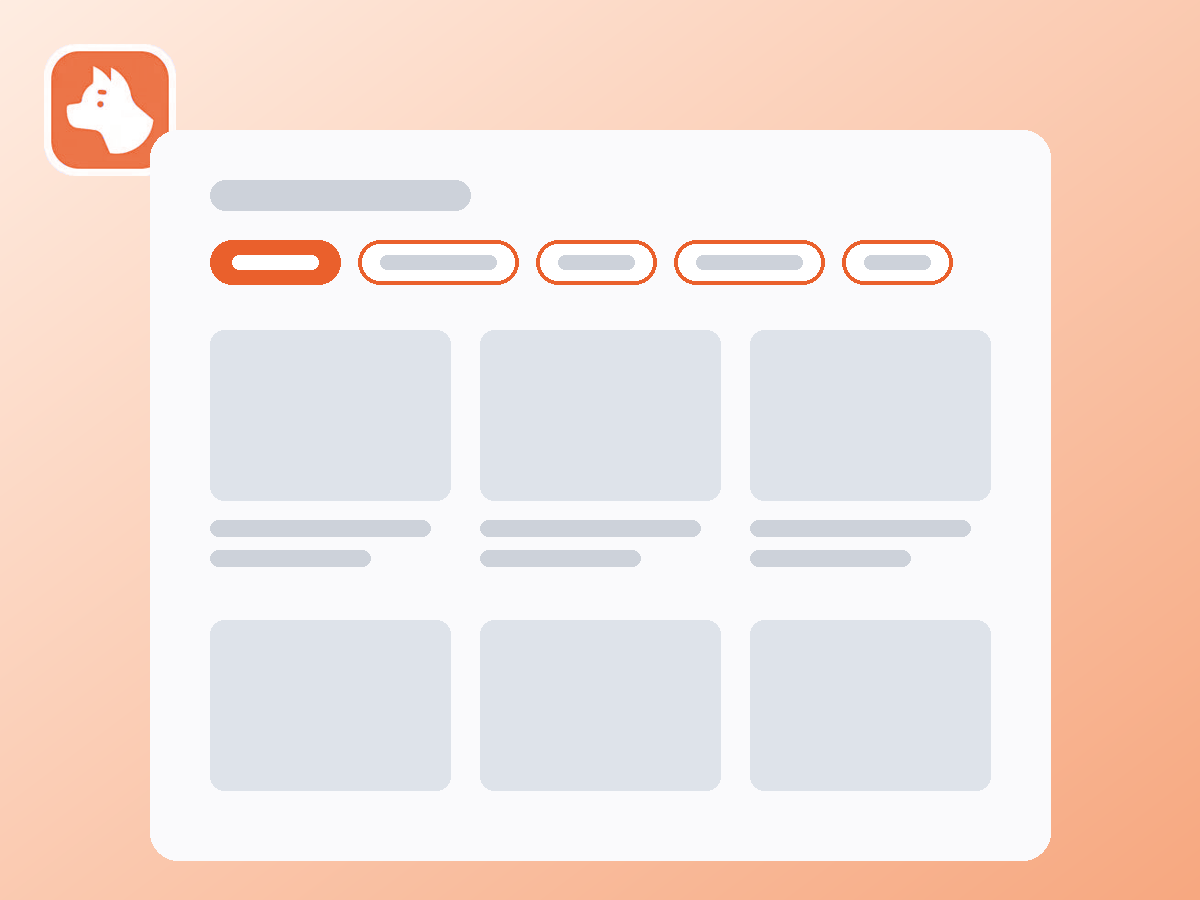
Display tag list on blog listing page
This is a blog listing page showing tag lists using the app. By clicking on tags, you can filter blog posts that have the same tags applied.
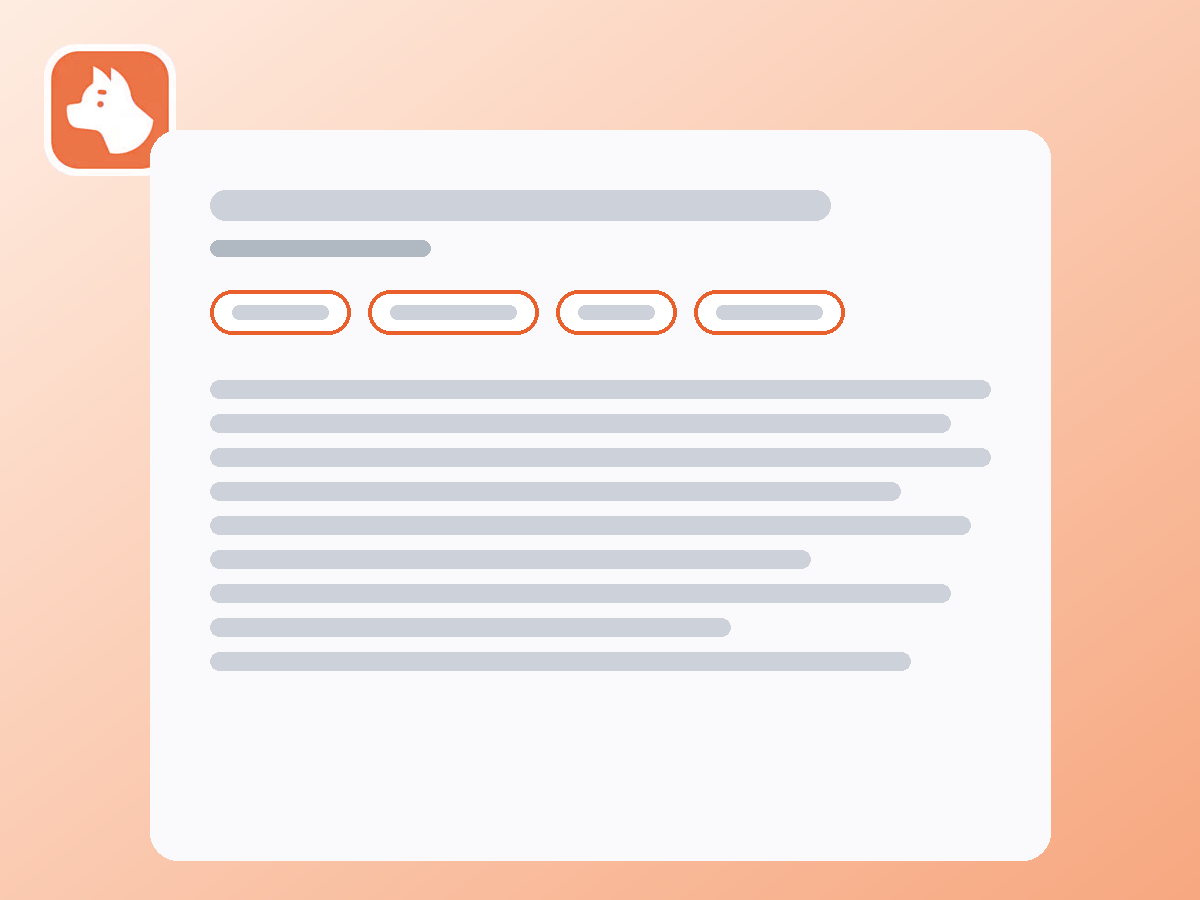
Display tag list on blog posts
This is a blog post page displaying tag lists using the app. By clicking on tags, you can navigate to a list page of blog posts that have the same tags applied.
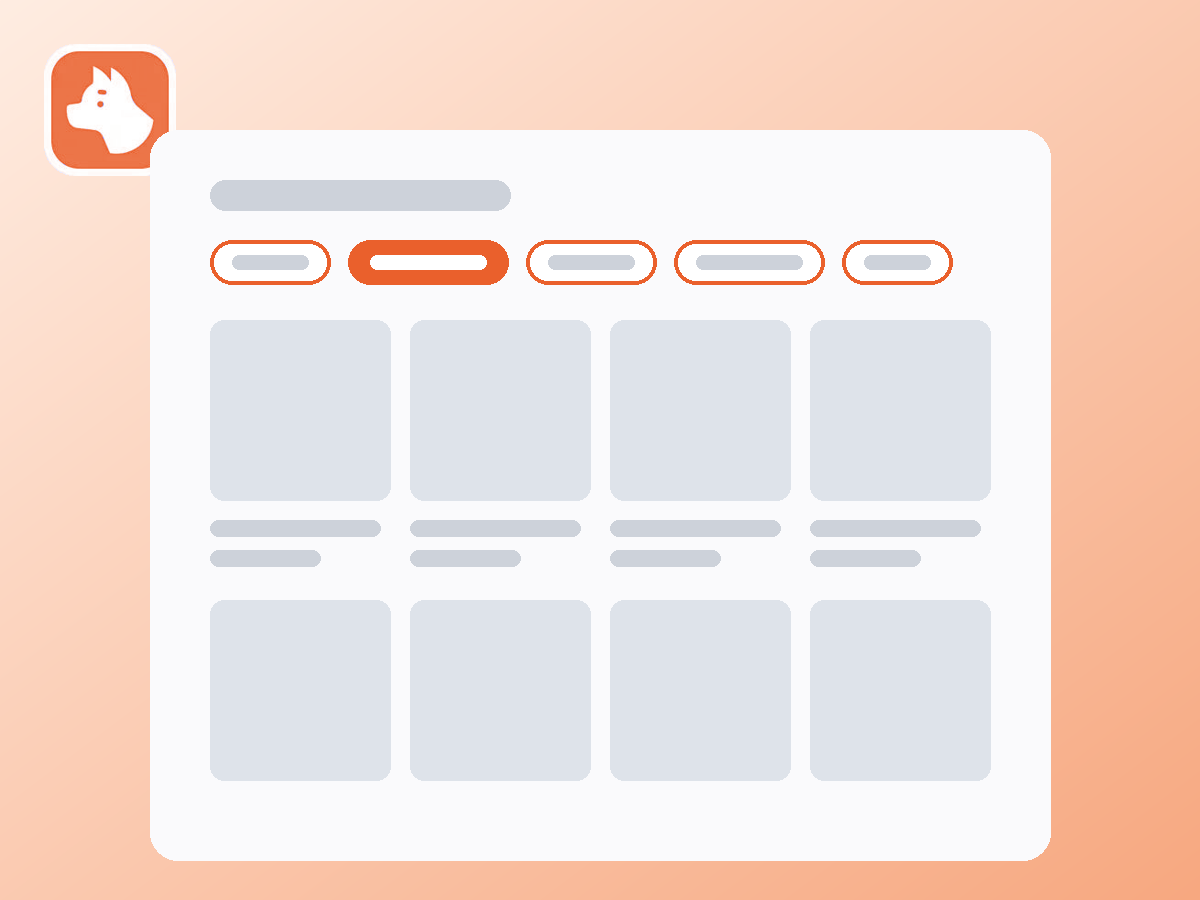
Display tag list on collections
This is a collection page showing tag lists using the app. By clicking on tags, you can filter products that have the same tags applied.
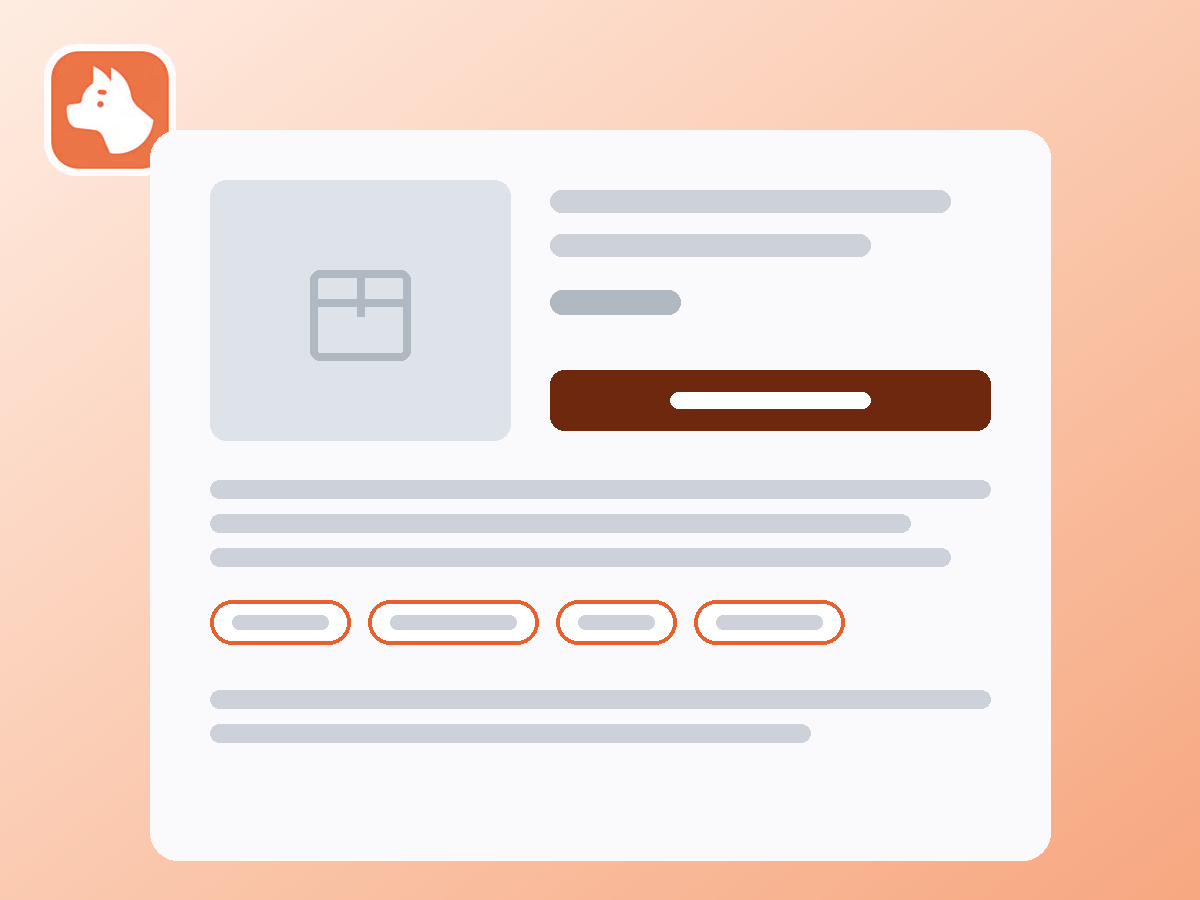
Tag list on a product page
This is a product page showing a tag list using the app.
Price
Free plans
Light plans
Regular Plan
Free
Monthly $3.99
Annual $39.60 (Save 2 months)
Monthly $9.99
Annual $99.60 (Save 2 months)
◯
◯
◯
◯
◯
◯
◯
◯
◯
◯
◯
◯
◯
◯
◯
◯
◯
◯
◯
◯
◯
Security
What RuffRuff apps do to protect your store and your customers' data.
-
Reads pages and themes only
It has no permission to change products or orders.
-
We don't keep your customers' personal data
Names, addresses and card numbers are never stored on Tsun's servers.
-
Access expires after one hour
It also works only from Tsun's servers, so stolen access is hard to misuse.
-
Security checked on every update
Shopify's official security check runs on every code change.
-
We report on newly disclosed vulnerabilities
When a flaw in software like Node.js is announced, we publish whether our apps are affected.
-
Data is deleted when you uninstall
Your store's data doesn't stay with an app you no longer use.
FAQ
Frequently Asked Questions
Yes. For paid plans, there is a 3-day free trial period.
Yes. We offer implementation support via email. If you have any questions about implementing the app, please contact us through the inquiry form.
No, it cannot. We sincerely apologize. There are no plans to support other themes in the future.
You can downgrade at any time. You can also upgrade at any time.
RuffRuff apps don't store your customers' personal or payment data on Tsun's servers. Here is what we do:
- Reads pages and themes only: It has no permission to change products or orders.
- We don't keep your customers' personal data: Names, addresses and card numbers are never stored on Tsun's servers.
- Access expires after one hour: It also works only from Tsun's servers, so stolen access is hard to misuse.
Product & Blog Tags Articles
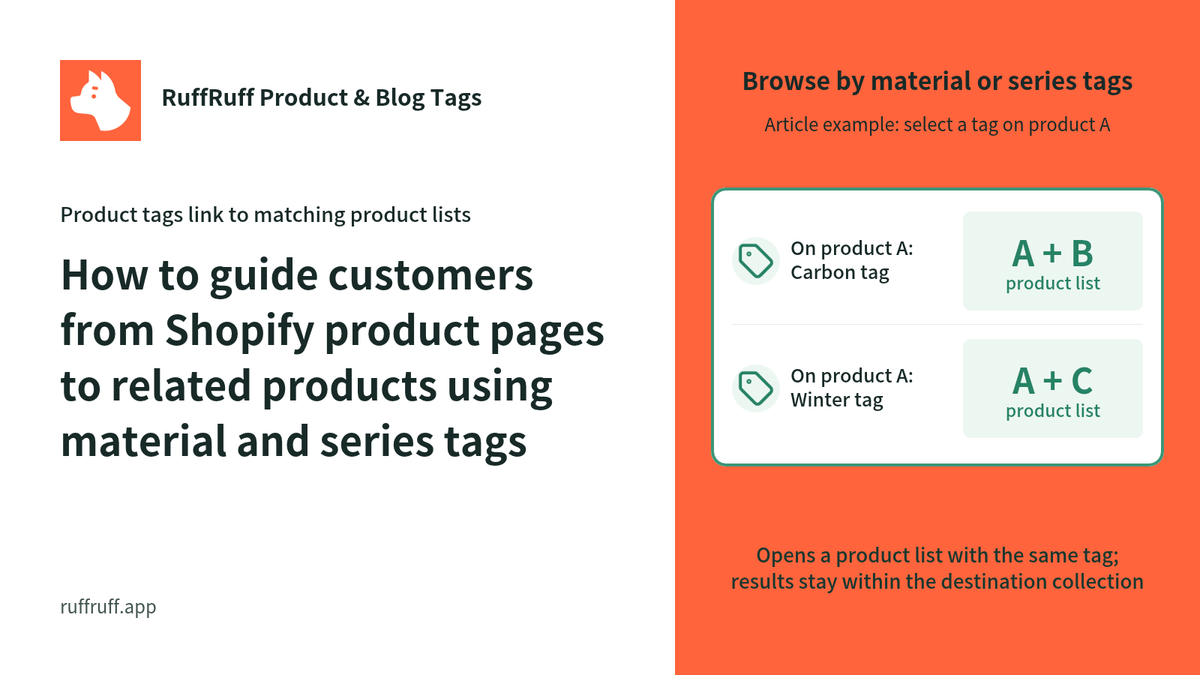
How to guide customers from Shopify product pages to related products using material and series tags
Display material or series tags on product pages to link to products sharing those tags. Learn how product URLs affect the filter scope, how to hide internal tags, and what to test after setup.
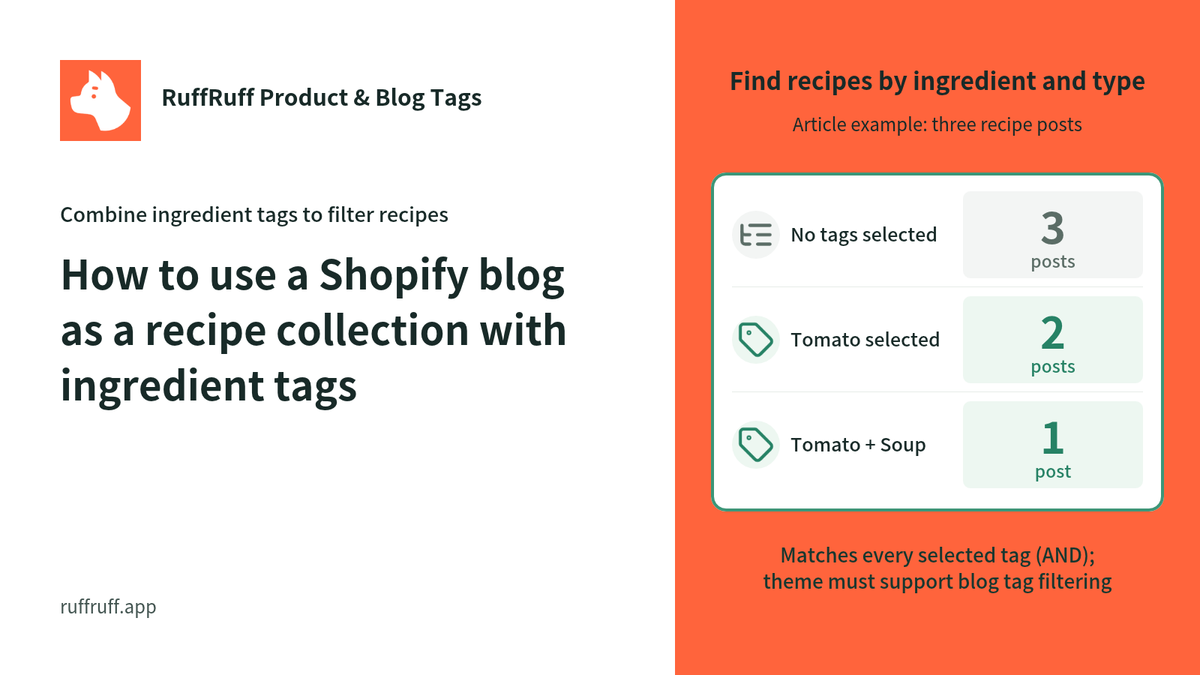
How to use a Shopify blog as a recipe collection with ingredient tags
Build a Shopify recipe blog that customers can browse by ingredient and dish type. Three fictional recipes illustrate tag setup, AND filtering, and theme and plan requirements.

How to Implement Tag Lists and Tag Filtering in Shopify
A complete guide to Shopify's tag feature. Implement tag list display and filtering using three methods: themes, apps, or code. We also cover setup and customization steps for RuffRuff Product & Bl...